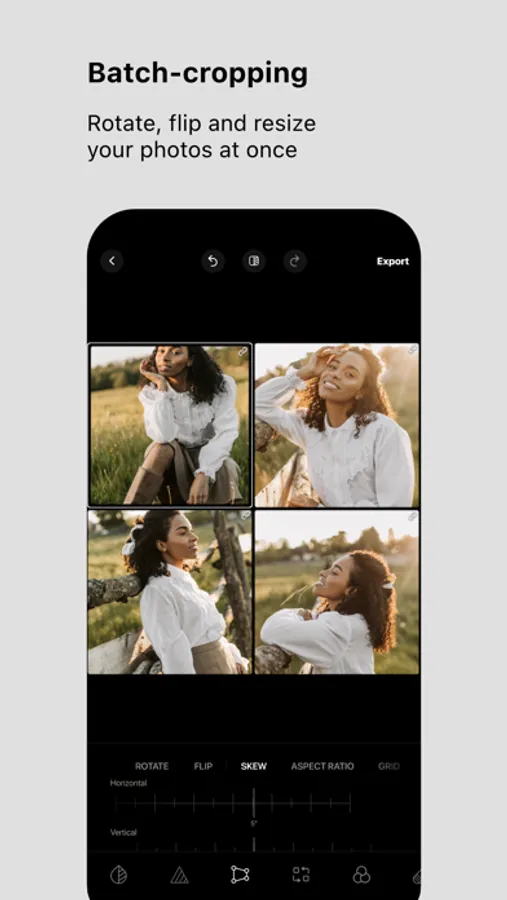
In this photo editing app, you can apply filters and effects to multiple images simultaneously. Includes support for up to 25 photos, grid view for quick adjustments, and various filters and tools for color correction.
AppRecs review analysis
AppRecs rating 4.1. Trustworthiness 71 out of 100. Review manipulation risk 35 out of 100. Based on a review sample analyzed.
★★★★☆
4.1
AppRecs Rating
Ratings breakdown
5 star
74%
4 star
10%
3 star
3%
2 star
2%
1 star
11%
What to know
✓
Credible reviews
71% trustworthiness score from analyzed reviews
✓
High user satisfaction
84% of sampled ratings are 4+ stars (4.3★ average)
⚠
Pricing complaints
Many low ratings mention paywalls or pricing
About Batched - Multi Photo Editor
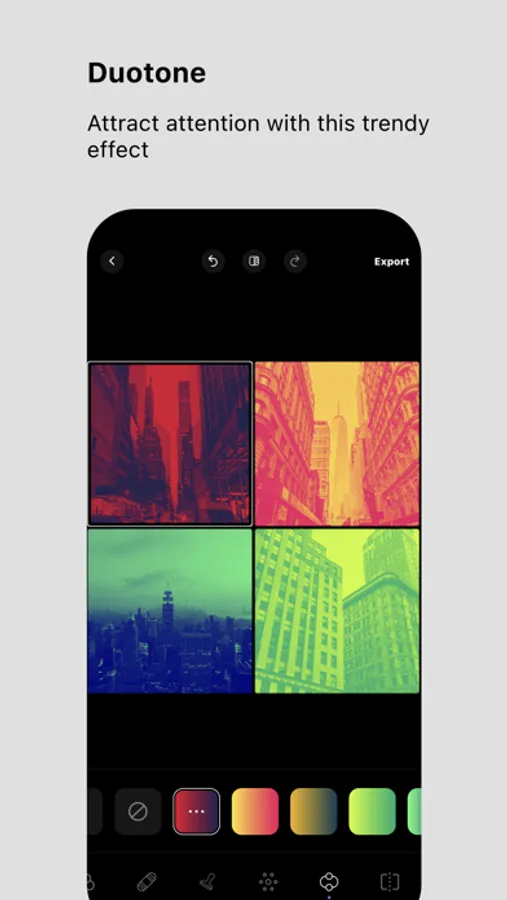
Apply unique effects like duotone, such tools as selective hue, color standout, and curves. Use our numerous filters to change a particular image or all images at once without wasting your time.
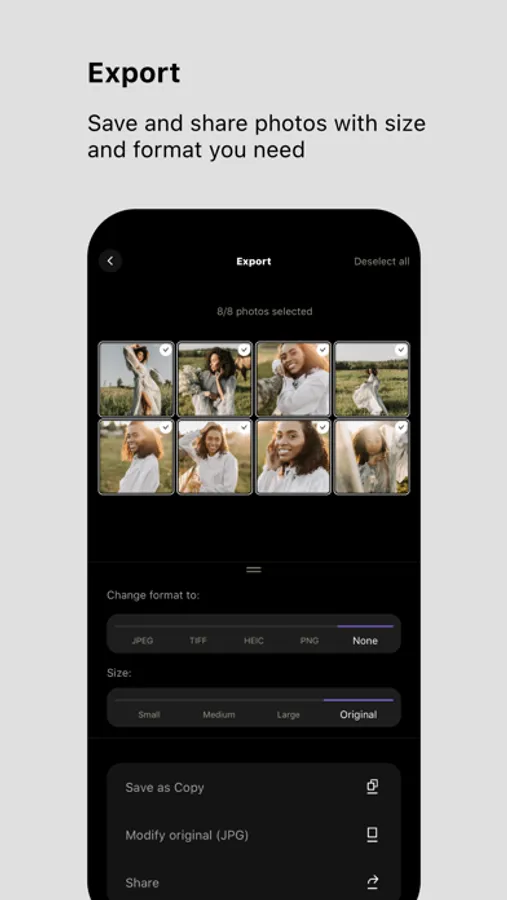
With Batched, you can import up to 25 photos and make different changes. When your new picture is ready, you can save the image with your preferable size and format.
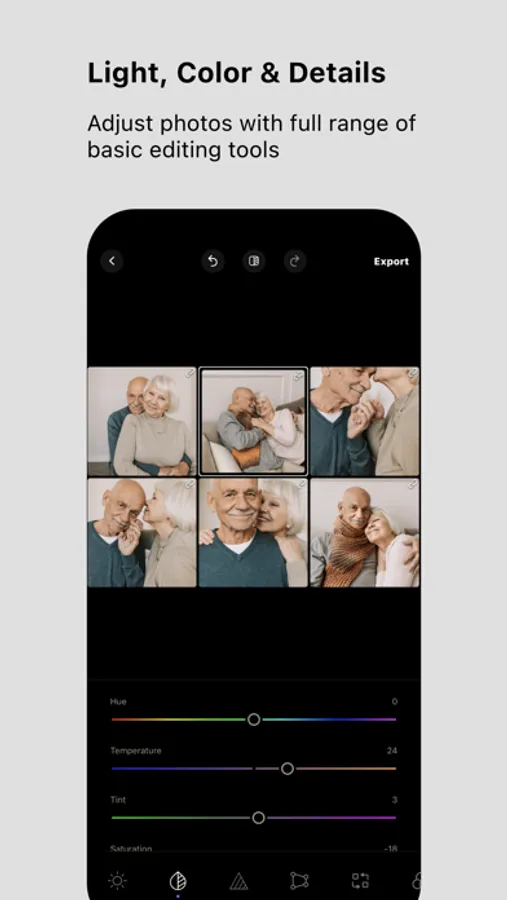
The other handy feature of this application is to switch from a single image view to a grid image view, which allows you to check all pictures at once and make changes faster.
The Batched app is handy when you have a large set of similar shots to edit or need to match photos to each other. It allows you to save time by editing all the photos in one go. It is also easier to achieve a consistent-looking set of images.
Batched photo editor allows you to apply different effects to linked photos. If you need to correct, let’s say, a color temperature for all photos, and exposition for some of them, you can apply those effects while seeing all pictures at once in your grid.
Batched photo editor offers popular filters (Portrait, Urban, etc. ), which are grouped and easy to find.
Main Features:
Import up to 25 photos
Save the images with the preferable format and size.
Check your images in a grid view and make changes to all photos at once.
Photo Editing Tools:
100+ filters for pictures and widespread photo effects
Duotone
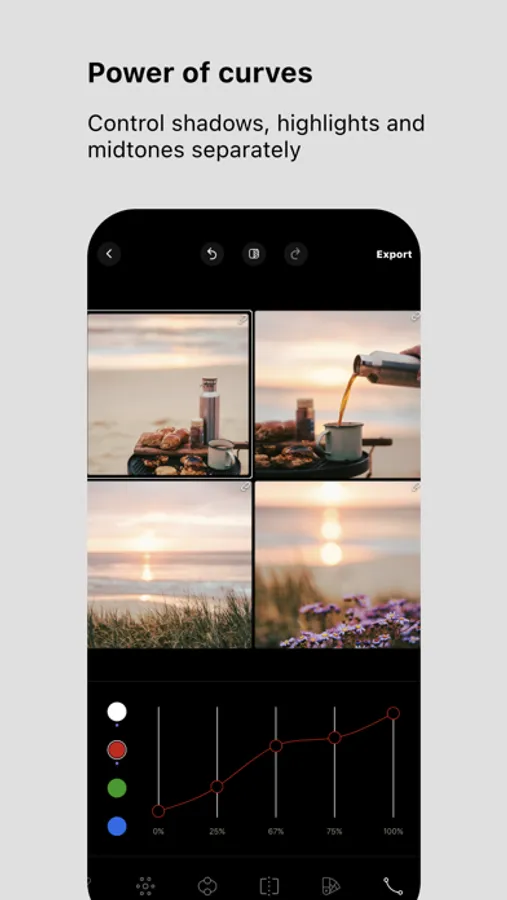
Curves
Selective hue
Color standout
Split tone
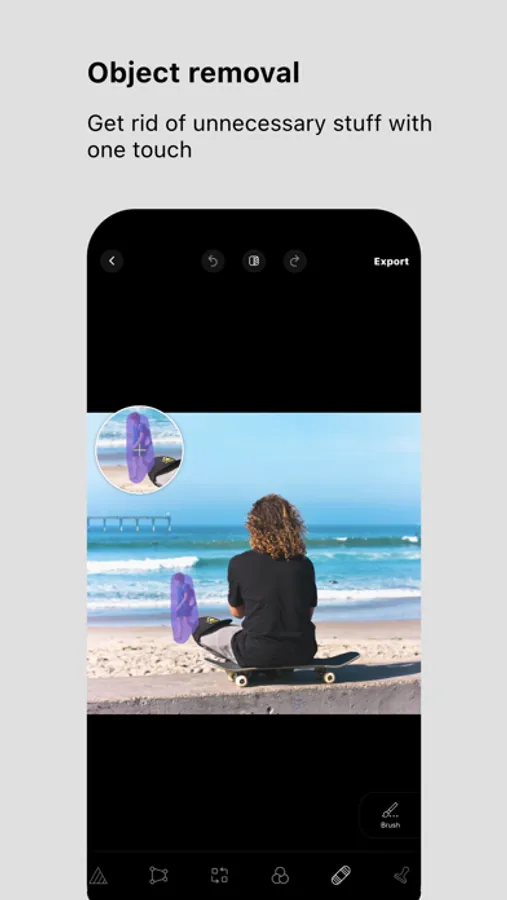
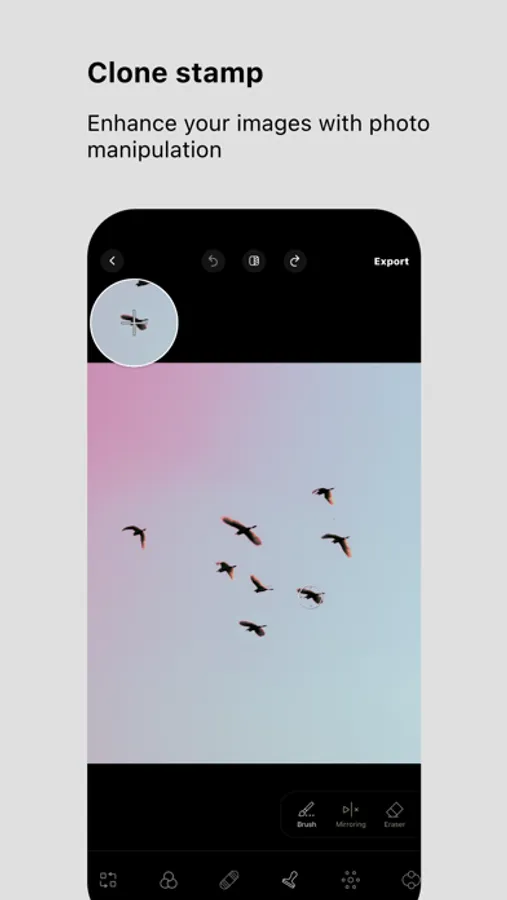
Object removal & Clone stamp
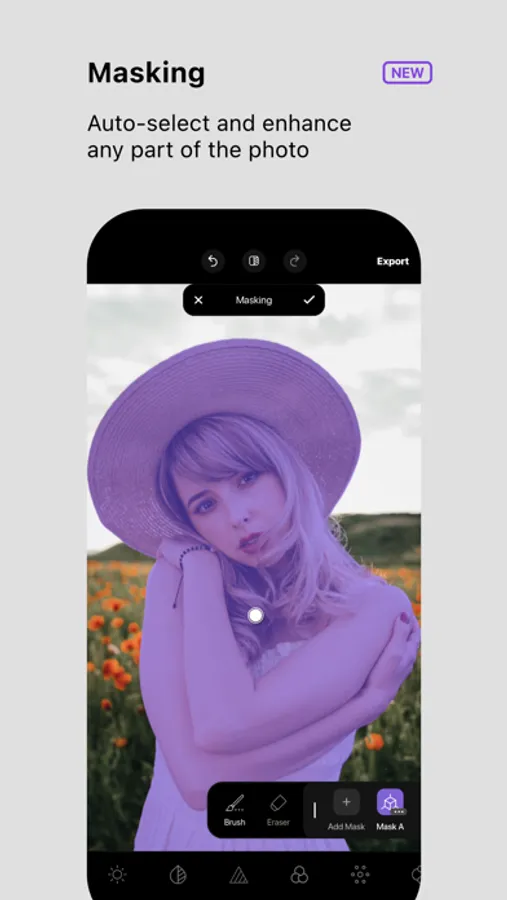
Light, Color & Details adjustments
Batched provides the best free filters for easy image editing. Edit one or several photos with color effects right on your mobile photo editor.
Edit Multiple Photos at Once
Have you tried to edit several photos? The process of repeating is enough to make you tired, and nobody likes this. Batched editing app will help streamline your photo editing and create stunning photos easily. Batched editing includes essential photo editing tools, different photo filters, and photo effects that can be used in bulk, saving both your time and effort.
Check out our special features.
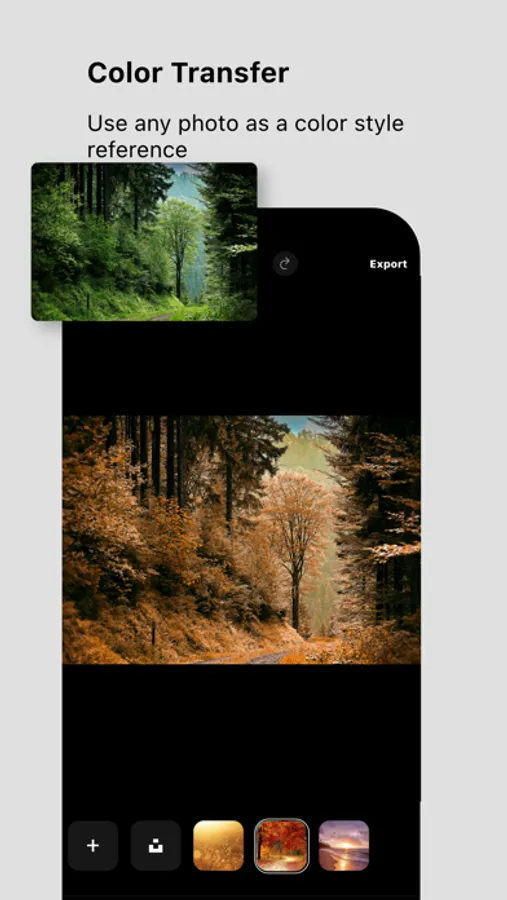
Color Transfer Tool
Color transfer is a convenient way of changing the appearance of a target picture according to the color scheme of a source image. We propose a matching of colors for transferring new image moods that have visually similar semantic structures. You can use your own image or choose an image from our free in-app stock as a color reference.
Duotone
Duotone is a very colorful and striking effect inspired by a popular printmaking technique. Batched will allow you to recreate an image using just two colors — one for the dark parts of the image and one for the light ones. You can change any full-color image into a duotone image.
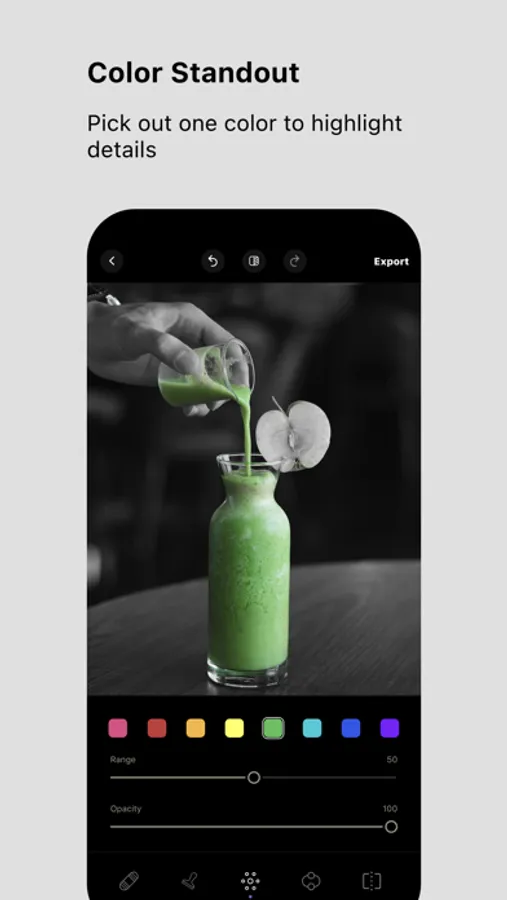
Color Standout
The color standout displays one color within the entire photo, leaving the rest in black and white, letting you focus on that color. Batched gives you the possibility to apply this flexible feature to the images to highlight the objects you need.
Curves
The Batched provides the curve tool, allowing you to make appropriate color and luminance adjustments to your images. Using the curves effect, you will adjust the tones and make other changes to bring your picture to life.
Install Batched and try it for your advanced-level photos.
Terms of Use:
https://www.apple.com/legal/internet-services/itunes/dev/stdeula/
Privacy Policy:
https://adva-soft.com/privacy-policy-batched.html
Batched - Multi Photo Editor Screenshots
Tap to Rate:
Reviews for Batched - Multi Photo Editor
ProArtNerd
Not able to do batch edit
Wouldn’t even pull up a batch of 5 photos! I have a brand new ipad Pro so plenty of power and storage. What a waste of time.
Sherap6
One star for NOT keeping up with the updates (additional features)
This is a great application but looks like you guys are going nuts for not updating/add features. I will update my review/rating if you keep up with this application. With Kindest Regards-BR