In this app, you can encrypt and protect your cloud data by creating secure vaults and using biometric access. Includes file encryption, password management, and compatibility with major cloud services.
AppRecs review analysis
AppRecs rating 4.2. Trustworthiness 0 out of 100. Review manipulation risk 0 out of 100. Based on a review sample analyzed.
★★★★☆
4.2
AppRecs Rating
Ratings breakdown
5 star
78%
4 star
5%
3 star
3%
2 star
3%
1 star
10%
What to know
✓
High user satisfaction
83% of sampled ratings are 4+ stars (4.4★ average)
✓
Authentic reviews
No red flags detected
⚠
Pricing complaints
Many low ratings mention paywalls or pricing
About Cryptomator: Protect Privacy
EASY-TO-USE
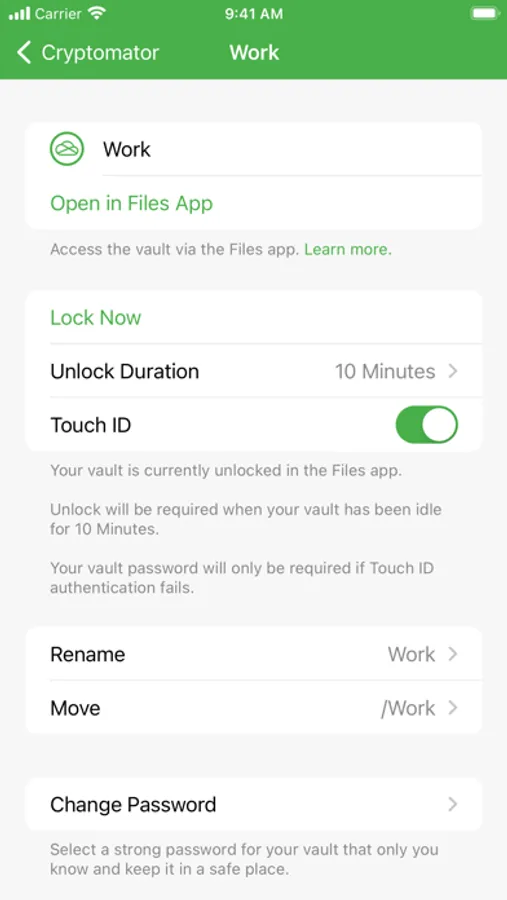
Cryptomator is a simple tool for digital self-defense. It allows you to protect your cloud data by yourself and independently.
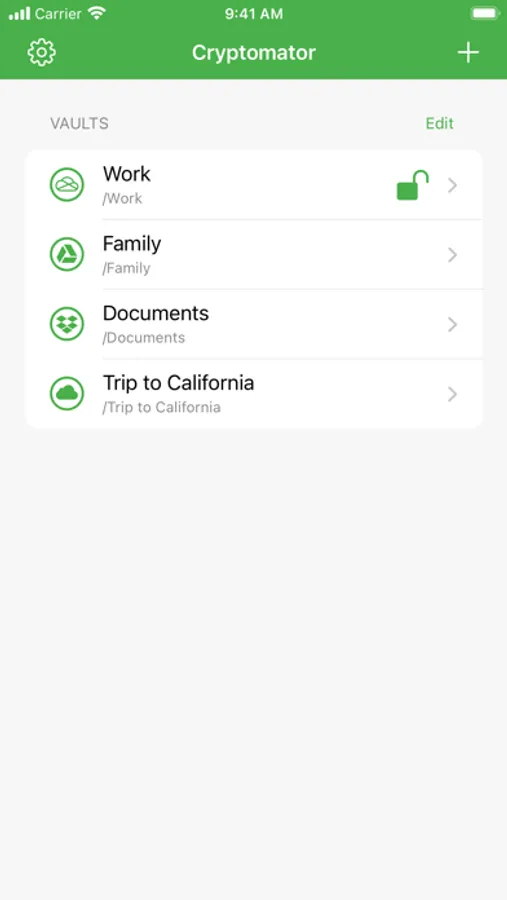
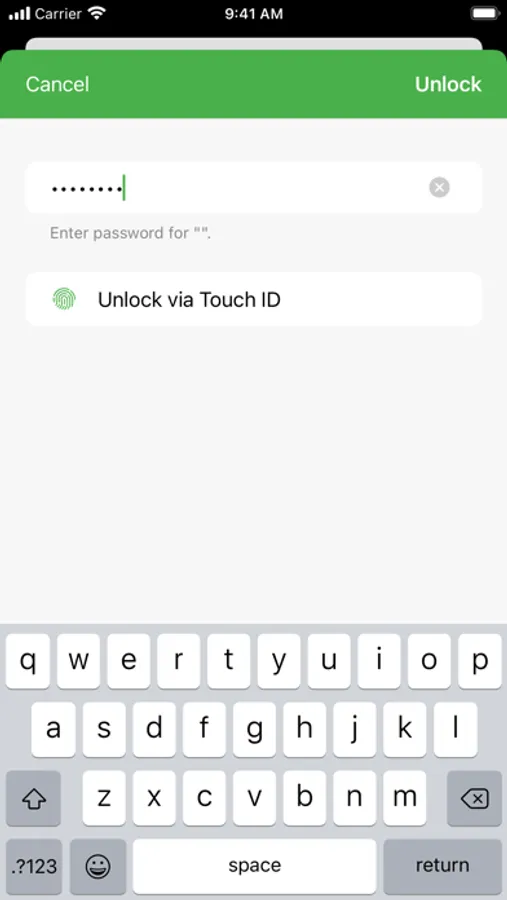
• Simply create a vault and assign a password
• No additional account or configuration needed
• Unlock vaults with Face ID / Touch ID
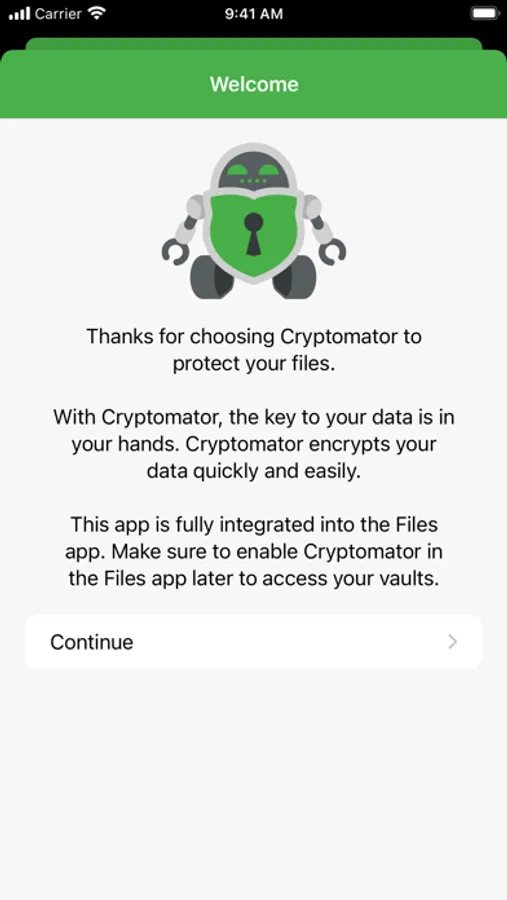
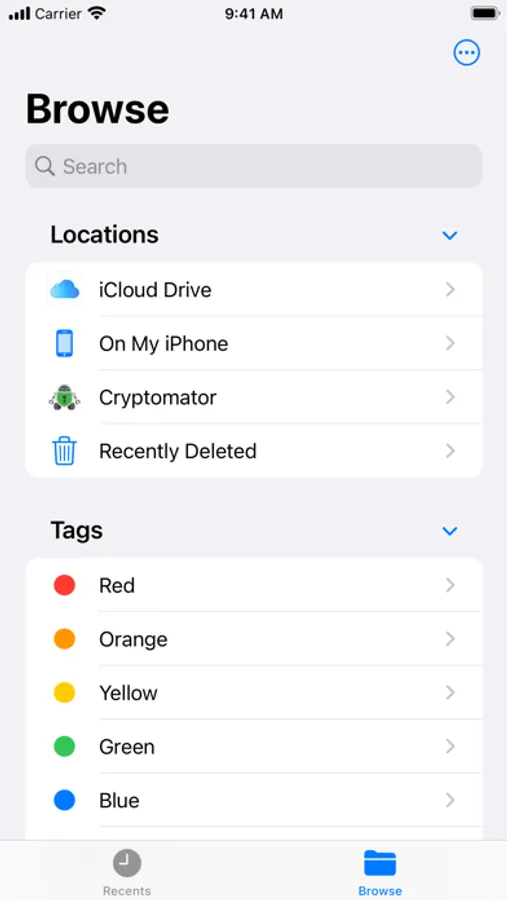
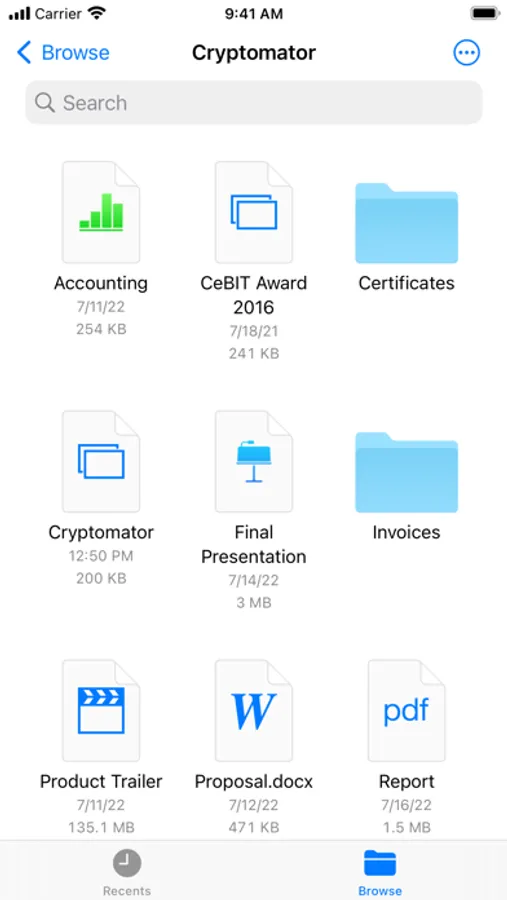
• Fully integrated into the Files app
COMPATIBLE
Cryptomator is compatible with the most commonly used cloud storages and available for all major operating systems.
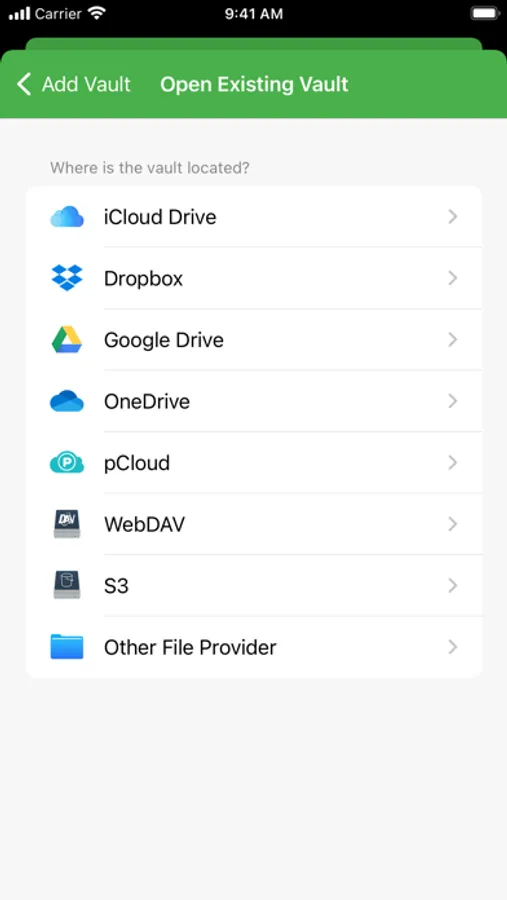
• Compatible with iCloud Drive, Dropbox, Google Drive, OneDrive, SharePoint (incl. Microsoft Teams), pCloud, Box, WebDAV- and S3-based cloud storage services
• Create vaults in any location via other File Providers (third-party apps must support this)
• Access your vaults on all your mobile devices and computers
SECURE
You don't have to trust Cryptomator blindly, because it is open source software. For you as a user, this means that everyone can see the code: https://github.com/cryptomator/ios
• File content and filename encryption with AES and 256 bit key length
• Vault password is secured with scrypt for enhanced brute-force resistance
• Crypto implementation is publicly documented
AWARD-WINNING
Cryptomator received the CeBIT Innovation Award 2016 for Usable Security and Privacy. We're proud to provide security and privacy for hundreds of thousands of Cryptomator users.
CRYPTOMATOR COMMUNITY
Join the Cryptomator Community and participate in the conversations with other Cryptomator users: https://community.cryptomator.org
• Follow us on Mastodon @cryptomator@mastodon.online
• Like us on Facebook /Cryptomator
---
Terms of Use: https://www.apple.com/legal/internet-services/itunes/dev/stdeula/
Cryptomator: Protect Privacy Screenshots
Tap to Rate:
Reviews for Cryptomator: Protect Privacy
chrisl314
Thumbnail previews visible even when vault is locked
I feel this app has a lot of potential but there is a huge security flaw regarding the integration with the Files app. If you have photos and videos in a locked vault, clicking on the Cryptomator vault icon in the Files app will display all the thumbnails and filenames and folder names, even when the vault is locked. You can even grab a screenshot or click into a folder within the locked vault if you’re quick enough. I can’t recommend this app to be used until this glaring flaw is fixed.
pjhyjjggui
some time can't read
bug