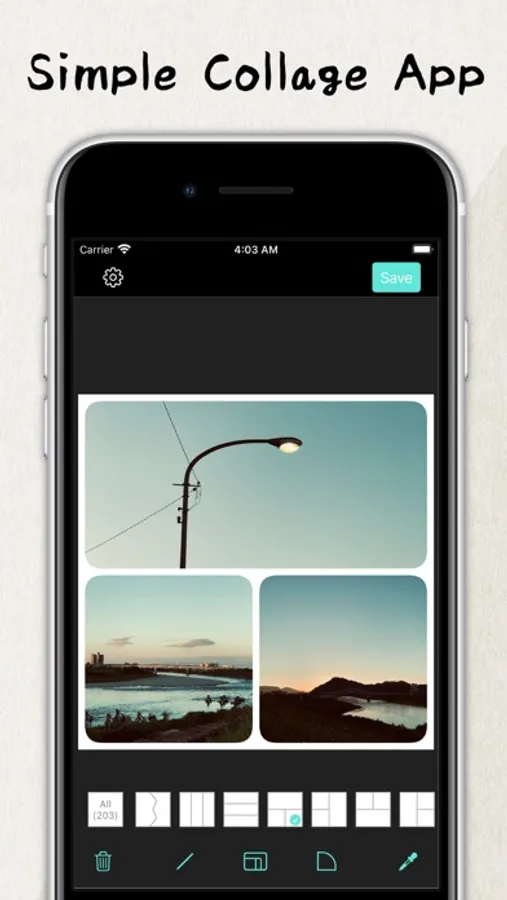
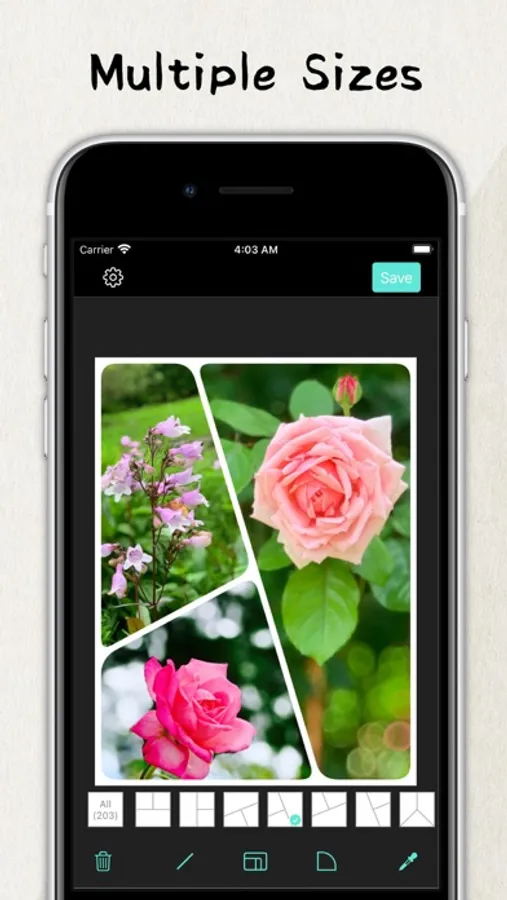
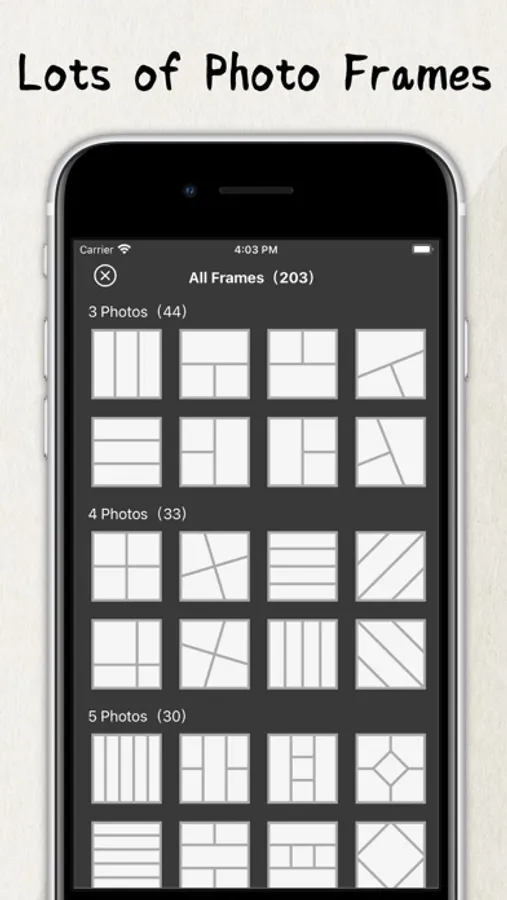
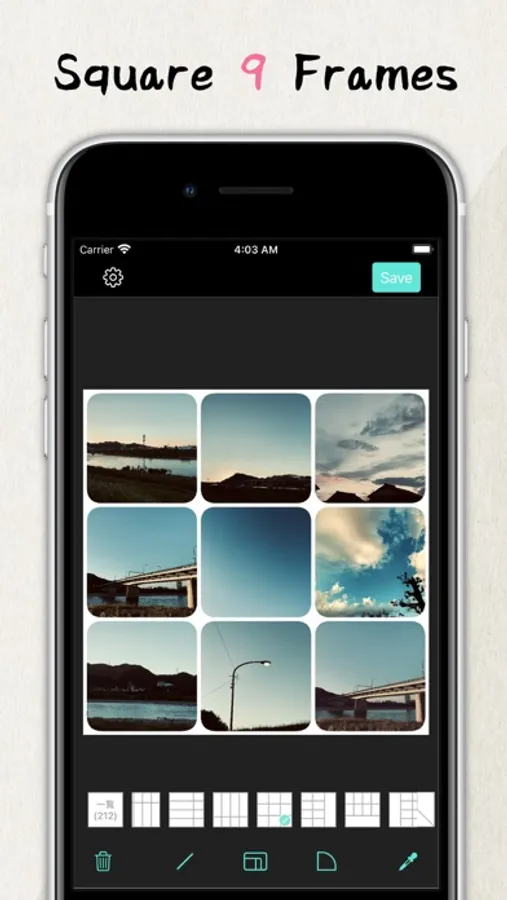
With this collage photo frame maker, you can assemble multiple photos into a single frame and customize its appearance with resizing, rounded corners, and color adjustments. Includes image rotation, resolution changes, and frame color options.
AppRecs review analysis
AppRecs rating 4.6. Trustworthiness 72 out of 100. Review manipulation risk 24 out of 100. Based on a review sample analyzed.
★★★★☆
4.6
AppRecs Rating
Ratings breakdown
5 star
83%
4 star
7%
3 star
4%
2 star
3%
1 star
3%
What to know
✓
Low review manipulation risk
24% review manipulation risk
✓
Credible reviews
72% trustworthiness score from analyzed reviews
✓
High user satisfaction
83% of sampled ratings are 5 stars
About Collage Photo Frame Maker
feature:
- Resize the frame
- Set the rounded corners of the frame
- Change resolution
- Change the color of the frame
- Image rotation function
* Premium Plan
Payment will be charged to your iTunes account.
Subscriptions will automatically renew unless auto-renew is turned off at least 24 hours before the end of the current period.
You can manage or turn off auto-renewal in your Apple ID account settings any time after purchase.
* How to manage a subscription on your device
1. Open the Settings app.
2. Tap your name.
3. Tap Subscriptions.
4. Tap the subscription you want to manage.
* Terms of Use | Privacy Policy
https://systems0.com/app/tos.html
Collage Photo Frame Maker Screenshots
Tap to Rate:
Reviews for Collage Photo Frame Maker
BeneathSkylines
This is what I’ve been looking for!!!!
I’ve searched all morning for an app that is user friendly and not completely over the top. All I’ve wanted was a collage for 8 pictures to post on my Instagram story. Why is that so hard? I LOVE that I found this app, and how versatile and easy it was to accomplish.
Pith hat 1
No room
I just tried by first, and I couldn’t get it to the right size.