
AppRecs review analysis
AppRecs rating 4.2. Trustworthiness 65 out of 100. Review manipulation risk 29 out of 100. Based on a review sample analyzed.
★★★★☆
4.2
AppRecs Rating
Ratings breakdown
5 star
50%
4 star
17%
3 star
33%
2 star
0%
1 star
0%
What to know
✓
Low review manipulation risk
29% review manipulation risk
✓
Good user ratings
67% positive sampled reviews
About Click AAC
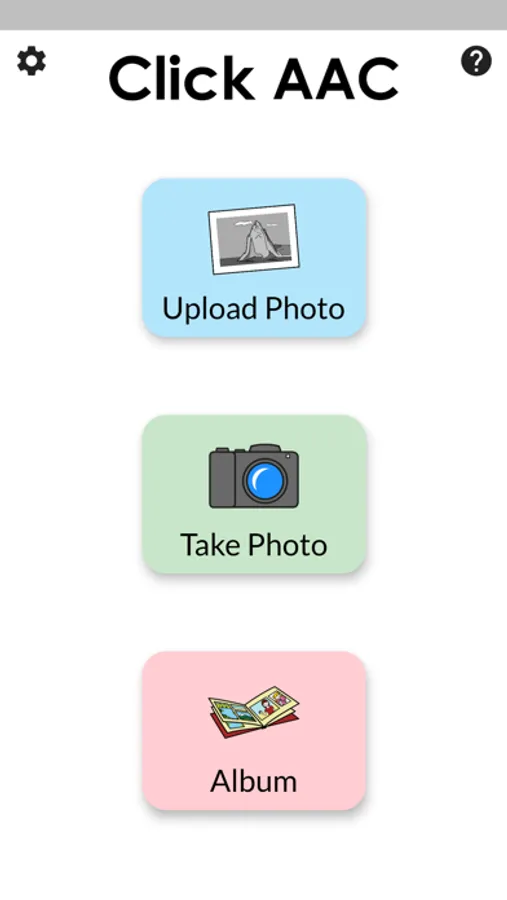
Click AAC is an experimental Augmentative and Alternative Communication app being developed by researchers from the School of Information Studies at McGill University, Canada.
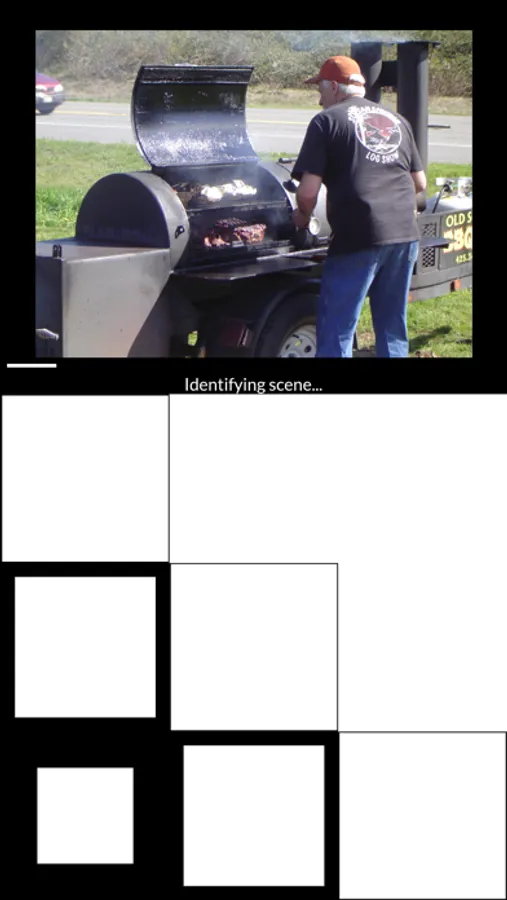
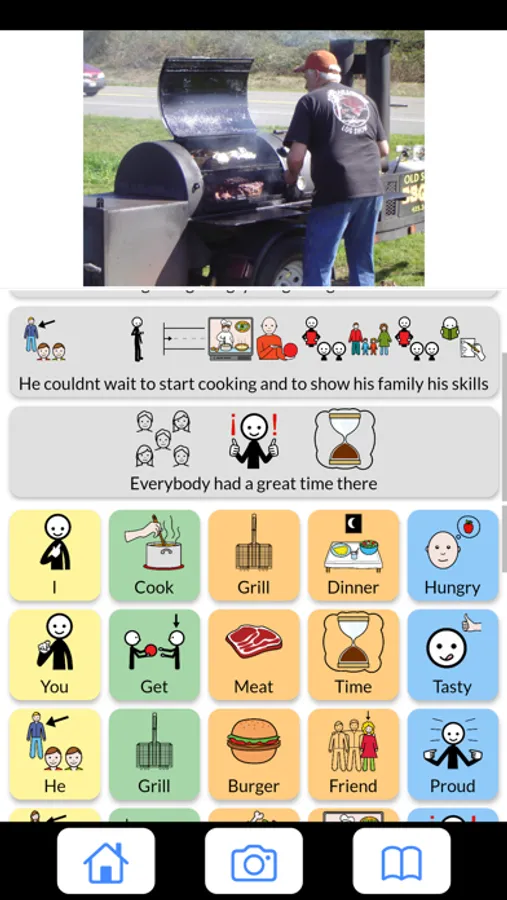
Click AAC automatically creates a page with vocabulary symbols related to the scene shown in the input photograph. As in others AAC systems, users can reproduce computer-generated speech by clicking on the symbols.
You can configure what type of vocabulary Click AAC will generate:
a) Descriptive: A phrase and words describing the scene photographed.
b) Related/Related expanded: Words with a certain relation with the elements in the scene photographed.
c)Narrative: Phrases and words often used to create personal narratives about the scene photographed.
Click AAC is fully customizable.
Users can remove undesired vocabulary items, edit, add new words and phrases, and reorder photos and vocabulary items.
Most of the layout is customizable. Adjust the size of each component in the interface according to your needs.
Click AAC automatically creates a page with vocabulary symbols related to the scene shown in the input photograph. As in others AAC systems, users can reproduce computer-generated speech by clicking on the symbols.
You can configure what type of vocabulary Click AAC will generate:
a) Descriptive: A phrase and words describing the scene photographed.
b) Related/Related expanded: Words with a certain relation with the elements in the scene photographed.
c)Narrative: Phrases and words often used to create personal narratives about the scene photographed.
Click AAC is fully customizable.
Users can remove undesired vocabulary items, edit, add new words and phrases, and reorder photos and vocabulary items.
Most of the layout is customizable. Adjust the size of each component in the interface according to your needs.
Click AAC Screenshots

Tap to Rate:
Reviews for Click AAC
BAR112
Great app for language learning!
Allows one to import an image, then suggests a variety of sentences in the language of your choice. Also has a handy AAC feature to the right. Very helpful. Hoping this app will continue to be updated.