AppRecs review analysis
AppRecs rating 3.7. Trustworthiness 73 out of 100. Review manipulation risk 22 out of 100. Based on a review sample analyzed.
★★★☆☆
3.7
AppRecs Rating
Ratings breakdown
5 star
55%
4 star
12%
3 star
6%
2 star
3%
1 star
24%
What to know
✓
Low review manipulation risk
22% review manipulation risk
✓
Credible reviews
73% trustworthiness score from analyzed reviews
✓
Good user ratings
67% positive sampled reviews
About Charging Animations
Privacy Policy: https://joyapps.com/privacy
User Agreement: https://joyapps.com/eula
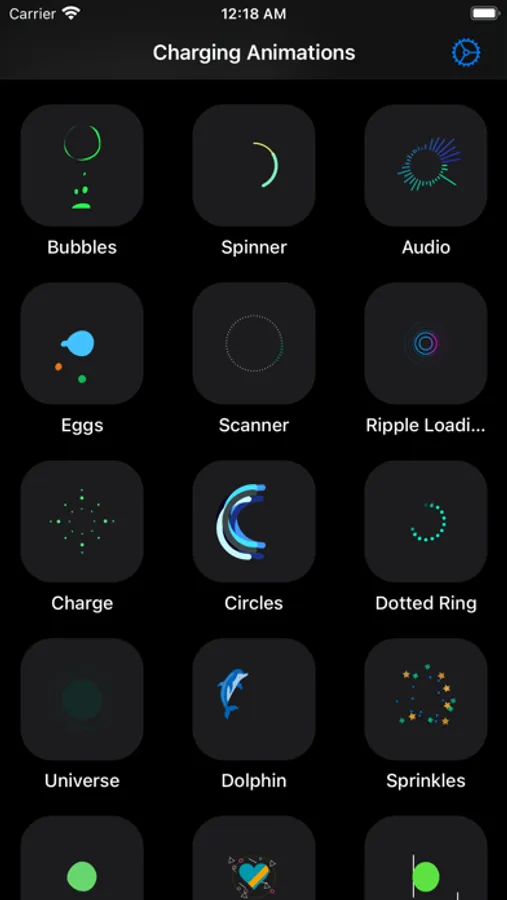
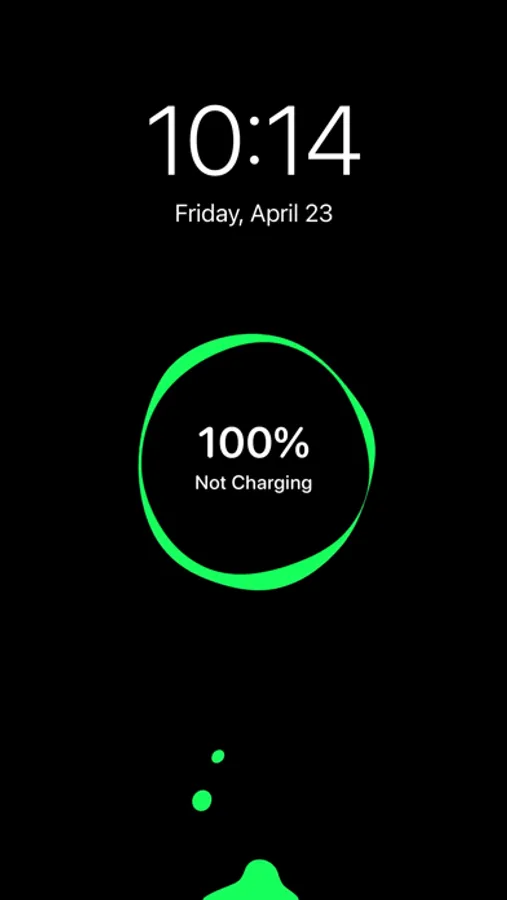
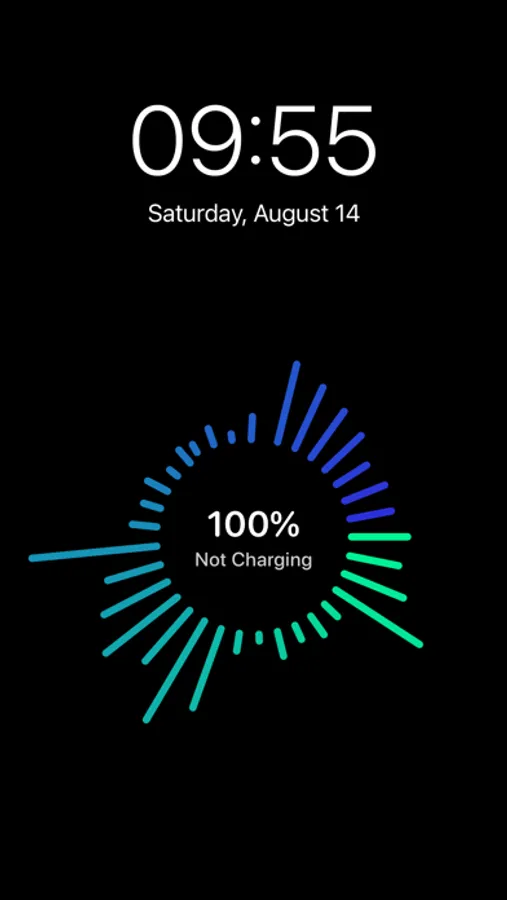
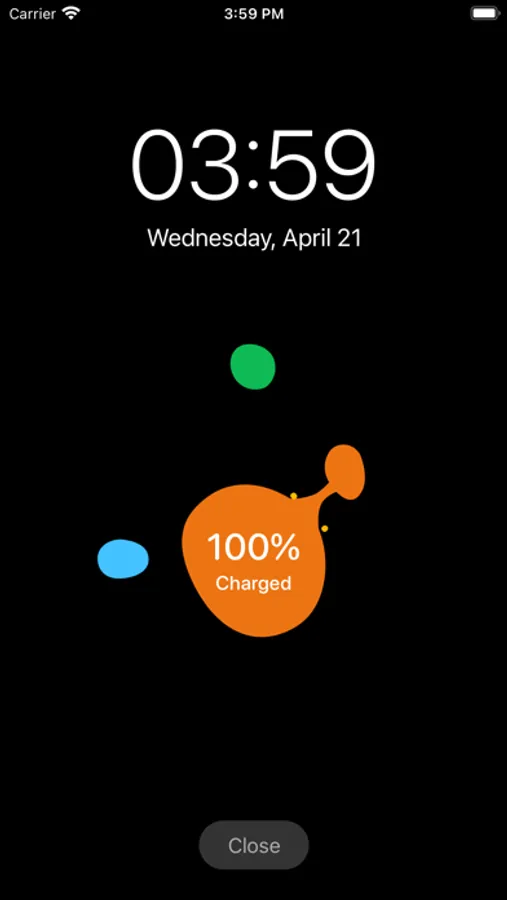
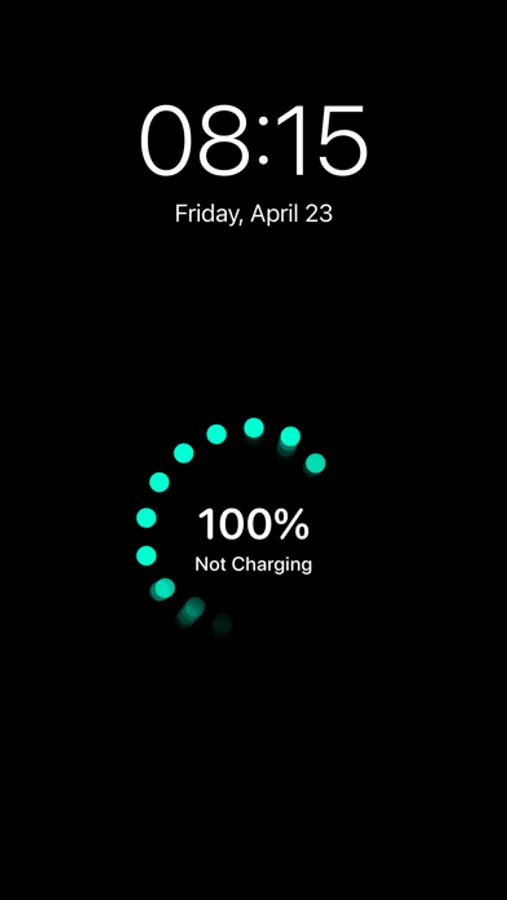
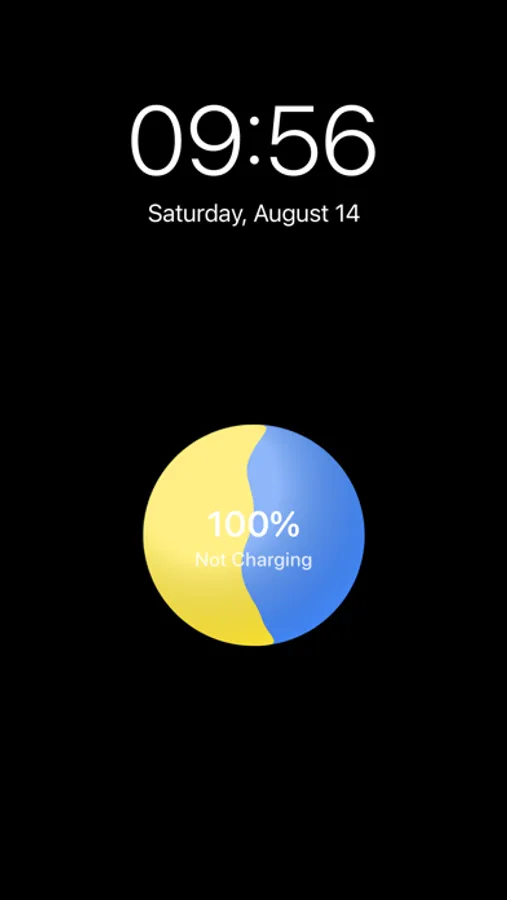
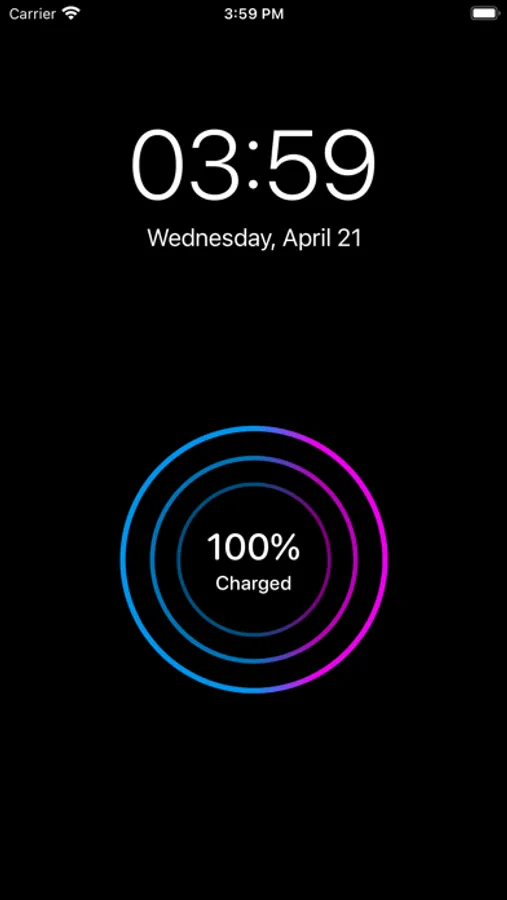
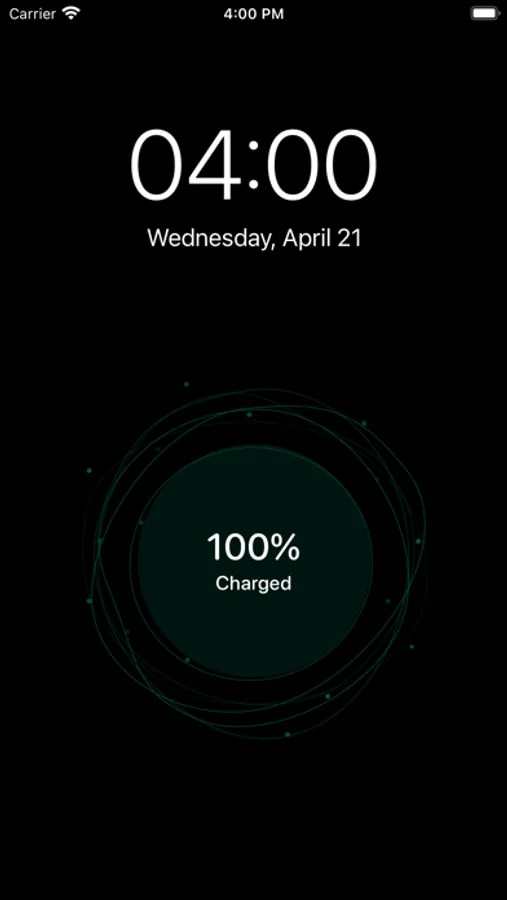
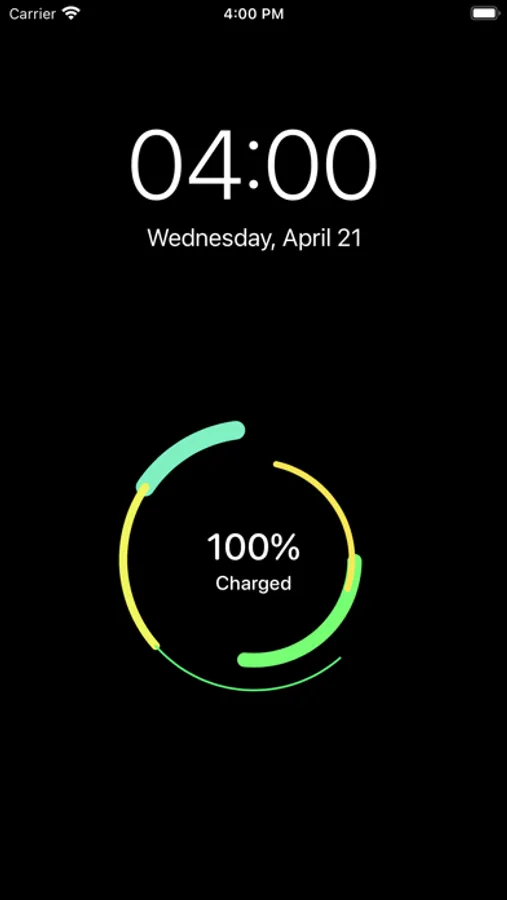
Charging Animations for iOS plays cool charging animations automatically when you plug in your iPhone.
You could choose from multiple styles of charging animations using this free app.
Features:
- Play charge animations automatically when plug in your iPhone (required to create Personal Automation in Shortcuts app).
- Multiple charging animations to choose.
- Minimal setup.
- No ads, no account needed.
- Supports iOS 16
How to use:
To display charging animation, please tap one style from main interface, then plug in your iPhone.
If you want to automate this process, please use Shortcuts app and follow the in-app video tutorial.
Note: The auto mode only works when your iPhone is unlocked.
Charging Animations Screenshots
Tap to Rate:
Reviews for Charging Animations
B_dbl_U
Junk
This app is junk..I just wanted a visual affirmation that my phone is charging on my wireless charger…now I paid money for this thing that unlocks my phone for it to run…
Wikisz
Works well but
Opens to select animation before starting the previously selected animation. Seems like a bug. Always opens when your screen is already on. I don’t think that’s necessary because you can easy tell from the green battery at the top of your screen. Also doesn’t work if you have the screen locked which isn’t great. I suppose this is because it relies on shortcuts.