In this measuring app, you can use AR to measure length, height, and area of objects both horizontally and vertically. Includes features for creating floor plans, measuring with a ruler, and scanning rooms with LiDAR technology.
AppRecs review analysis
AppRecs rating 4.2. Trustworthiness 69 out of 100. Review manipulation risk 27 out of 100. Based on a review sample analyzed.
★★★★☆
4.2
AppRecs Rating
Ratings breakdown
5 star
76%
4 star
8%
3 star
3%
2 star
2%
1 star
10%
What to know
✓
Low review manipulation risk
27% review manipulation risk
✓
High user satisfaction
84% of sampled ratings are 4+ stars (4.4★ average)
⚠
Pricing complaints
Many low ratings mention paywalls or pricing
About The Tape Measure & 3D Scanner
Measure anything you need with AR Ruler!
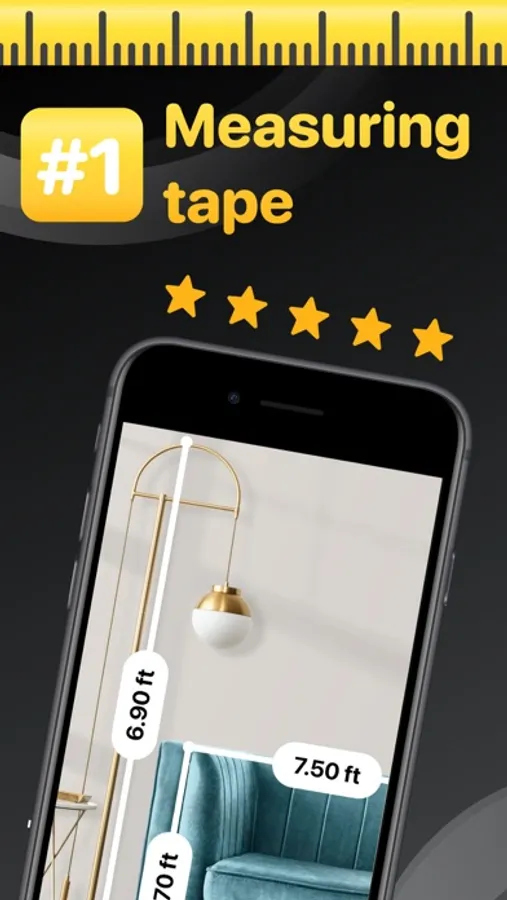
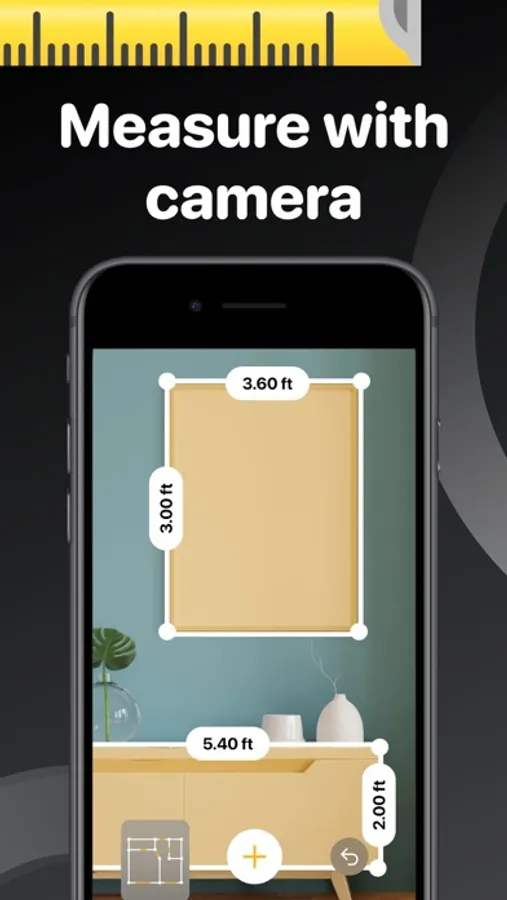
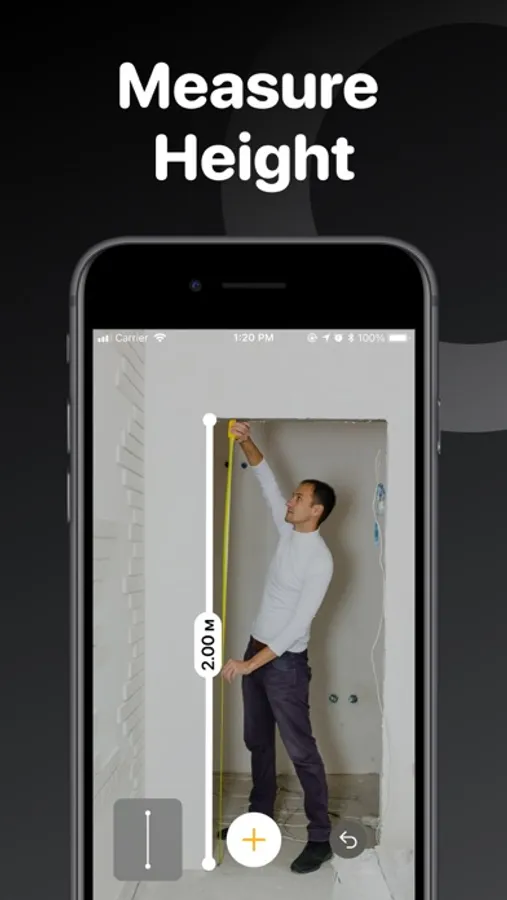
No matter what you need to measure — desk size, the height of walls, or the size of a painting — AR turns your smartphone into a virtual measuring tape. You no longer need to carry a measuring tape or a ruler to measure something — do it with your phone!
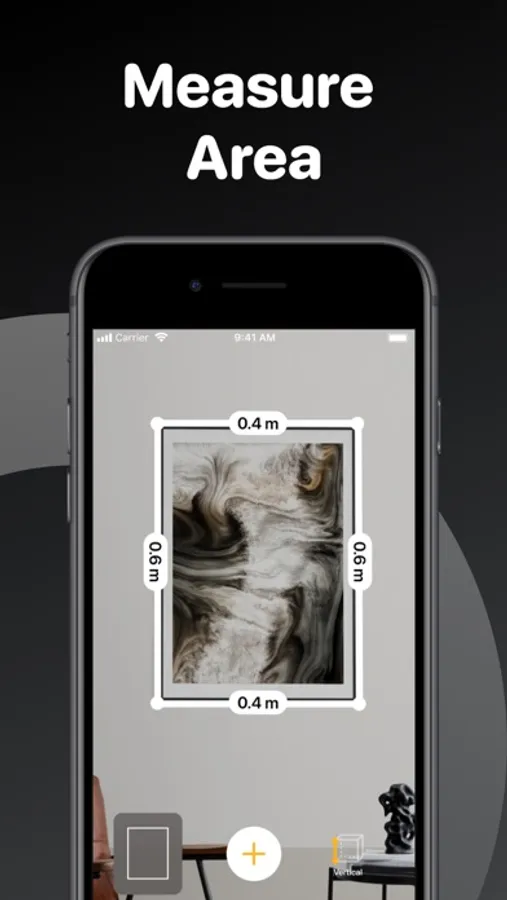
With AR Ruler you can measure length, height, area of objects horizontally and vertically. All that is packed into a simple and intuitive User Interface to make digital measurements quick and easy.
Features:
- Length, height, and area of objects
- Measure horizontally and vertically
- Switch between Imperial (ft, in) and Metric (m, cm) units
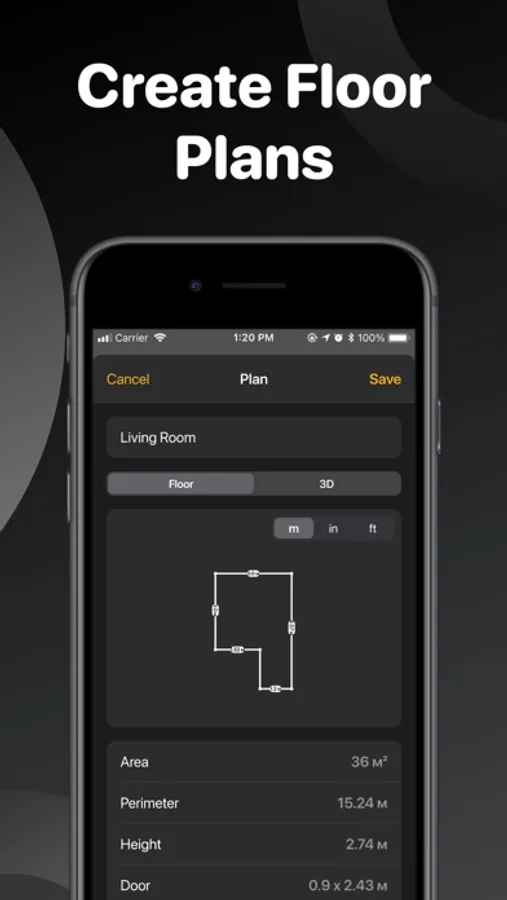
- Create floor plans with Layout PRO
- Get perimeter, square footage, and ceiling height calculated automatically
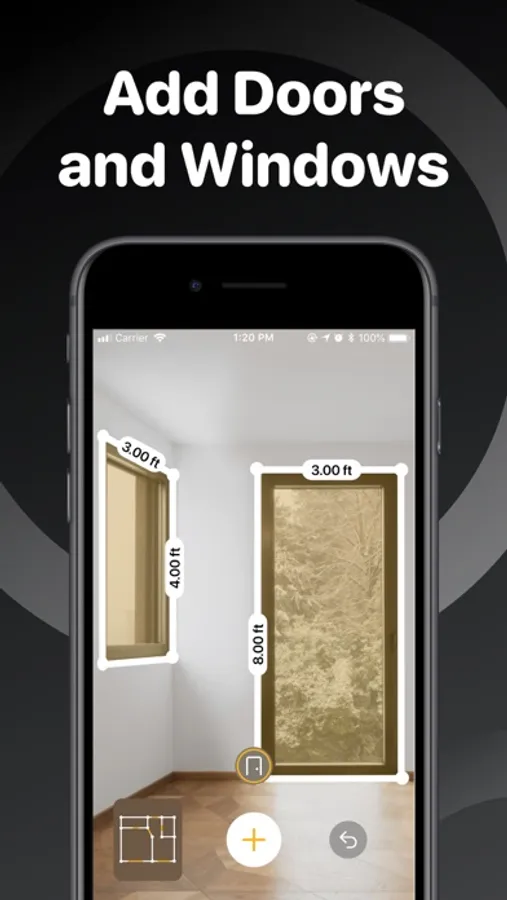
- Add doors and windows to your floor plan
- Measure objects and distances with the Ruler
- Level Tool - digital bubble level
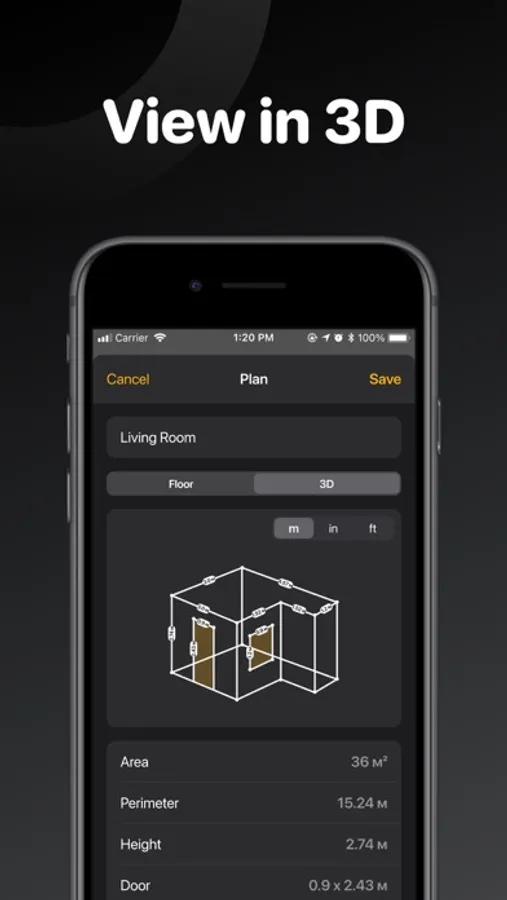
- Scan the room and get a 3d model with LiDAR Scanning
- Take screenshots to quickly share measurements
- Store and organize your measurements
- Export or share measurements via email, social media, messengers, etc.
Unlock the following features with the subscription:
- Create floor plans with Layout PRO
- Add doors and windows to your floor plan
- Measure objects and distances with the Ruler
- Level Tool - digital bubble level
- Scan the room and get a 3d model with LiDAR Scanning
Try AR Ruler now to ensure that measuring and creating floor plans have never been so fun!
Privacy policy: https://pp.roomplanner.site
Terms of use: https://tou.roomplanner.site
No matter what you need to measure — desk size, the height of walls, or the size of a painting — AR turns your smartphone into a virtual measuring tape. You no longer need to carry a measuring tape or a ruler to measure something — do it with your phone!
With AR Ruler you can measure length, height, area of objects horizontally and vertically. All that is packed into a simple and intuitive User Interface to make digital measurements quick and easy.
Features:
- Length, height, and area of objects
- Measure horizontally and vertically
- Switch between Imperial (ft, in) and Metric (m, cm) units
- Create floor plans with Layout PRO
- Get perimeter, square footage, and ceiling height calculated automatically
- Add doors and windows to your floor plan
- Measure objects and distances with the Ruler
- Level Tool - digital bubble level
- Scan the room and get a 3d model with LiDAR Scanning
- Take screenshots to quickly share measurements
- Store and organize your measurements
- Export or share measurements via email, social media, messengers, etc.
Unlock the following features with the subscription:
- Create floor plans with Layout PRO
- Add doors and windows to your floor plan
- Measure objects and distances with the Ruler
- Level Tool - digital bubble level
- Scan the room and get a 3d model with LiDAR Scanning
Try AR Ruler now to ensure that measuring and creating floor plans have never been so fun!
Privacy policy: https://pp.roomplanner.site
Terms of use: https://tou.roomplanner.site
The Tape Measure & 3D Scanner Screenshots

Tap to Rate:
Reviews for The Tape Measure & 3D Scanner
Rene NoE
From Chaos to Clear Numbers
Instead of writing rough guesses, I scanned the space and got exact dimensions.
123. Luke
No More Manual Measuring
Instead of using a traditional tape measure, I just scan the space.