AppRecs review analysis
AppRecs rating 4.5. Trustworthiness 71 out of 100. Review manipulation risk 24 out of 100. Based on a review sample analyzed.
★★★★☆
4.5
AppRecs Rating
Ratings breakdown
5 star
100%
4 star
0%
3 star
0%
2 star
0%
1 star
0%
What to know
✓
Low review manipulation risk
24% review manipulation risk
✓
Credible reviews
71% trustworthiness score from analyzed reviews
✓
High user satisfaction
100% of sampled ratings are 5 stars
About Command-Line Calculator
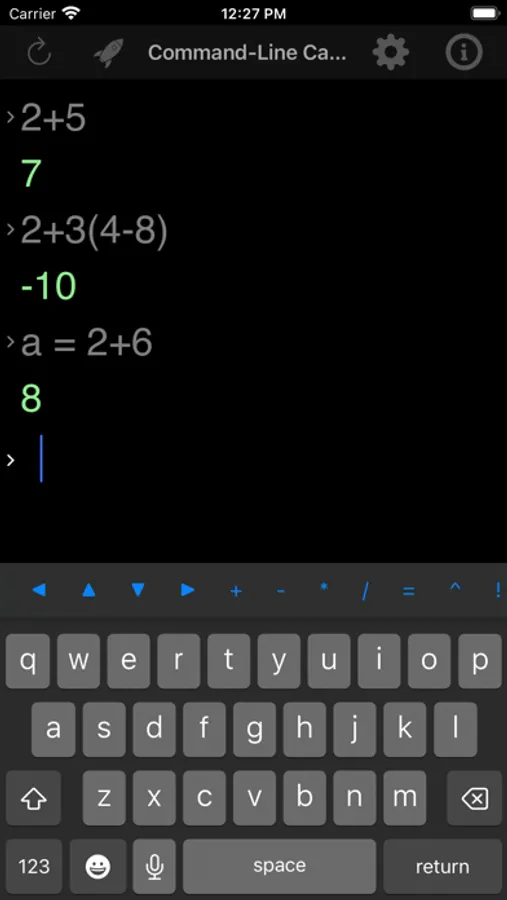
By providing a command-line interface, CLCalculator allows you to easily enter and view the history of your calculations. You focus on your calculations instead of being intimidated by myriad of buttons on a traditional calculator interface! In addition to performing basic calculations, CLCalculator provides an array of features such as:
- Assign and reuse variables
- Complex numbers
- Number bases i.e. binary, octal, hexadecimal
- Constants e.g. e, pi
- String manipulation
- Matrices
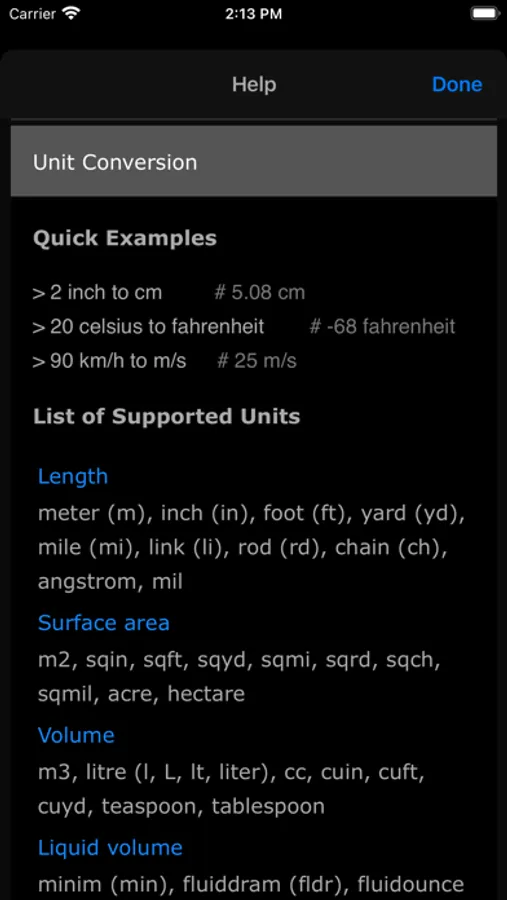
- Unit conversion: in-built and user-defined (create your own units!)
- Functions: in-built and user-defined (create your own functions!)
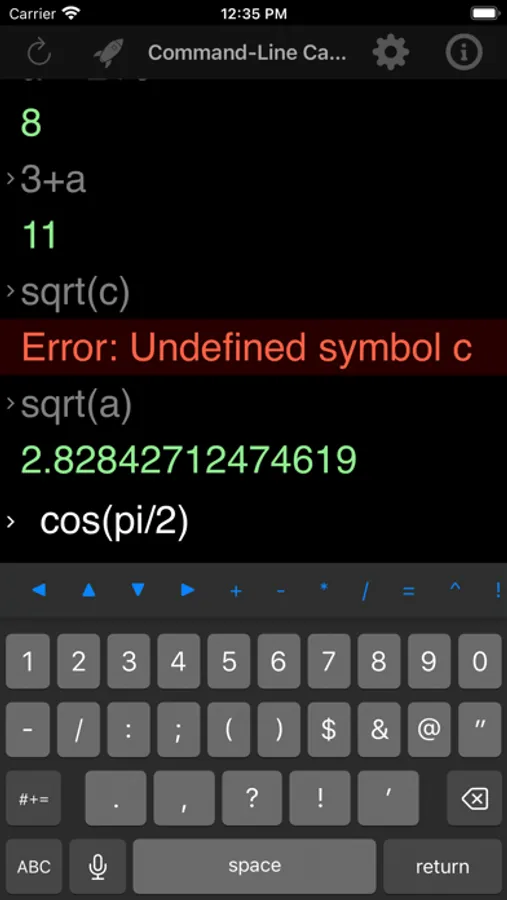
- Arithmetic functions e.g. fraction, square root, rounding off, ceiling, floor, logarithm
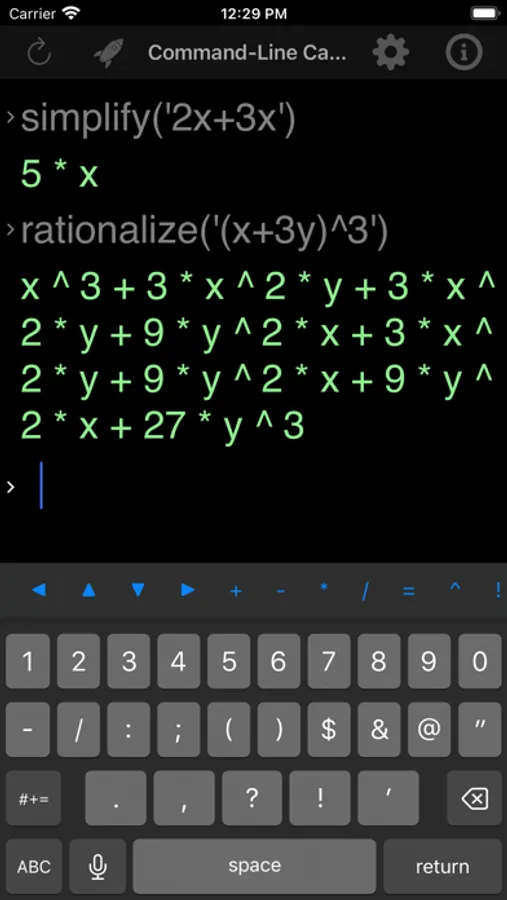
- Algebra functions e.g. derivative, simplify symbolic expressions, solve linear equations
- Bitwise functions e.g. bitwise and, not, or, left and right shift
- Combinatorics functions e.g. Bell, Catalan, Stirling numbers
- Geometry functions
- Logical functions e.g. and, not, or, xor
- Probability functions e.g. combinations, permutations, factorial
- Relational functions
- Set functions e.g. cartesian product, intersection, union
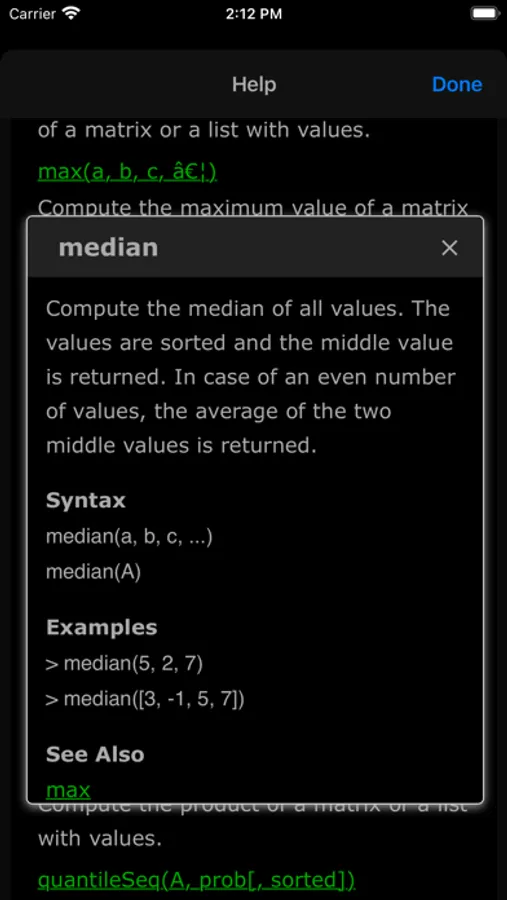
- Statistics functions e.g. mean, median, mode, standard deviation, variance
- Trigonometry functions e.g. sin, cos, tan, cot, sinh, acos
- and much more!
The app also comes with a comprehensive in-built help system with plenty of examples. CLCalculator is powered by math.js (https://mathjs.org/)
Command-Line Calculator Screenshots
Tap to Rate:
Reviews for Command-Line Calculator
LiquidSwirl
Wonderful !
I tried a couple of others, but I can honestly say I like this one the best. It’s very intuitive, I think its power lies within the command line interface, you can cursor up to repeat something after you’ve modified the answer. So it’s quick. Just hitting ( +, - , *, / ) after a calc, and it substitutes the prior answer first. Smart !
dudedev16
Great App
It’s like a little iOS version of Numbat or MATLAB! The unit support is my favorite feature, however. Incredibly useful for double-checking hand calculations for engineering courses.