AppRecs review analysis
AppRecs rating 3.7. Trustworthiness 90 out of 100. Review manipulation risk 25 out of 100. Based on a review sample analyzed.
★★★☆☆
3.7
AppRecs Rating
Ratings breakdown
5 star
50%
4 star
0%
3 star
0%
2 star
0%
1 star
50%
What to know
✓
Low review manipulation risk
25% review manipulation risk
✓
Credible reviews
90% trustworthiness score from analyzed reviews
About BMP Converter, BMP to PDF
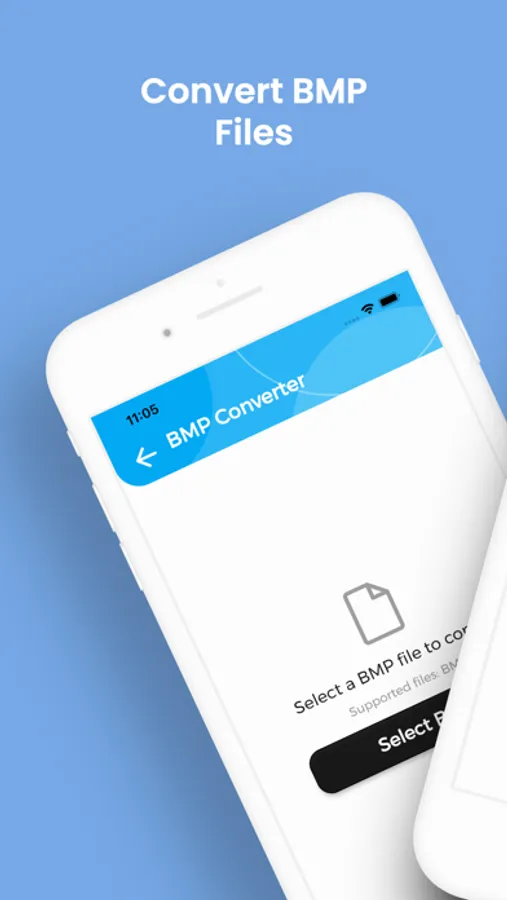
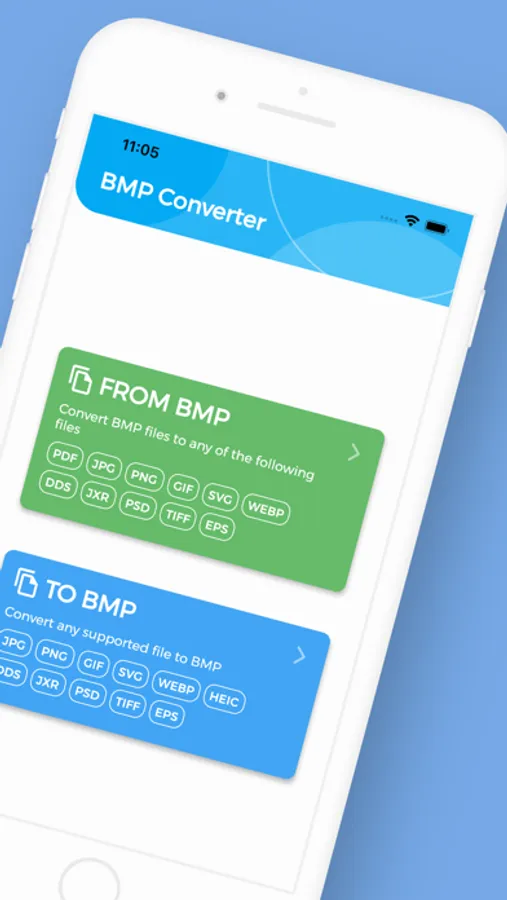
Need to convert BMP to PDF, JPG or PNG? With BMP Converter you get unlimited, lightning-fast conversions on your iPhone or iPad with no fees, no sign-ups, just perfect images every time.
Stop wrestling with files your device won’t open. BMP Converter lets you flip any BMP or turn dozens of formats back into BMP while preserving every pixel’s quality.
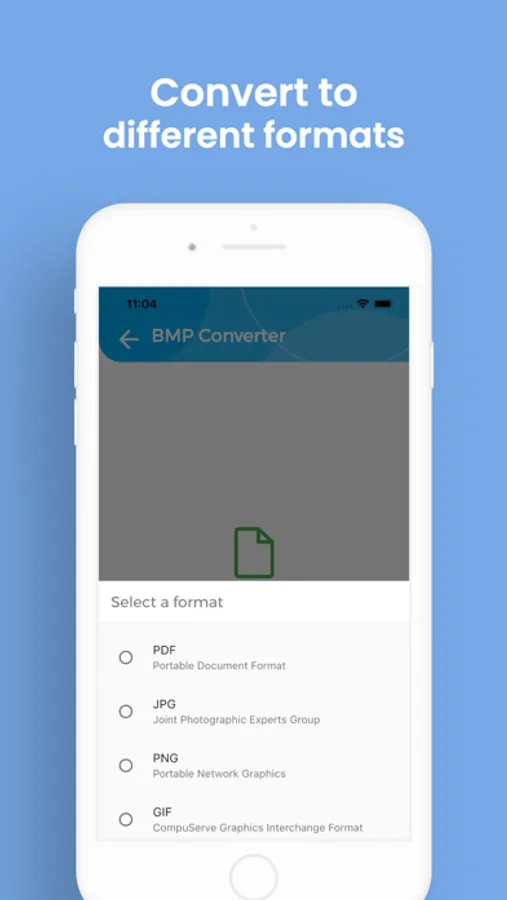
• Wide format support – Convert BMP to PDF, JPG, PNG, GIF, SVG, WEBP, DDS, JXR, PSD, TIFF and EPS…and back again.
• Unlimited & free – No file-size caps, quotas, paywalls or subscriptions.
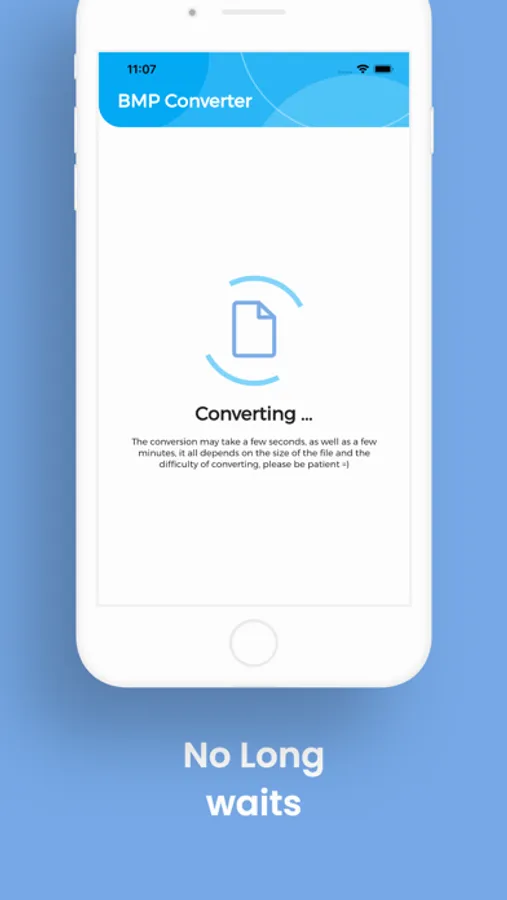
• Fast & precise – Local engine optimizes each pixel, so even large images finish in seconds.
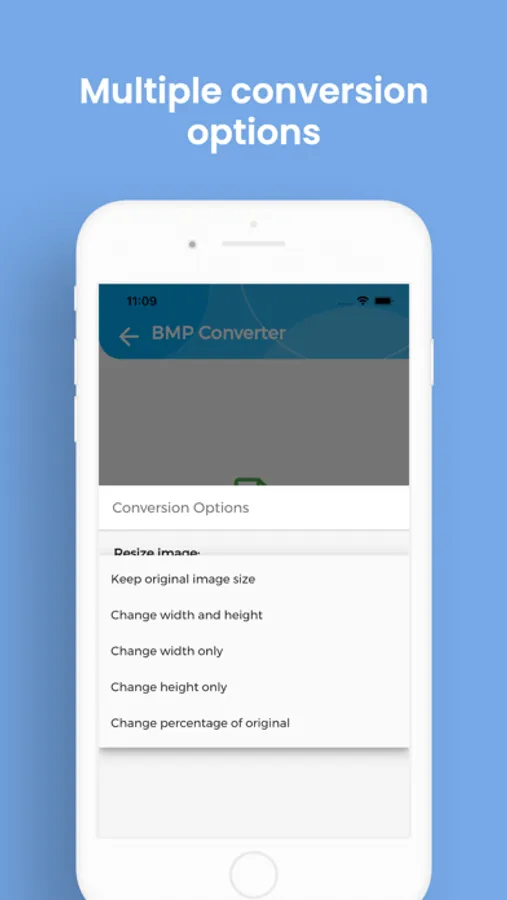
• Custom output – Choose image size before exporting for perfect social-media or print fits.
• Private by design – Files stay on your device; no email or registration required.
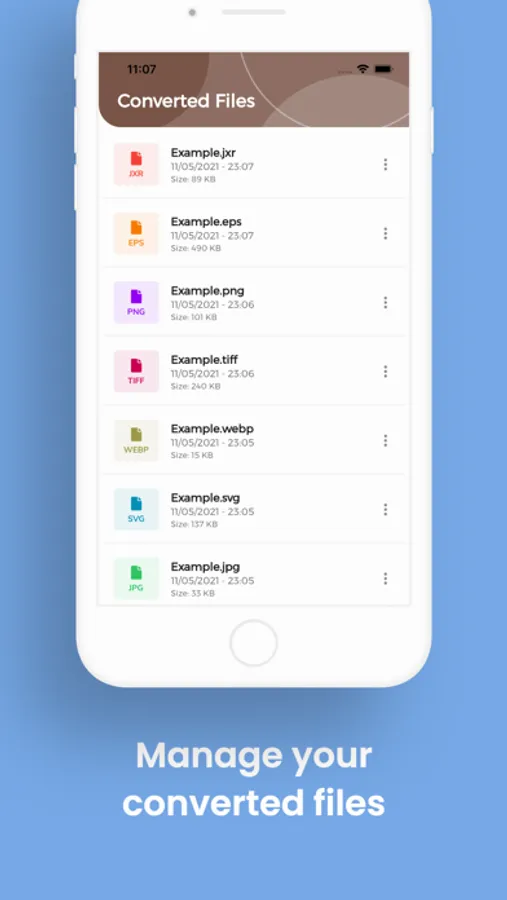
• Easy file access – Converted items land in the “BMP Converter” folder, ready to share.
• Multilingual UI – English, Spanish, French, German, Italian, Portuguese and Russian.
Download BMP Converter today and unlock every BMP file you own convert, share and enjoy it anywhere!
Stop wrestling with files your device won’t open. BMP Converter lets you flip any BMP or turn dozens of formats back into BMP while preserving every pixel’s quality.
• Wide format support – Convert BMP to PDF, JPG, PNG, GIF, SVG, WEBP, DDS, JXR, PSD, TIFF and EPS…and back again.
• Unlimited & free – No file-size caps, quotas, paywalls or subscriptions.
• Fast & precise – Local engine optimizes each pixel, so even large images finish in seconds.
• Custom output – Choose image size before exporting for perfect social-media or print fits.
• Private by design – Files stay on your device; no email or registration required.
• Easy file access – Converted items land in the “BMP Converter” folder, ready to share.
• Multilingual UI – English, Spanish, French, German, Italian, Portuguese and Russian.
Download BMP Converter today and unlock every BMP file you own convert, share and enjoy it anywhere!
BMP Converter, BMP to PDF Screenshots
Tap to Rate:
Reviews for BMP Converter, BMP to PDF
Dr. E.B.
Good product
This is easy to use on iOS you have to copy your photo from picture app and then paste it into your files app,as the BMP converter pulls from your files app.
AlbernerTor
Does not work
I selected a PNG file to convert, hit “Convert to BMP”, and Nothing. Nothing in the “Converted Files” folder.