In this notes and journal app, you can create and organize notecards, add multimedia content, and connect related ideas. Includes tagging, linking, and visualization features for knowledge management.
AppRecs review analysis
AppRecs rating 4.4. Trustworthiness 72 out of 100. Review manipulation risk 24 out of 100. Based on a review sample analyzed.
★★★★☆
4.4
AppRecs Rating
Ratings breakdown
5 star
94%
4 star
2%
3 star
1%
2 star
1%
1 star
2%
What to know
✓
Low review manipulation risk
24% review manipulation risk
✓
Credible reviews
72% trustworthiness score from analyzed reviews
✓
High user satisfaction
94% of sampled ratings are 5 stars
About Supernotes – Notes & Journal
CREATE NOTECARDS THAT POP
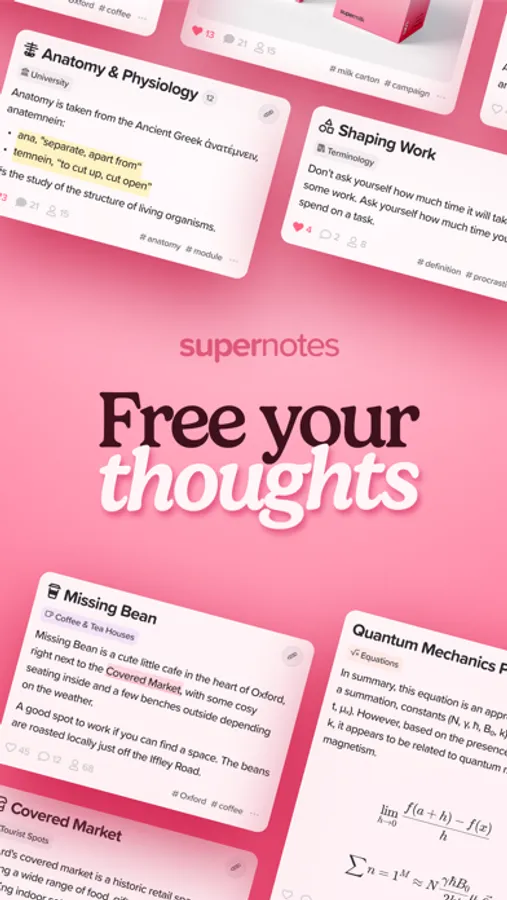
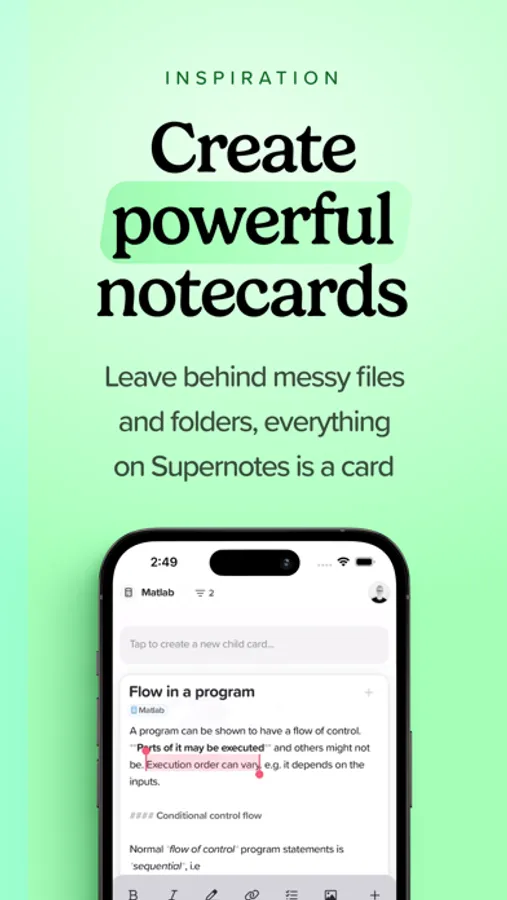
Tired of scrolling up and down long notes? Break down your ideas with Supernotes notecards – keeping you organized. Add colors, tasks, bold, italics, lists, equations, images, code snippets, and more. Want more? Connect a bluetooth keyboard, and harness the full extent of our Markdown and LaTeX editor.
POWER UP WITH AI
Try our thoughtful approach to AI. We call them Superpowers that help automate arduous tasks, such as tagging your cards, as well as train you to become a better writer, highlighting grammatical errors and offering rewording suggestions.
ORGANIZE YOUR KNOWLEDGE
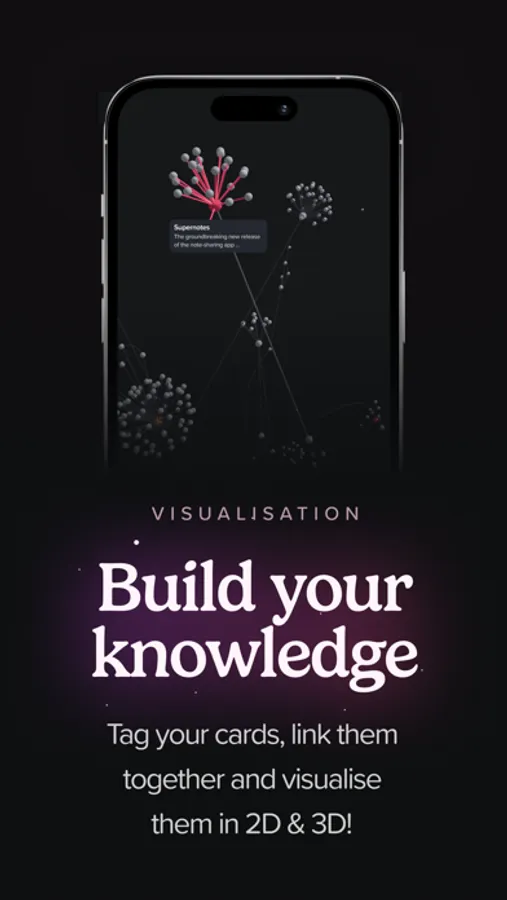
Categorize your notecards using tags, reference popular cards with card links, and pop related notecards inside a parent card to build a network of interconnected knowledge. Multi-select, and edit notes in bulk, in the Table layout. Visualize your notes in both 2D and 3D graph layouts, helping you discover existing and new connections. Build your dream Zettelkasten system.
REMEMBER WHERE YOU WROTE THEM
Only on Supernotes, view all your notecards on a geographic Map. Opt-in to location sharing to automatically assign locations to notes when you create them to see where you had the most inspiring ideas or the most meetings! Or manually assign locations for trips, restaurant recommendations and more.
BUILT-IN SPACED REPETITION
Jump into Flashcard layout to instantly learn any of your notecards. Using our FSRS algorithm, cram your notes before an exam or learn them at a relaxed pace. We will show which notecards are due at the right times so you can learn as efficiently as possible.
SHARE WITH FRIENDS
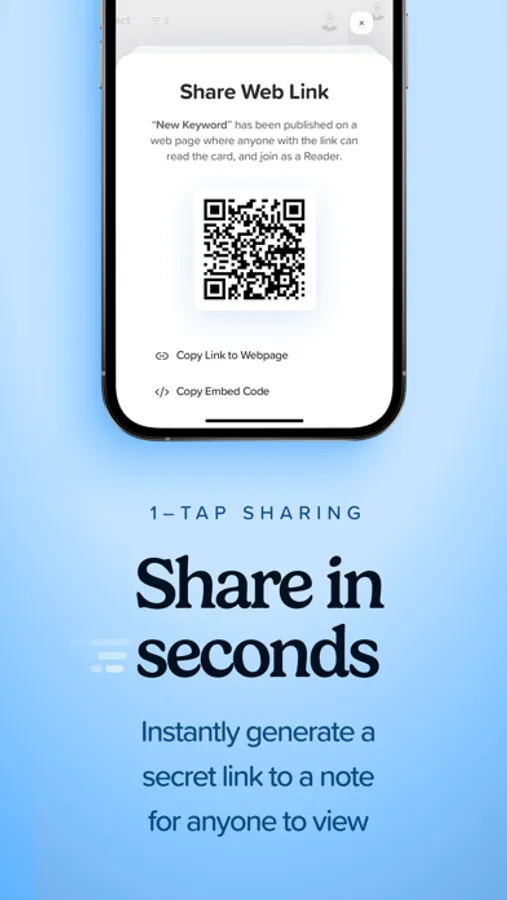
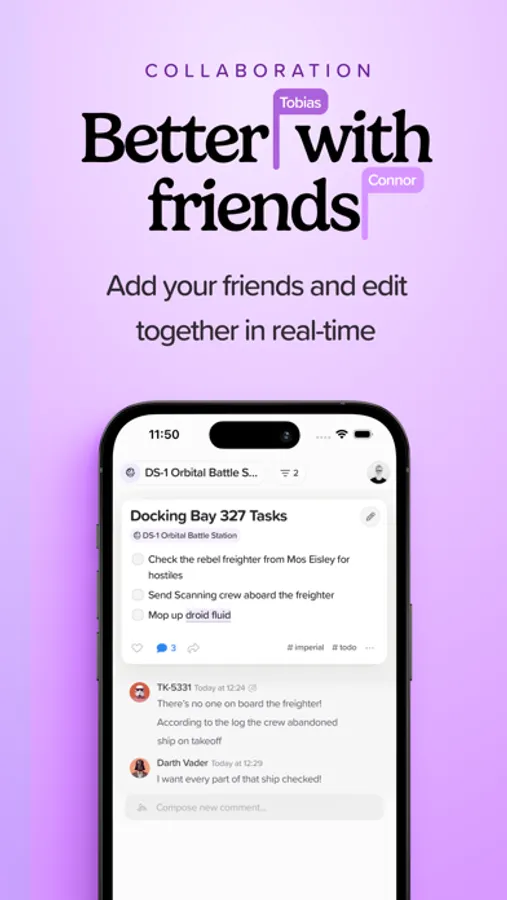
Stop taking screenshots of notes – just share a notecard to generate a secure link. That note will be instantly accessible to anyone (even if they don't have Supernotes)! Add friends, classmates, or teammates on Supernotes to instantly share new notecards with each other, and see each other's cursors editing in real time.
ON ALL YOUR DEVICES, OFFLINE OR ONLINE
Pick up where you left off with our iPhone, iPad, and Mac apps. Keep taking notes wherever you are, even if your connection drops, with seamless offline support.
FEATURE COMPLETE
- Universal Search & Filters
- Markdown / LaTeX Editor
- Bi-directional Card Links
- Calendar Heatmap
- Assign Dates to Notes
- Four Day & Night Themes
- Share to Supernotes Extension
- Export to Markdown, JSON & PNG
- Keyboard Shortcuts
- 24/7 Customer Support
FREE FOR LIGHTWEIGHT USE
Discover everything Supernotes has to offer with our generous free Starter plan; explore all the features and earn 100s cards. Or upgrade to the Unlimited plan for unlimited cards, feature previews, and more. Prices may differ depending on your location, and subscriptions will be charged to your App Store payment method. Your subscription will automatically renew and you may cancel at any time.
Privacy Policy: https://supernotes.app/privacy
Terms & Conditions: https://supernotes.app/terms
Supernotes – Notes & Journal Screenshots

Tap to Rate:
Reviews for Supernotes – Notes & Journal
Montey X
Outstanding Note-Taker
A very functional and beautifully designed capturing tool
Any1guy
Map Feature is underrated
After trying out many different note apps, one feature that sticks to me the most is a map feature. Being able to only remember the location, or better yet, being prompted to remember the note you wrote based on looking at the location where you wrote it is a huge help. So The human mind is very visual. And being able to visualize a map and where you put those notes will help you retain that information as well. Coupled with flashcards and spaced repetition and color coding with ease, this app I believe truly helps you to not just keep your notes but retain your notes with your mind. I'm kind of in a pickle right now as I just got into Notion due to their very good usage of AI. However, I do understand AI is always growing so to invest so much time into something that can change in a couple of months when you could be adding features such as these like maps I will congratulate you for that choice and will continue to try this app out.