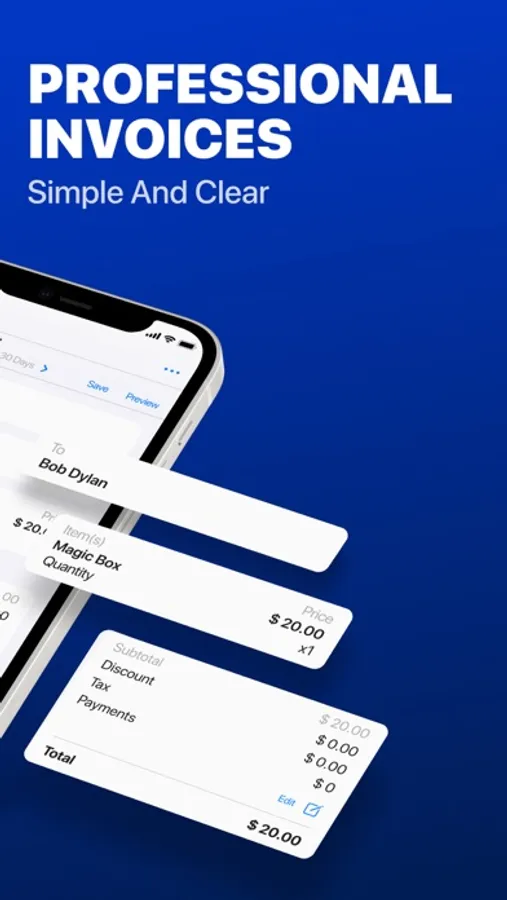
In this invoicing app, you can create and share professional invoices and estimates using customizable templates and add your logo. Includes features like tracking invoice statuses, managing multiple clients, and automatic data synchronization across devices.
AppRecs review analysis
AppRecs rating 4.0. Trustworthiness 74 out of 100. Review manipulation risk 27 out of 100. Based on a review sample analyzed.
★★★★☆
4.0
AppRecs Rating
Ratings breakdown
5 star
88%
4 star
4%
3 star
2%
2 star
1%
1 star
4%
What to know
✓
Low review manipulation risk
27% review manipulation risk
✓
Credible reviews
74% trustworthiness score from analyzed reviews
⚠
Pricing complaints
Many low ratings mention paywalls or pricing
About Docly Invoice Maker - PRO
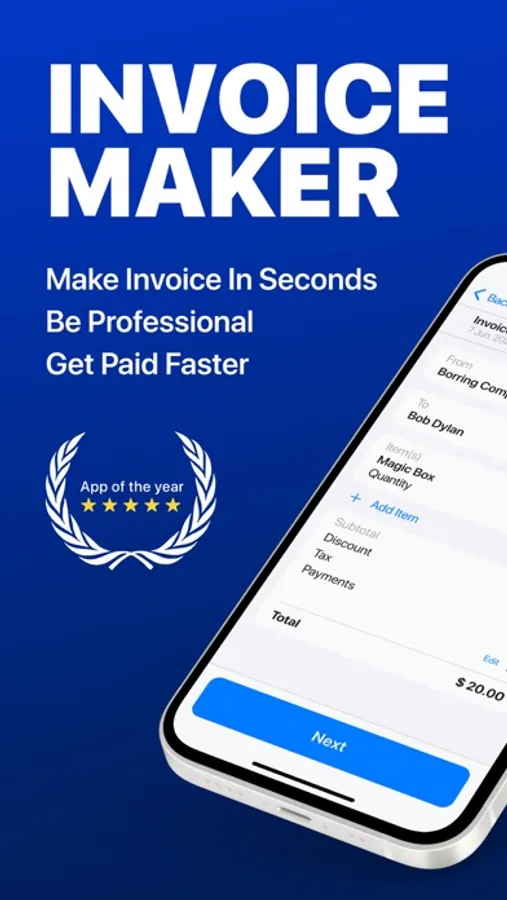
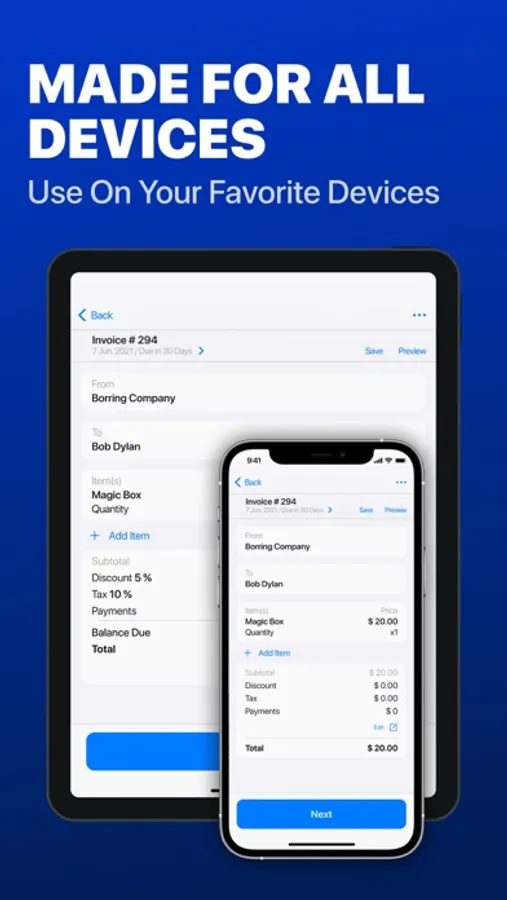
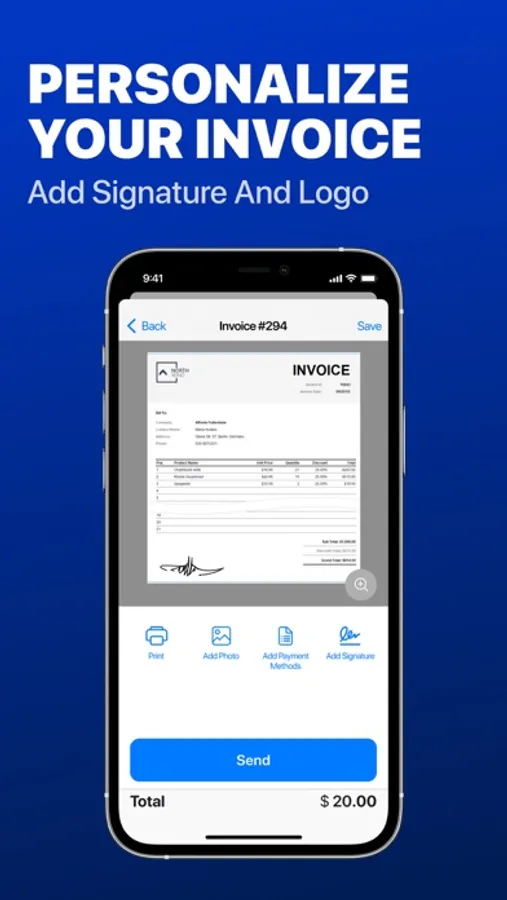
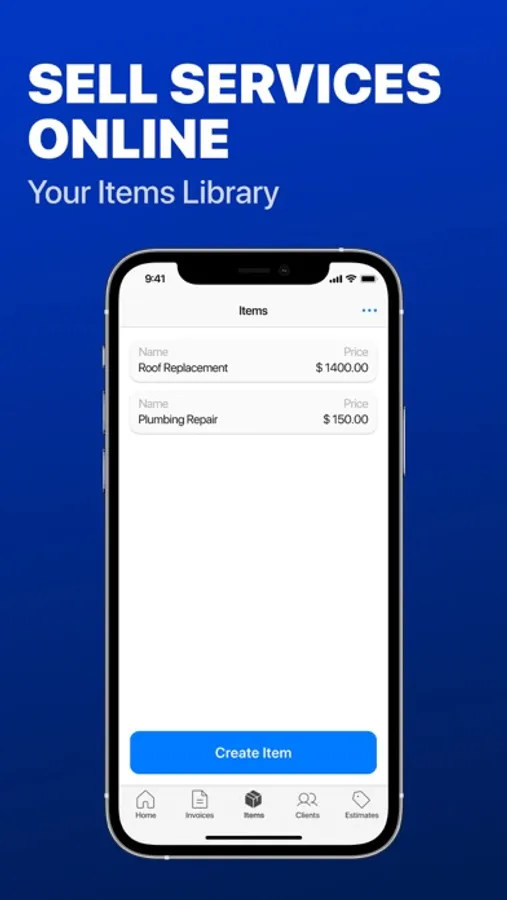
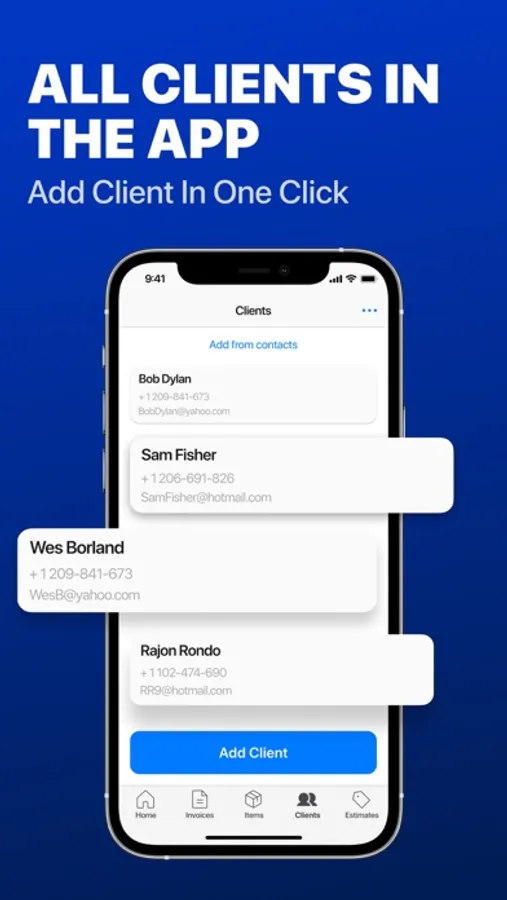
Create invoices, estimates, quotes, or receipts. Add your logo and signature, save unlimited items and customers, use premade templates, track invoice statuses, get business reports. Save, print, or send an invoice by email. Track your payments on the go. All your data is securely saved and synchronized across all your devices.
Here’s why you’ll love Docly
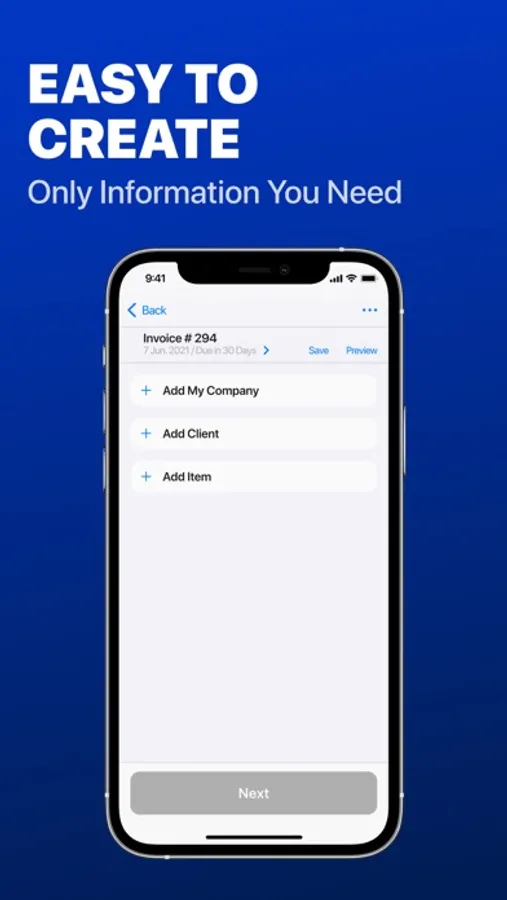
EASY AND QUICK
1. Automatical saved items and customers saves time writing an invoice
2. Ability to import customer details from the contact list
3. Copy invoices instead of making new ones
4. Convert estimate into invoice in one tap
5. Review your edits before you send an estimate or invoice
PRESENTABLE AND DISTINCTIVE
1. Add your business logo to promote the brand
2. Invoice design is created by professionals
3. Choose text font for the invoice
ADAPTABLE TO YOUR BUSINESS
1. Customizable taxes
2. Choose currency, language, data type
3. Automatic synchronization across all devices
4. Add images and notes to your invoices
5. Manage multiple companies
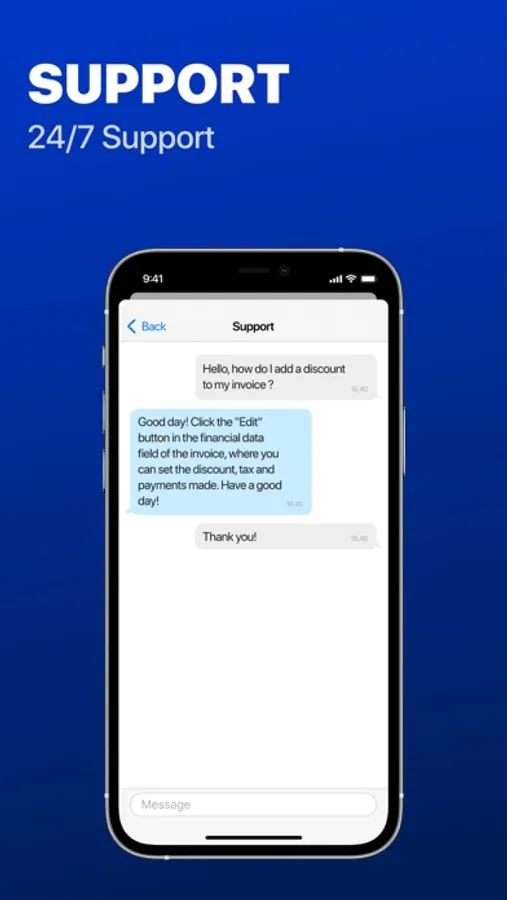
6. Active App Support
ORGANIZED FINANCES
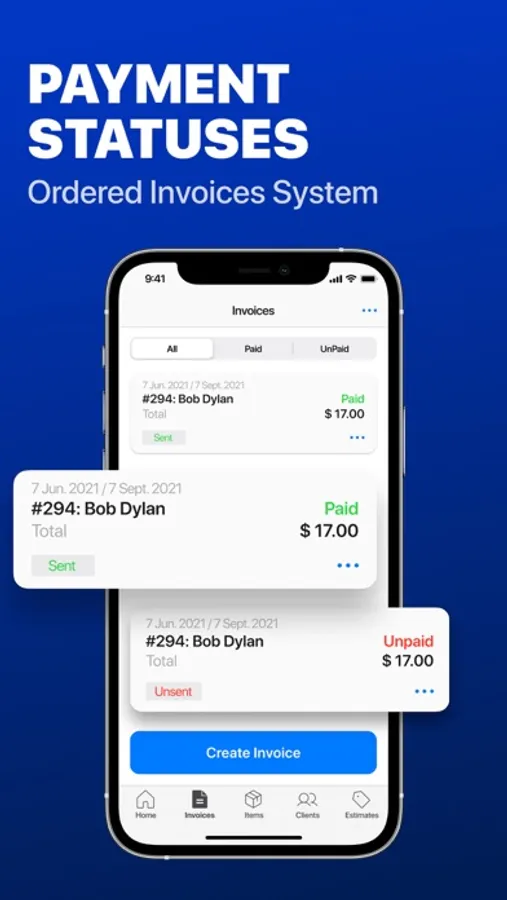
1. All unpaid and overdue invoices are marked and visible
2. Get notification when customers have viewed your invoices
3. Mark invoices paid in cash/check as “paid”
4. Easily incorporate partial payments and deposits into your invoice
5. Get weekly business reports
SECURE STORAGE
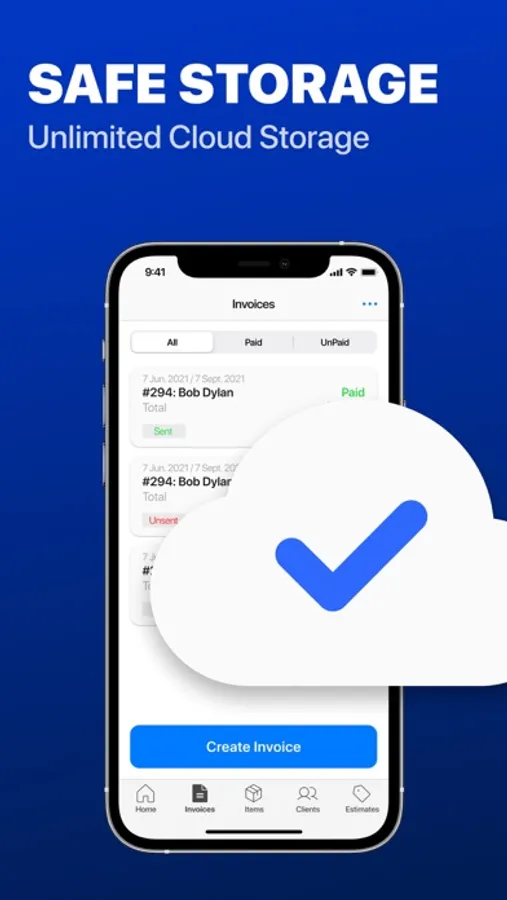
1. Unlimited cloud storage for your invoices and estimates
2. Automatic data backup to your Docly Invoice account
3. Automatic data backup to your Dropbox account
MULTIPLE WAYS TO SHARE
1. Download your document right to your phone
2. Email PDF invoices directly to customers
3. Print PDF right from the app
4. Send invoice as a message
SUBSCRIPTION PRICING AND TERMS
Subscriptions automatically renew unless turned off in Account Settings at least 24 hours before the end of the current period. Payment is charged to your iTunes account. Unused portion of free trial is forfeited after purchase.
Terms of use: https://invoicemaker.biz/termsofuse
Privacy policy: https://invoicemaker.biz/privacy
Docly is constantly updating and developing new features. If you have any problems or suggestions, contact us at docly.invoice.supp@gmail.com
Docly Invoice Maker - PRO Screenshots
Tap to Rate:
Reviews for Docly Invoice Maker - PRO
Motown-Music City
7 Months: Unresponsive
I have made multiple requests repeatedly to please change the email address on file: Over a year-no response. Additionally, I request my other requests previously submitted including inability to ‘sync’ archived files via Dropbox or OneDrive (per YOUR direction). After 7 months and counting-no response. I have contacted Apple support as that has (historically speaking) been the only time you seem to respond to my pleas for help. What does it take?
crazy man22
Bad customer service
I have had this app for a while it’s been great until I can’t email from the app anymore, I can’t do anything it’s completely quit working. I have a feeling they made their money left I’ve tried two times to contact customer support and have not received an email back. Have issues changing the account email. Has been great until this I’ll be switching to something else. MASSIVE INCONVENIENCE.