In this typing training app, users practice touch typing through various mini-games and lessons to improve speed and accuracy. Includes badge collection, challenge mode, and offline gameplay.
AppRecs review analysis
AppRecs rating 3.4. Trustworthiness 81 out of 100. Review manipulation risk 23 out of 100. Based on a review sample analyzed.
★★★☆☆
3.4
AppRecs Rating
Ratings breakdown
5 star
52%
4 star
10%
3 star
4%
2 star
8%
1 star
26%
What to know
✓
Low review manipulation risk
23% review manipulation risk
✓
Credible reviews
81% trustworthiness score from analyzed reviews
⚠
High negative review ratio
34% of sampled ratings are 1–2 stars
About Typing Land
This app requires the use of a physical keyboard.
- Features
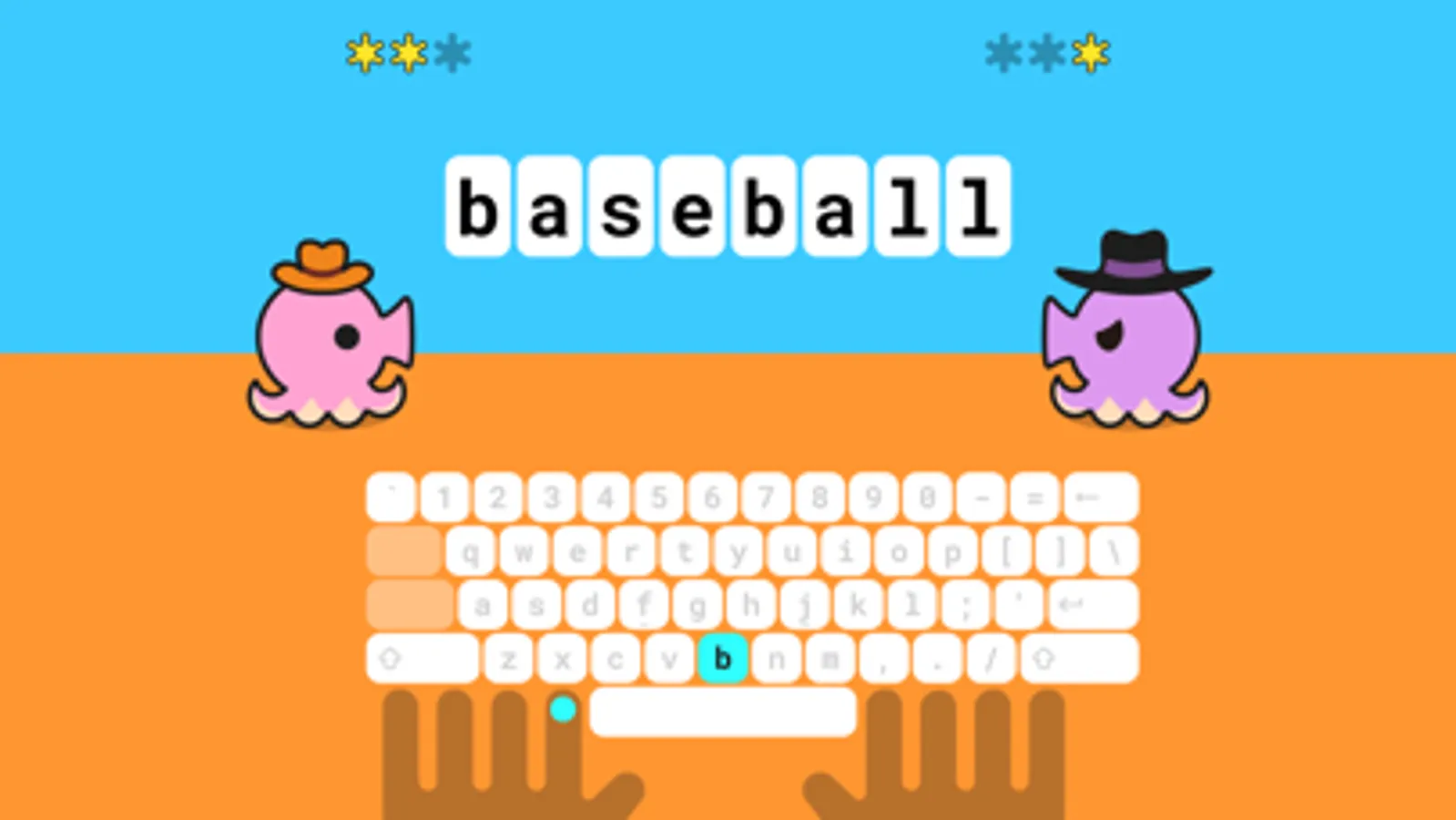
1. From finger placement
Learn from basics including how to position the fingers.
2. Free lessons
All 81 lessons are free to play. Donations are appreciated!
3. No advertisement
Completely kids-friendly and ads-free.
4. Play offline
Once installed, games can be played offline.
- Collect the badges
Earn badges by achieving lesson goals. Play to collect all 150 badges. Each badge can be set as your profile icon.
- Challenge-mode for your next step
Once you get used to the typing lessons, try the Challenge-mode. Score is determined by your typing speed and accuracy. Practice with pre-set sentences or texts of your choice.
- Exclusive game
If you enjoy this app, please make a donation to the developer. Donation will unlock the exclusive mini-game, "Typing Sword".
- From the developer
We have developed this app as a safe platform for children and adults around the world to use. It is also a great tool for use in your company or classroom.
Typing Land Screenshots
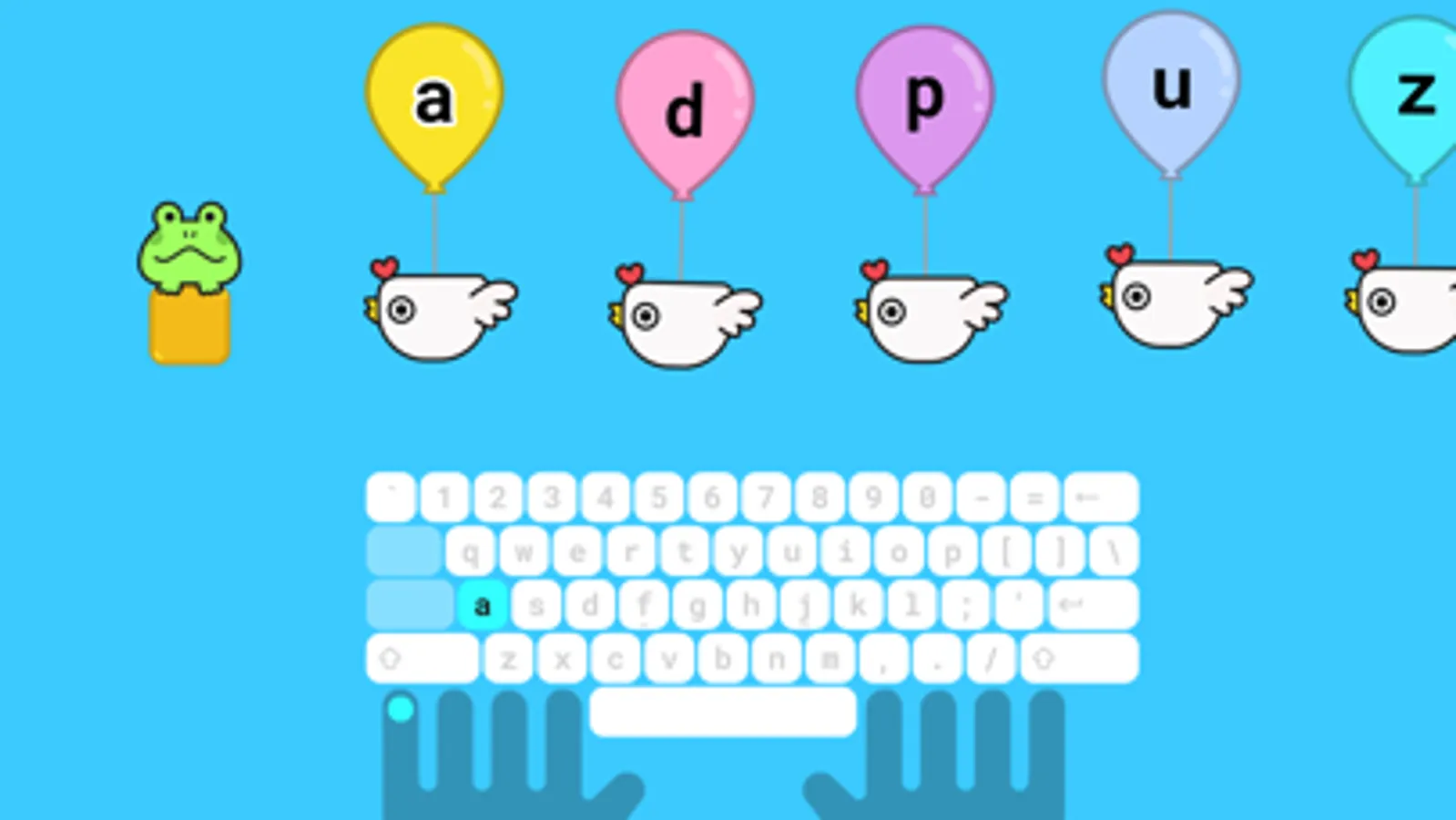
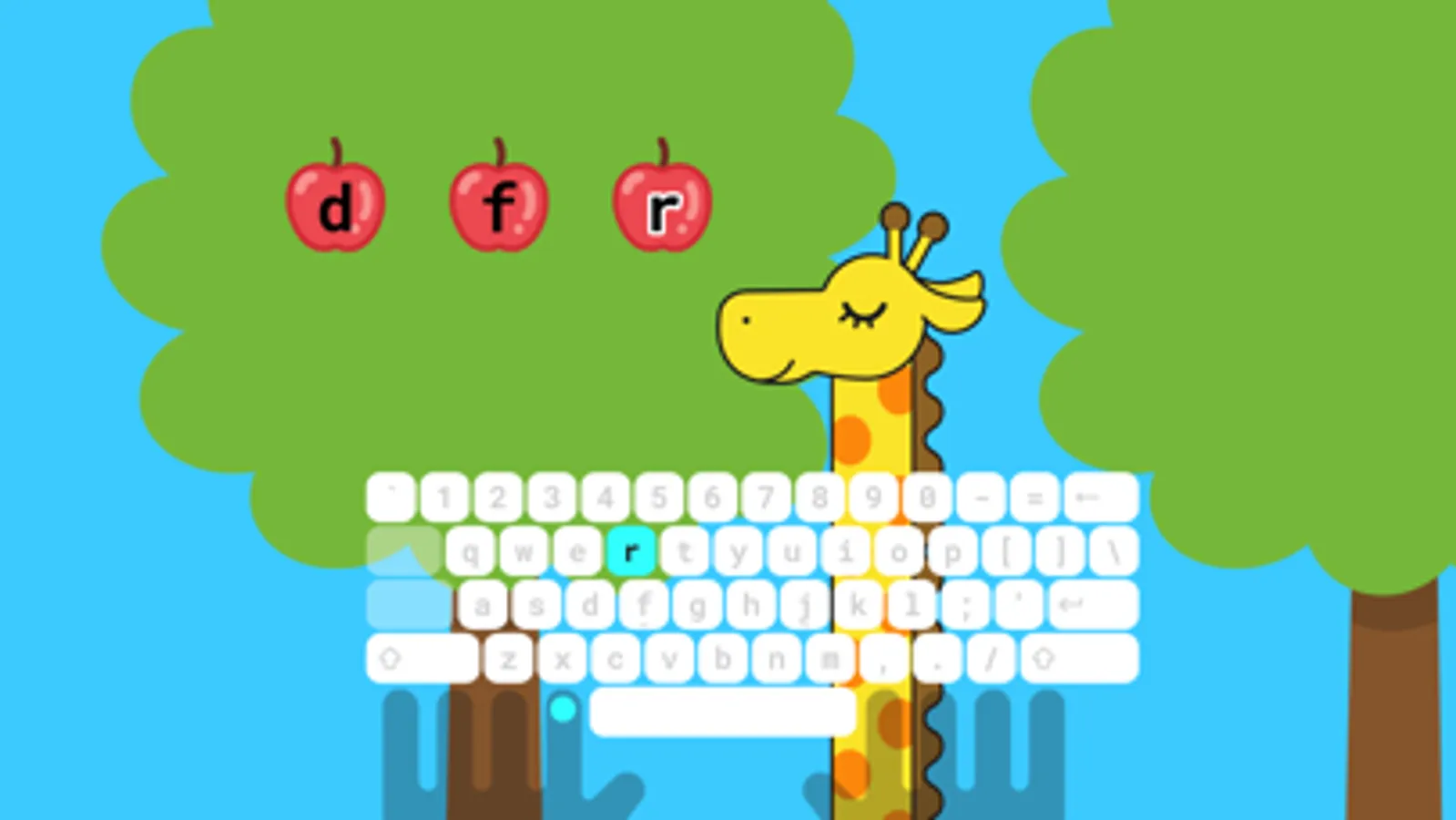
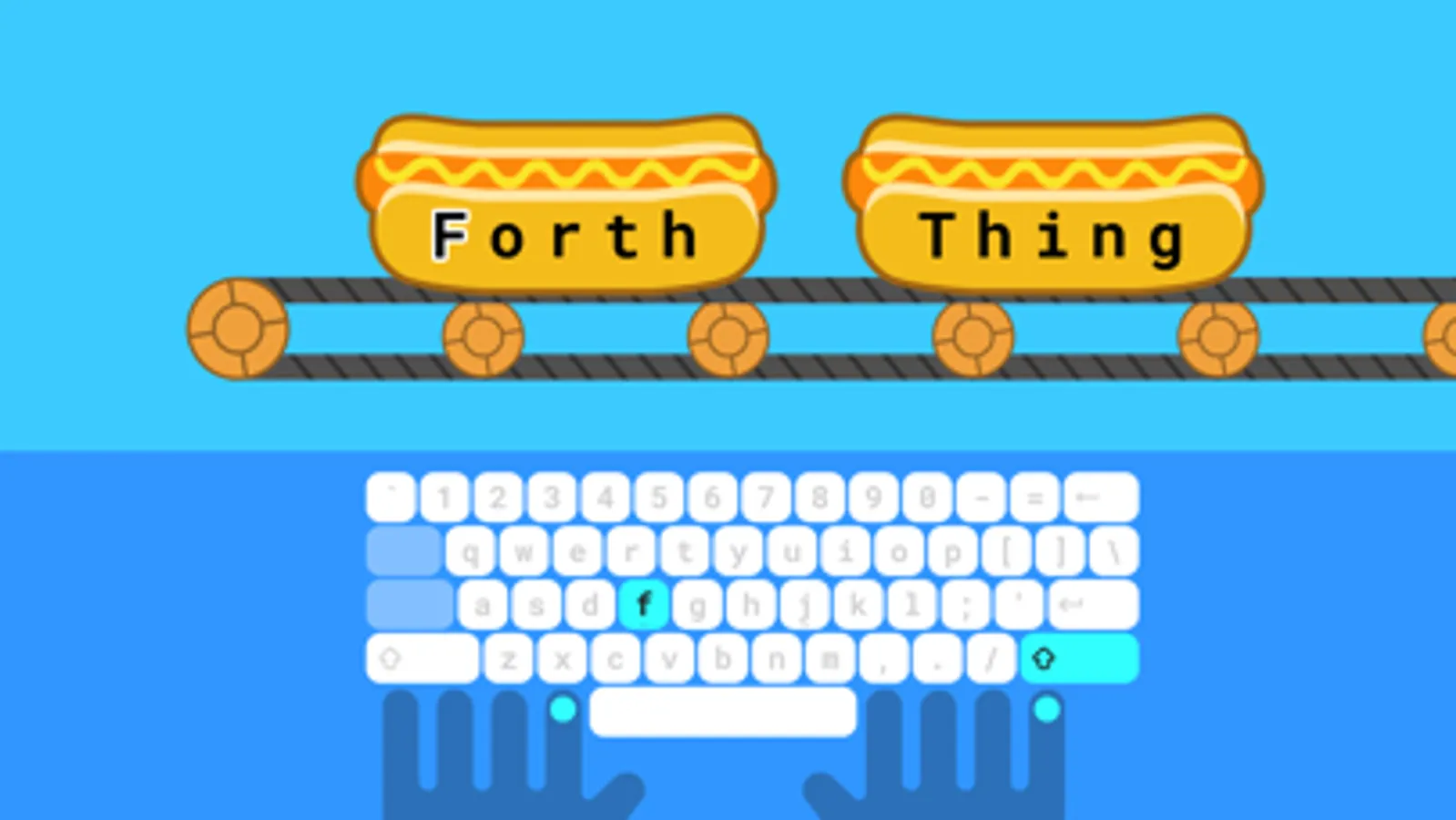
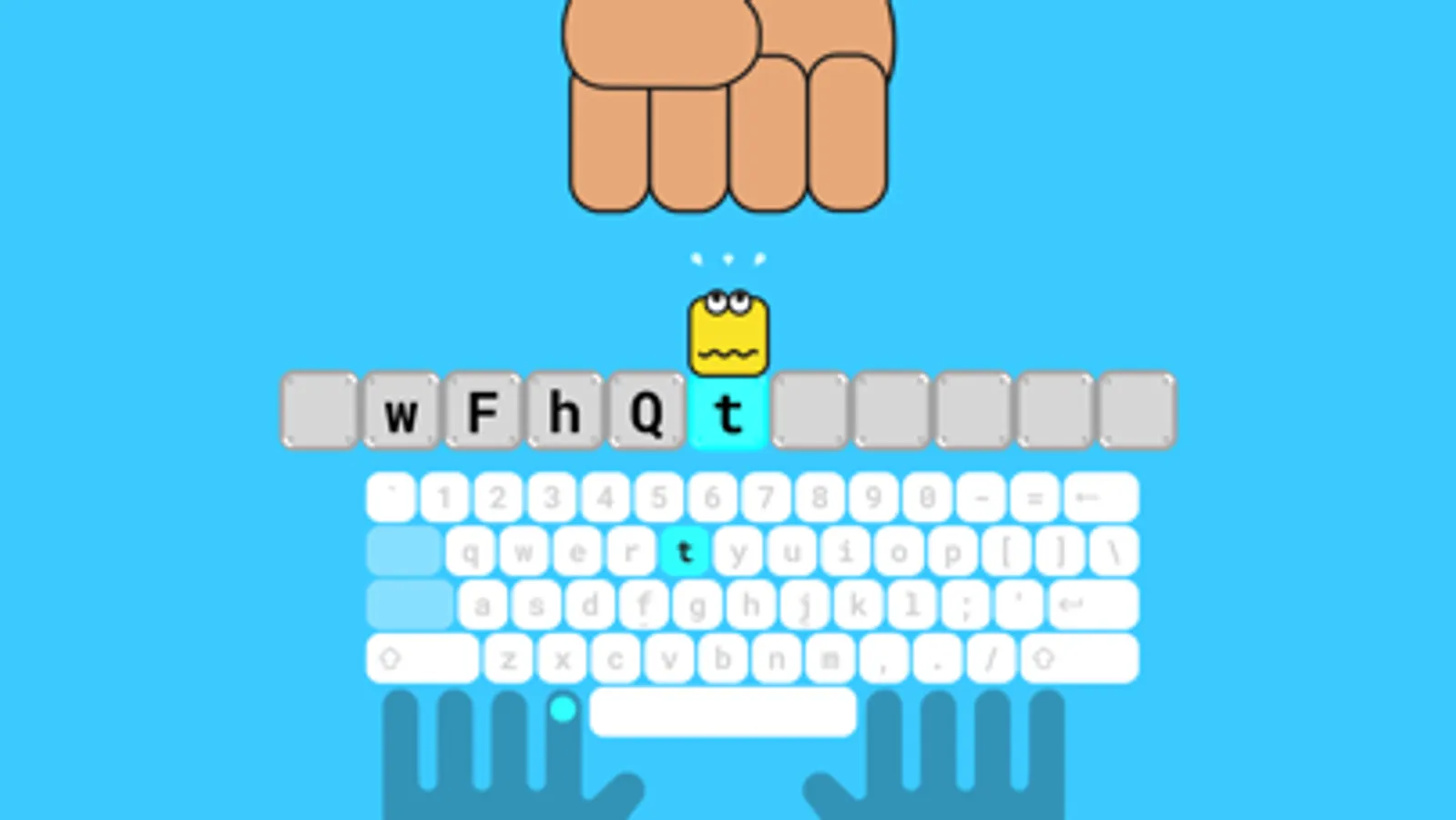
Tap to Rate:
Reviews for Typing Land
GypsyMoon36
Really fun!
I adore this game! It’s so nicely designed, fun music, great mini games and clean layout.
chester_s
Well done but not great for custom layouts
I really do enjoy the happy as a whole. The keyboard shortcuts to navigate around is cool! It’s so amazing to have a game where you can navigate the entire app with the keyboard. My wish is that, I'm learning to type on a charachorder, id love to apply a custom layout to learn with…add the default charachorder layout so the lessons can be completed. I get started ck when a lesson requires me to hold the F or J key for practicing left and right hand isolation.