
vrBox - VR Player
Guangzhou Jichuang Technology Co., Ltd.
2.7 ★
rating
Free
AppRecs review analysis
AppRecs rating 2.7. Trustworthiness 73 out of 100. Review manipulation risk 26 out of 100. Based on a review sample analyzed.
★★☆☆☆
2.7
AppRecs Rating
Ratings breakdown
5 star
17%
4 star
33%
3 star
0%
2 star
33%
1 star
17%
What to know
✓
Low review manipulation risk
26% review manipulation risk
✓
Credible reviews
73% trustworthiness score from analyzed reviews
⚠
Mixed user feedback
Average 2.7★ rating suggests room for improvement
About vrBox - VR Player
**vrBox Player is a fully functional VR player**
1. Support most of video formats
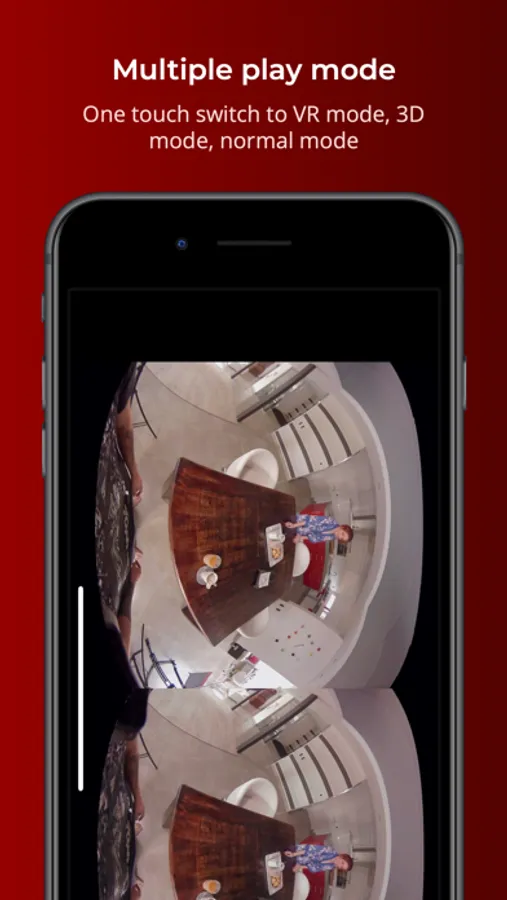
2. Support 3D movies and VR movies
3. Support wearing VR glasses to watch 2D movies
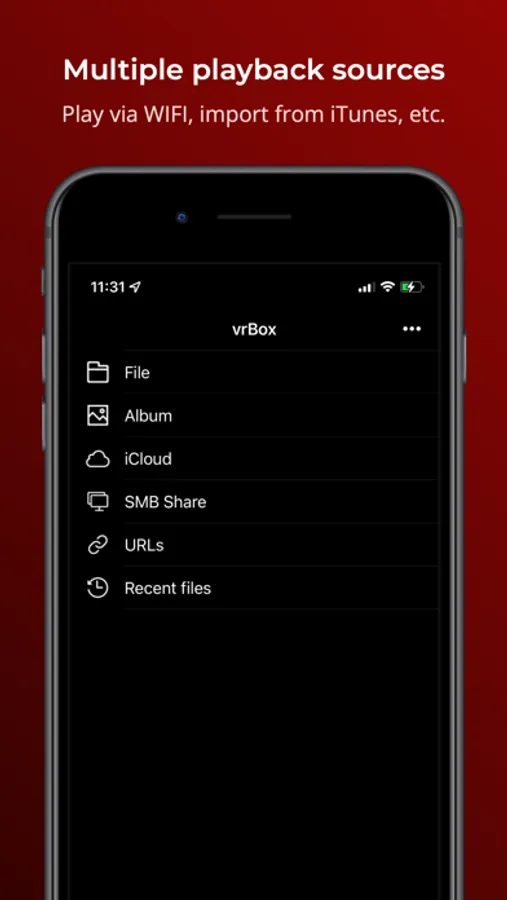
4. Support access to local LAN sharing
5. Rotated playback
6. Display scale can be changed
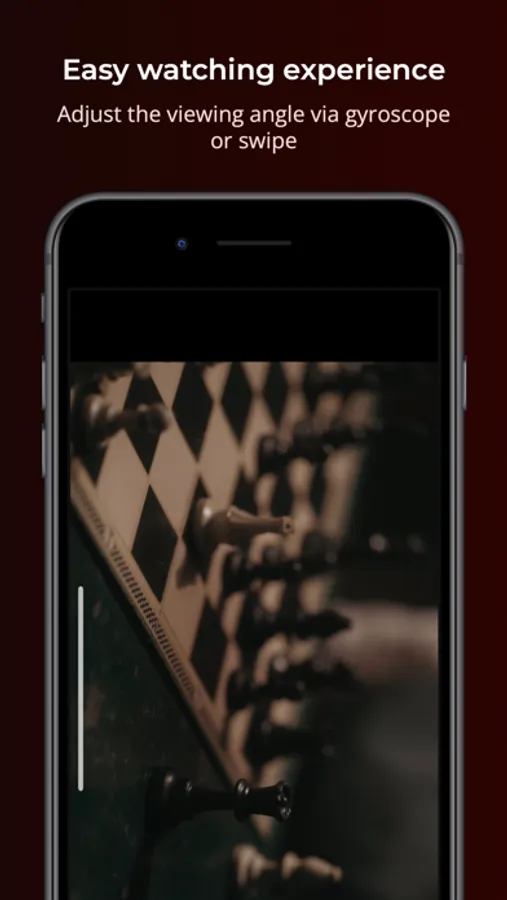
7. In VR mode, you can change the viewing angle by tilting your iphone or swiping the screen
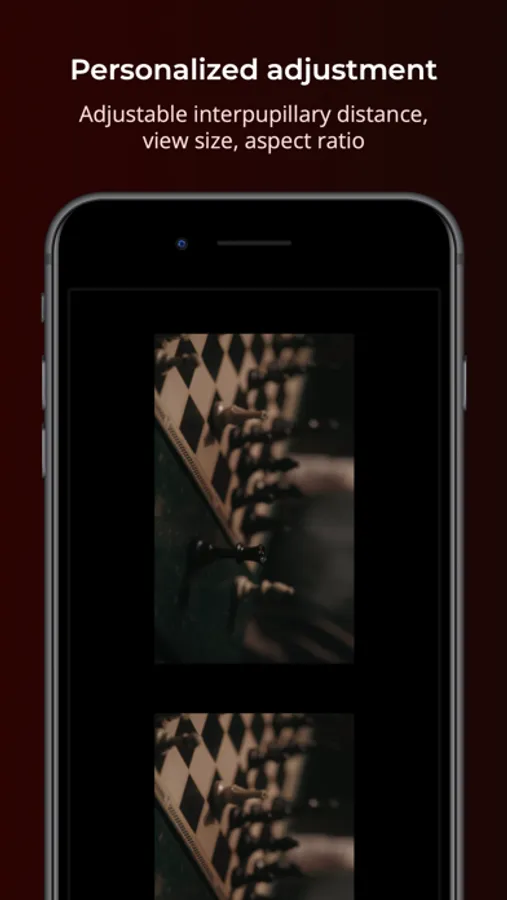
8. Support to adjust pupil distance
9.Please use the app with VR glasses
10.Support for some formats is incomplete and we will continue to improve
**In-app purchase and subscription terms**
vrBox Player is a free app, but you can subscribe to unlock all features.
Once you confirm your purchase, you will be charged to your Apple ID account. If purchase the auto-renewing subscription, unless you cancel the order at least 24 hours before the end of the current billing cycle, the subscription will automatically renew, and your account will charge the renewal fee within 24 hours before the end of the current billing cycle. You can manage or turn off auto-renewal in your Apple ID account settings at any time after you make a purchase.
Privacy policy -- https://www.pddy.site/privacy_policy.html
Terms of Use -- http://pddy.site/user_agreement.html
**Manage your subscription from iPhone**
Manage automatic renewal subscriptions with the following steps
1. Open Settings , [Your Name] , iTunes and the App Store.
2. Tap the Apple ID at the top of the screen.
3. Tap View Apple ID. You may need to verify your Apple ID.
4. Tap Subscribe.
5. Tap the subscription you want to manage.
6. Use these options to manage your subscription. You can choose from a different subscription option, or tap Unsubscribe to cancel your subscription. If cancelled, your subscription will stop at the end of the current payment period.
Question Feedback: help@pddy.site
1. Support most of video formats
2. Support 3D movies and VR movies
3. Support wearing VR glasses to watch 2D movies
4. Support access to local LAN sharing
5. Rotated playback
6. Display scale can be changed
7. In VR mode, you can change the viewing angle by tilting your iphone or swiping the screen
8. Support to adjust pupil distance
9.Please use the app with VR glasses
10.Support for some formats is incomplete and we will continue to improve
**In-app purchase and subscription terms**
vrBox Player is a free app, but you can subscribe to unlock all features.
Once you confirm your purchase, you will be charged to your Apple ID account. If purchase the auto-renewing subscription, unless you cancel the order at least 24 hours before the end of the current billing cycle, the subscription will automatically renew, and your account will charge the renewal fee within 24 hours before the end of the current billing cycle. You can manage or turn off auto-renewal in your Apple ID account settings at any time after you make a purchase.
Privacy policy -- https://www.pddy.site/privacy_policy.html
Terms of Use -- http://pddy.site/user_agreement.html
**Manage your subscription from iPhone**
Manage automatic renewal subscriptions with the following steps
1. Open Settings , [Your Name] , iTunes and the App Store.
2. Tap the Apple ID at the top of the screen.
3. Tap View Apple ID. You may need to verify your Apple ID.
4. Tap Subscribe.
5. Tap the subscription you want to manage.
6. Use these options to manage your subscription. You can choose from a different subscription option, or tap Unsubscribe to cancel your subscription. If cancelled, your subscription will stop at the end of the current payment period.
Question Feedback: help@pddy.site
vrBox - VR Player Screenshots
Tap to Rate:
Reviews for vrBox - VR Player
DokiDokiChocolate
Nope
Doesn’t work for my vr videos.
The_Reviewer_13
Worked for a while…
This was a great free app and worked for a while. However, it seems there was either an update or it didn’t keep updated to the latest IOS. It no longer works with any movies. Gives an error message.