AppRecs review analysis
AppRecs rating 2.0. Trustworthiness 69 out of 100. Review manipulation risk 25 out of 100. Based on a review sample analyzed.
★★☆☆☆
2.0
AppRecs Rating
Ratings breakdown
5 star
0%
4 star
0%
3 star
33%
2 star
33%
1 star
33%
What to know
✓
Low review manipulation risk
25% review manipulation risk
⚠
Mixed user feedback
Average 2.0★ rating suggests room for improvement
About Aerophone Lesson
Applicable models: Aerophone Pro AE-30 (Version 1.10 or later) / Aerophone AE-20
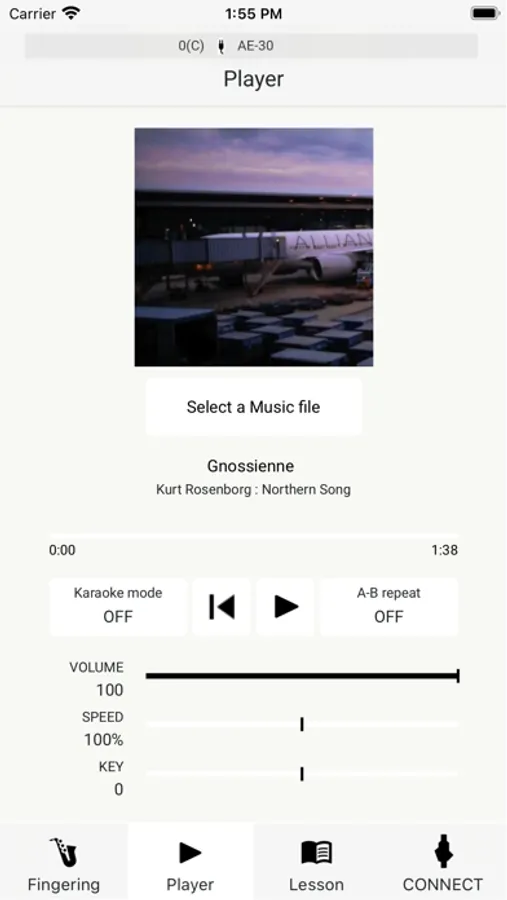
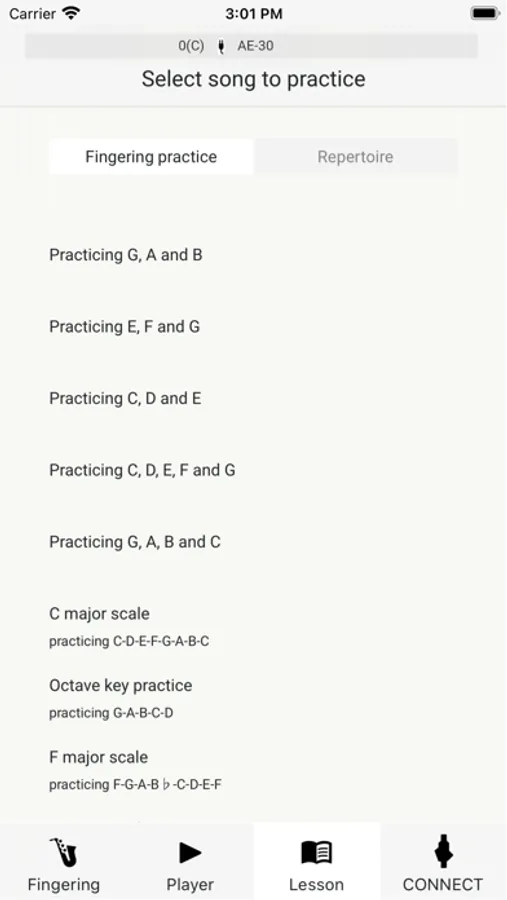
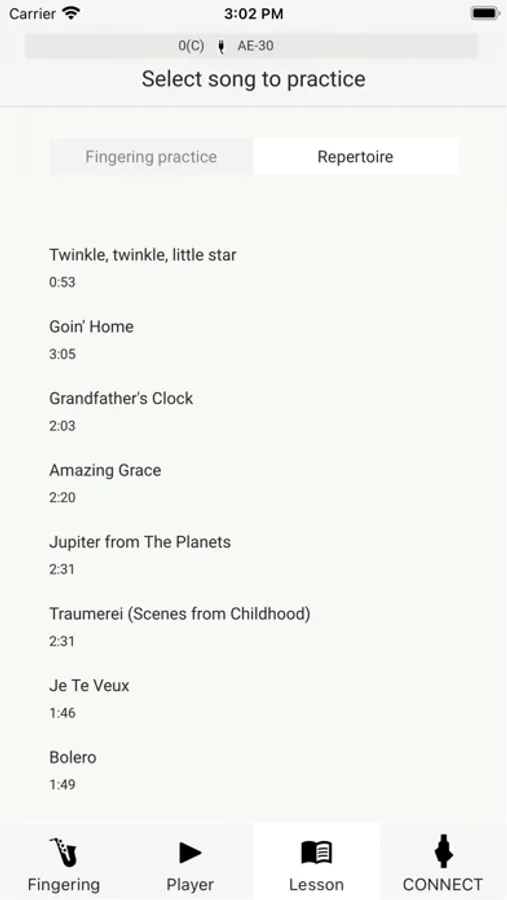
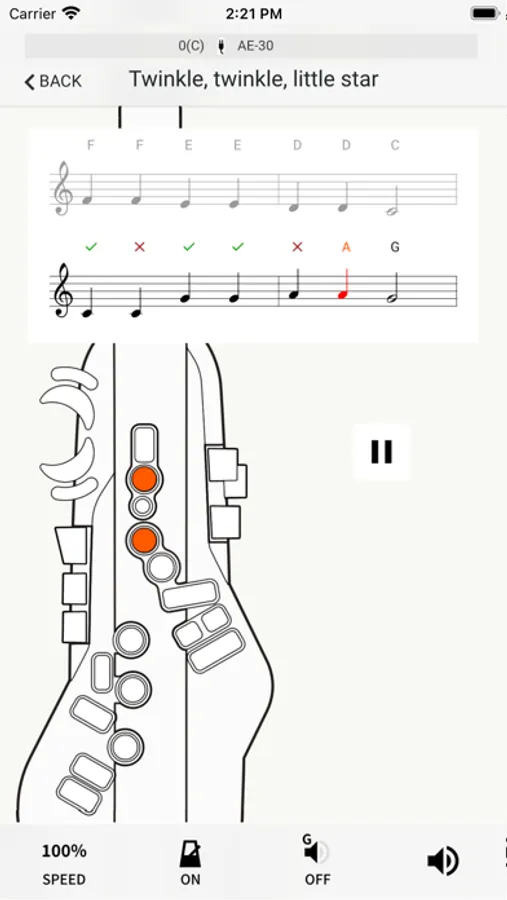
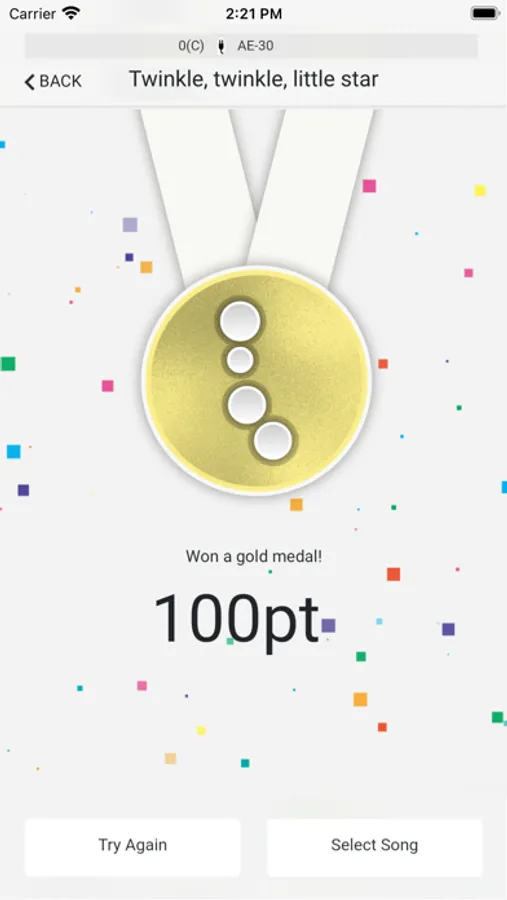
Aerophone Lesson is an app that helps improve your playing and supports your musical development. You can check your fingering, view a fingering chart, and even play along with your favorite songs on your smartphone or tablet. In addition to the 12 basic fingering lessons, there are also 11 built-in practice songs, so you can learn to play while having fun checking your fingering and scoring your accuracy.
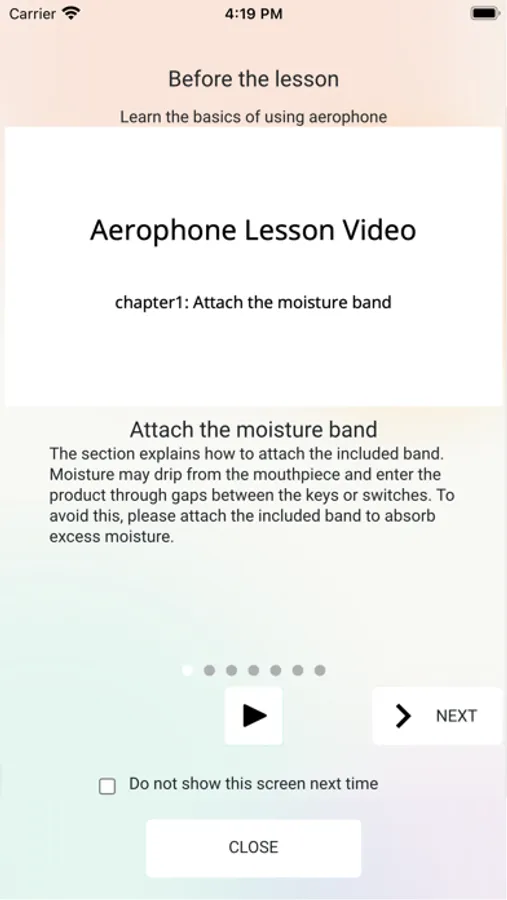
It also includes tutorial videos that show you how to hold Aerophone and how to use the mouthpiece, so even beginning players can start using Aerophone right away.
For more information about Aerophone Pro and Aerophone AE-20, please visit
https://roland.cm/aerophone_products
Main features
- Easy connection via Bluetooth
- Tutorial videos that show you how to hold and operate the instrument
- You can check which fingering you are using
- 12 fingering lessons for learning fingerings and scales
- 11 built-in lesson songs that make practice fun
- Play along with music on your smartphone or tablet
Aerophone Lesson Screenshots

Tap to Rate:
Reviews for Aerophone Lesson
jbudet
Bug in landscape mode
Please fix the bug preventing the view of the menu when using in landscape mode. This stumped me until I saw an earlier review with the workaround. Please do not thank me for this review. Thank me by fixing this bug.
miTnosnhoJ
App is stuck in Video Lesson mode.
The videos are helpful but very basic. It is not possible to navigate to the other features such as fingering charts and backing tracks (if they exist). Edit: I have discovered the way to navigate beyond the videos. This app is set up in vertical orientation so if you have an iPad on horizontal orientation, you will not see the navigation buttons on the bottom. You will need to turn the iPad on its side. Then you can see additional features.