
About CitySavings Mobile
Signing up is as simple as 1-2-3.
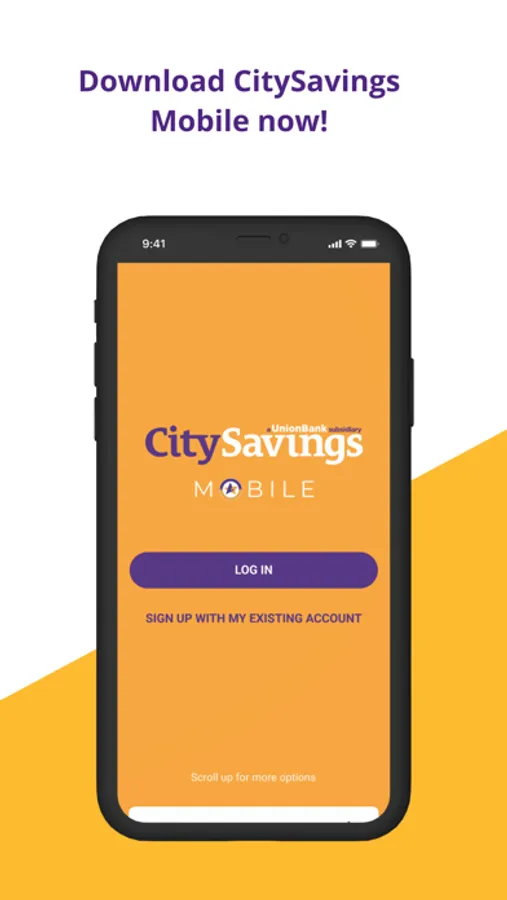
1. Download the app on your mobile phone.
2. Register using your savings or loan account number.
3. Enter your One-Time Password (OTP).
Once OTP is validated, you are set to build your user profile in the CitySavings Mobile.
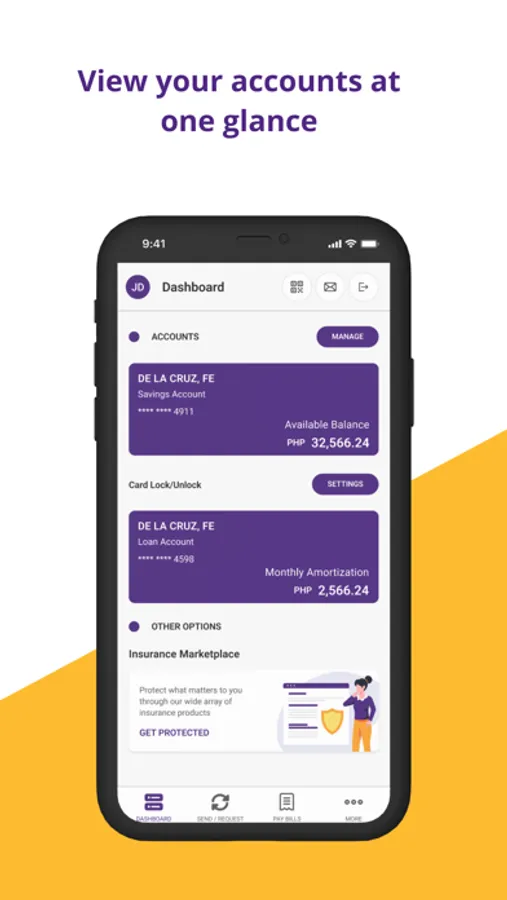
With the CitySavings Mobile, you can now view your Savings Account balance in real-time and for FREE.
You want to view the balances of your other CitySavings accounts? Just “Add” it on the app and it will be displayed on your dashboard.
CitySavings Bank Inc. is regulated by the Bangko Sentral ng Pilipinas.
Member: PDIC. Maximum deposit insurance for each depositor: P500,000.
1. Download the app on your mobile phone.
2. Register using your savings or loan account number.
3. Enter your One-Time Password (OTP).
Once OTP is validated, you are set to build your user profile in the CitySavings Mobile.
With the CitySavings Mobile, you can now view your Savings Account balance in real-time and for FREE.
You want to view the balances of your other CitySavings accounts? Just “Add” it on the app and it will be displayed on your dashboard.
CitySavings Bank Inc. is regulated by the Bangko Sentral ng Pilipinas.
Member: PDIC. Maximum deposit insurance for each depositor: P500,000.
CitySavings Mobile Screenshots
Tap to Rate: