
AppRecs review analysis
AppRecs rating 1.2. Trustworthiness 74 out of 100. Review manipulation risk 26 out of 100. Based on a review sample analyzed.
★☆☆☆☆
1.2
AppRecs Rating
Ratings breakdown
5 star
4%
4 star
0%
3 star
0%
2 star
0%
1 star
96%
What to know
✓
Low review manipulation risk
26% review manipulation risk
✓
Credible reviews
74% trustworthiness score from analyzed reviews
⚠
Mixed user feedback
Average 1.2★ rating suggests room for improvement
About AROMA 24/7
- Install the app and switch on the scent diffuser devices
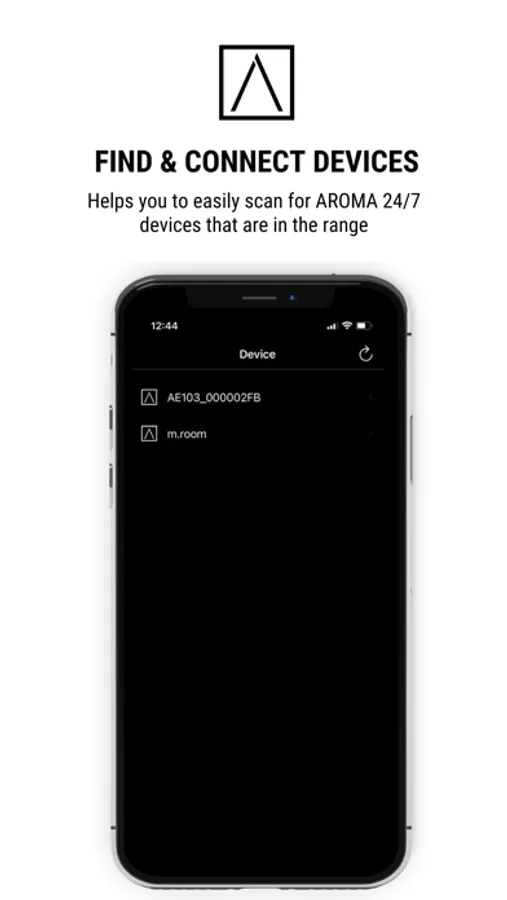
- Activate Blue Tooth on your smart device and scan for devices
- The app will now find the AROMA 24/7 Smart Scent Diffuser that is present within the range
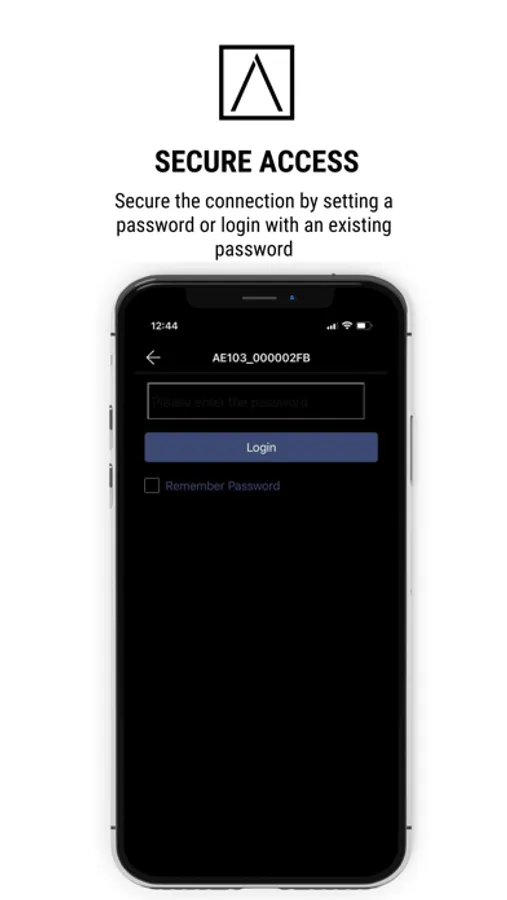
- Connect the device(s) by login with the default password (change password to your preferred one, once logged in)
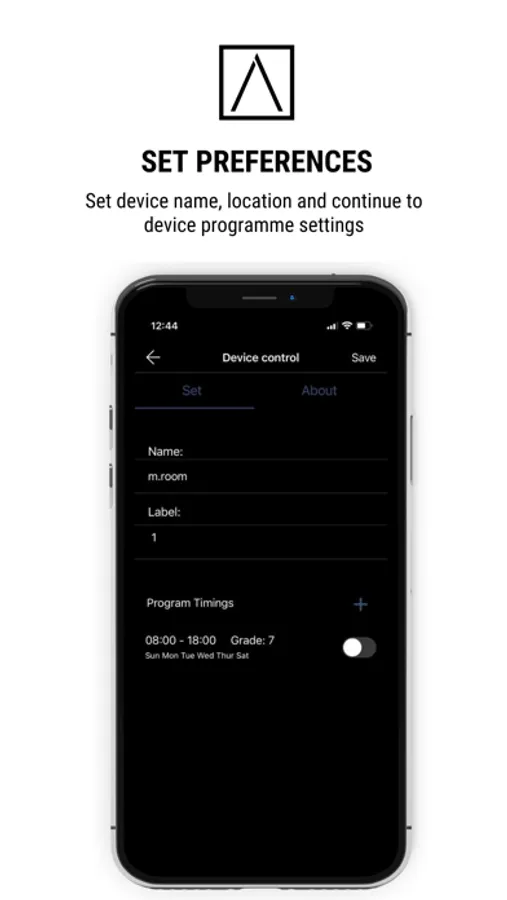
- You can now set a custom name for the device.
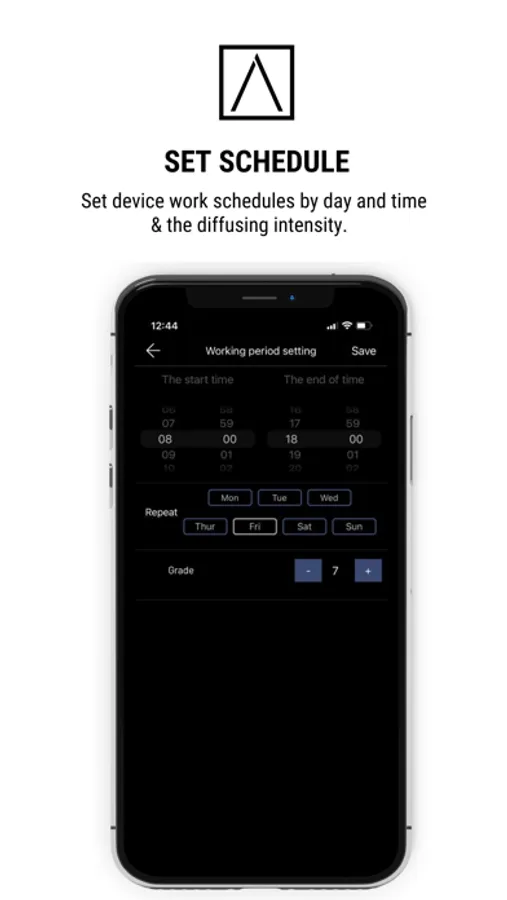
- Go on to set specific device work schedule and diffuser intensity.
- You are done with the Smart Scent Diffuser settings. You can always come back to the app and change the settings as required.
AROMA 24/7 Screenshots
Tap to Rate:
Reviews for AROMA 24/7
neversurpassed
Trash
I don’t write reviews often only with the extremes. This app is horrible just trying to create a login or understand what the prompts even mean or which instance the prompts are referring to atrocious
Any1)&@
So disappointed
Paid quite a bit of money, from Amazon worked great at first the app itself worked at first and now it is just awful doesn’t respond. Cannot find any support will not let me set the days and I have to manually turn it on every single day. It’s very annoying.