
With this diagnostics app, you can set up and connect your FinestraMiner hotspot by following step-by-step instructions and configuring Bluetooth. Includes setup guidance, diagnostic tools, and connectivity testing.
AppRecs review analysis
AppRecs rating 2.3. Trustworthiness 63 out of 100. Review manipulation risk 27 out of 100. Based on a review sample analyzed.
★★☆☆☆
2.3
AppRecs Rating
Ratings breakdown
5 star
40%
4 star
0%
3 star
10%
2 star
20%
1 star
30%
What to know
✓
Low review manipulation risk
27% review manipulation risk
About FinestraMiner Diagnostics
The FinestraMiner Diagnostics app gives you the tools necessary to begin mining with your FinestraMiner.
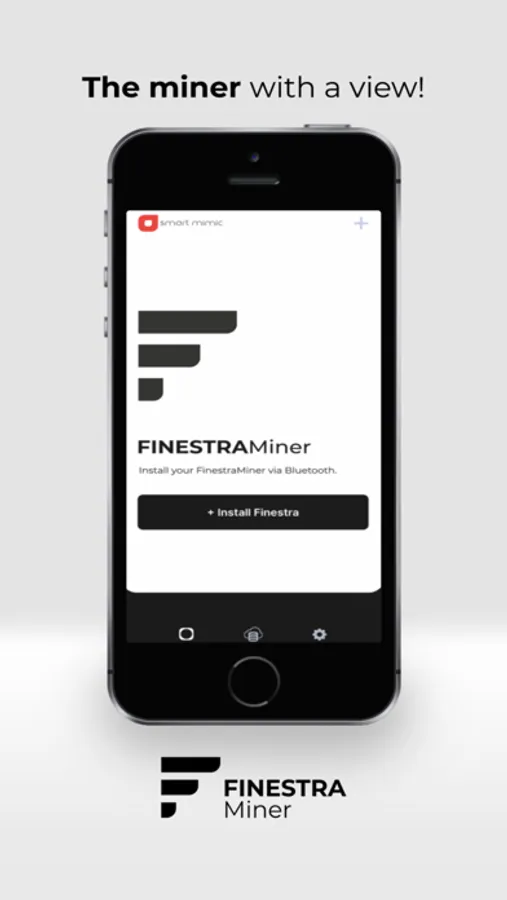
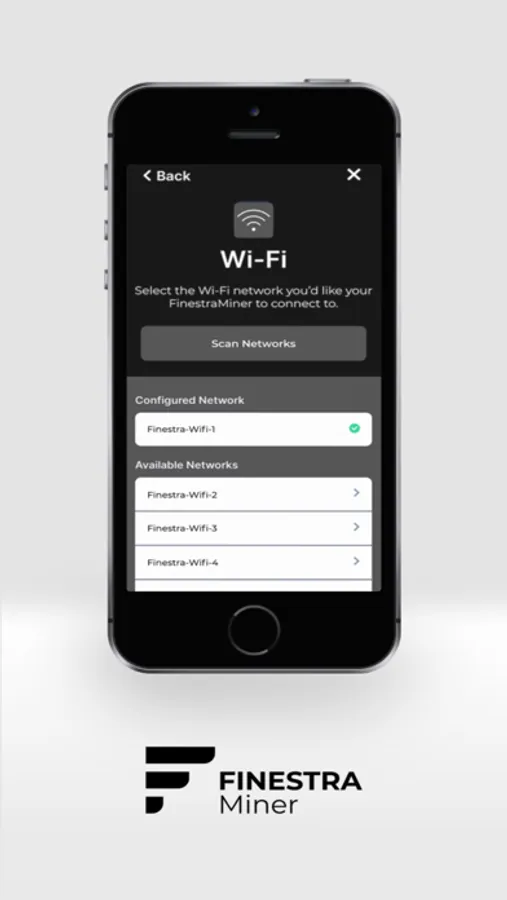
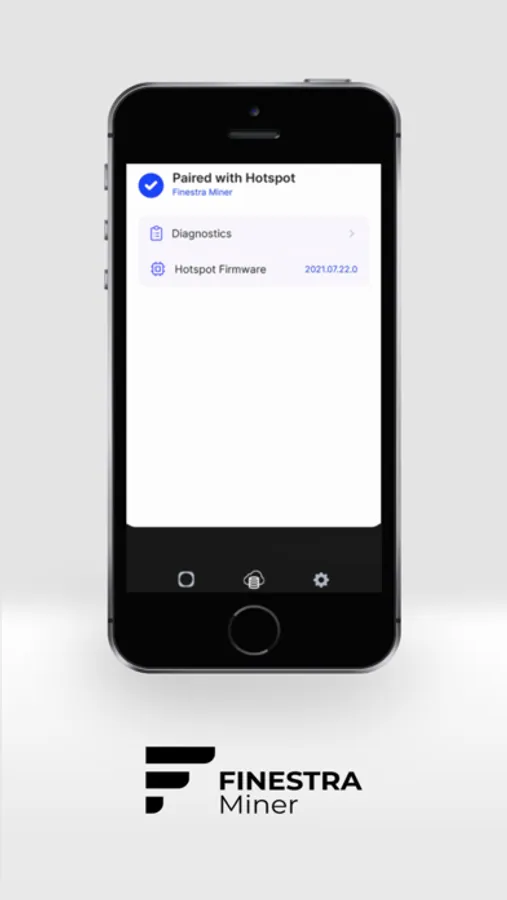
FinestraMiner Diagnostics app will give the user instructions on how to unbox and setup the FinestraMiner hotspot, including:
How to power on the FinestraMiner
Placement instructions
Bluetooth configuration with your smartphone
Connecting to your Wi-Fi network
The FinestraMiner Diagnostics App will provide diagnostics for the user’s FinestraMiner hotspot via Bluetooth.
FinestraMiner Diagnostics app will give the user instructions on how to unbox and setup the FinestraMiner hotspot, including:
How to power on the FinestraMiner
Placement instructions
Bluetooth configuration with your smartphone
Connecting to your Wi-Fi network
The FinestraMiner Diagnostics App will provide diagnostics for the user’s FinestraMiner hotspot via Bluetooth.
FinestraMiner Diagnostics Screenshots
Tap to Rate:
Reviews for FinestraMiner Diagnostics
dalinar tdib
Needs work
There isn’t much point to this app. All the details are available in the helium app which you need to run your hotspot. There is no additional info in the app to help diagnose. Also, when you are in the diagnose window there is no back button. You need to close out of that window and reconnect to get to one of the other screens.
Galassaray
No response, no support, just masters at taking your money
These guys are crooks