About New Year Animated Stickers !
Downloads New Year Animated Stickers for iMessage.
How to use iMessage Stickers:
• Tap the App Store icon alongside the message box in iMessage
• Tap the icon on the lower left corner and then the plus icon to access the App Store for iMessage. Tap Manage tab and find New Year Animated Stickers to add it.
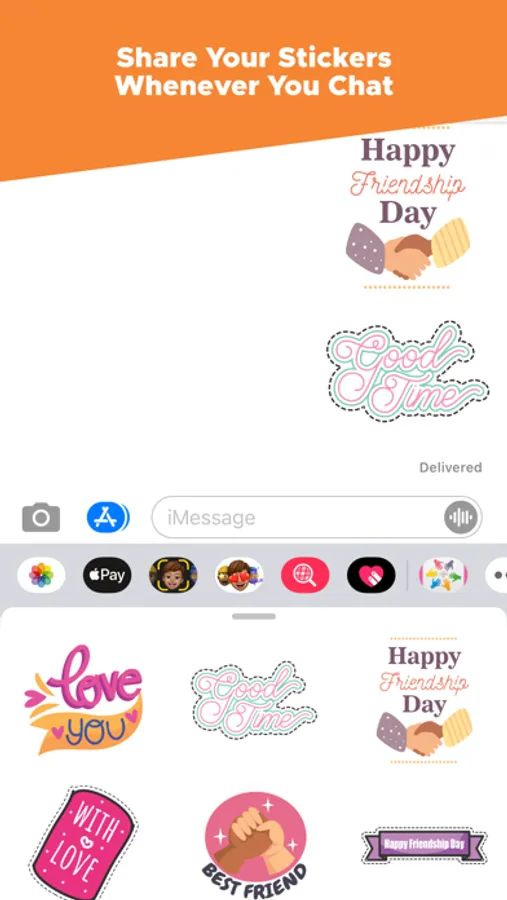
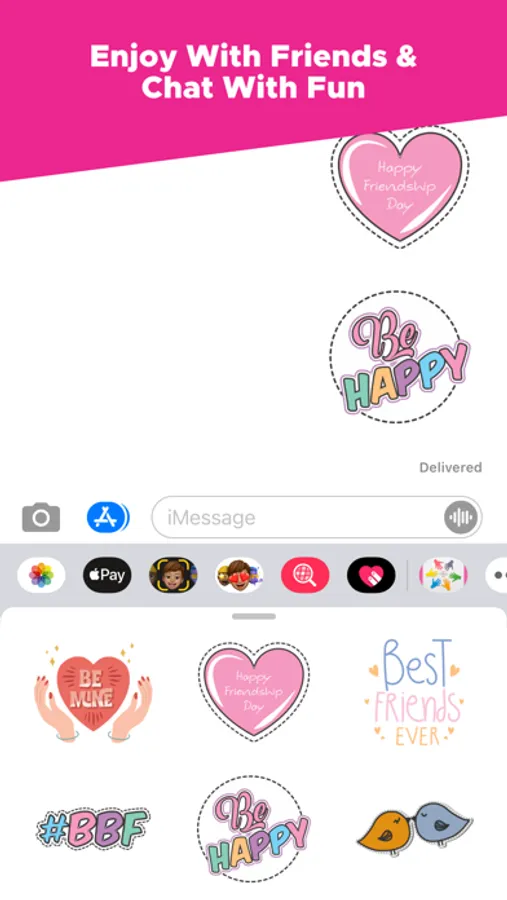
• You can peel and place them on anything in your conversation – bubbles, images, or even other stickers.
How to use iMessage Stickers:
• Tap the App Store icon alongside the message box in iMessage
• Tap the icon on the lower left corner and then the plus icon to access the App Store for iMessage. Tap Manage tab and find New Year Animated Stickers to add it.
• You can peel and place them on anything in your conversation – bubbles, images, or even other stickers.
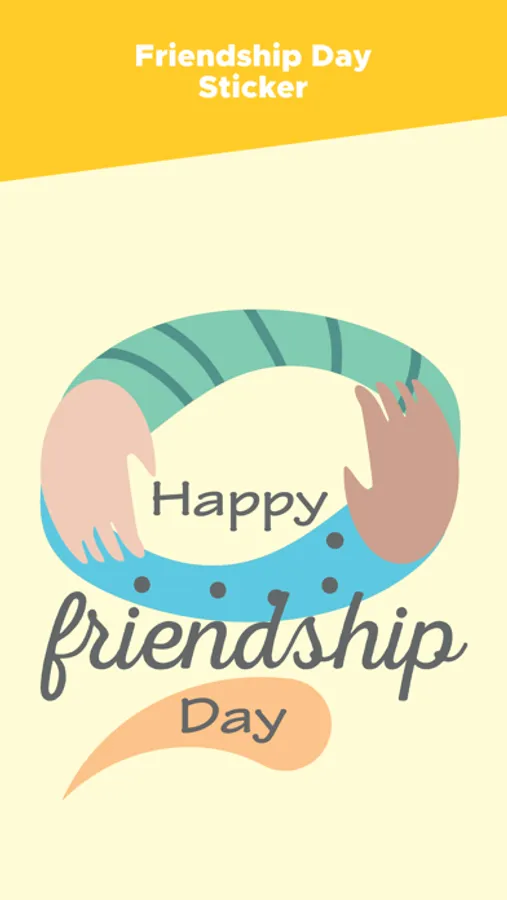
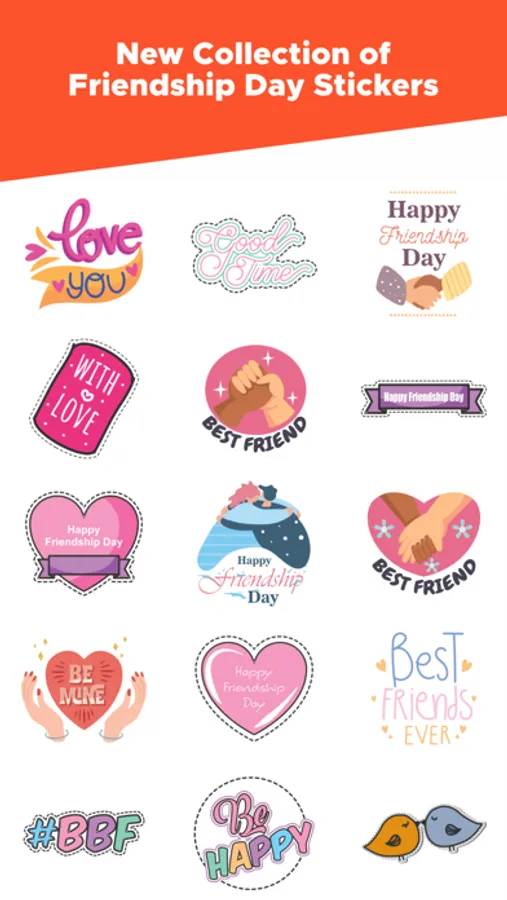
New Year Animated Stickers ! Screenshots
Tap to Rate: