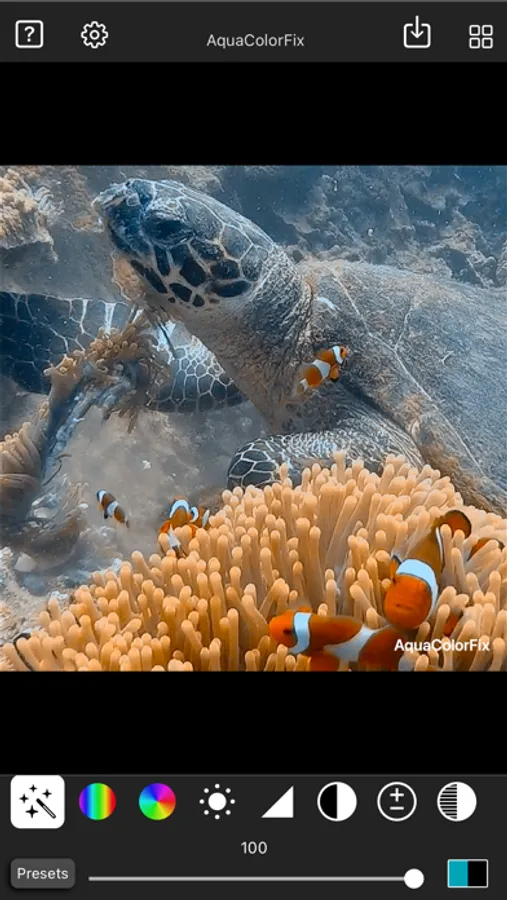
With this photo and video editing app, you can easily correct underwater colors with one tap and adjust various image parameters. Includes advanced color correction tools and options to add vignettes or save multiple edited files.
AppRecs review analysis
AppRecs rating 4.4. Trustworthiness 81 out of 100. Review manipulation risk 21 out of 100. Based on a review sample analyzed.
★★★★☆
4.4
AppRecs Rating
Ratings breakdown
5 star
89%
4 star
7%
3 star
2%
2 star
0%
1 star
1%
What to know
✓
Low review manipulation risk
21% review manipulation risk
✓
Credible reviews
81% trustworthiness score from analyzed reviews
✓
High user satisfaction
89% of sampled ratings are 5 stars
About AquaColorFix - Photo & Video
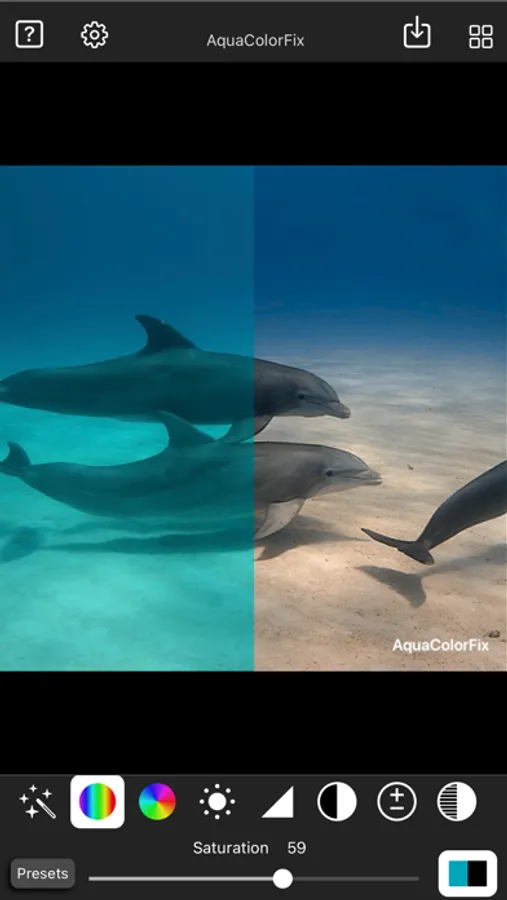
No account or signup required. Download the app, and then start color correcting photos in seconds. Example underwater photo and video available in the help section.
AquaColorFix Features:
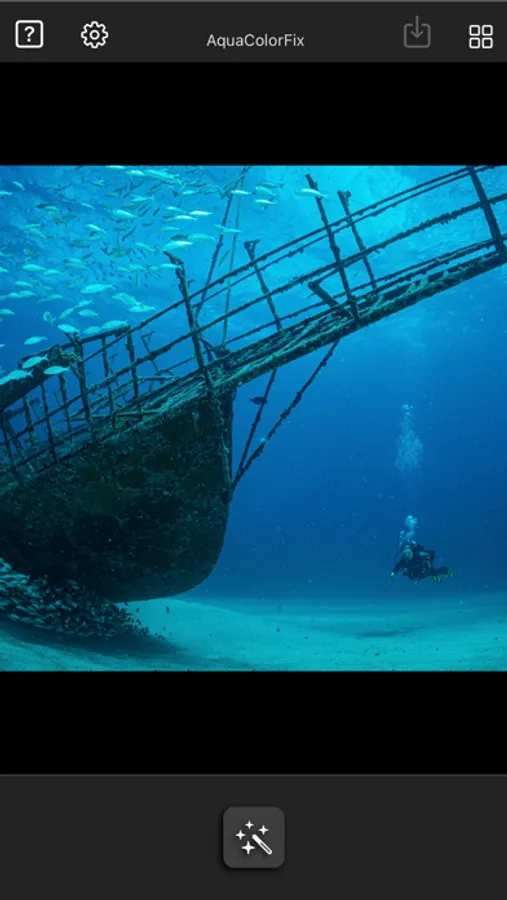
•Simple one tap underwater photo and video color correction.
•Color Correction Adjust
•Saturation Adjust
•Hue Adjust
•Brightness Adjust
•Sharpness Adjust
•Contrast Adjust
•Exposure Adjust
•Highlights Adjust
•Shadows Adjust
•Black Point Adjust
•Add Vignette
•Save unlimited color corrected photos that include a watermark.
Additional AquaColorFix Pro features available after an In-App purchase:
•Remove the watermark or add a custom watermark.
•Save unlimited color corrected videos.
Terms of Use: https://www.apple.com/legal/internet-services/itunes/dev/stdeula/
AquaColorFix - Photo & Video Screenshots
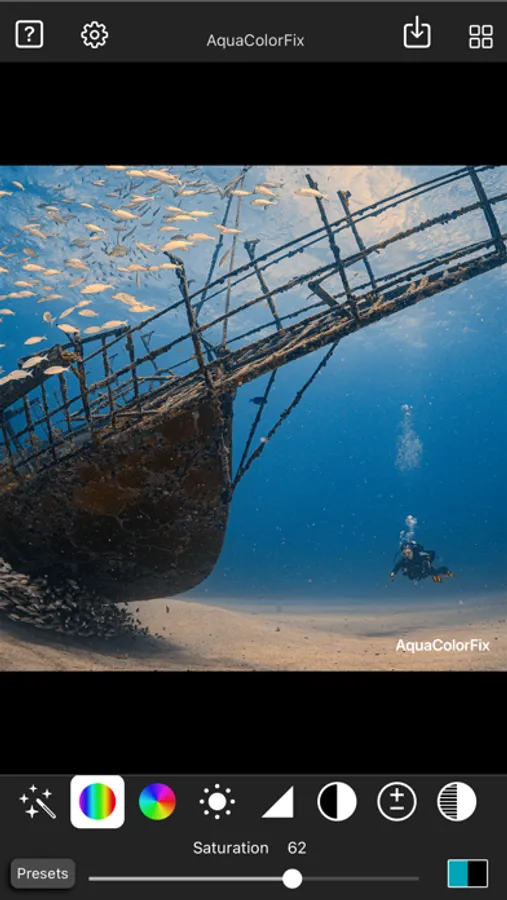
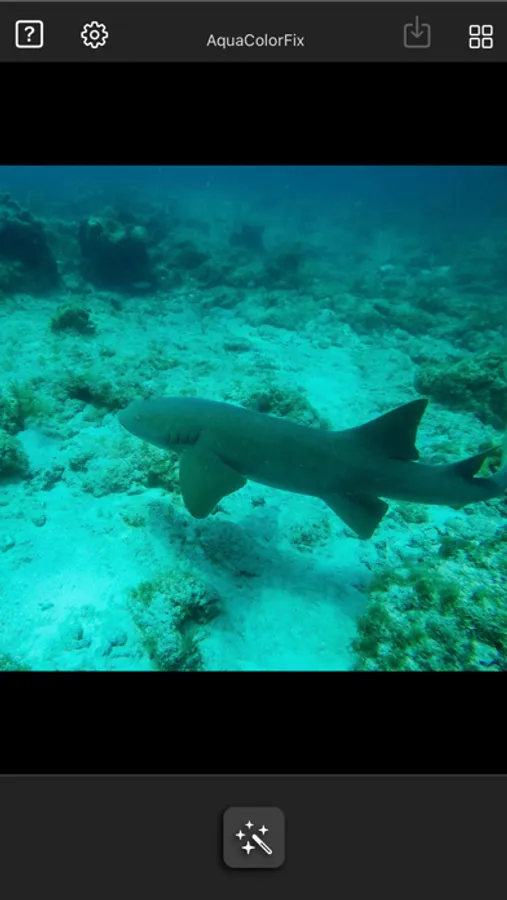
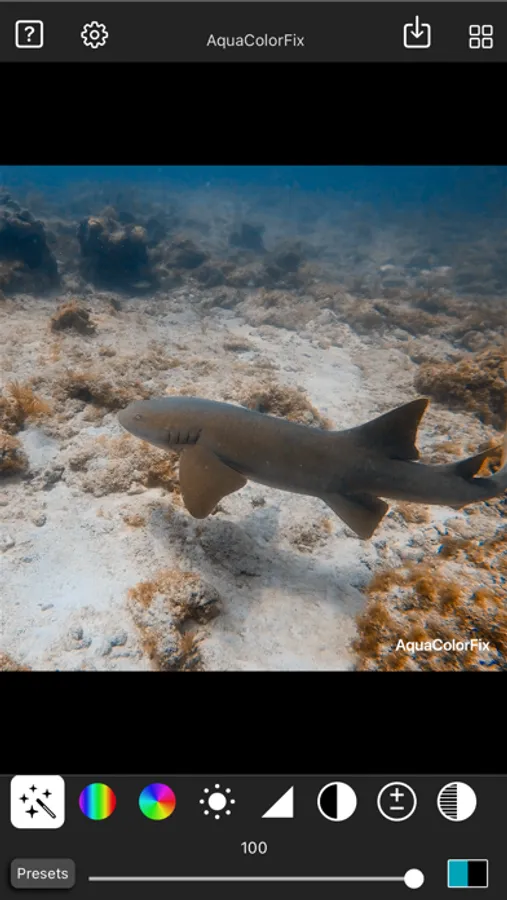
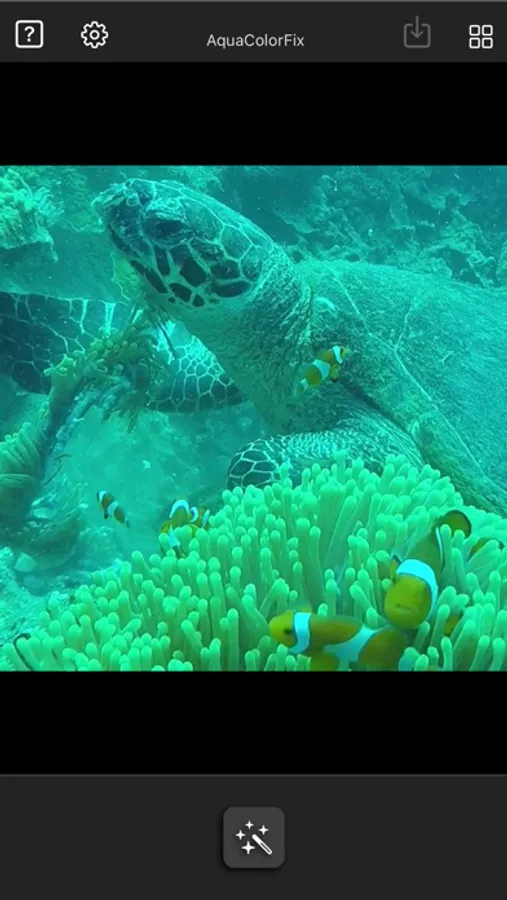
Tap to Rate:
Reviews for AquaColorFix - Photo & Video
Melissa64226993
So worth the cost!
Love love love this app and the control it allows you to have! Works better than the other dive correction apps I’ve tried. The difference it makes is astonishing. I run my videos through here first before doing some tweaking in DaVinci Resolve, and it makes life so much easier. Note: it works with rec709 color space, but not rec2020. Haven’t tried others such as Applelog, so can’t comment.
warbossmatt
Great app, but compression issues
The app is easy to use and has continually added new options, but the downgrade in video quality is just too much. Background like coral is pixelated and distracting with lots of pop in. I would love to see an option to choose the output quality.