AppRecs review analysis
AppRecs rating 4.6. Trustworthiness 81 out of 100. Review manipulation risk 26 out of 100. Based on a review sample analyzed.
★★★★☆
4.6
AppRecs Rating
Ratings breakdown
5 star
80%
4 star
10%
3 star
0%
2 star
10%
1 star
0%
What to know
✓
Low review manipulation risk
26% review manipulation risk
✓
Credible reviews
81% trustworthiness score from analyzed reviews
✓
High user satisfaction
80% of sampled ratings are 5 stars
About Braille Decoded
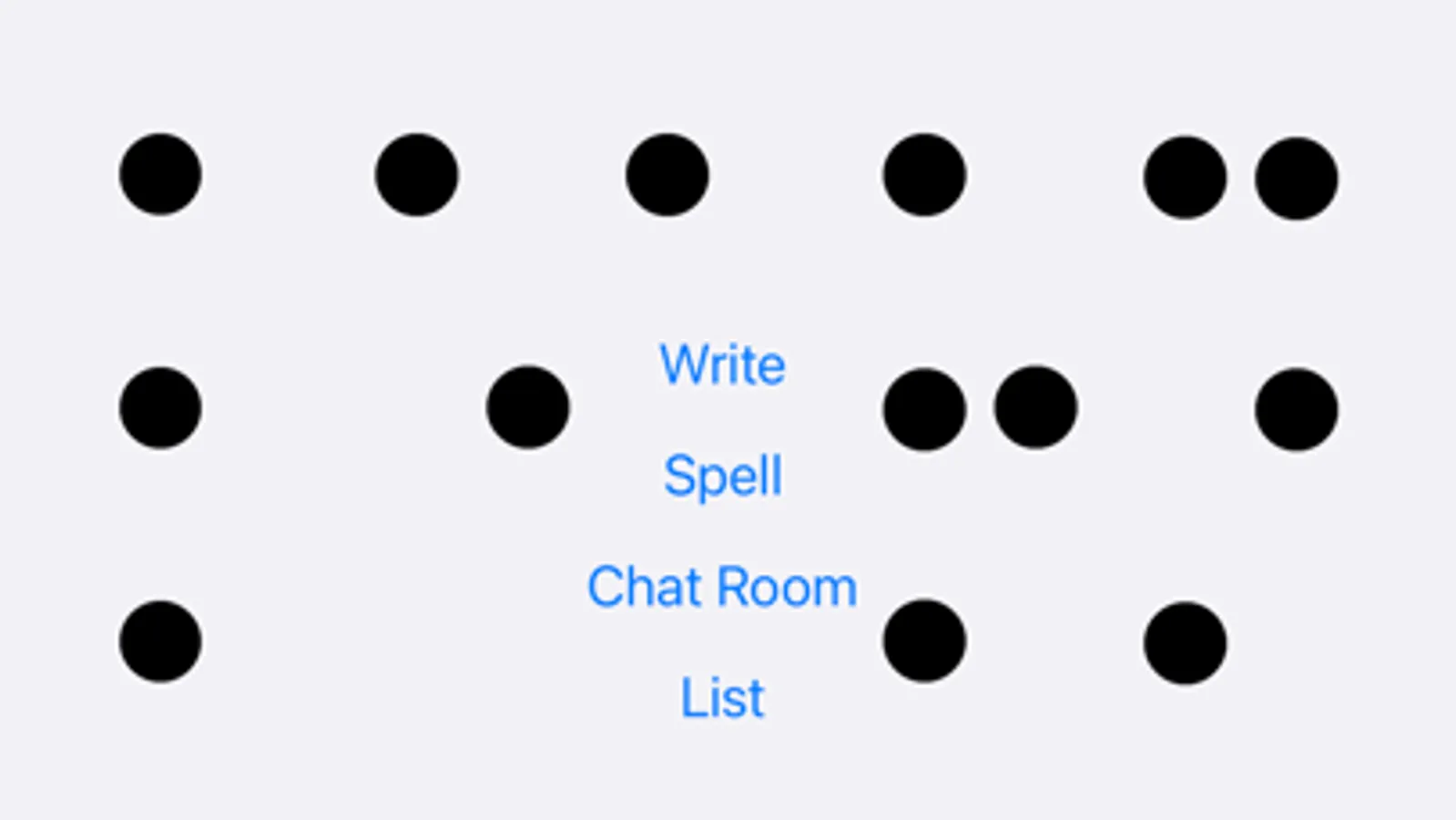
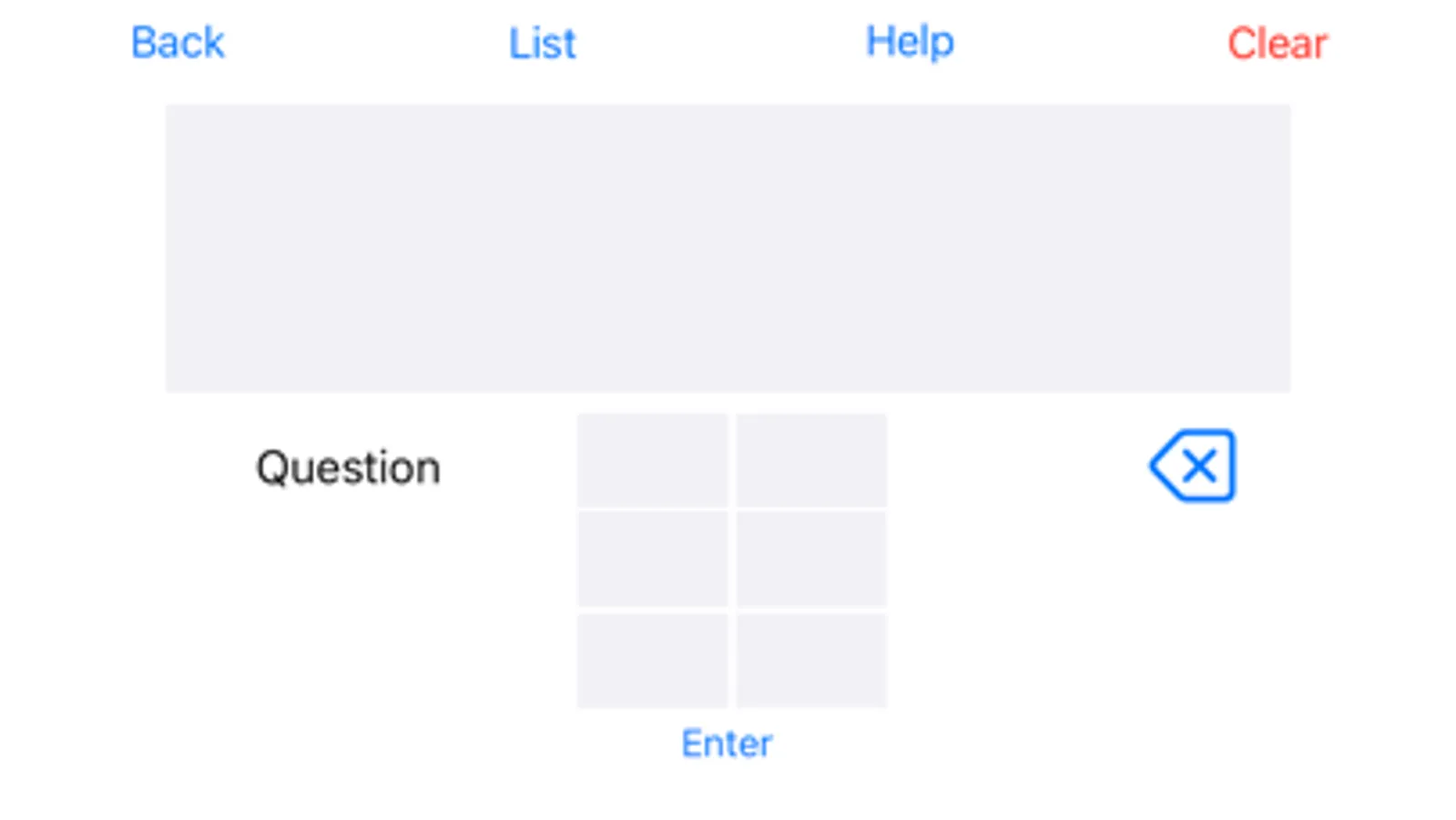
• UEB Translator: Convert text to contracted or uncontracted UEB with rule-aware handling of contractions, shortforms, punctuation, and edge cases.
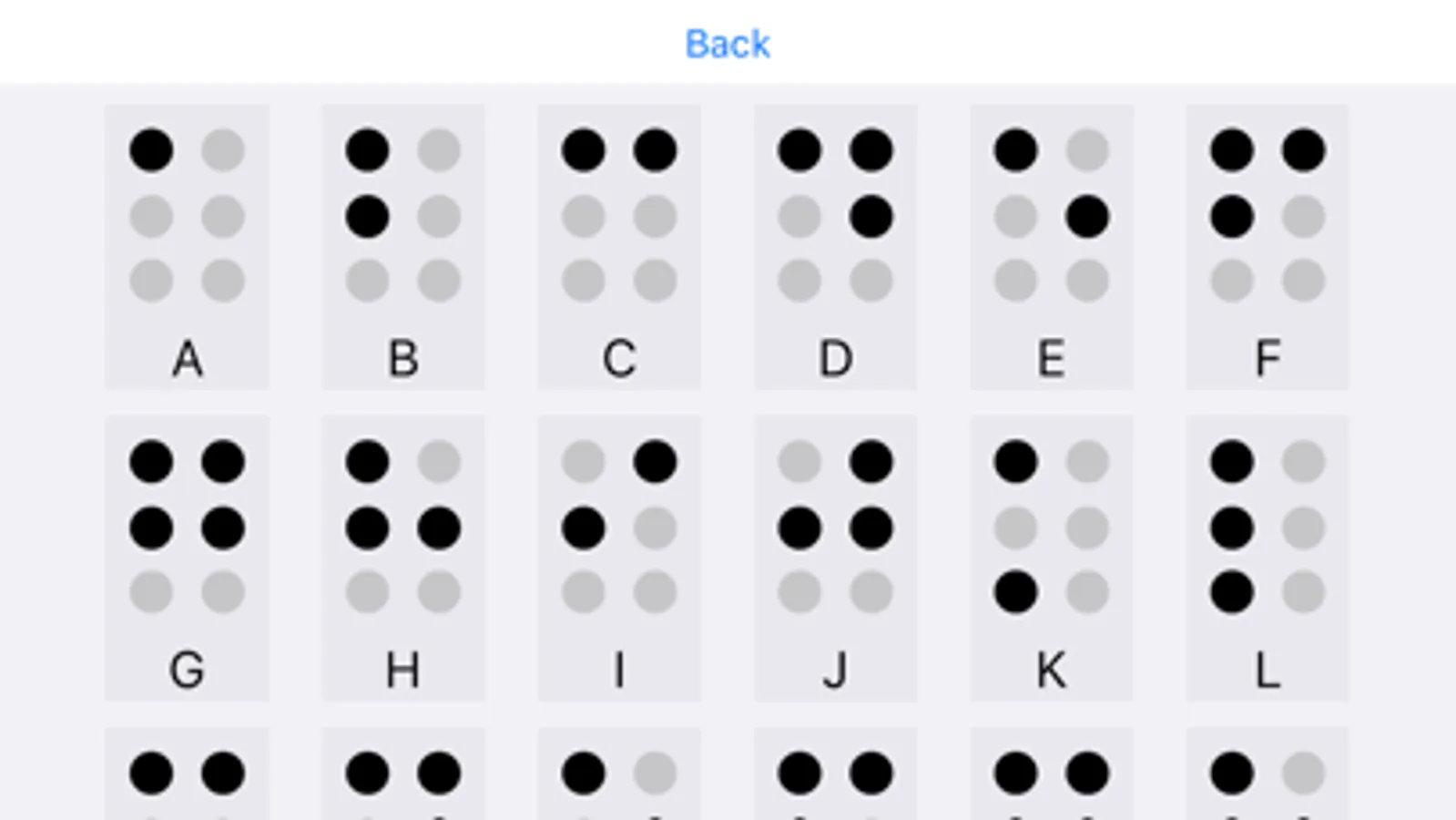
• Interactive learning: Master the alphabet, numbers, common contractions, and shortforms through quick exercises. Then apply skills with our short story library for context-based reading.
• Live braille chatroom: Practice in real time with learners and fluent readers—send and read messages in braille to build confidence.
• Accessible by design: Light/Dark themes and a High Contrast option keep reading comfortable and customizable.
Start reading and writing braille today with tools that make learning practical, supportive, and rewarding.
Braille Decoded Screenshots
Tap to Rate:
Reviews for Braille Decoded
H TV get
Doesn’t work with all of the modes
When in spell mode the sentence you need to write in braille is often truncated making it impossible to do. You need to turn off displaying letters to be able to view two lines of text, but even that will truncated if you have a long two line sentence.
jess2457878
Nice app for typing and reading/sending braille
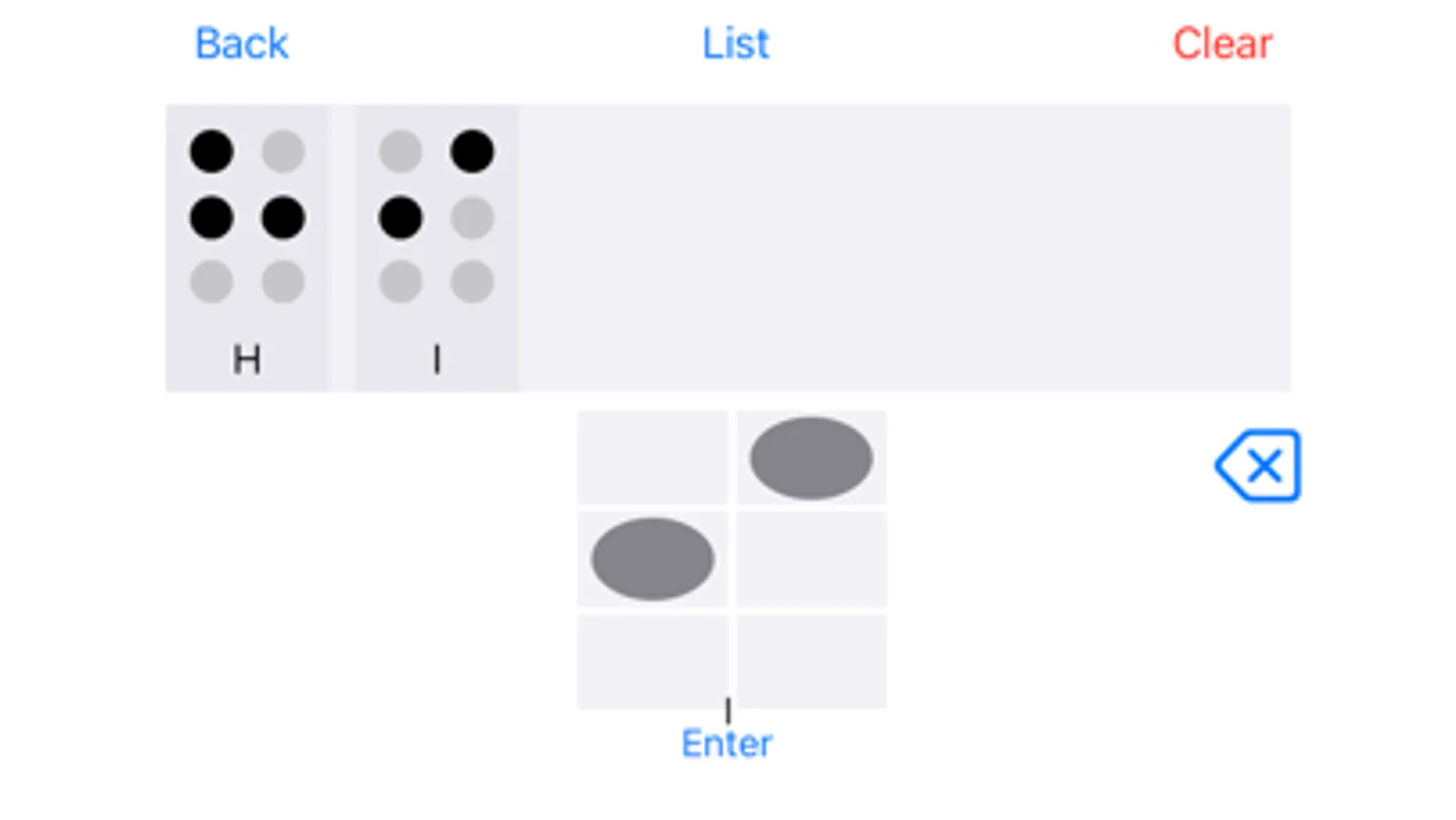
I've been looking for an app for a while that can type with braille and outputs braille (not english) so I can practice with friends who are also working to learn braille. I have a few suggestions that would improve to a 5 start rating. 1. As a low vision person, I have a hard time seeing the dots to click. Could a black outline be arount each dot in the cell? Or make the background of the dots darker so they stand out more. 2. Can we have a portrait mode? Makes it easier to type, don't need all the space at the bottom. 3. When we press enter to add the cell to the line, it'd be nice if the dots could clear themselves. 4. Could we add a cursor to the line of cells? That way if we have to make an edit, we don't have to clear everything back to that point. 5. It'd be absolutely amazing if there was an option to have the typing cell as an addon keyboard for typing outside the app, like in text messages, notes, email etc.