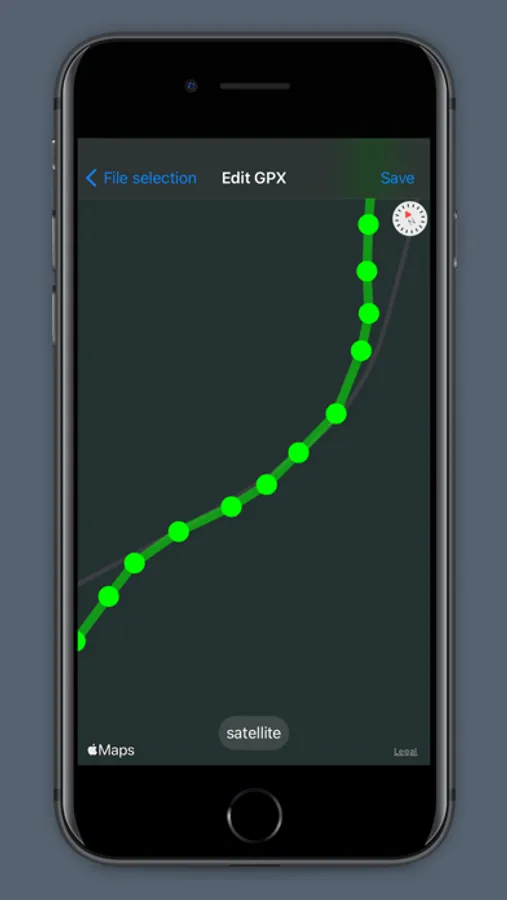
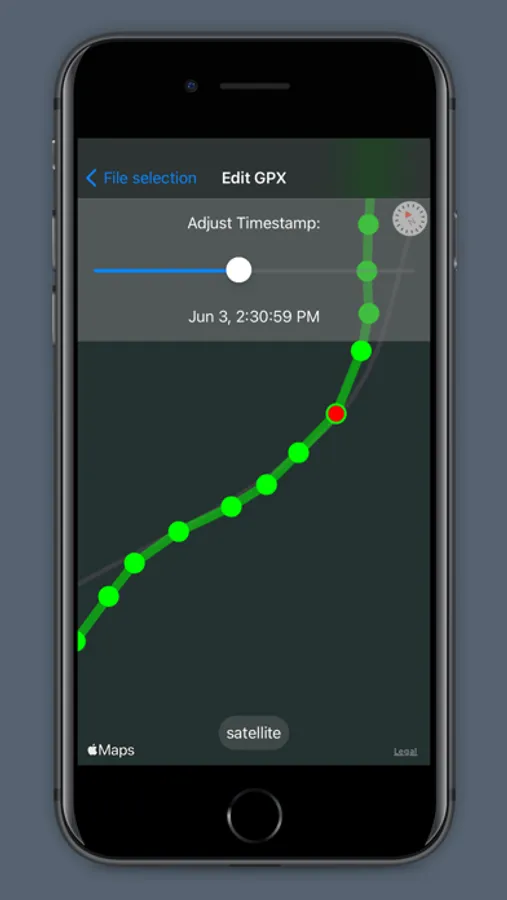
In this GPX File Editor, users can modify GPS tracks by deleting, moving, or adding track points and adjusting timestamps. Includes track point management, map type toggling, and color-coded segment visualization.
AppRecs review analysis
AppRecs rating 3.3. Trustworthiness 82 out of 100. Review manipulation risk 28 out of 100. Based on a review sample analyzed.
★★★☆☆
3.3
AppRecs Rating
Ratings breakdown
5 star
54%
4 star
0%
3 star
0%
2 star
0%
1 star
46%
What to know
✓
Low review manipulation risk
28% review manipulation risk
✓
Credible reviews
82% trustworthiness score from analyzed reviews
About GPX File Editor
Edit GPS tracks stored as GPX files:
- Unlike other GPS track editors, GPX File Editor can handle thousands of track points
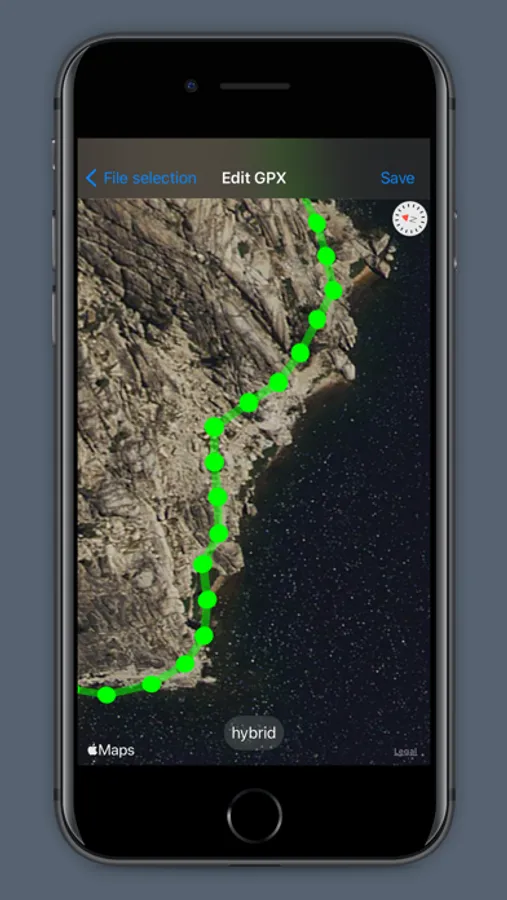
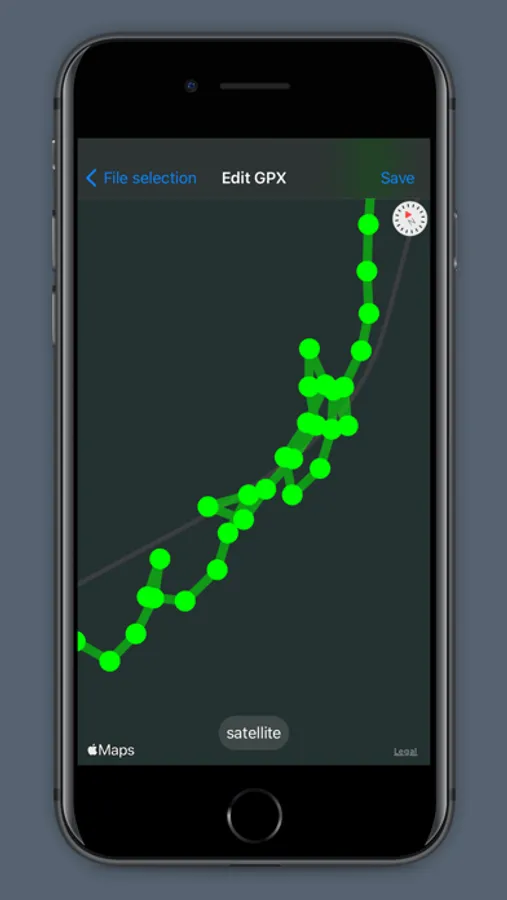
- Delete Track Points
- Move Track Points
- Adjust timestamps
- Clean up your Strava, Runkeeper and Garmin tracks
- Missing GPS data? Add new points to your track
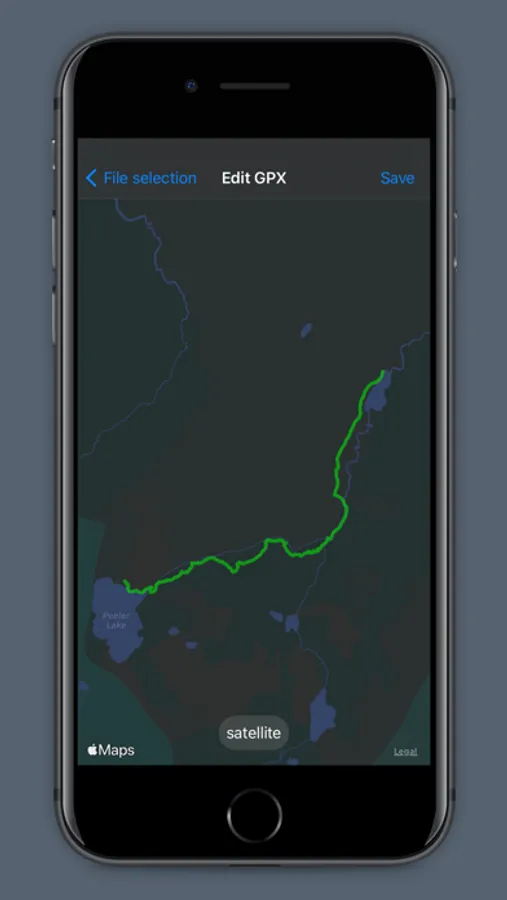
- Toggle between map types: street grid, satellite and hybrid
- Save edited GPS tracks to your Files
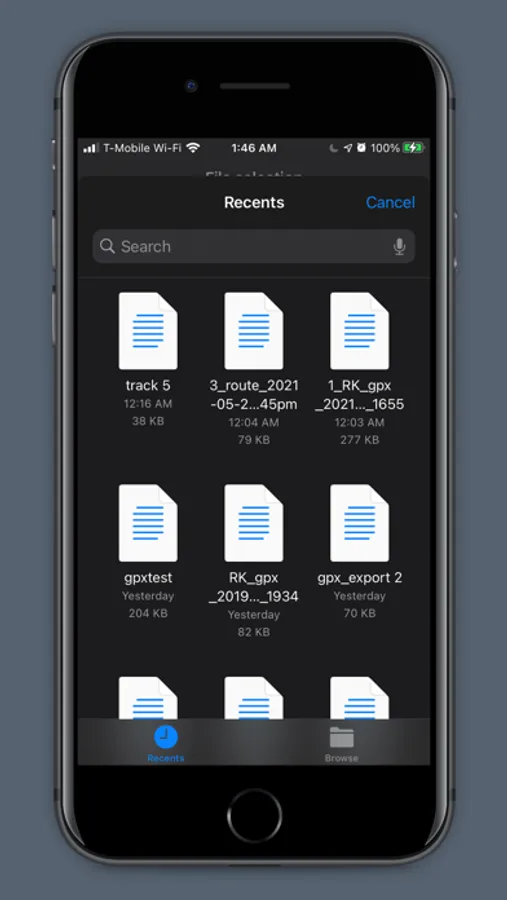
- Browse your files for GPX files from within the app, open GPX files directly from the Files app, or open GPX files you receive as messages or email attachments
- Simplify your tracks by creating a filter tor remove points that are very close together
- Turn on colorful line segments to quickly identify section of low and fast travel. The values that govern the color gradient are fully customizable.
- Unlike other GPS track editors, GPX File Editor can handle thousands of track points
- Delete Track Points
- Move Track Points
- Adjust timestamps
- Clean up your Strava, Runkeeper and Garmin tracks
- Missing GPS data? Add new points to your track
- Toggle between map types: street grid, satellite and hybrid
- Save edited GPS tracks to your Files
- Browse your files for GPX files from within the app, open GPX files directly from the Files app, or open GPX files you receive as messages or email attachments
- Simplify your tracks by creating a filter tor remove points that are very close together
- Turn on colorful line segments to quickly identify section of low and fast travel. The values that govern the color gradient are fully customizable.
GPX File Editor Screenshots
Tap to Rate:
Reviews for GPX File Editor
DMartin650
Didn’t work at all
App wouldn’t import gpx files from multiple sources. Link to contact developer doesn’t work.
Que Bummed
Won’t Work for Gaia GPX Exports
I have to join the group giving this poor reviews. It won’t open gpx files exported from Gaia GPS.