AppRecs review analysis
AppRecs rating 3.8. Trustworthiness 65 out of 100. Review manipulation risk 28 out of 100. Based on a review sample analyzed.
★★★☆☆
3.8
AppRecs Rating
Ratings breakdown
5 star
63%
4 star
0%
3 star
13%
2 star
0%
1 star
25%
What to know
✓
Low review manipulation risk
28% review manipulation risk
✓
Good user ratings
63% positive sampled reviews
About Google Sheets,MS Excel AI Form
Benefits of Falcon Forms
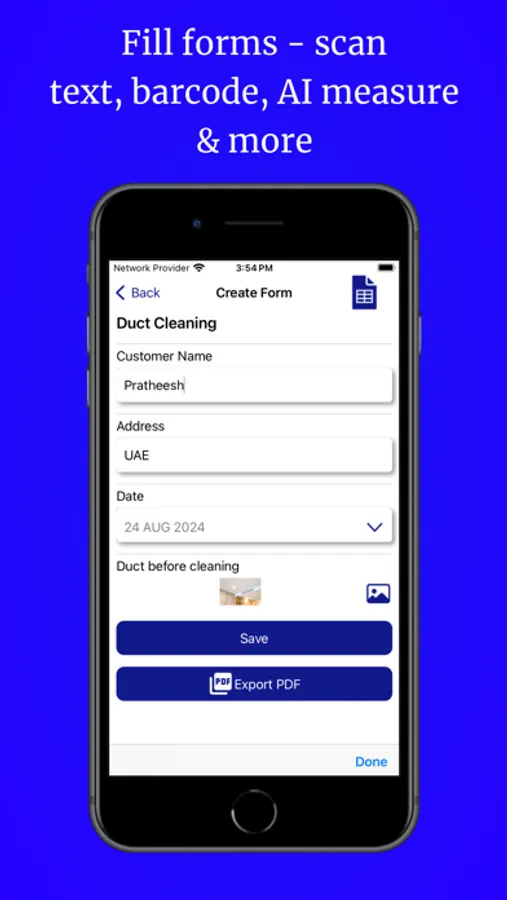
AI-Powered Form Creation: Instantly generate smart, ready-to-use forms with our built-in AI Form Builder. Perfect for quickly creating templates tailored to your needs.
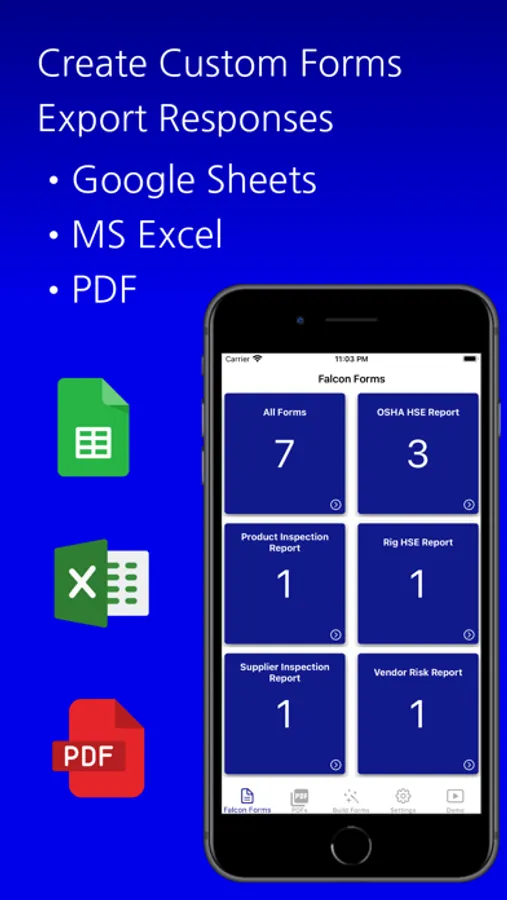
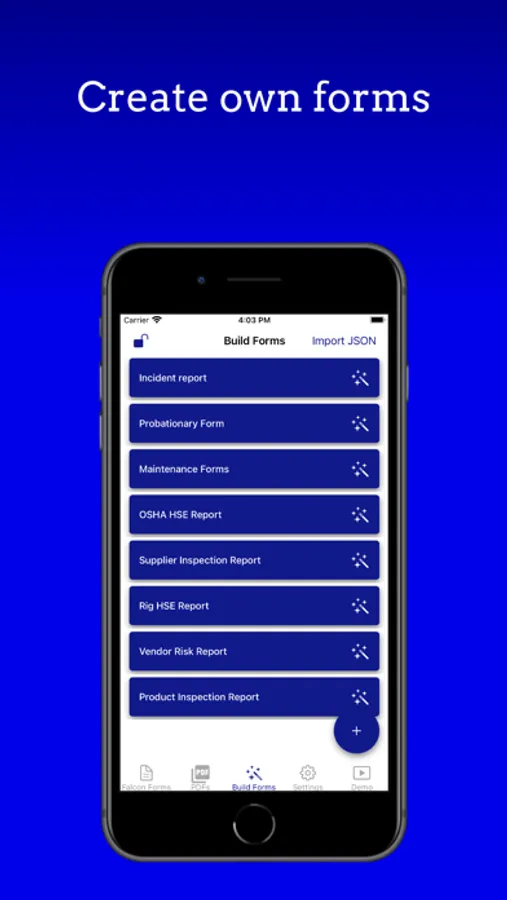
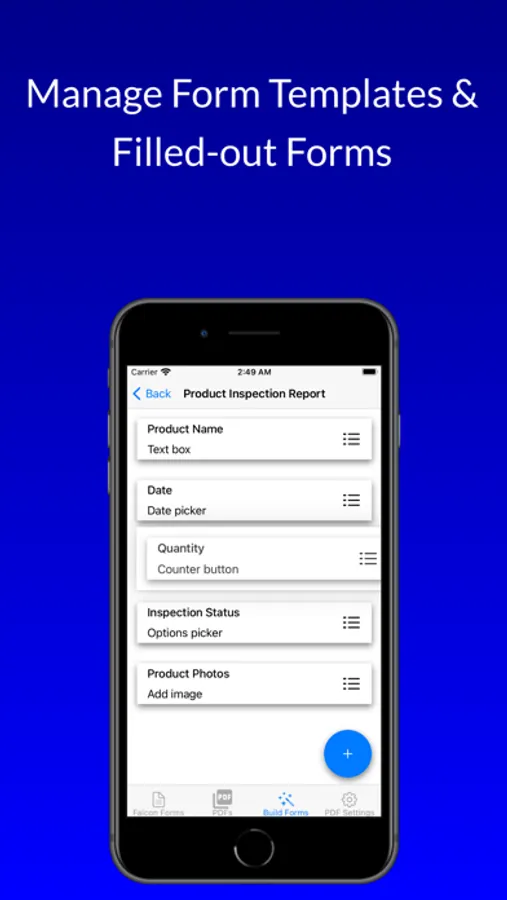
Build & Customize Forms: Design unlimited form templates from scratch or edit AI-generated ones. Customize every detail and export data directly to Google Sheets, MS Excel (XLS), or PDFs.
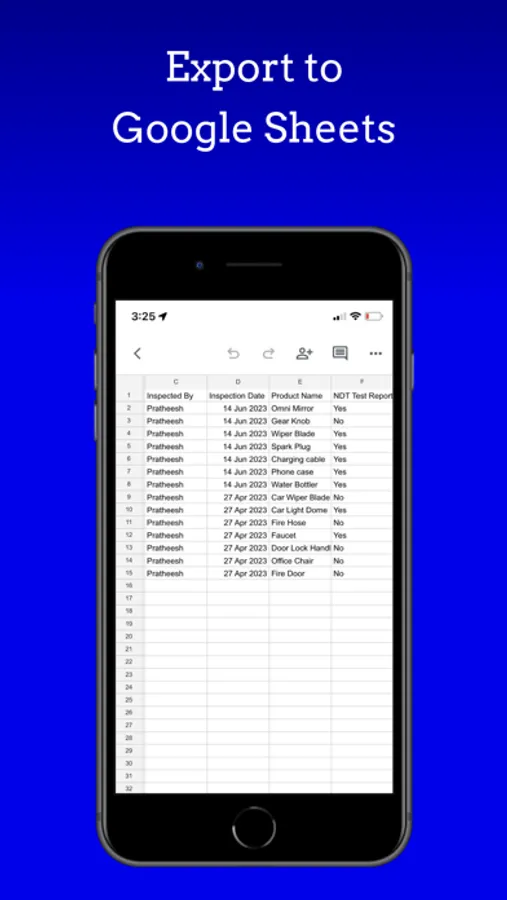
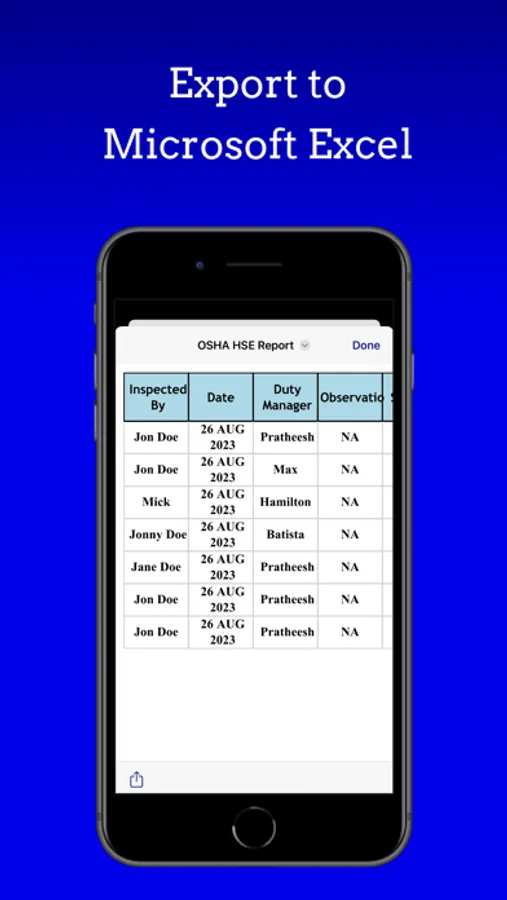
Multiple Export Options: Export form responses seamlessly to Google Sheets, Microsoft Excel, or generate professional PDFs — ideal for Google Workspace and Microsoft Office users.
Digitize Paper Forms Instantly: Scan and convert paper forms into digital formats, then export to Google Sheets, Excel, or PDFs for easy sharing.
No Account Required: Use Falcon Forms without registration. Build, fill, and export forms offline — no account needed.
User-Friendly: Enjoy an intuitive interface for effortless form creation and quick data exports.
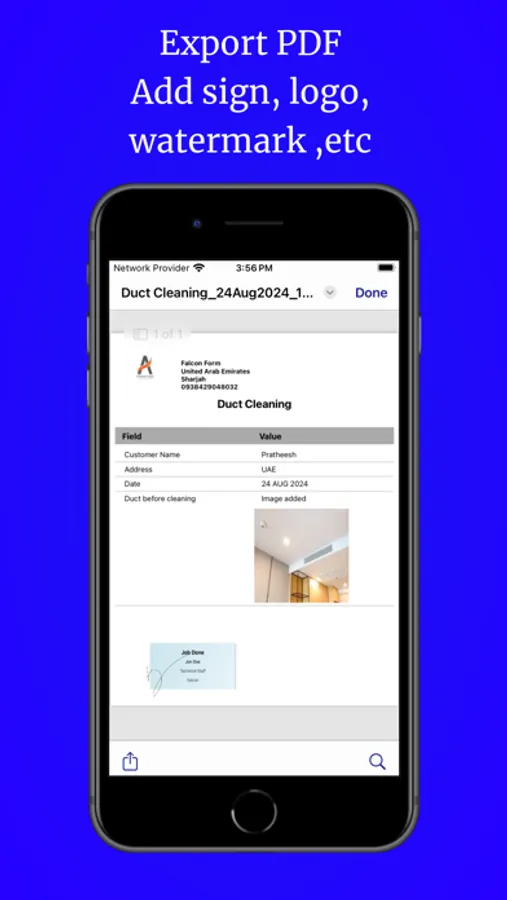
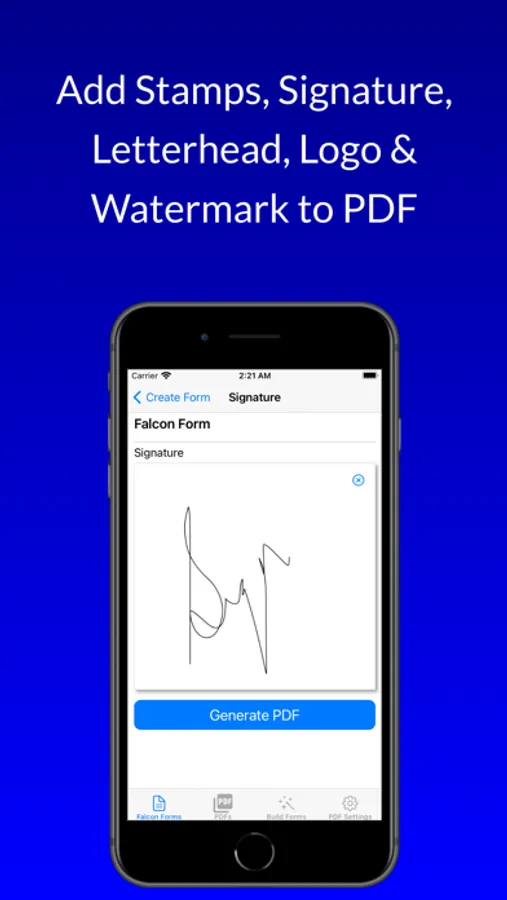
Boost Brand Value: Add letterheads, watermarks, and logos to your PDFs for a professional finish.
Core Features
AI Form Builder: Create complete, ready-to-use forms instantly with AI.
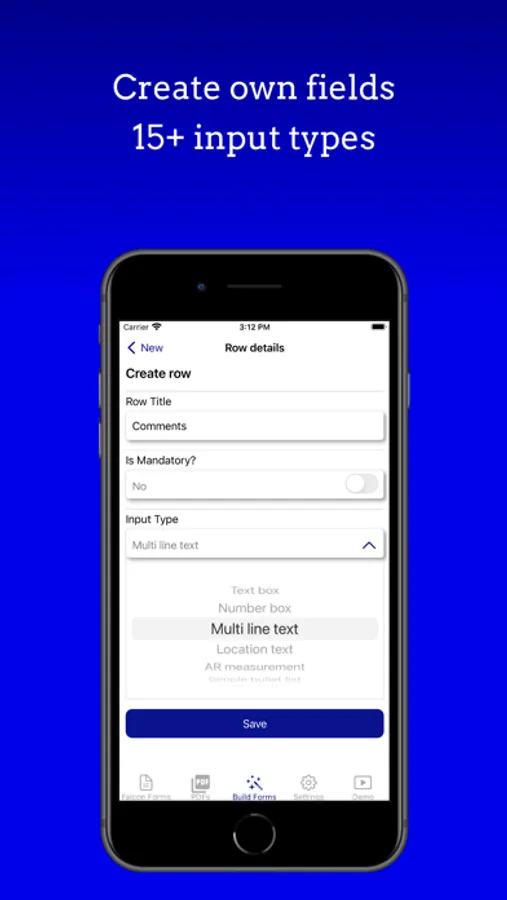
Custom Templates: Over 15 input types to design forms tailored to your needs.
Advanced Tools: Enhance forms with Augmented Reality, text scanning, and location search.
Real-Time Sharing: Share instantly via email or cloud services like iCloud, Dropbox, OneDrive, and Google Drive.
Secure PDFs: Add signatures and password protection for extra security.
Who Can Use Falcon Forms?
Personal & Business: From to-do lists to detailed inspection reports, manage it all and export to Google Sheets, Excel, or PDFs.
Business Documents: Create branded business forms and export them in multiple formats for professional use.
Suggestions or Feedback
We welcome your input! Reach out through the "Contact Us" section in the app to share your suggestions or feedback. We are committed to improving features for Google Sheets, Microsoft Excel, and PDFs.
Terms of Use: https://www.apple.com/legal/internet-services/itunes/dev/stdeula/
Special Attribution: Icons created by Freepik - Flaticon
AI-Powered Form Creation: Instantly generate smart, ready-to-use forms with our built-in AI Form Builder. Perfect for quickly creating templates tailored to your needs.
Build & Customize Forms: Design unlimited form templates from scratch or edit AI-generated ones. Customize every detail and export data directly to Google Sheets, MS Excel (XLS), or PDFs.
Multiple Export Options: Export form responses seamlessly to Google Sheets, Microsoft Excel, or generate professional PDFs — ideal for Google Workspace and Microsoft Office users.
Digitize Paper Forms Instantly: Scan and convert paper forms into digital formats, then export to Google Sheets, Excel, or PDFs for easy sharing.
No Account Required: Use Falcon Forms without registration. Build, fill, and export forms offline — no account needed.
User-Friendly: Enjoy an intuitive interface for effortless form creation and quick data exports.
Boost Brand Value: Add letterheads, watermarks, and logos to your PDFs for a professional finish.
Core Features
AI Form Builder: Create complete, ready-to-use forms instantly with AI.
Custom Templates: Over 15 input types to design forms tailored to your needs.
Advanced Tools: Enhance forms with Augmented Reality, text scanning, and location search.
Real-Time Sharing: Share instantly via email or cloud services like iCloud, Dropbox, OneDrive, and Google Drive.
Secure PDFs: Add signatures and password protection for extra security.
Who Can Use Falcon Forms?
Personal & Business: From to-do lists to detailed inspection reports, manage it all and export to Google Sheets, Excel, or PDFs.
Business Documents: Create branded business forms and export them in multiple formats for professional use.
Suggestions or Feedback
We welcome your input! Reach out through the "Contact Us" section in the app to share your suggestions or feedback. We are committed to improving features for Google Sheets, Microsoft Excel, and PDFs.
Terms of Use: https://www.apple.com/legal/internet-services/itunes/dev/stdeula/
Special Attribution: Icons created by Freepik - Flaticon
Google Sheets,MS Excel AI Form Screenshots
Tap to Rate:
Reviews for Google Sheets,MS Excel AI Form
PomeranianUnicorn
Can’t pay to remove apps
Guess they removed everyone’s pro license and turned to free + ads model. What’s the point of forcing irrelevant ads onto users