Text to Speech Reader App
Riafy Technologies Pvt. Ltd.
4.6 ★
5 ratings
Free
AppRecs review analysis
AppRecs rating 4.6. Trustworthiness 65 out of 100. Review manipulation risk 32 out of 100. Based on a review sample analyzed.
★★★★☆
4.6
AppRecs Rating
Ratings breakdown
5 star
80%
4 star
0%
3 star
20%
2 star
0%
1 star
0%
What to know
✓
High user satisfaction
80% of sampled ratings are 5 stars
About Text to Speech Reader App
Terms of use - http://thecookbk.com/terms.php?appname=com.rstream.readoutloud
Privacy Policy - http://thecookbk.com/privacy.php?appname=com.rstream.readoutloud
Text to Speech Reader App Screenshots
Tap to Rate:
Reviews for Text to Speech Reader App
JessAkOop
It is good for short documents
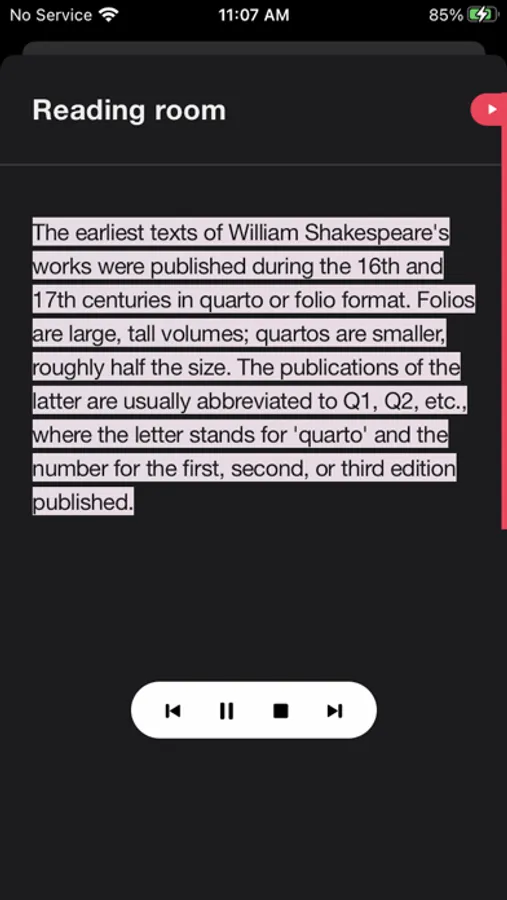
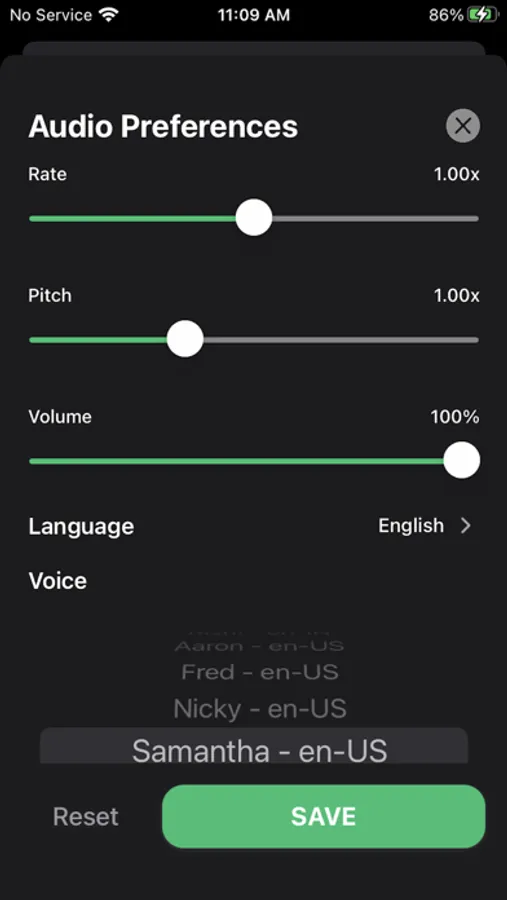
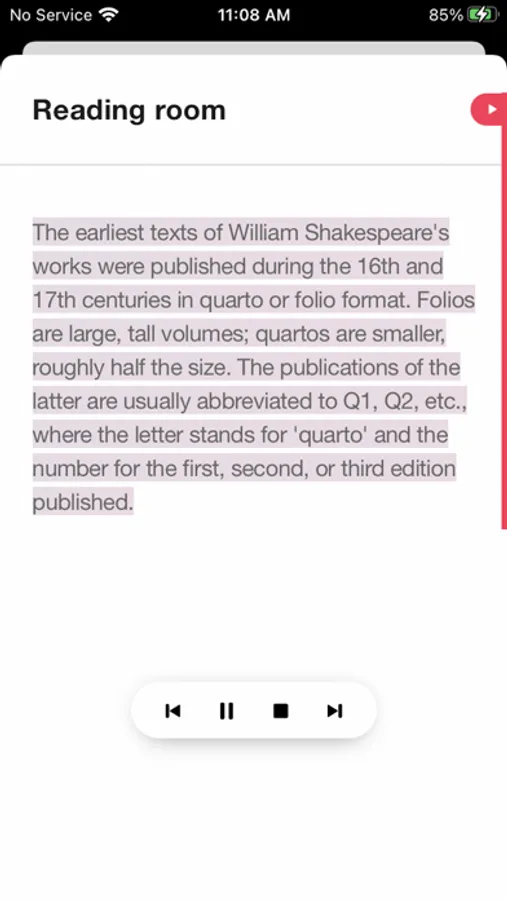
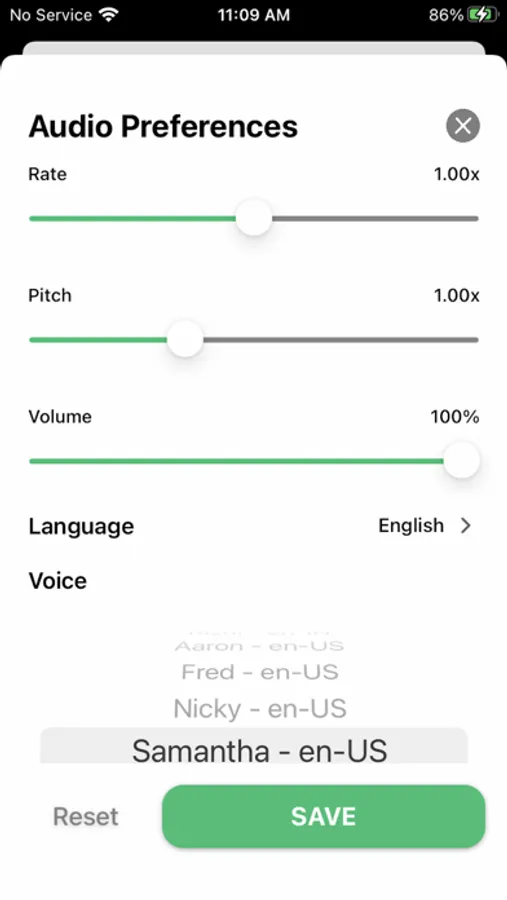
I tried this app, and it does what it says it will. There are, however, a few things that disappointed me. It is not good for reading longer documents. I tried uploading a few chapters of a book I’m writing, because sometimes it is helpful to hear your writing read aloud when you’re editing. That’s when I discovered the app doesn’t appear to let you choose where to start reading. For example, I wanted to jump ahead to Chapter 3, but it wouldn’t allow me to start at that specific location. I first tried scrolling down and selecting text, but It wouldn’t allow me. Then I tried jumping forward paragraph by paragraph, to see if it would allow me to start at a later point that way, but it didn’t. What’s more, the start/stop buttons always stay at the very top of the document. Even if you’ve scrolled way ahead. So if you pause the reading or stop it and want to restart, you have to go back to the beginning to find the button, and then the app doesn’t remember where you left off. And since you can’t choose a place farther along in the app to start reading, I was stuck. I realize this is probably not what the app was designed for. It seems like it does just fine with shorter documents. There are lots of voices and languages to choose from, and you can speed up/slow down the reading, alter the pitch, etc. I just thought I’d share the issues I had trying to read a longer document in case the developers have plans of expanding the app’s functionality. Oh, one more weird bug. I could not use my Bluetooth AirPods to listen to this app. It would only play through my iPhone speakers. I tested a bit and I could listen to everything else on my phone, I just couldn’t hear this app specifically. I also tried using a set of plug in EarPods, and when I used those I *could* hear the app through them, so it might be Bluetooth related? Just a thought, but I’m no expert. (Note my iPhone OS is up to date as of Feb 2022.)