In this PDF merging app, you can combine multiple PDF files into one document and edit or reorder pages. Includes options for file conversion, page deletion, and document organization.
AppRecs review analysis
AppRecs rating 4.7. Trustworthiness 78 out of 100. Review manipulation risk 35 out of 100. Based on a review sample analyzed.
★★★★☆
4.7
AppRecs Rating
Ratings breakdown
5 star
85%
4 star
6%
3 star
3%
2 star
2%
1 star
4%
What to know
✓
Credible reviews
78% trustworthiness score from analyzed reviews
✓
High user satisfaction
85% of sampled ratings are 5 stars
About PDF Merge - Combine & Join PDF
PDF Merger & PDF Converter – All-in-One PDF Toolkit
PDF Merger & PDF Converter is the ultimate all-in-one solution to manage, convert, and secure your PDF documents—right from your iPhone and iPad. Whether you’re a student, professional, or business user, our powerful yet easy-to-use tools help you handle PDFs faster and smarter.
Turn multiple files into a single PDF, convert documents to and from PDF, protect sensitive files, and organize pages with just a few taps.
Key Features
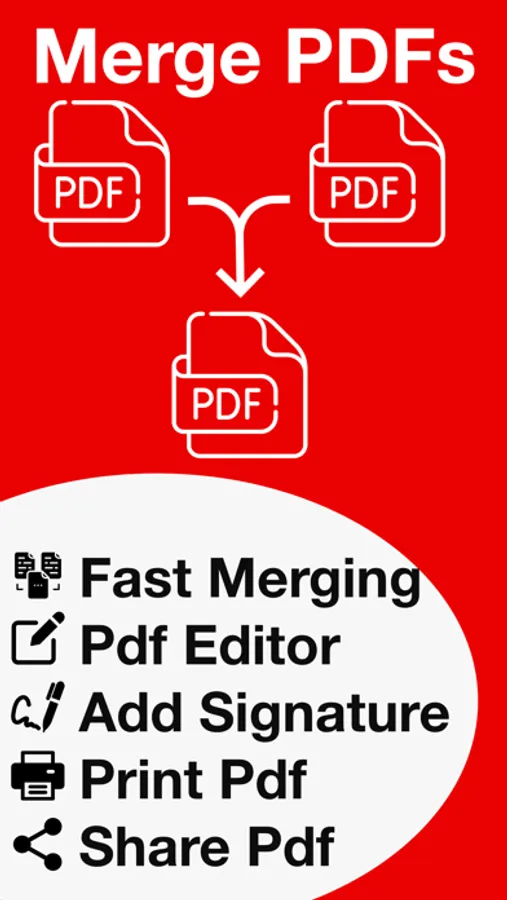
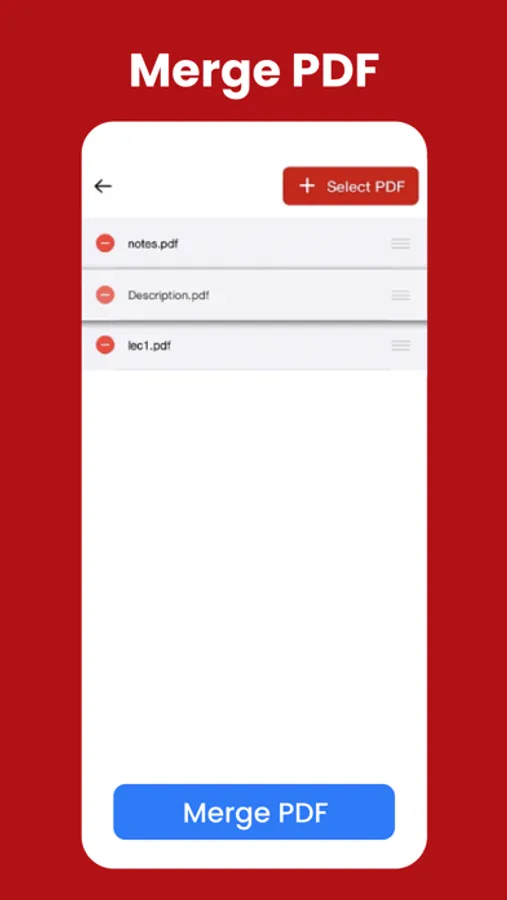
PDF Merge
• Combine multiple PDFs into one document
• Reorder files before merging
• Fast and high-quality merging
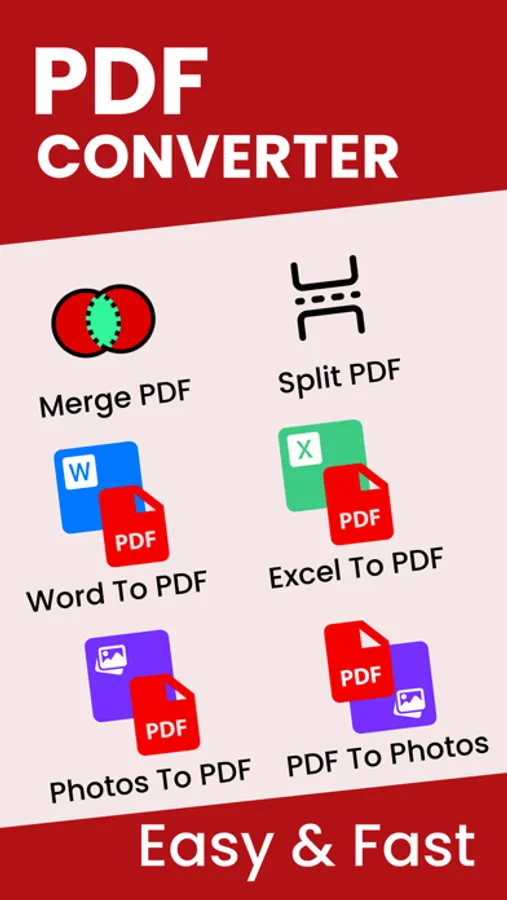
PDF to Photos
• Convert PDF pages into high-resolution images
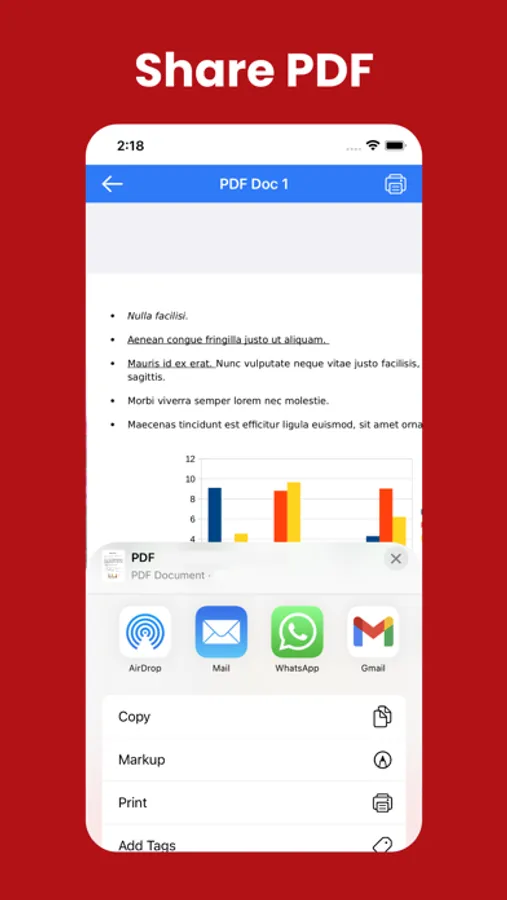
• Share or save images instantly
Convert To PDF
Convert your documents into professional-quality PDFs:
• Word to PDF
• Excel to PDF
• PowerPoint to PDF
• Text (TXT) to PDF
Perfect for sharing, printing, and archiving.
Convert From PDF
Easily turn PDFs back into editable formats:
• PDF to Word
• PDF to Excel
• PDF to PowerPoint
• PDF to Text
Maintain formatting and content accuracy.
Secure Your PDFs
Protect your important documents:
• Lock PDF with a password
• Unlock password-protected PDFs
• Keep your files safe and private
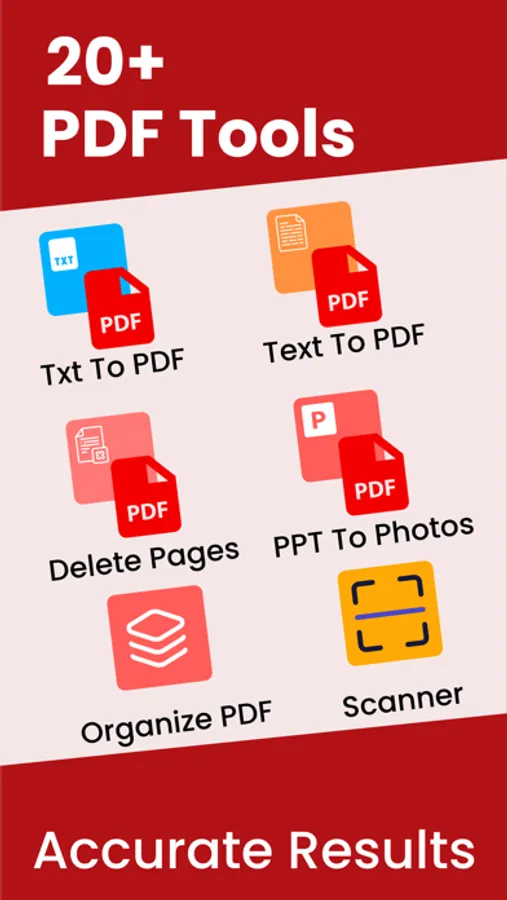
Powerful PDF Tools
Take full control of your PDFs:
• Organize pages
• Delete pages
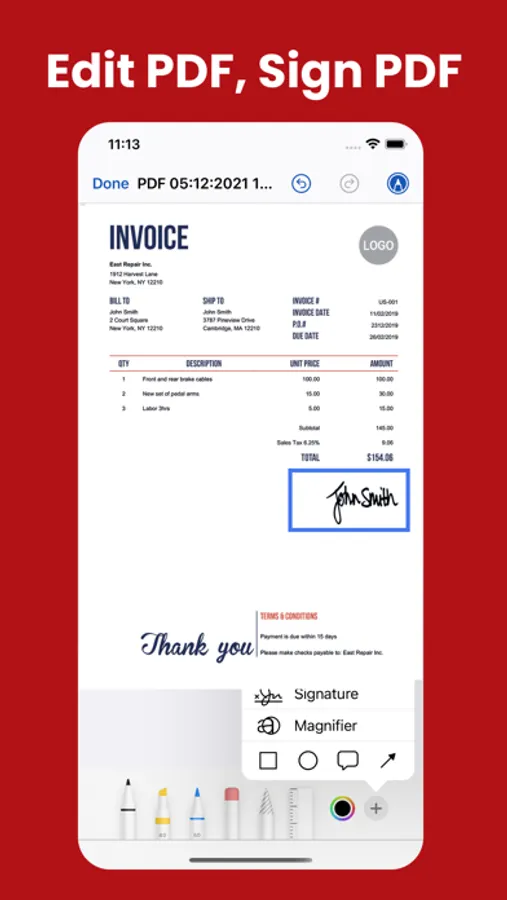
• Edit PDFs
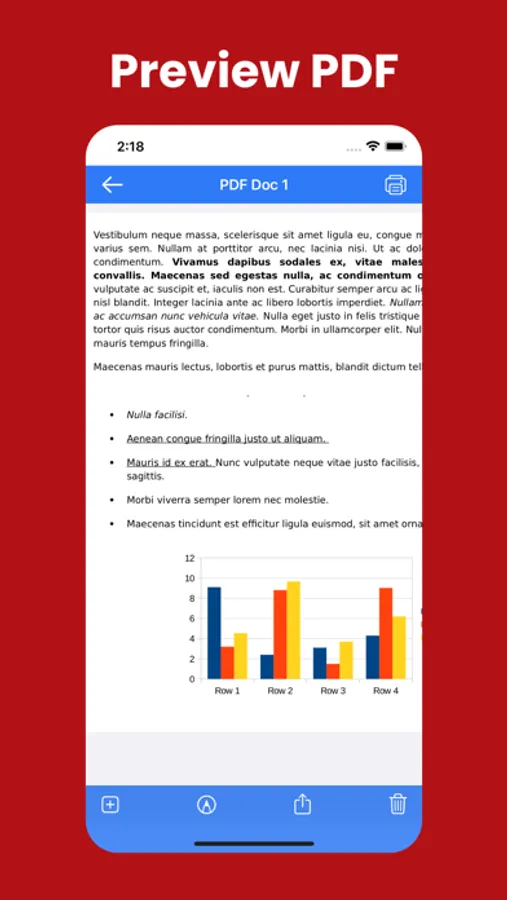
• Print PDFs
• Import PDFs from Files, iCloud, or other apps
Why Choose PDF Merger & PDF Converter?
• Simple & intuitive interface
• Fast and reliable performance
• Works perfectly on iPhone & iPad
• Ideal for work, school, and everyday use
Download PDF Merger & PDF Converter today and manage your PDFs like a pro—anytime, anywhere.
If you have any questions or suggestions, please send them to our support email.
Note:
Payment will be charged to your iTunes account at confirmation of purchase. Your subscription will automatically renew unless auto-renew is turned off at least 24-hours before the end of the current subscription period. Your account will be charged for renewal within 24-hours prior to the end of the current subscription period. Automatic renewals will cost the same price you were originally charged for the subscription. You can manage your subscriptions and turn off auto-renewal by going to your Account Settings on the App Store after purchase. Read our terms of service and Privacy Policy for more information.
Privacy policy:
https://mobileappstudio8.blogspot.com/2023/03/privacy-policy.html
Terms of use:
https://mobileappstudio8.blogspot.com/2023/03/terms-and-conditions.html
PDF Merger & PDF Converter is the ultimate all-in-one solution to manage, convert, and secure your PDF documents—right from your iPhone and iPad. Whether you’re a student, professional, or business user, our powerful yet easy-to-use tools help you handle PDFs faster and smarter.
Turn multiple files into a single PDF, convert documents to and from PDF, protect sensitive files, and organize pages with just a few taps.
Key Features
PDF Merge
• Combine multiple PDFs into one document
• Reorder files before merging
• Fast and high-quality merging
PDF to Photos
• Convert PDF pages into high-resolution images
• Share or save images instantly
Convert To PDF
Convert your documents into professional-quality PDFs:
• Word to PDF
• Excel to PDF
• PowerPoint to PDF
• Text (TXT) to PDF
Perfect for sharing, printing, and archiving.
Convert From PDF
Easily turn PDFs back into editable formats:
• PDF to Word
• PDF to Excel
• PDF to PowerPoint
• PDF to Text
Maintain formatting and content accuracy.
Secure Your PDFs
Protect your important documents:
• Lock PDF with a password
• Unlock password-protected PDFs
• Keep your files safe and private
Powerful PDF Tools
Take full control of your PDFs:
• Organize pages
• Delete pages
• Edit PDFs
• Print PDFs
• Import PDFs from Files, iCloud, or other apps
Why Choose PDF Merger & PDF Converter?
• Simple & intuitive interface
• Fast and reliable performance
• Works perfectly on iPhone & iPad
• Ideal for work, school, and everyday use
Download PDF Merger & PDF Converter today and manage your PDFs like a pro—anytime, anywhere.
If you have any questions or suggestions, please send them to our support email.
Note:
Payment will be charged to your iTunes account at confirmation of purchase. Your subscription will automatically renew unless auto-renew is turned off at least 24-hours before the end of the current subscription period. Your account will be charged for renewal within 24-hours prior to the end of the current subscription period. Automatic renewals will cost the same price you were originally charged for the subscription. You can manage your subscriptions and turn off auto-renewal by going to your Account Settings on the App Store after purchase. Read our terms of service and Privacy Policy for more information.
Privacy policy:
https://mobileappstudio8.blogspot.com/2023/03/privacy-policy.html
Terms of use:
https://mobileappstudio8.blogspot.com/2023/03/terms-and-conditions.html
PDF Merge - Combine & Join PDF Screenshots
Tap to Rate:
Reviews for PDF Merge - Combine & Join PDF
Shemaiah1
Best
Must use has a free option that does everything you need
Alan4594
Installed and deleted right away
The free version is so annoying, for every click a 10s ad pops up. Made it so hard to work through it. Even to back out of the tool we need to sit through an ad, ads are fine to an extent, for every click is so frustrating.