
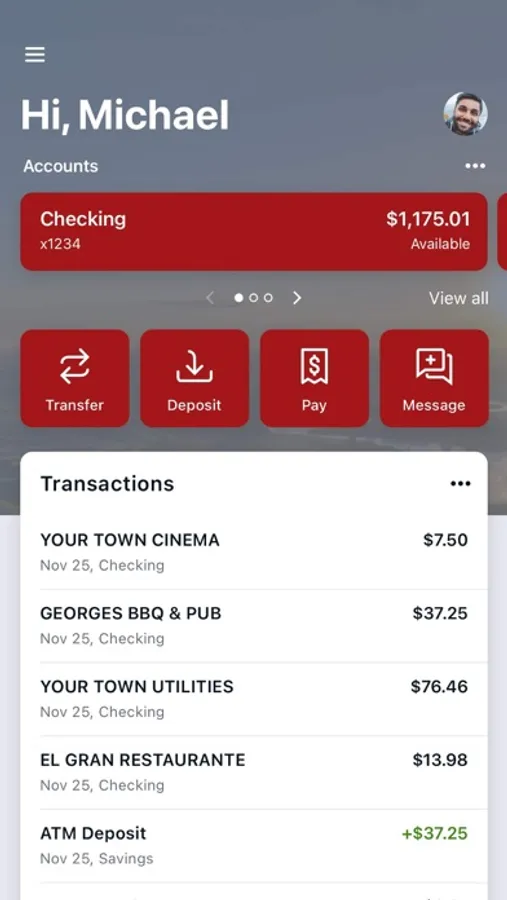
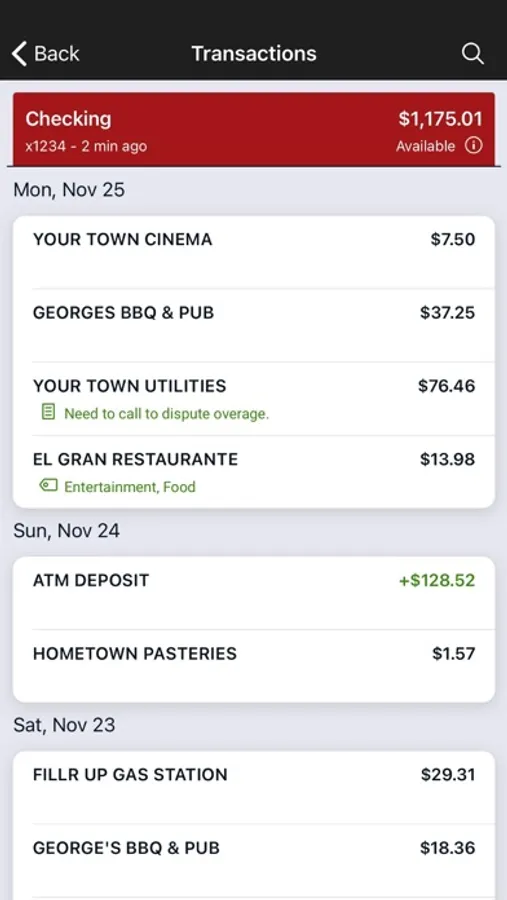
With this financial management app, you can view, organize, and transfer funds between your accounts and set alerts for balance thresholds. Includes account aggregation, transaction tagging, check deposits, and branch locator features.
AppRecs review analysis
AppRecs rating 4.4. Trustworthiness 0 out of 100. Review manipulation risk 0 out of 100. Based on a review sample analyzed.
★★★★☆
4.4
AppRecs Rating
Ratings breakdown
5 star
89%
4 star
7%
3 star
2%
2 star
1%
1 star
2%
What to know
✓
High user satisfaction
89% of sampled ratings are 5 stars
About pvbank wy
finances.
Here’s what else you can do with pvbank wy:
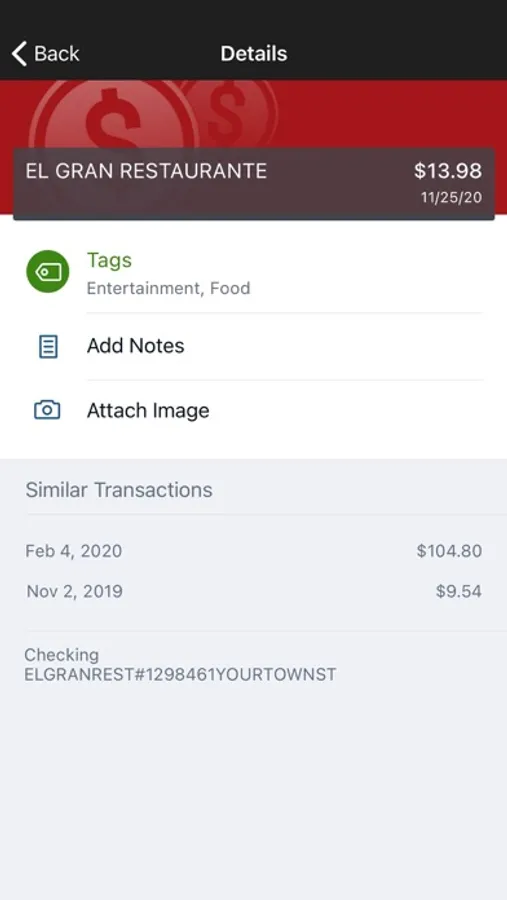
Keep your transactions organized by allowing you to add tags, notes and photos of receipts and checks.
Set up alerts so you know when your balance drops below a certain amount
Make payments, whether you’re paying a company or a friend
Transfer money between your accounts
Deposit checks in a snap by taking a picture of the front and back
View and save your monthly statements
Find branches and ATMs near you
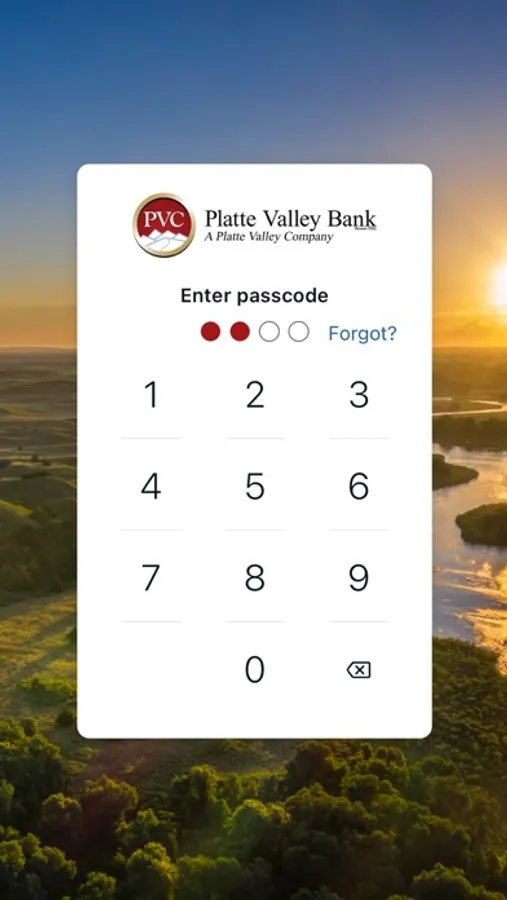
Secure your account with a 4-digit passcode and fingerprint or face reader on supported devices.
To use the pvbank wy app, you must be enrolled as a pvbank wy Internet Banking user. If you currently use our Internet Banking, simply download the app, launch it, and login with the same Internet Banking credentials.
pvbank wy Screenshots
Tap to Rate:
Reviews for pvbank wy
JackVM34
Best bank ever!
Always so helpful and the app is easy to use. Everyone is kind and ready to help.
AnotherMomofBoys2
Some suggestions
Overall, I really like this app. I use it every day to monitor my accounts and investments with PVB. It’s pretty intuitive. A couple of things I wish would be tweaked: 1) I can’t find any way to edit the Tags list. I add new ones as needed, but some I’ve used in the past are no longer necessary for me and my list is quite long. It would make it easier to navigate if I could remove old ones I no longer use. The only caveat to that would be, if I’ve used the Tag in the past I’d want it to stay tagged on previous transactions. Maybe that’s not possible but worth mentioning. 2) I find that often when I’m searching within an account and try to find an old transaction I get a message saying “No transactions found”. I can’t tell why some transactions show and others don’t. I’ve checked the date range and that doesn’t seem to be it. 3) I wish there was a Help section in the app or someway to troubleshoot problems so I don’t have to call the IT person at the bank for help if I have an issue.