PDF Converter: Word to PDF!
Abaid Ullah Javeed Tariq Javeed
4.4 ★
92 ratings
Free
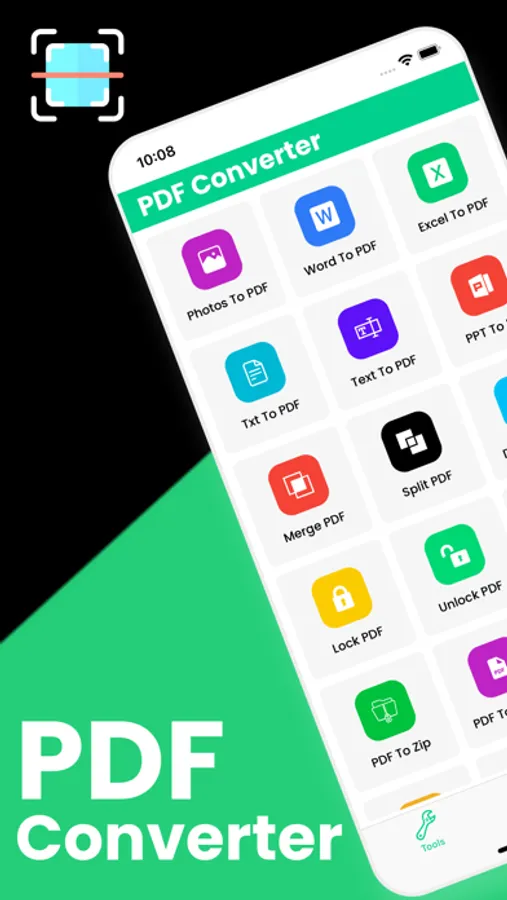
In this PDF converter app, you can convert various document formats to PDF and edit PDF files. Includes tools for creating, merging, and sharing PDF documents.
AppRecs review analysis
AppRecs rating 4.4. Trustworthiness 70 out of 100. Review manipulation risk 14 out of 100. Based on a review sample analyzed.
★★★★☆
4.4
AppRecs Rating
Ratings breakdown
5 star
78%
4 star
5%
3 star
4%
2 star
3%
1 star
9%
What to know
✓
Low review manipulation risk
14% review manipulation risk
✓
Credible reviews
70% trustworthiness score from analyzed reviews
✓
High user satisfaction
84% of sampled ratings are 4+ stars (4.4★ average)
About PDF Converter: Word to PDF!
PDF Converter & PDF Tools is a simple and powerful solution for creating, converting, and managing PDF documents. It makes it easy to convert files from Word, Excel, PowerPoint, images, and more into high-quality PDF format—all in one place.
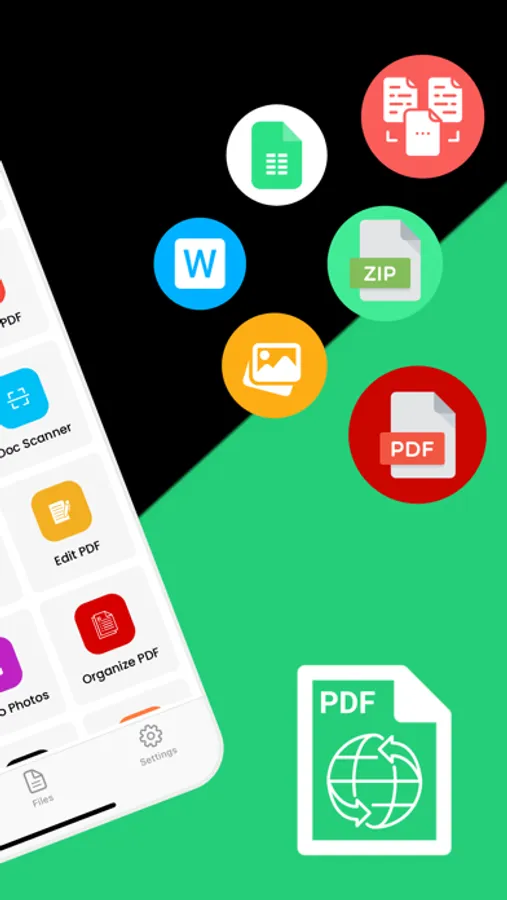
PDF Converter allows you to easily create professional-quality PDF files from a wide range of formats. You can convert documents such as Word (DOC, DOCX), PowerPoint (PPT, PPTX), Excel files, and images including JPG and photos into PDF with just a few taps. The app also lets you create PDFs directly from other apps, making it fast and convenient to save, share, or archive your documents. All conversions are processed with high accuracy to preserve the original layout, formatting, and content quality.
With PDF Converter, you can quickly find, create, convert, scan, merge, split, edit, share, and save your PDF documents anytime, anywhere.
Key Features
PDF Converter
- Create PDFs directly from other apps
- Convert documents such as DOC, DOCX, PPT, PPTX, Word files, photos, JPG, and more into PDF
- Fast and reliable conversion with high output quality
PDF Editor
- Open and read PDF documents easily
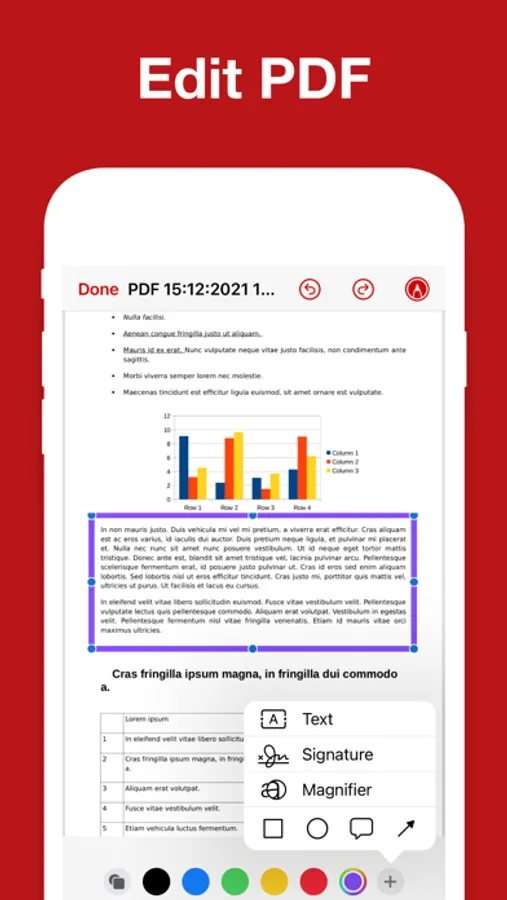
- Edit PDFs with essential tools
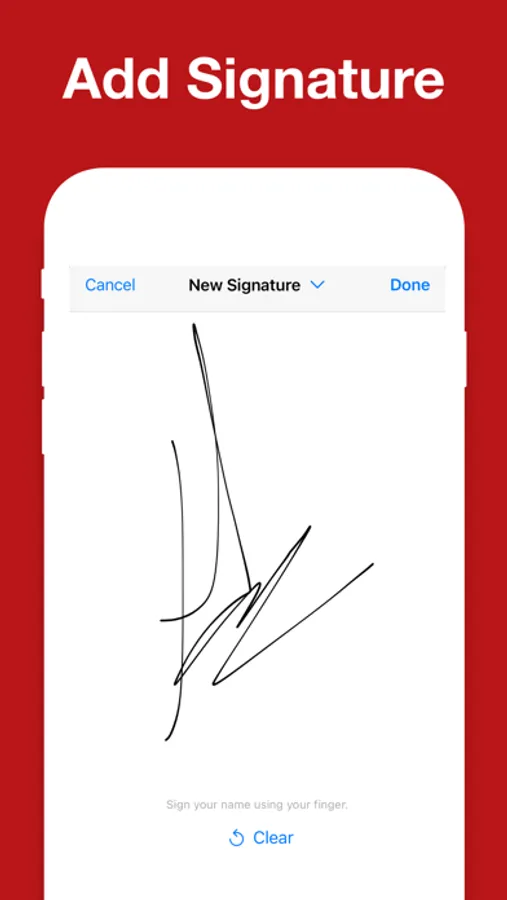
- Add electronic signatures to documents for quick approval and signing
File Manager
- Organize and manage your saved PDF files
- Delete unwanted files or share documents with other devices and apps
- Easy access to all your converted and saved PDFs
If you have any questions, feedback, or suggestions, please contact us via our support email. We’re always happy to help.
Subscription Information
Payment will be charged to your iTunes account at the time of purchase confirmation. Subscriptions automatically renew unless auto-renewal is turned off at least 24 hours before the end of the current subscription period.
Your account will be charged for renewal within 24 hours prior to the end of the current subscription period. The renewal cost will be the same as the original subscription price.
You can manage your subscriptions and disable auto-renewal at any time by going to your Account Settings on the App Store after purchase.
Privacy Policy:
https://sites.google.com/view/watchfacesassist/privacy-policy
Terms & Conditions:
https://sites.google.com/view/watchfacesassist/terms-conditions
PDF Converter allows you to easily create professional-quality PDF files from a wide range of formats. You can convert documents such as Word (DOC, DOCX), PowerPoint (PPT, PPTX), Excel files, and images including JPG and photos into PDF with just a few taps. The app also lets you create PDFs directly from other apps, making it fast and convenient to save, share, or archive your documents. All conversions are processed with high accuracy to preserve the original layout, formatting, and content quality.
With PDF Converter, you can quickly find, create, convert, scan, merge, split, edit, share, and save your PDF documents anytime, anywhere.
Key Features
PDF Converter
- Create PDFs directly from other apps
- Convert documents such as DOC, DOCX, PPT, PPTX, Word files, photos, JPG, and more into PDF
- Fast and reliable conversion with high output quality
PDF Editor
- Open and read PDF documents easily
- Edit PDFs with essential tools
- Add electronic signatures to documents for quick approval and signing
File Manager
- Organize and manage your saved PDF files
- Delete unwanted files or share documents with other devices and apps
- Easy access to all your converted and saved PDFs
If you have any questions, feedback, or suggestions, please contact us via our support email. We’re always happy to help.
Subscription Information
Payment will be charged to your iTunes account at the time of purchase confirmation. Subscriptions automatically renew unless auto-renewal is turned off at least 24 hours before the end of the current subscription period.
Your account will be charged for renewal within 24 hours prior to the end of the current subscription period. The renewal cost will be the same as the original subscription price.
You can manage your subscriptions and disable auto-renewal at any time by going to your Account Settings on the App Store after purchase.
Privacy Policy:
https://sites.google.com/view/watchfacesassist/privacy-policy
Terms & Conditions:
https://sites.google.com/view/watchfacesassist/terms-conditions
PDF Converter: Word to PDF! Screenshots
Tap to Rate:
Reviews for PDF Converter: Word to PDF!
Marzighods
Perfect
😍 I really love your App
ggijdbdb
لماذا يجب الاشتراك
دعوه مجاني