With this design app, you can create and visualize 3D scenes from 2D floor plans or web links, adjust measurements, and use first-person mode to walk through designs. Includes sharing options, digital sticky notes, and collaboration features.
AppRecs review analysis
AppRecs rating 4.0. Trustworthiness 55 out of 100. Review manipulation risk 29 out of 100. Based on a review sample analyzed.
★★★★☆
4.0
AppRecs Rating
Ratings breakdown
5 star
80%
4 star
10%
3 star
0%
2 star
0%
1 star
10%
What to know
✓
High user satisfaction
80% of sampled ratings are 5 stars
About Design with Bubbles
Welcome to the future of design!
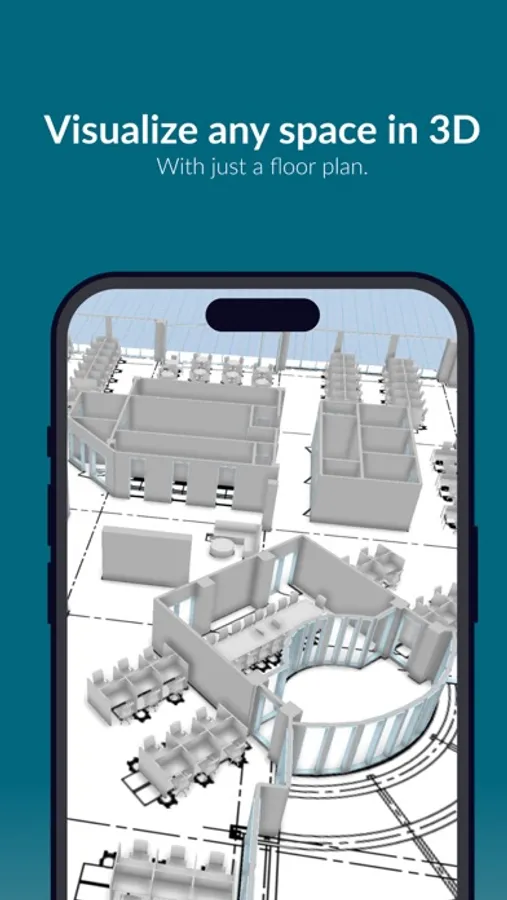
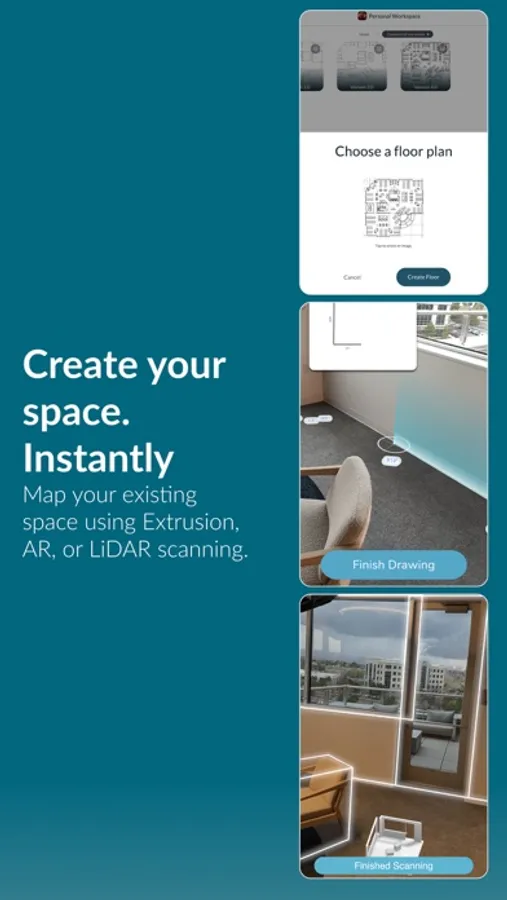
Using any 2D floor plan image or web link you can create a fully editable 3D scene in seconds.
Bubbles™ is the most user-friendly experience for you to quickly create and visualize a digital twin of your next remodel, new build, space planning and decorating project. Featuring the FIRST technology that lets you visualize an unbuilt space…and fast.
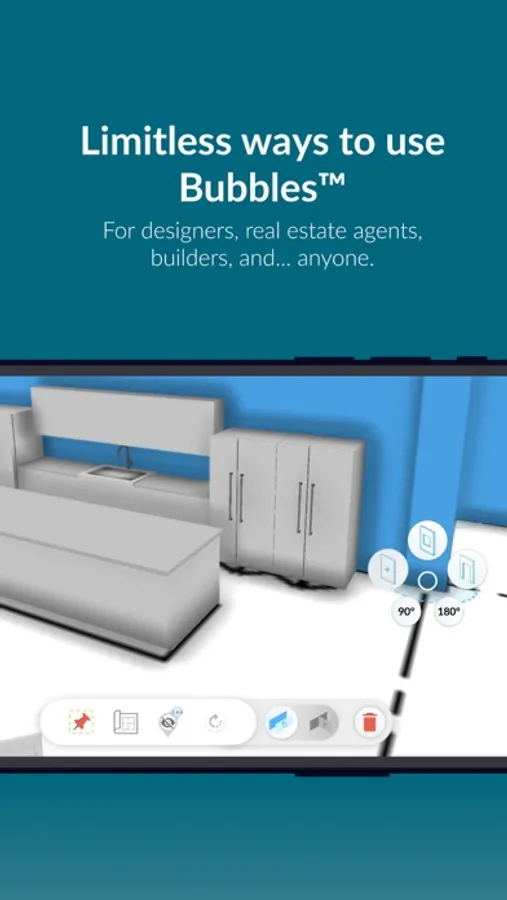
You can scale your plan to exact measurements, adjust wall heights and see distances between 3D models.
Use the Design or Decorate model sets to rapidly space plan a new layout. “First Person” mode allows you to walk through your new designs.
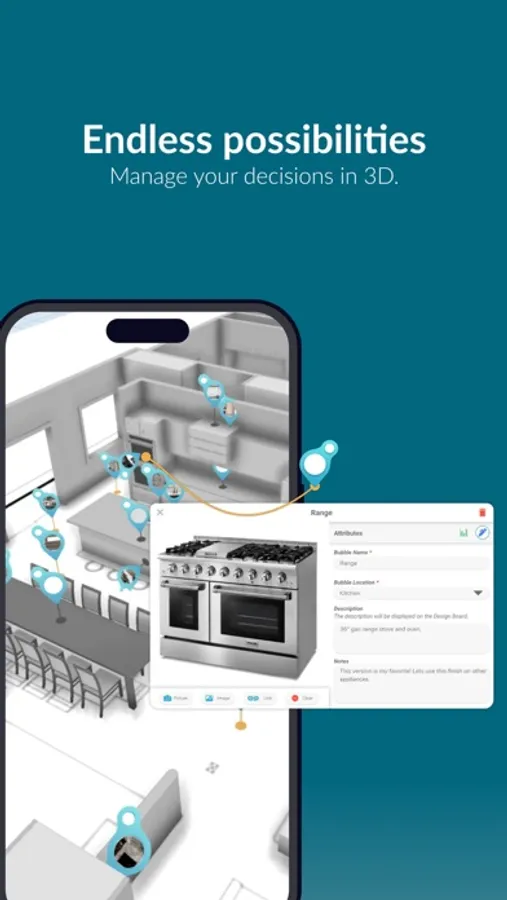
You take your planning and organizing to the next level by using "digital sticky notes" (bubbles) to further define finishes, products, notes, and budgets.
You can share your selections by exporting the Design Board, which contains a snapshot of all the selections in one place.
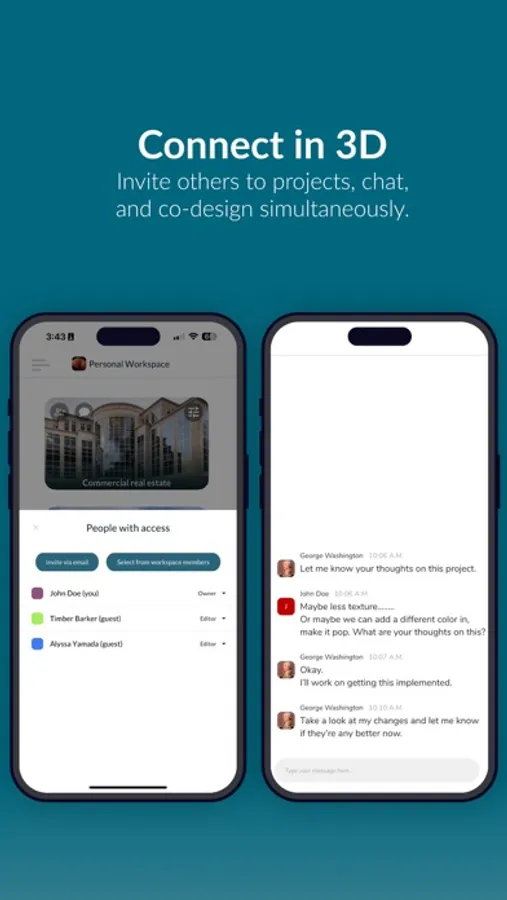
Invite others to projects, chat, and co-design simultaneously.
Get creative on your next project and start with Bubbles™.
Using any 2D floor plan image or web link you can create a fully editable 3D scene in seconds.
Bubbles™ is the most user-friendly experience for you to quickly create and visualize a digital twin of your next remodel, new build, space planning and decorating project. Featuring the FIRST technology that lets you visualize an unbuilt space…and fast.
You can scale your plan to exact measurements, adjust wall heights and see distances between 3D models.
Use the Design or Decorate model sets to rapidly space plan a new layout. “First Person” mode allows you to walk through your new designs.
You take your planning and organizing to the next level by using "digital sticky notes" (bubbles) to further define finishes, products, notes, and budgets.
You can share your selections by exporting the Design Board, which contains a snapshot of all the selections in one place.
Invite others to projects, chat, and co-design simultaneously.
Get creative on your next project and start with Bubbles™.
Design with Bubbles Screenshots
Tap to Rate:
Reviews for Design with Bubbles
mamaTinaX2
Fun! Fun! Fun!
This app was so easy and fun to use! Helped me plan out the remodel of my home. Wow!! Can’t wait for the next home project! Thank you Design with Bubbles!!
kale65324
Great
So sick love this new app