
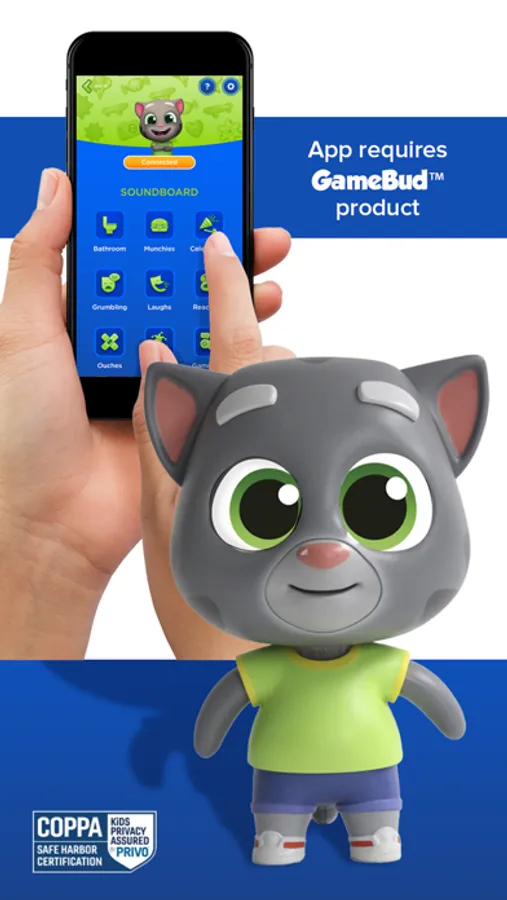
In this app, you can connect your GameBud™ Talking Tom to Wi-Fi and download content, explore the soundboard, game library, and FAQs. Includes content downloads, interactive features, and community sharing options.
About GameBud Talking Tom
Use this pairing app to connect your GameBud™ Talking Tom® to Wi-Fi and download all sorts of new content.
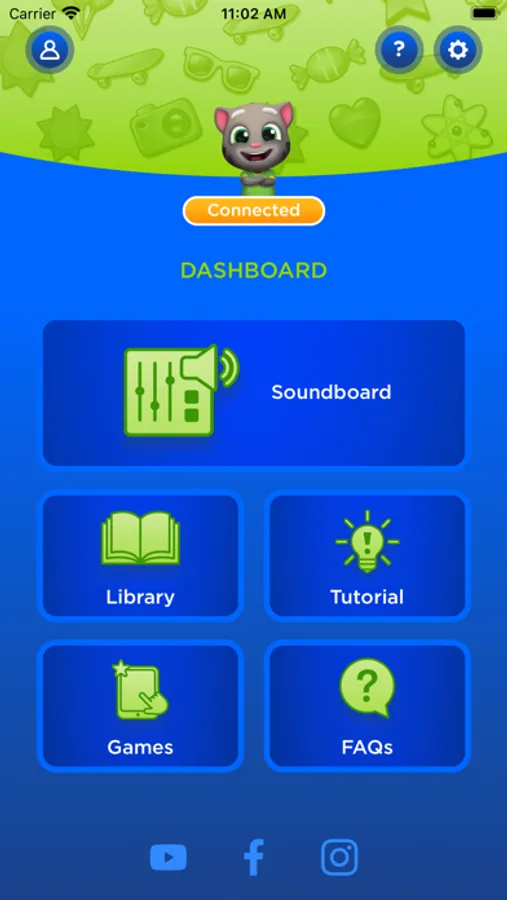
From the dashboard, check out the soundboard, game library, FAQs, and more.
Game Modes:
GamePlay - Open up Talking Tom Hero Dash (available now) or a Talking Tom Gold Run (available in December) and click 'Connect GameBud' under settings. Once you begin playing, your Gamebud™ will respond in real-time about your play, giving hints and talking smack with genuine excitement.
FreePlay – GameBud tells you stories, says funny things, gives you interesting factoids and so much more.
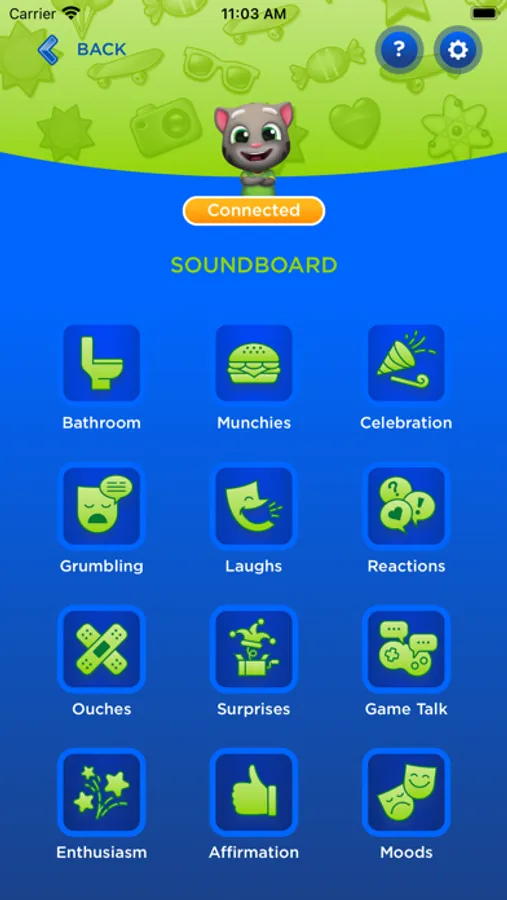
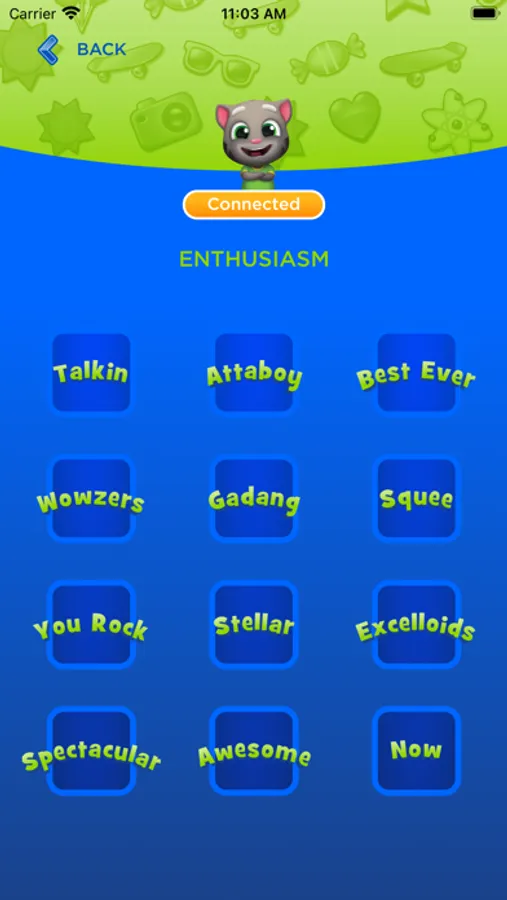
Command Mode – Use the in-app soundboard to make Tom say lots of things on command.
From the dashboard, check out the soundboard, game library, FAQs, and more.
Game Modes:
GamePlay - Open up Talking Tom Hero Dash (available now) or a Talking Tom Gold Run (available in December) and click 'Connect GameBud' under settings. Once you begin playing, your Gamebud™ will respond in real-time about your play, giving hints and talking smack with genuine excitement.
FreePlay – GameBud tells you stories, says funny things, gives you interesting factoids and so much more.
Command Mode – Use the in-app soundboard to make Tom say lots of things on command.
GameBud Talking Tom Screenshots
Tap to Rate: