AppRecs review analysis
AppRecs rating 2.5. Trustworthiness 73 out of 100. Review manipulation risk 24 out of 100. Based on a review sample analyzed.
★★☆☆☆
2.5
AppRecs Rating
Ratings breakdown
5 star
14%
4 star
7%
3 star
29%
2 star
7%
1 star
43%
What to know
✓
Low review manipulation risk
24% review manipulation risk
✓
Credible reviews
73% trustworthiness score from analyzed reviews
⚠
Mixed user feedback
Average 2.4★ rating suggests room for improvement
About Apogee Control 2
*Connection to iOS Lightning devices requires an Apple Lightning to USB 3 Camera Adapter and also requires the device to be powered by an external power source (check the product user's guide for details).
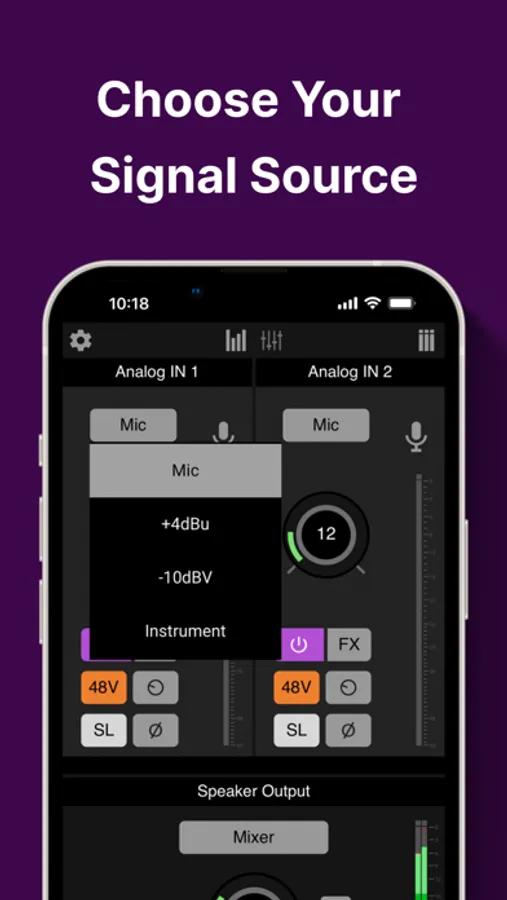
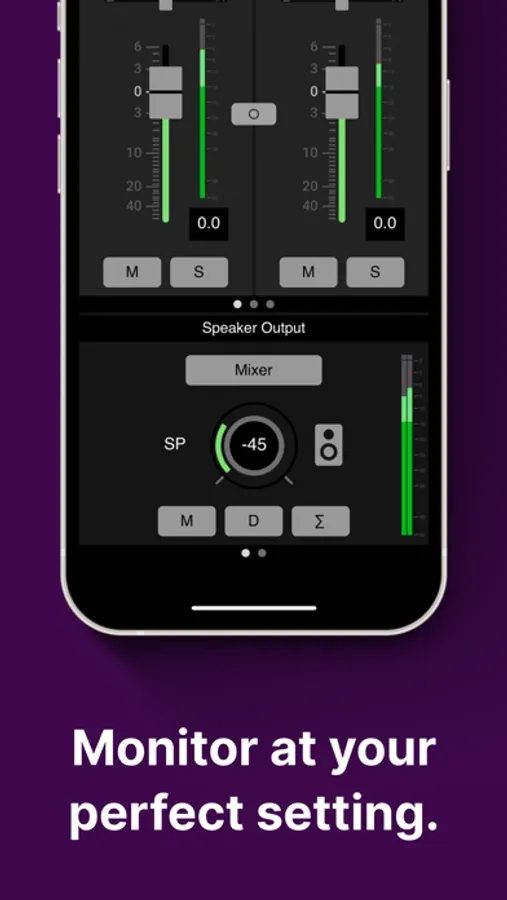
Adjustable Controls:
- Mic pre gain control
- Symphony ECS Channel Strip plugin settings
- Headphone and speaker level control
- Mixer levels and metering
- Sample rate
Apogee Control 2 Screenshots
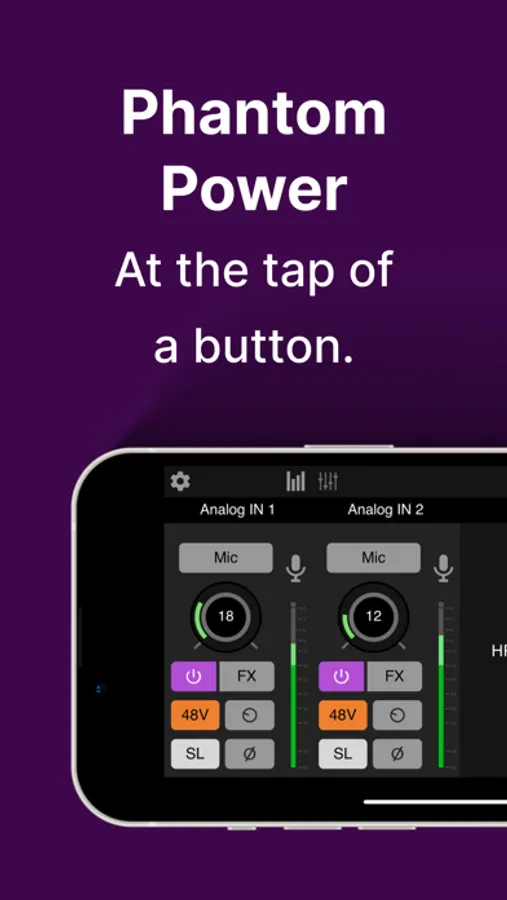
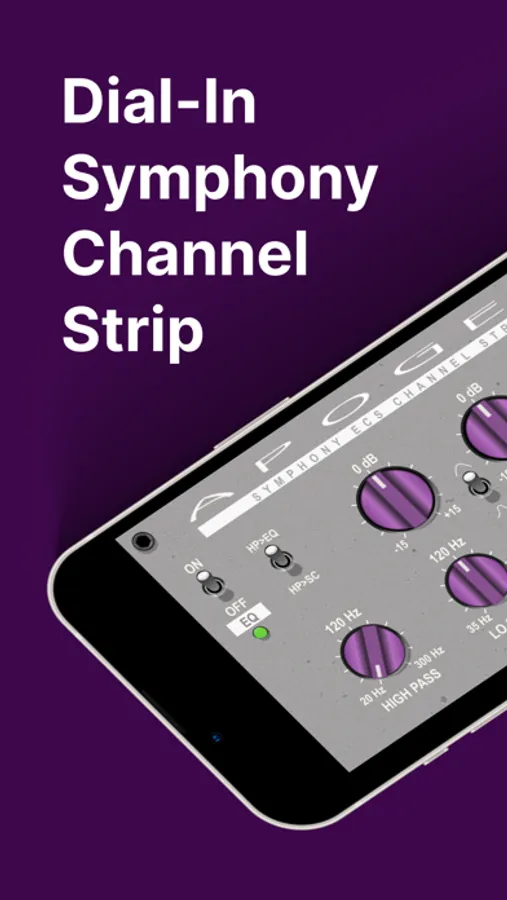
Tap to Rate:
Reviews for Apogee Control 2
barney berkawitz
Does not work with iPad
The boom interface will not work with iPad generation 11 with a16 processor. I updated the firmware and it made the situation worse. When you launch the Control 2 app it takes exclusive control of the interface. Signal no longer goes to your DAW. Oddly enough, it all works perfectly on my iPad generation 6. After updating the firmware in the Boom it became completely disfunctional and totally unusable with my new iPad 11. This whole experience with my first Apogee product has been a complete waste of time and money. Never again. Stay away from this product if you plan to use it with an iPad.
SFOG7
Update the firmware or this app won’t detect your Duet 3
Connect the unit to your computer after installing the Apogee app. It’ll prompt you to disconnect the cable and press the knob and leave it pressed while you connect the cable again. Red lights will turn on and you’ll get the firmware update prompt, after which you can let go of the knob. The flash takes like three seconds. Now this app will detect your Duet 3 immediately. Follow instructions instead of leaving negative reviews. This page clearly states that you need to update the firmware.