In this music editing app, you can separate vocals and instruments using AI technology and customize tracks with BPM and pitch adjustments. Includes high-quality exports, lyrics display, and support for multiple import sources.
AppRecs review analysis
AppRecs rating 4.2. Trustworthiness 73 out of 100. Review manipulation risk 40 out of 100. Based on a review sample analyzed.
★★★★☆
4.2
AppRecs Rating
Ratings breakdown
5 star
77%
4 star
7%
3 star
3%
2 star
2%
1 star
10%
What to know
⚠
Pricing complaints
Many low ratings mention paywalls or pricing
⚠
Questionable review patterns
40% review manipulation risk - some review patterns appear unusual
⚠
Review quality concerns
57% of sampled 5-star reviews are very short
About Vocal Remover: Music Separator
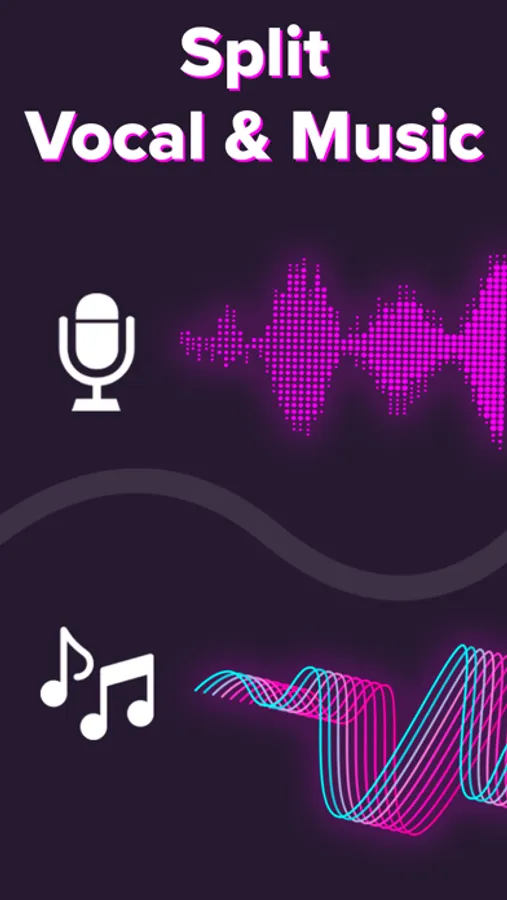
Unlock new musical possibilities with Vocal Remover — the all-in-one AI music editor that isolates vocals and instruments while displaying real-time lyrics. Designed for musicians, producers, DJs, and karaoke lovers, Vocal Remover uses cutting-edge AI to deliver studio-quality music separation and the ultimate karaoke experience.
Main Features
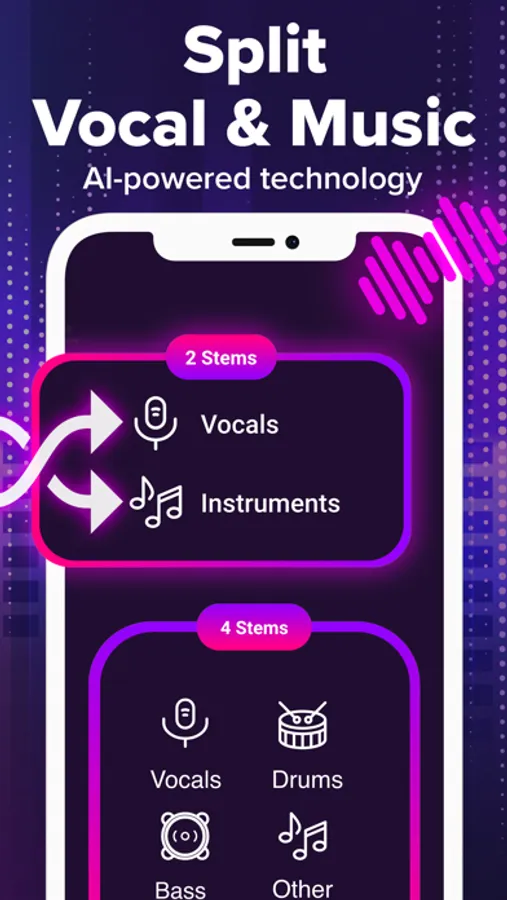
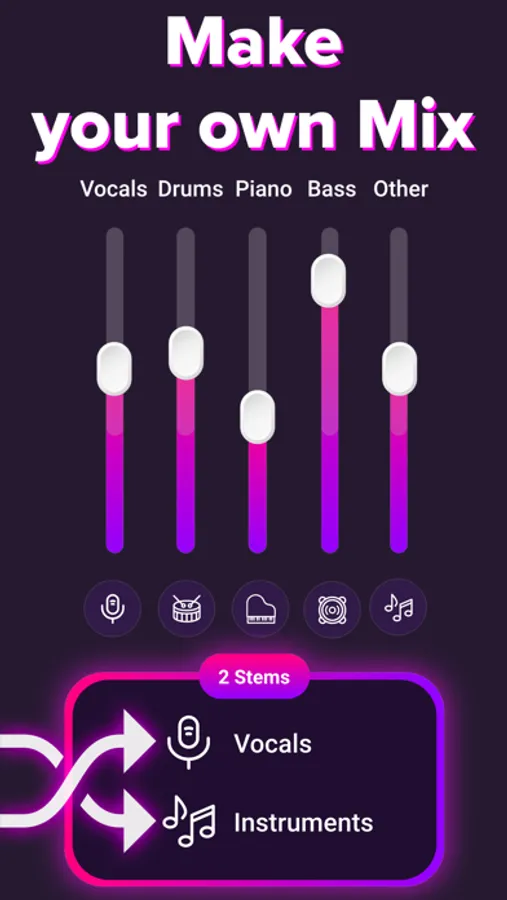
• Advanced AI Separation: Effortlessly split voice, drums, bass, piano, and guitar with precision. Get perfect acapella and instrumental tracks every time.
• High-Quality Music Export: Export your tracks in excellent quality, compatible with MP3, FLAC, WAV, and M4A.
• Lyrics Display (NEW): Enjoy a karaoke-style lyrics view as you play or edit your music. Our AI model automatically detects, interprets, and displays the song’s lyrics — ideal for singing practice, karaoke sessions, and content creation.
• Dynamic Backing Tracks: Create custom backing tracks for acapella rehearsals or music production, including drums, piano, bass, and more.
• Enhanced Music Clarity: Built-in noise reduction ensures crystal-clear audio output.
• BPM & Pitch Adjustment: Automatically detects BPM and lets you change tempo or pitch with precision — perfect for DJs, remixers, and vocalists.
How It Works
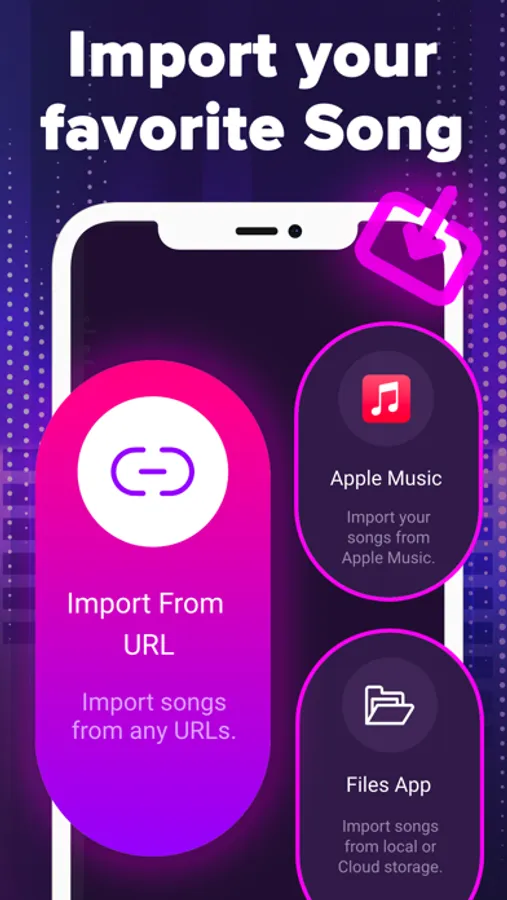
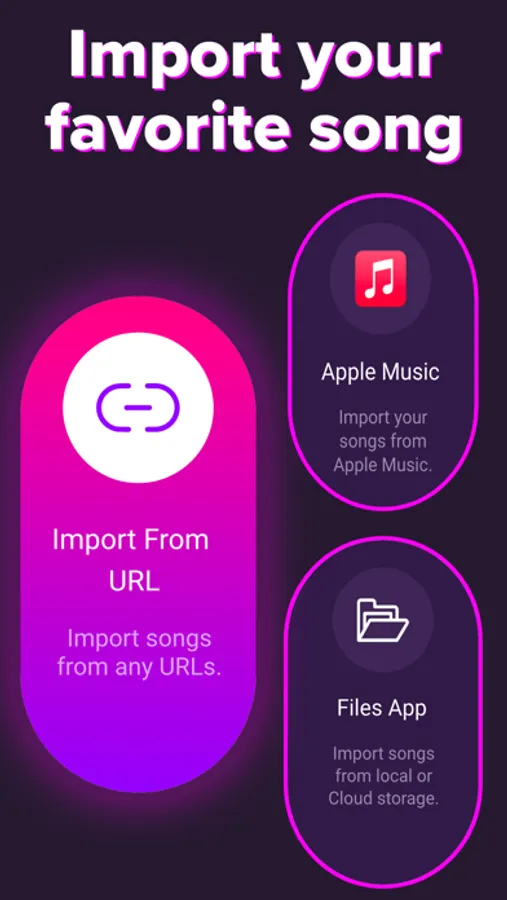
Choose any song from your Camera Roll, iTunes, Files app, or a URL.
Let Vocal Remover’s AI separate vocals and instruments into clean stems.
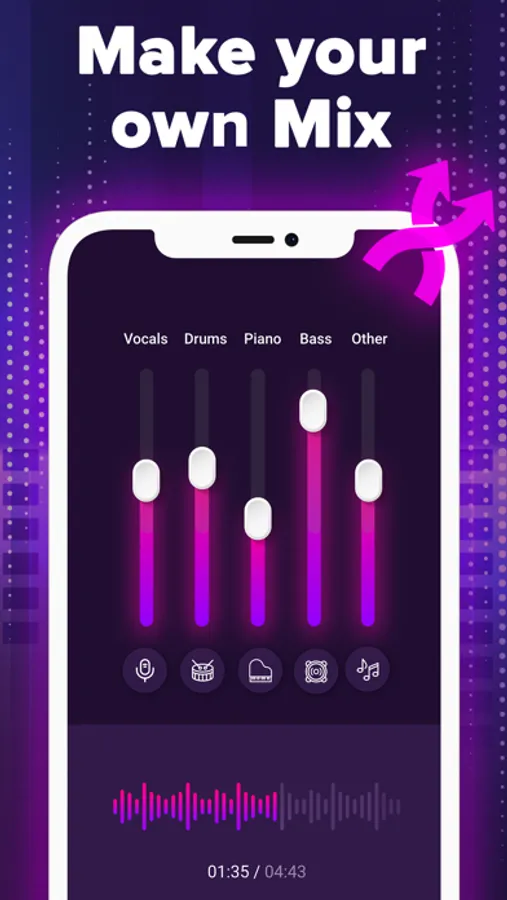
Adjust volume, mute stems, or enable lyrics view for a karaoke-ready experience.
Download your final mix or individual tracks in high quality.
Supported Imports
Import music directly from Google Drive, Dropbox, iCloud, or any public URL.
Fully compatible with MP3, FLAC, WAV, and M4A formats.
Beyond Basic Vocal Removal
• Instrument-specific isolation for vocals, drums, bass, piano, and guitars.
• AI-powered lyrics recognition and karaoke mode for synchronized lyric display.
Who It’s For
• Musicians & Producers: Transform your favorite songs into editable stems and practice vocals with visible lyrics.
• Performers & Singers: Use acapella tracks with live lyrics for rehearsals or performance prep.
• Content Creators: Produce unique remixes and videos using isolated vocals and karaoke-style visuals.
Elevate your music projects with Vocal Remover — your complete AI companion for music editing, karaoke, and vocal isolation.
DISCLAIMER
You must own the rights to any content you upload. You are responsible for ensuring you have permission to use copyrighted material.
AGE RESTRICTION
You must be 18+ or the legal age in your region to use the app.
Privacy Policy: https://vividup.tech/privacy-policy/
Terms & Conditions: https://vividup.tech/terms-conditions/
VOCAL REMOVER PREMIUM
Upgrade to Premium for unlimited song separation, lyrics display, and karaoke features. Choose from weekly or monthly plans. Pricing varies by region. Manage or cancel anytime in your account settings.
Vocal Remover: Music Separator Screenshots

Tap to Rate:
Reviews for Vocal Remover: Music Separator
I want free learning
Extortion
Can’t listen even just a day without paying if you don’t fix this, I’ll report this app and tell my friends to report this app too… if u just know how many friends I have, you’ll regret this, I have over a thousand followers and I’ll tell them too
KyleeCuteGirl
It was good for a while *PLEASE READ*
This app was perfect in every way until now because I had subscribed so that I could have full access and last night when I wanted to hear my muffin man song *don’t judge* in instrumental. But when I go onto the app, I see “Please subscribe to unlock full access” I look at my subscriptions and see that I AM subscribing. So please give me full access. Five stars for everything else.