
With this financial management app, you can track transactions, set alerts, and make payments easily. Includes account aggregation, photo check deposits, and branch locator features.
AppRecs review analysis
AppRecs rating 4.5. Trustworthiness 0 out of 100. Review manipulation risk 0 out of 100. Based on a review sample analyzed.
★★★★☆
4.5
AppRecs Rating
Ratings breakdown
5 star
95%
4 star
3%
3 star
2%
2 star
0%
1 star
1%
What to know
✓
High user satisfaction
95% of sampled ratings are 5 stars
About FNBCC
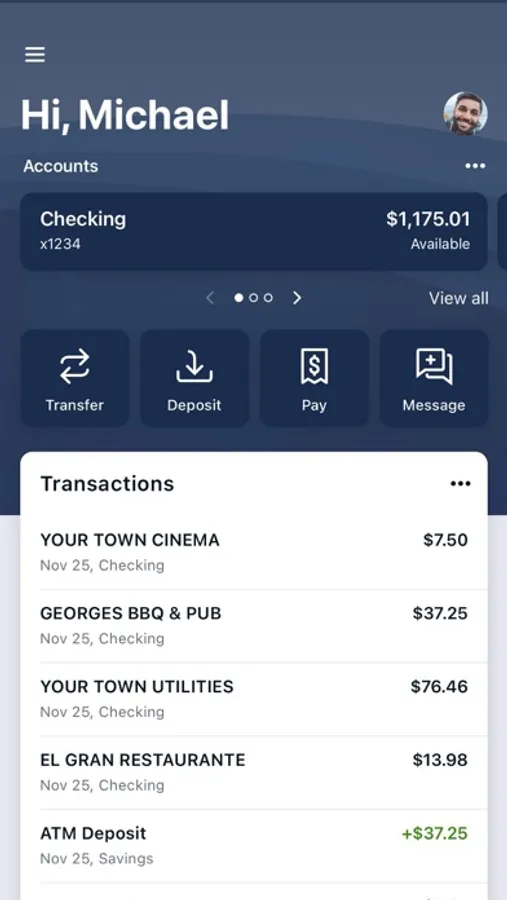
FNBCC Mobile App is your personal financial advocate. It’s fast, secure and makes life easier by empowering you with the tools you need to manage your finances.
Here’s what you can do with the FNBCC Mobile App.
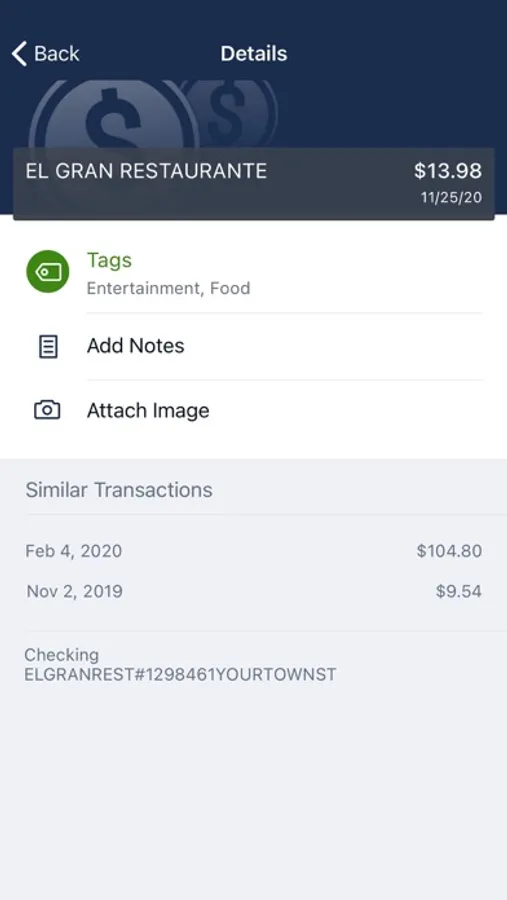
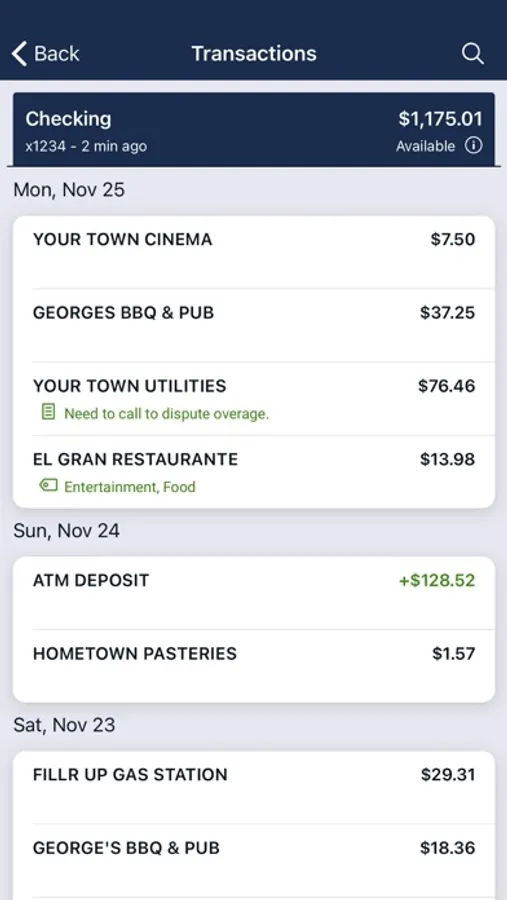
· Keep your transactions organized by allowing you to add tags, notes and photos of receipts and checks.
· Set up alerts so you know when your balance drops below a certain amount
· Make payments, whether you’re paying a company or a friend
· Transfer money between your accounts
· Deposit checks in a snap by taking a picture of the front and back
· Reorder your debit card or turn it off if you’ve misplaced it
· View and save your monthly statements
· Find branches and ATMs near you
· Aggregate your financial accounts
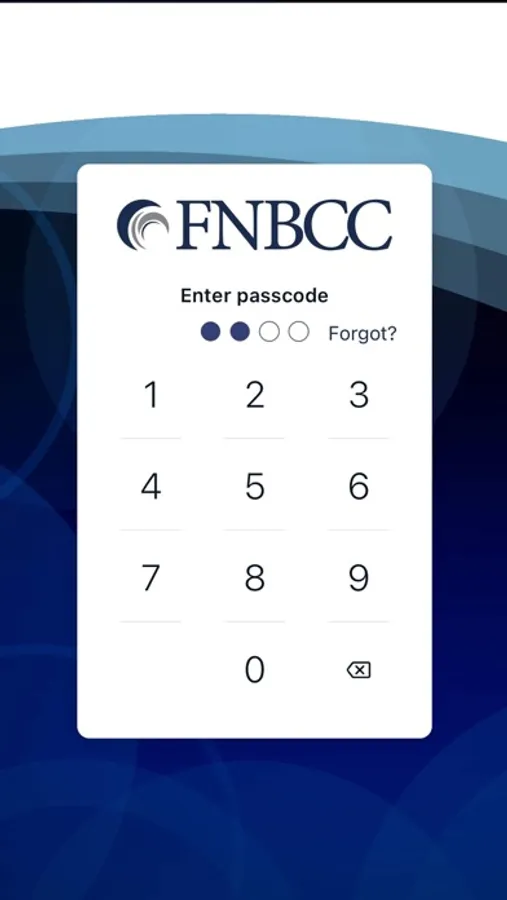
Secure your account with a 4-digit passcode or biometric on supported devices.
To use the FNBCC Mobile app, you must already be enrolled as an FNBCC Online Banking user. If you currently use FNBCC Online Banking, simply download the FNBCC app, launch it, and login with the same FNBCC Online Banking Credentials.
Here’s what you can do with the FNBCC Mobile App.
· Keep your transactions organized by allowing you to add tags, notes and photos of receipts and checks.
· Set up alerts so you know when your balance drops below a certain amount
· Make payments, whether you’re paying a company or a friend
· Transfer money between your accounts
· Deposit checks in a snap by taking a picture of the front and back
· Reorder your debit card or turn it off if you’ve misplaced it
· View and save your monthly statements
· Find branches and ATMs near you
· Aggregate your financial accounts
Secure your account with a 4-digit passcode or biometric on supported devices.
To use the FNBCC Mobile app, you must already be enrolled as an FNBCC Online Banking user. If you currently use FNBCC Online Banking, simply download the FNBCC app, launch it, and login with the same FNBCC Online Banking Credentials.
FNBCC Screenshots
Tap to Rate:
Reviews for FNBCC
US1 Package
Great!!!
Great 👍
NotNDJ
Amazing Bank
Best Bank Highky recommend Also one of the best banking apps Ive ever used .