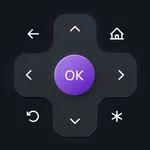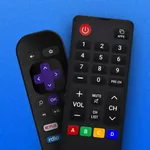
In this remote control app, you can easily operate your Smart TV using touchpad, keyboard, and quick access shortcuts. Includes device discovery, screen mirroring, volume control, and channel shortcuts.
AppRecs review analysis
AppRecs rating 4.4. Trustworthiness 76 out of 100. Review manipulation risk 23 out of 100. Based on a review sample analyzed.
★★★★☆
4.4
AppRecs Rating
Ratings breakdown
5 star
75%
4 star
7%
3 star
5%
2 star
3%
1 star
9%
What to know
✓
Low review manipulation risk
23% review manipulation risk
✓
Credible reviews
76% trustworthiness score from analyzed reviews
✓
High user satisfaction
83% of sampled ratings are 4+ stars (4.4★ average)
About TV Remote, Universal Control
Enjoy the Best, Super-Easy, and Feature-Loaded Remote Control + Screen Mirror for Smart TV on the App Store. Designed with your ease and convenience in mind, the new Remote Control offers every control you need to access your favorite channels on your Smart TV Streaming Device. Combined with the Screen Mirroring feature, the Universal remote control for tv is the best casting app you can use on the App store.
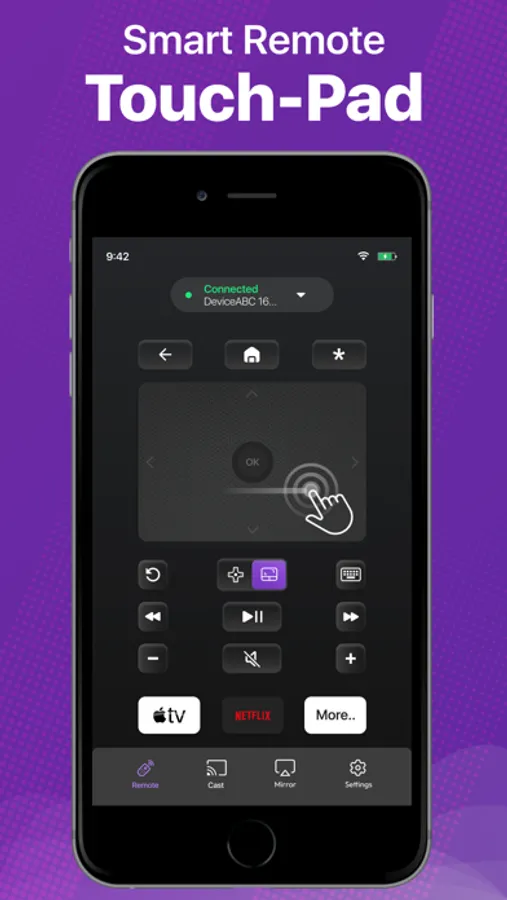
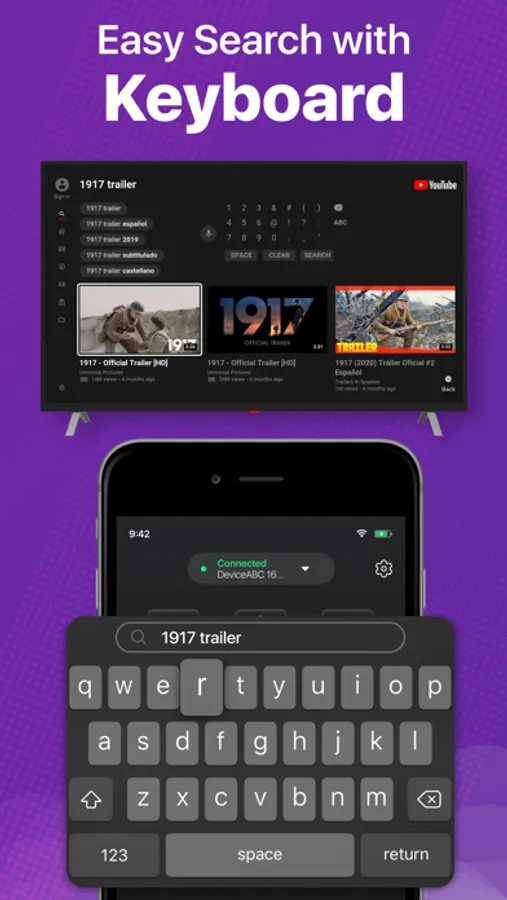
Introducing the new touch-pad and keyboard feature on the Smart TV remote control app! Experience the ultimate convenience of streaming with our Smart TV Remote control mobile app. With a responsive touchpad and full keyboard search function, you can quickly search, browse, and stream your favorite content with just a few clicks. Say goodbye to bulky remotes and hello to effortless control with our TV remote app and touch-pad.
Here are the fully-loaded features you will love in the app:
No setup is required. Just download the app right now and start controlling your Smart TV device instantly.
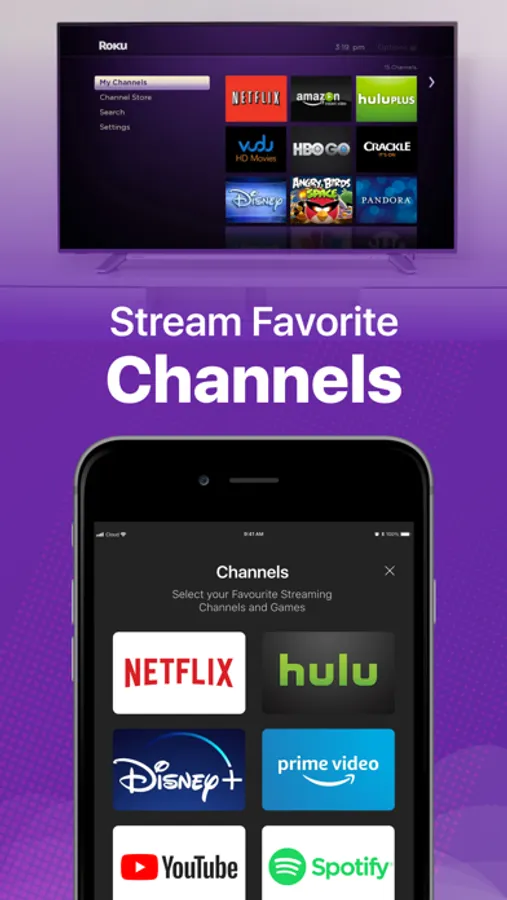
4 Quick shortcuts to directly access your favorite streaming channels. Memorizes the last connected Smart devices.
Easily switch between connected Smart devices. Volume Controls. Turn Smart device On/Off directly from the Remote.
Mirror your iPhone screen to a smart TV.
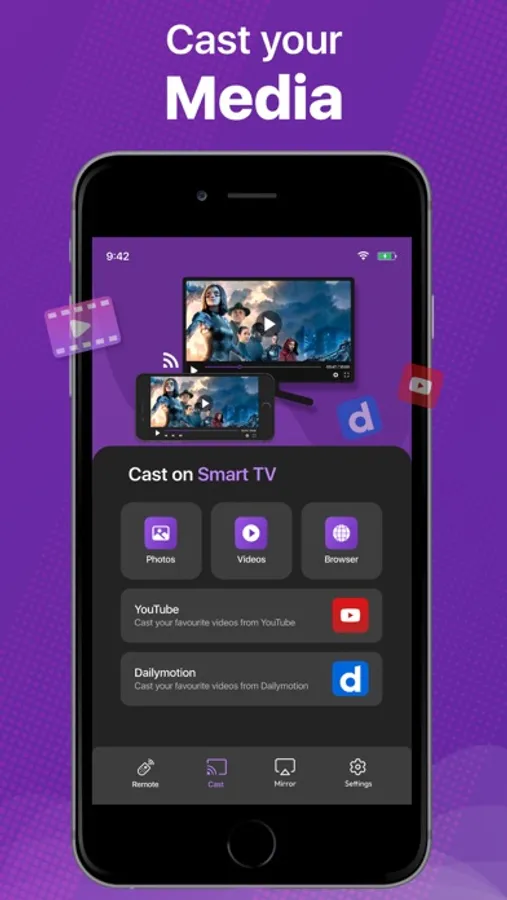
Cast your favorite videos, photos from your iPhone directly. You can also cast your favorite videos from facebook, dailymotion or anywhere from the internet to directly to your Smart Tv device.
Smooth gaming experience in HD quality display mirroring.
Present your business proposal and presentation with just one tap screen mirroring feature.
Smooth Navigation Controls.
Easy controls for you to navigate and type on a keyboard.
Remote & Mirror Works on both iPhone and iPad.
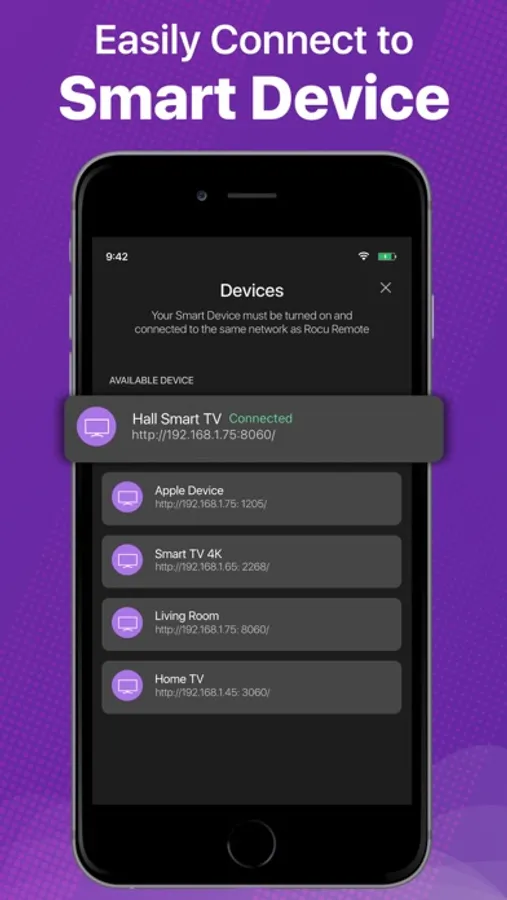
The Remote Control app automatically finds the devices connected to the same WiFi.
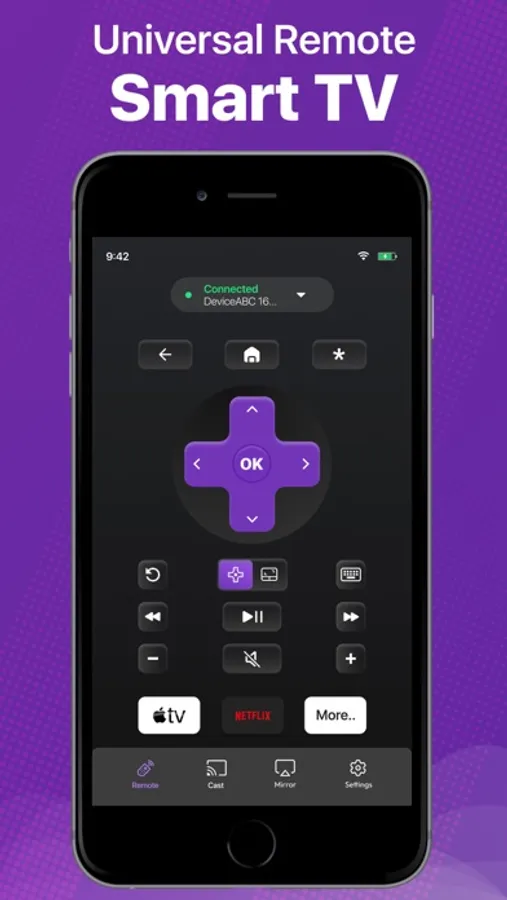
The remote is designed to have the most useful controls on the screen for you. This saves you from a lot of clutter and complex navigation. The universal remote control comes with a zero setup policy. Just connect it to the same WiFi as your Smart device and start controlling the device from your app. The best thing about Universal Remote Control is that you can even control the volume directly from the remote. The remote control app helps you control everything you need on your Smart device.
You can mirror your movies, photos, games, and other relevant stuff through Screen mirror. And for this, you don't need a native AirPlay feature because it provides you with all you need. Just mirror your iPhone to supported devices and mirror the joy of happiness.
Casting photos and videos on your smart devices is also possible through our Smart app.
We have tested every aspect of the Universal Smart Remote Control app on multiple devices. In case you find any bugs or want to give us any suggestions, we would love to receive your feedback at imran.yaqoob35@outlook.com
Disclaimer:
This app is not an affiliated entity of Roku, Inc, and is not an official product of Roku, Inc.
You can upgrade to the premium version by subscribing to our monthly plan. It costs you $4.99 and is charged per month. The monthly plan comes with a free trial of 3 days. We also offer a Lifetime deal for just a one-time fee of $12.99. When you upgrade to our lifetime in-app purchase, the premium version is unlocked forever.
Subscription Info:
Monthly - $4.99
Lifetime - $12.99
- Payment will be charged to iTunes Account at confirmation of purchase
- Subscription automatically renews unless auto-renew is turned off at least 24 hours before the end of the current period
- The account will be charged for renewal within 24 hours prior to the end of the current period, and identify the cost of the renewal
Privacy Policy: https://king-streamer.jimdosite.com/privacy/
Terms & Conditions: https://king-streamer.jimdosite.com/terms-and-conditions/
Terms of Subscription: https://king-streamer.jimdosite.com/subscription-terms/
Introducing the new touch-pad and keyboard feature on the Smart TV remote control app! Experience the ultimate convenience of streaming with our Smart TV Remote control mobile app. With a responsive touchpad and full keyboard search function, you can quickly search, browse, and stream your favorite content with just a few clicks. Say goodbye to bulky remotes and hello to effortless control with our TV remote app and touch-pad.
Here are the fully-loaded features you will love in the app:
No setup is required. Just download the app right now and start controlling your Smart TV device instantly.
4 Quick shortcuts to directly access your favorite streaming channels. Memorizes the last connected Smart devices.
Easily switch between connected Smart devices. Volume Controls. Turn Smart device On/Off directly from the Remote.
Mirror your iPhone screen to a smart TV.
Cast your favorite videos, photos from your iPhone directly. You can also cast your favorite videos from facebook, dailymotion or anywhere from the internet to directly to your Smart Tv device.
Smooth gaming experience in HD quality display mirroring.
Present your business proposal and presentation with just one tap screen mirroring feature.
Smooth Navigation Controls.
Easy controls for you to navigate and type on a keyboard.
Remote & Mirror Works on both iPhone and iPad.
The Remote Control app automatically finds the devices connected to the same WiFi.
The remote is designed to have the most useful controls on the screen for you. This saves you from a lot of clutter and complex navigation. The universal remote control comes with a zero setup policy. Just connect it to the same WiFi as your Smart device and start controlling the device from your app. The best thing about Universal Remote Control is that you can even control the volume directly from the remote. The remote control app helps you control everything you need on your Smart device.
You can mirror your movies, photos, games, and other relevant stuff through Screen mirror. And for this, you don't need a native AirPlay feature because it provides you with all you need. Just mirror your iPhone to supported devices and mirror the joy of happiness.
Casting photos and videos on your smart devices is also possible through our Smart app.
We have tested every aspect of the Universal Smart Remote Control app on multiple devices. In case you find any bugs or want to give us any suggestions, we would love to receive your feedback at imran.yaqoob35@outlook.com
Disclaimer:
This app is not an affiliated entity of Roku, Inc, and is not an official product of Roku, Inc.
You can upgrade to the premium version by subscribing to our monthly plan. It costs you $4.99 and is charged per month. The monthly plan comes with a free trial of 3 days. We also offer a Lifetime deal for just a one-time fee of $12.99. When you upgrade to our lifetime in-app purchase, the premium version is unlocked forever.
Subscription Info:
Monthly - $4.99
Lifetime - $12.99
- Payment will be charged to iTunes Account at confirmation of purchase
- Subscription automatically renews unless auto-renew is turned off at least 24 hours before the end of the current period
- The account will be charged for renewal within 24 hours prior to the end of the current period, and identify the cost of the renewal
Privacy Policy: https://king-streamer.jimdosite.com/privacy/
Terms & Conditions: https://king-streamer.jimdosite.com/terms-and-conditions/
Terms of Subscription: https://king-streamer.jimdosite.com/subscription-terms/
TV Remote, Universal Control Screenshots
Tap to Rate:
Reviews for TV Remote, Universal Control
Wilmington Delaware
Horrible
I can’t do nothing at all it’s not even a power button won’t let me press anything at all can’t email anything, don’t waste the click of of phone
Ivislissette
I can’t take off the mute
Can’t unmute the tv les nothing