
Contactless e-Channel
Hong Kong Immigration Department
2.9 ★
7 ratings
Free
AppRecs review analysis
AppRecs rating 2.9. Trustworthiness 90 out of 100. Review manipulation risk 17 out of 100. Based on a review sample analyzed.
★★☆☆☆
2.9
AppRecs Rating
Ratings breakdown
5 star
43%
4 star
0%
3 star
0%
2 star
14%
1 star
43%
What to know
✓
Low review manipulation risk
17% review manipulation risk
✓
Credible reviews
90% trustworthiness score from analyzed reviews
⚠
Mixed user feedback
Average 2.9★ rating suggests room for improvement
About Contactless e-Channel
Contactless e-Channels would enable members of the public to reduce contact with shared equipment during self-service immigration clearance; while providing faster, more convenient and hygienic immigration clearance service.
Enrolment of Contactless e-Channel Service via Contactless e-Channel Mobile Application:
● Use mobile device with biometric authentication functions enabled to download and install the contactless e-Channel mobile application and the "智方便 iAM Smart" app
● Register and activate "iAM Smart"
● Open the contactless e-Channel mobile application and select enrolment
● Wait for the identity verification via "iAM Smart" after reading the statement and submitting the application
● Perform mobile phone built-in biometric authentication to complete the enrolment upon successful identity verification
● Generate e-Channel QR code for immigration clearance via the contactless e-Channels once the above steps are completed
Notes:
● Consent of your parent or guardian is required if you are aged from 11 to 17.
● Using Immigration Department Mobile Application, data transmission fees may be incurred for transmitting data through mobile devices. You are suggested keeping track of data usage from time to time.
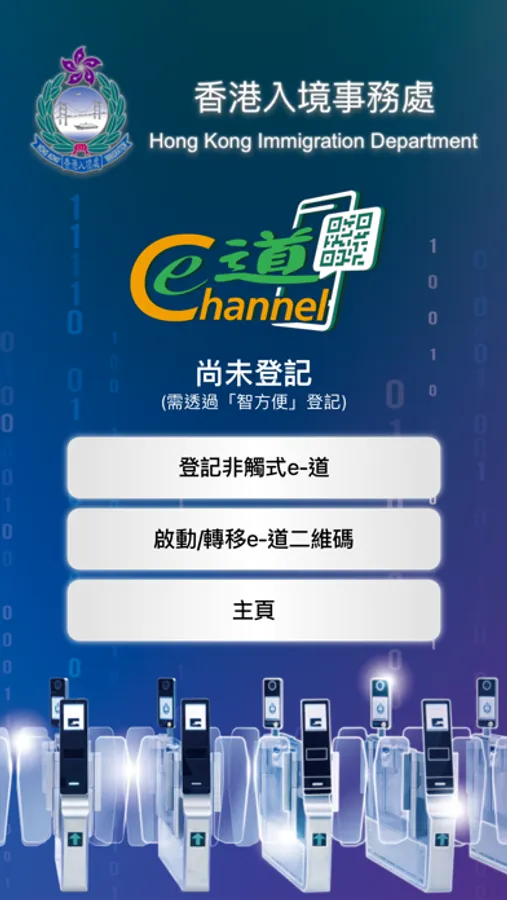
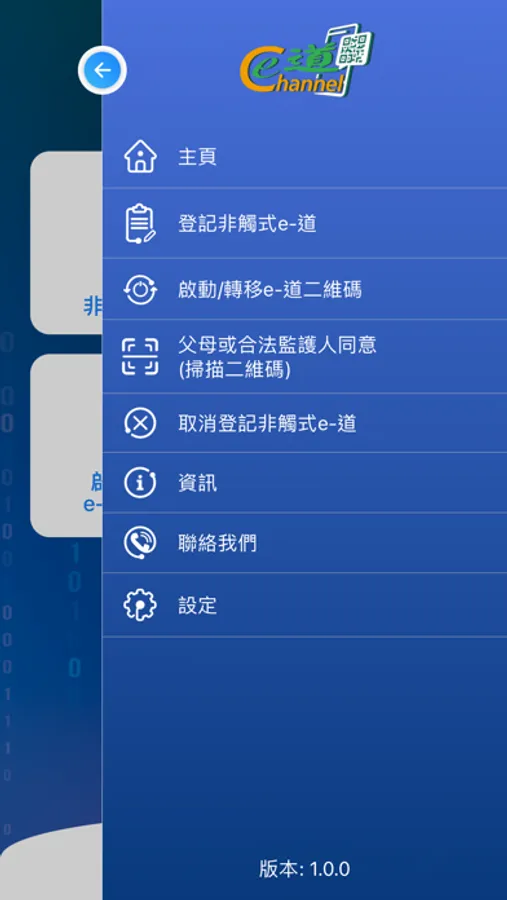
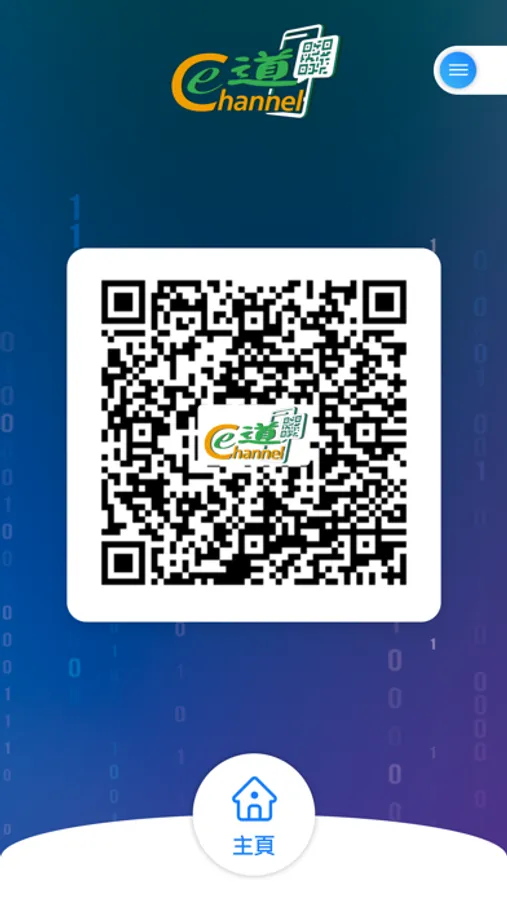
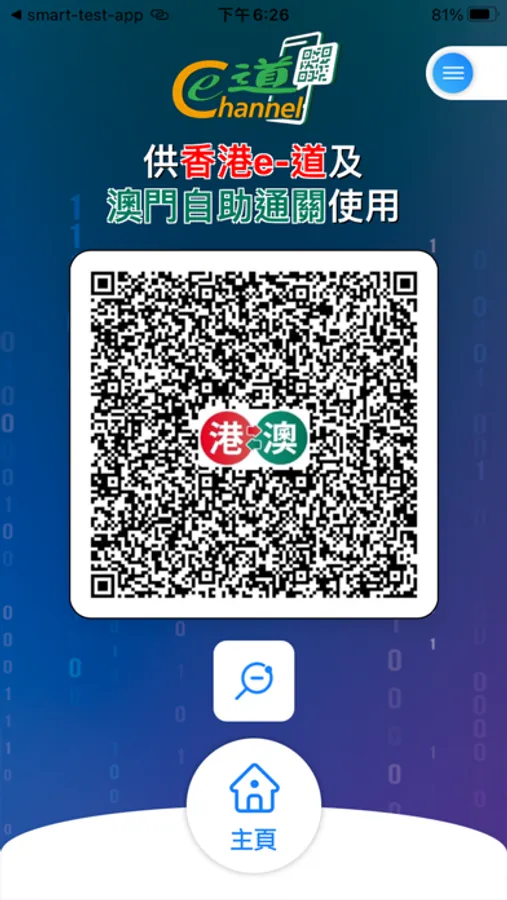
Contactless e-Channel Screenshots

Tap to Rate:
Reviews for Contactless e-Channel
pregret
Works seamlessly! Good job HKGOV
I already had iAM Smart app setup, so this was super fast and easy to setup. I forgot to bring my HKID after I arrived Luohu station, and I was able to set this up and use it to cross border to SZ in 5 minutes. For once I need to praise the efficiency of the government and whoever created this app and workflow. Well done, good job!
Georjorfg
Internal error 500?
When I prompted to iAMsmart app, I have to press the confirm button in order to login, but after I pressed it it redirected me to a website in google. However, it said 500 internal error. It didn’t redirect me back to the E contactless channel app for application. Please fix that iOS