
AppRecs review analysis
AppRecs rating 4.1. Trustworthiness 65 out of 100. Review manipulation risk 21 out of 100. Based on a review sample analyzed.
★★★★☆
4.1
AppRecs Rating
Ratings breakdown
5 star
50%
4 star
38%
3 star
0%
2 star
0%
1 star
13%
What to know
✓
Low review manipulation risk
21% review manipulation risk
✓
High user satisfaction
88% of sampled ratings are 4+ stars (4.1★ average)
About Awesome Golf Assistant
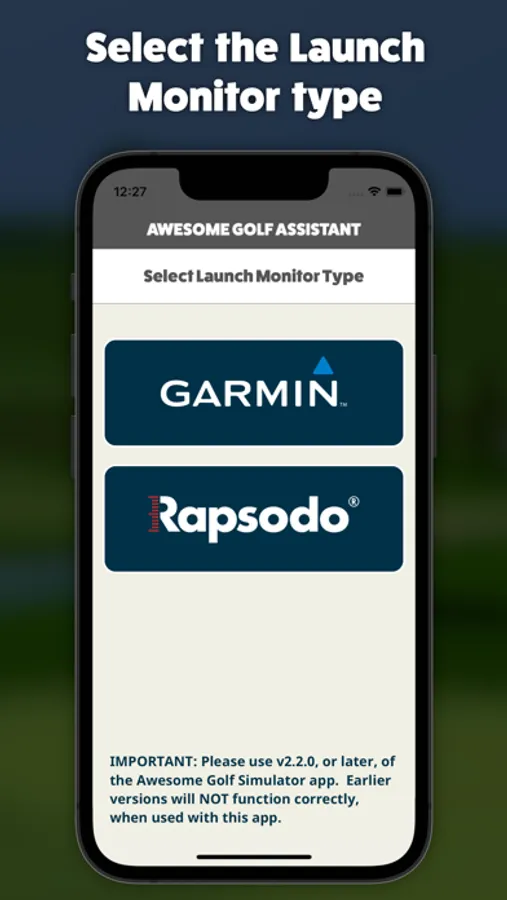
Awesome Golf Assistant enables users to connect supported Bluetooth Launch Monitors with Awesome Golf Simulator, where the latter is running on a device that may not have Bluetooth, or which users may not want to pair with their Launch Monitor.
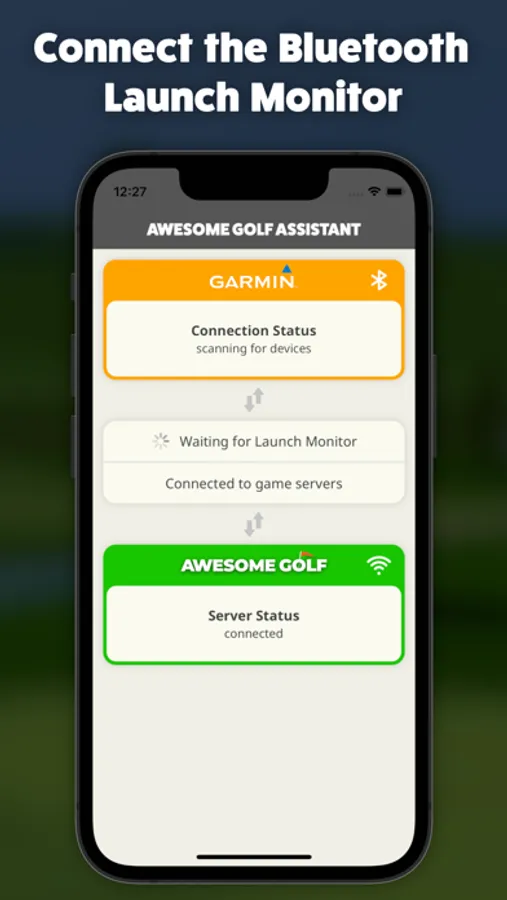
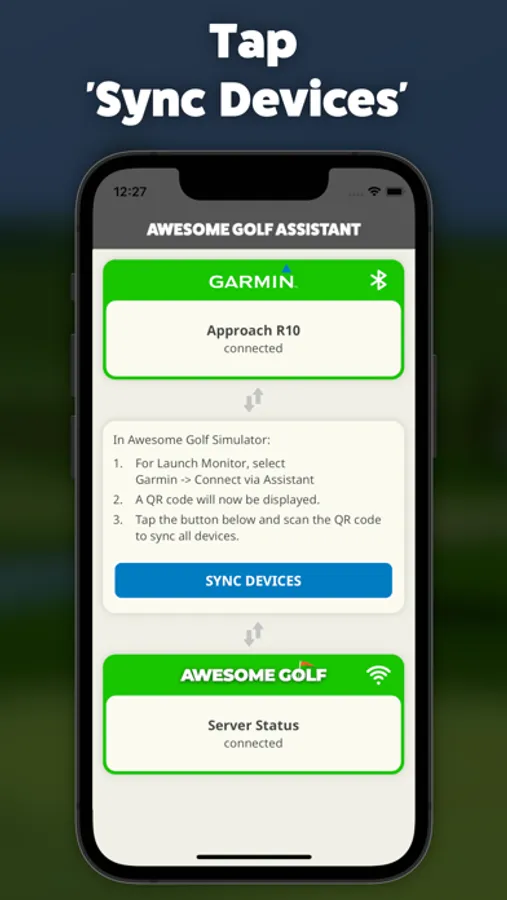
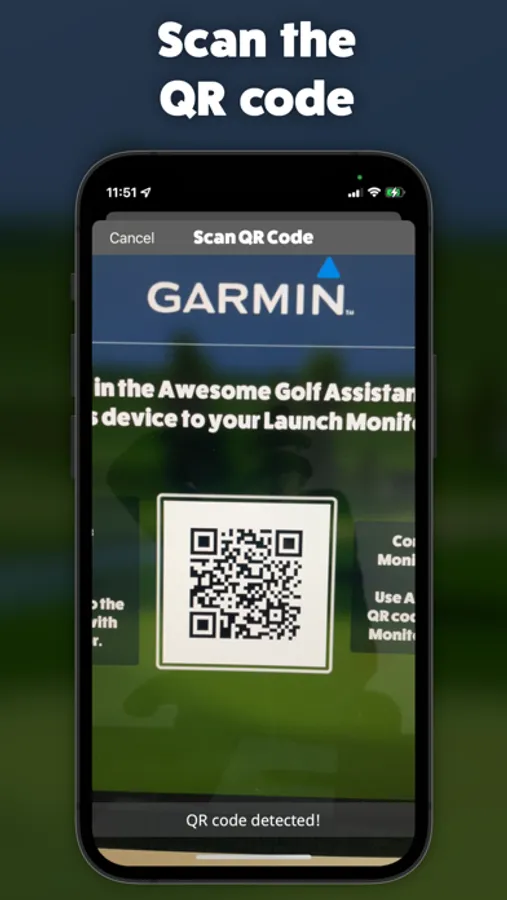
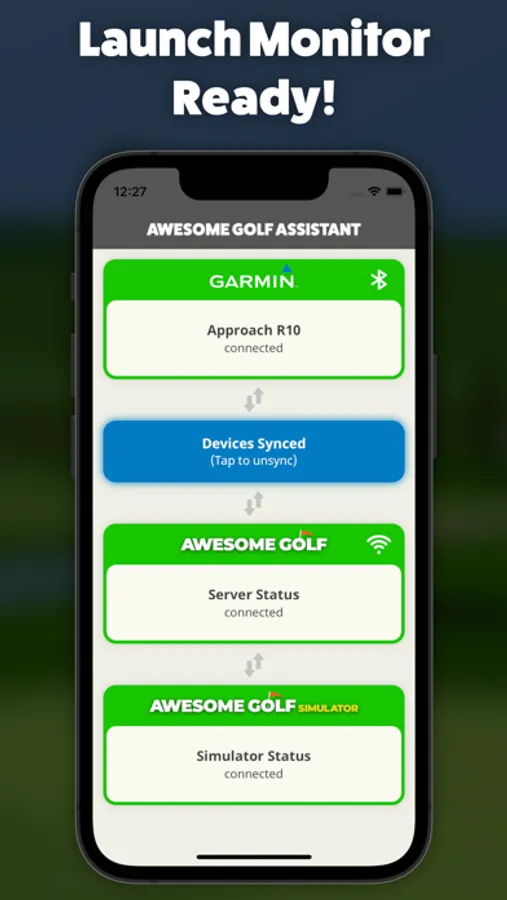
This app will connect to a supported Bluetooth Launch Monitor and communicate all its data to Awesome Golf Simulator, over an internet connection. Simply run the app, switch on your Launch Monitor and connect. Load up Awesome Golf Simulator on another device, select your Launch Monitor connection method as 'Assistant', to display a QR code. Sync the two devices by tapping 'Sync Devices' in this app, scan the QR code and you're all set; Awesome Golf Simulator is now connected to your Launch Monitor and ready to track golf balls!
Supported Launch Monitors:
- Garmin Approach R10
- Rapsodo MLM2PRO
This app will connect to a supported Bluetooth Launch Monitor and communicate all its data to Awesome Golf Simulator, over an internet connection. Simply run the app, switch on your Launch Monitor and connect. Load up Awesome Golf Simulator on another device, select your Launch Monitor connection method as 'Assistant', to display a QR code. Sync the two devices by tapping 'Sync Devices' in this app, scan the QR code and you're all set; Awesome Golf Simulator is now connected to your Launch Monitor and ready to track golf balls!
Supported Launch Monitors:
- Garmin Approach R10
- Rapsodo MLM2PRO
Awesome Golf Assistant Screenshots
Tap to Rate:
Reviews for Awesome Golf Assistant
Musejung
dumb
Can the developer think? The app is supposed to help connect the launch monitor with AGS. The QR code is generated and must be scanned by the same device. How? Anyone who tried will learn this is impossible.