AppRecs review analysis
AppRecs rating 3.8. Trustworthiness 76 out of 100. Review manipulation risk 26 out of 100. Based on a review sample analyzed.
★★★☆☆
3.8
AppRecs Rating
Ratings breakdown
5 star
40%
4 star
40%
3 star
0%
2 star
0%
1 star
20%
What to know
✓
Low review manipulation risk
26% review manipulation risk
✓
Credible reviews
76% trustworthiness score from analyzed reviews
✓
Good user ratings
80% positive sampled reviews
About LoveMusic Player - Local Play
LoveMusic is a local music player / offline music player. Support multiple music libraries, iCloud synchronization of different devices, information editing, ID3 Tag editing, Lyrics editing ...
[Supported Formats]
- AAC, AIFF, CAF, FLAC, MP3, M4A, WAV
- M4V, MP4, MOV
[Management Method]
1, Can be managed by LoveMusic application
2, You can manage files through the Files application that comes with the device
2.1, Files > My Device > LoveMusic Folder : Can manage local files
2.2, Files > iCloud Drive > LoveMusic Folder : Manage iCloud Drive files, support synchronization between different devices
Note: If a file exists in a user-defined playlist, moving the file through the Files application may cause a link error to the playlist file
[iCloud]
- Support iCloud file backup and optionally download part of the file to the device
- Through iCloud, resources can be shared on multiple devices such as iPad, iPhone, etc.; (For example, music files on Mac, you can directly drag and drop them to iCloud Drive> LoveMusic > My Music, iPhone, iPad can see the related files and choose whether to download them)
[Document Organization]
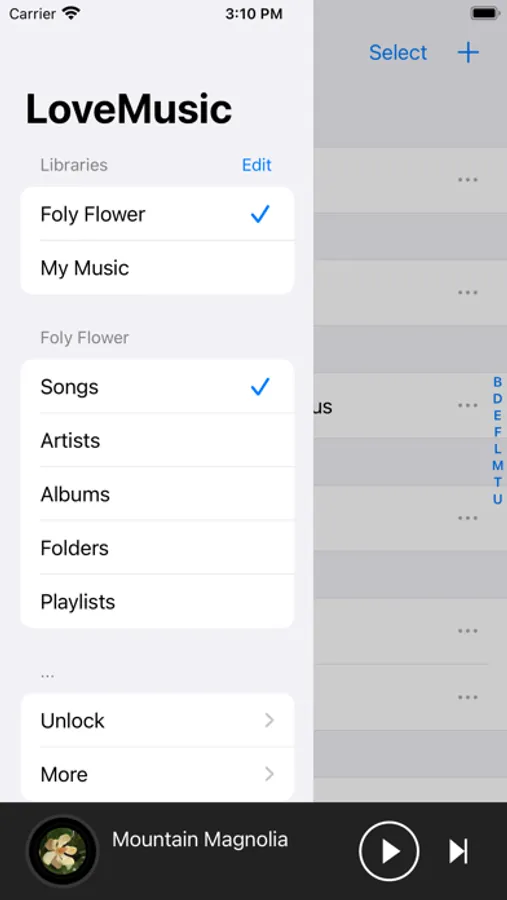
- Multiple music libraries can be established, and each music library can manage different categories of materials. For example, build the following music library: my music, my poetry, children's music.
- Independent management of each music library
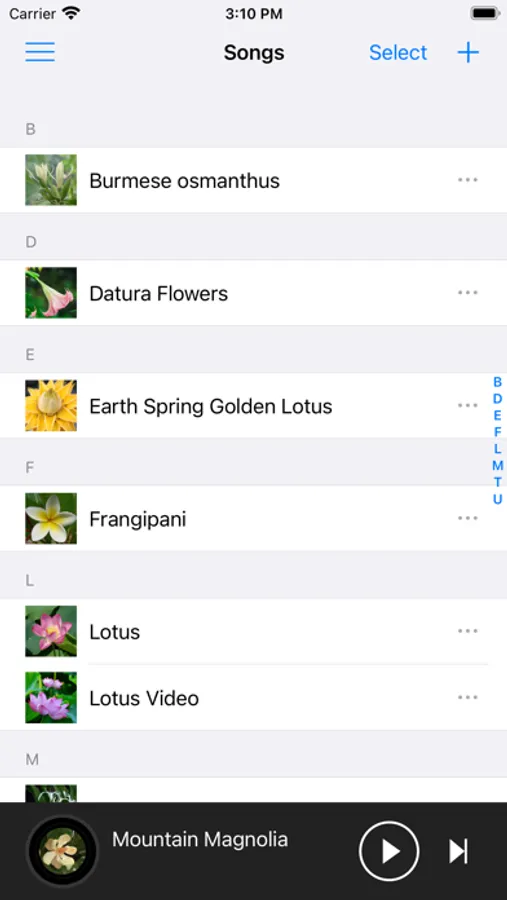
- You can browse files in the library by song, artist, album, folder, etc.
- Playlist management
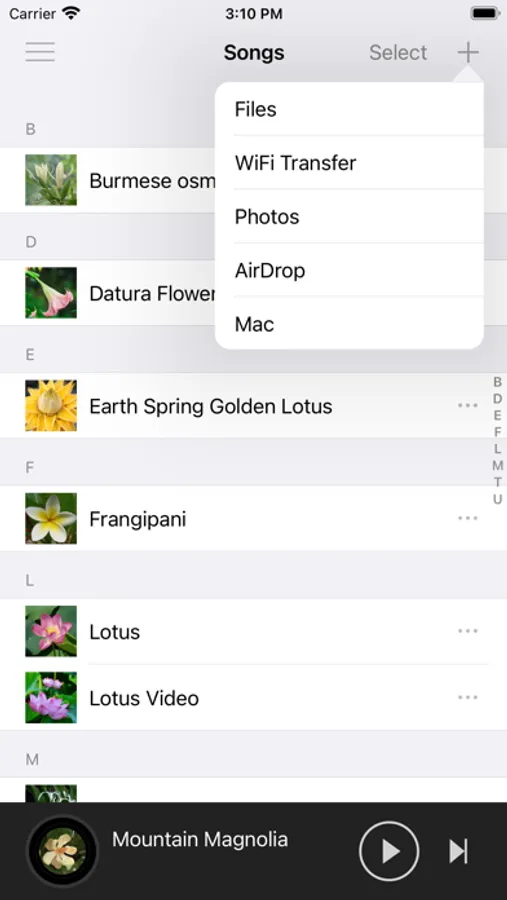
[File Import]
- Files import
- WiFi transport (HTTP)
- Airdrop
- Mac import
- Photo import
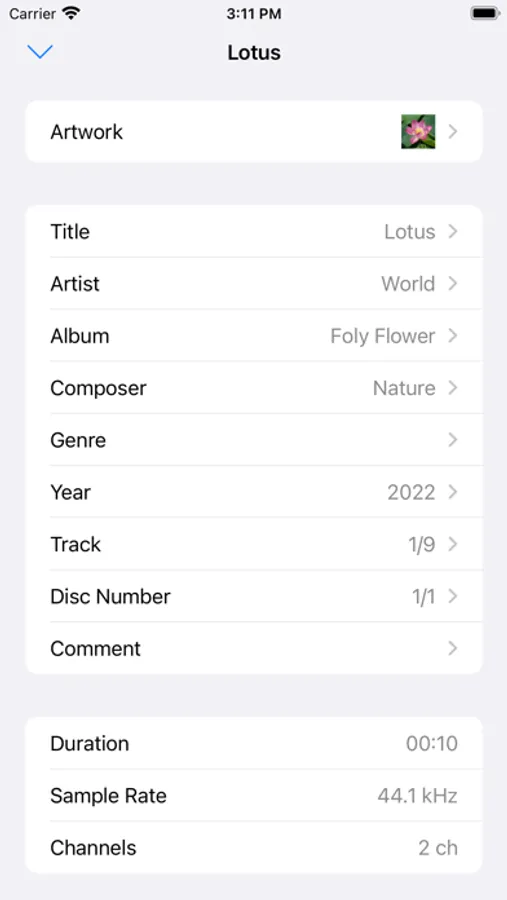
[Information Edited]
- Support editing information of some files ( m4a, mp3, mov, mp4, m4v)
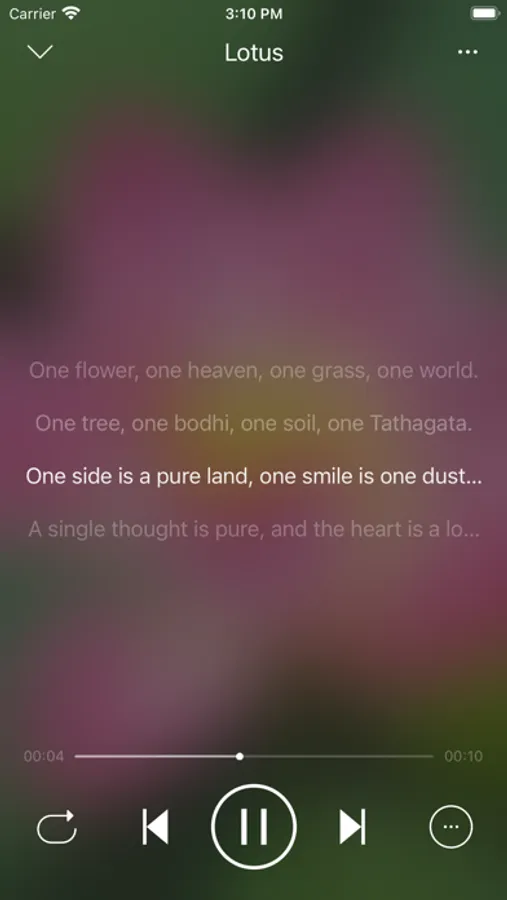
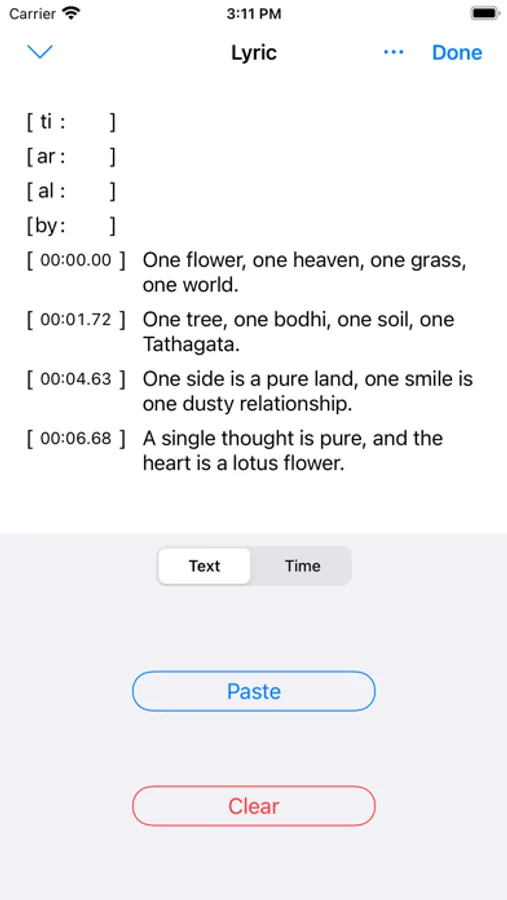
- Edit lyrics
1, If the software supports embedded lyrics in the corresponding audio file and the LRC file does not exist, the lyrics will be saved in the audio file
2, If the software supports embedded lyrics in the corresponding audio file and the LRC file exists at the same time, the lyrics will be saved in both the audio file and the LRC file
3, If the software does not support the embedded lyrics of the corresponding audio file, an LRC file with the same name will be created and the lyrics will be saved
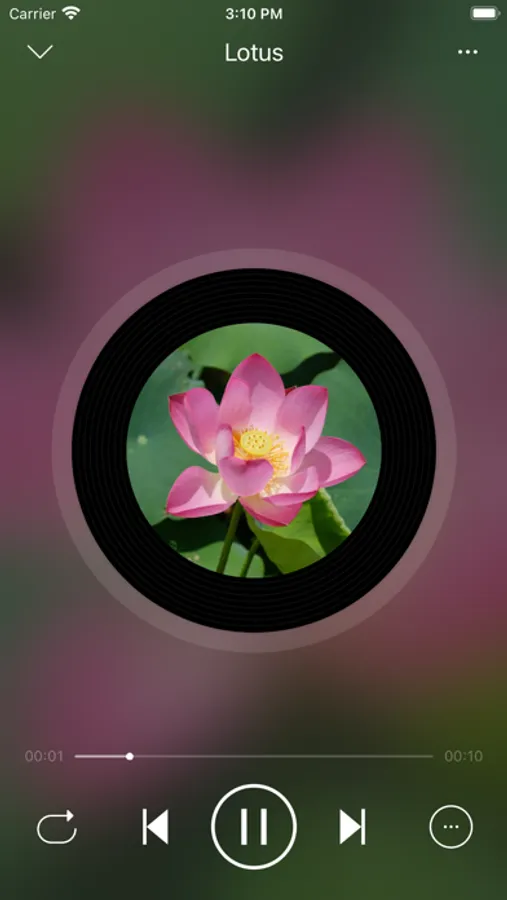
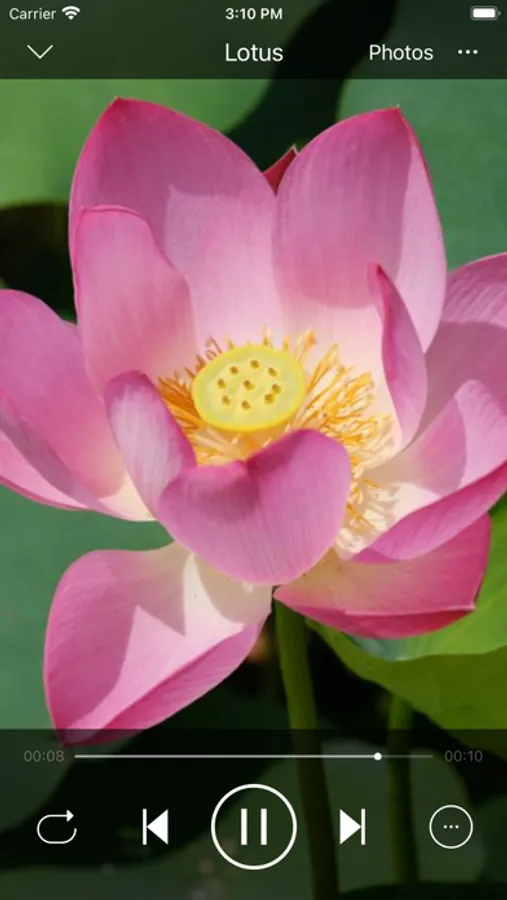
[Play Style]
- Image
- Vinyl Records
- CD
- Photo pictures
[Play Functions]
- Timing: time/number of songs
- Double speed: click the time on the right of the progress bar to display the shortcut of this function
- Fast forward and fast backward: click the time on the left of the progress bar to display the shortcut operation of this function
[Purchase]
- This program can be downloaded for free to experience, preview
- Some built-in functions need to be purchased to use
- All current purchases are one-time purchases and lifetime use.
[Supported Formats]
- AAC, AIFF, CAF, FLAC, MP3, M4A, WAV
- M4V, MP4, MOV
[Management Method]
1, Can be managed by LoveMusic application
2, You can manage files through the Files application that comes with the device
2.1, Files > My Device > LoveMusic Folder : Can manage local files
2.2, Files > iCloud Drive > LoveMusic Folder : Manage iCloud Drive files, support synchronization between different devices
Note: If a file exists in a user-defined playlist, moving the file through the Files application may cause a link error to the playlist file
[iCloud]
- Support iCloud file backup and optionally download part of the file to the device
- Through iCloud, resources can be shared on multiple devices such as iPad, iPhone, etc.; (For example, music files on Mac, you can directly drag and drop them to iCloud Drive> LoveMusic > My Music, iPhone, iPad can see the related files and choose whether to download them)
[Document Organization]
- Multiple music libraries can be established, and each music library can manage different categories of materials. For example, build the following music library: my music, my poetry, children's music.
- Independent management of each music library
- You can browse files in the library by song, artist, album, folder, etc.
- Playlist management
[File Import]
- Files import
- WiFi transport (HTTP)
- Airdrop
- Mac import
- Photo import
[Information Edited]
- Support editing information of some files ( m4a, mp3, mov, mp4, m4v)
- Edit lyrics
1, If the software supports embedded lyrics in the corresponding audio file and the LRC file does not exist, the lyrics will be saved in the audio file
2, If the software supports embedded lyrics in the corresponding audio file and the LRC file exists at the same time, the lyrics will be saved in both the audio file and the LRC file
3, If the software does not support the embedded lyrics of the corresponding audio file, an LRC file with the same name will be created and the lyrics will be saved
[Play Style]
- Image
- Vinyl Records
- CD
- Photo pictures
[Play Functions]
- Timing: time/number of songs
- Double speed: click the time on the right of the progress bar to display the shortcut of this function
- Fast forward and fast backward: click the time on the left of the progress bar to display the shortcut operation of this function
[Purchase]
- This program can be downloaded for free to experience, preview
- Some built-in functions need to be purchased to use
- All current purchases are one-time purchases and lifetime use.
LoveMusic Player - Local Play Screenshots
Tap to Rate:
Reviews for LoveMusic Player - Local Play
xuanwuchen
About the music playing of sleeping help
why add the function of control music to stopping time
L0GTHEWEIRD0
Albums are not sorting
Every album I add aren’t sorting even with a track number. Also lyrics are buggy and there is no way to add custom art to an artists profile.