
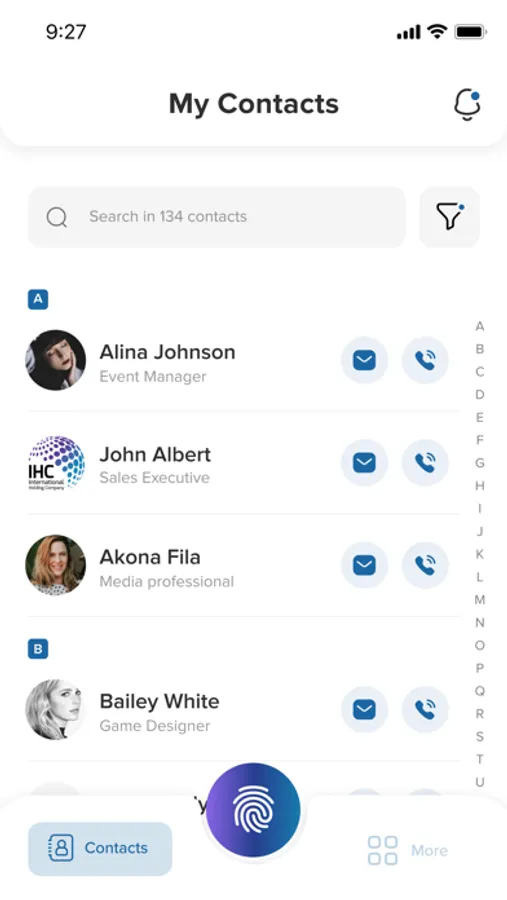
In this contact sharing app, users can exchange and update contact details with others nearby using a simple tap. Includes privacy controls, multiple profiles, and automatic data updates.
AppRecs review analysis
AppRecs rating 4.9. Trustworthiness 71 out of 100. Review manipulation risk 24 out of 100. Based on a review sample analyzed.
★★★★☆
4.9
AppRecs Rating
Ratings breakdown
5 star
91%
4 star
6%
3 star
0%
2 star
0%
1 star
3%
What to know
✓
Low review manipulation risk
24% review manipulation risk
✓
Credible reviews
71% trustworthiness score from analyzed reviews
✓
High user satisfaction
91% of sampled ratings are 5 stars
About shareTHAT
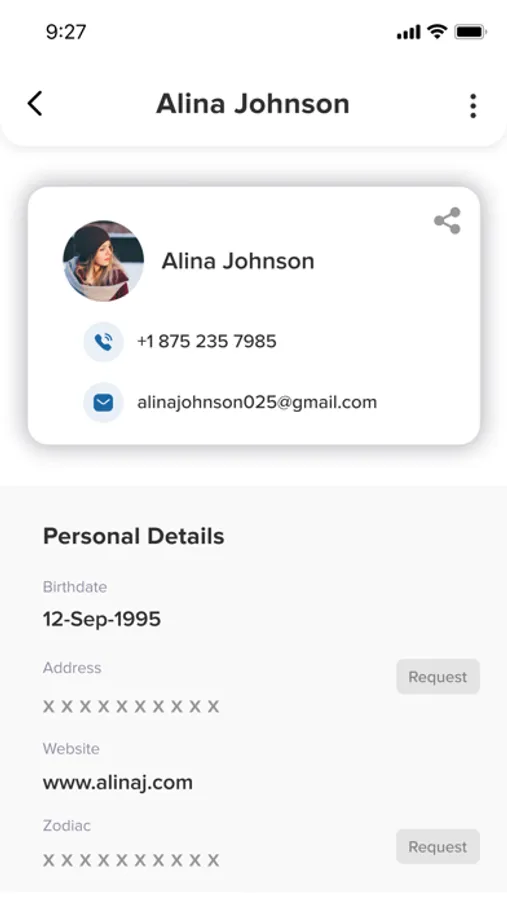
The world is becoming more and more connected by social media, we created shareTHAT – a way for those who would like to have a central “hub” where they can post their contact details and other information in one place. shareThat is a platform where the user will be able to share/receive their contact details with other nearby users. The details include Professional, Social, Personal and Parental details.
Brought to you by Touch Wright, shareTHAT is the most advanced mobile application on the market for sharing and exchanging contact information with each other. It is loaded with cutting-edge features, smartly designed to simplify the everyday action of exchanging contact information.
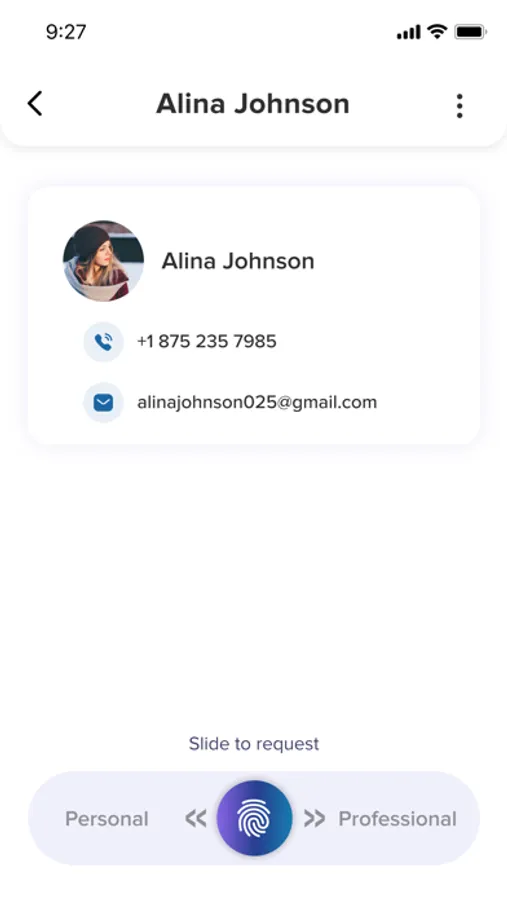
With two profile options you can keep your personal and professional life separate. You only have to shareTHAT one time. Information will update automatically across all your contacts when you change anything. No more repeating, no more mistakes, and no more tapping. shareTHAT is not limited to just the business-person or one demographic. It is usable from a 10-year-old to a CEO to a retired senior citizen. Anyone with a smartphone that needs to share contact information can do so using shareTHAT.
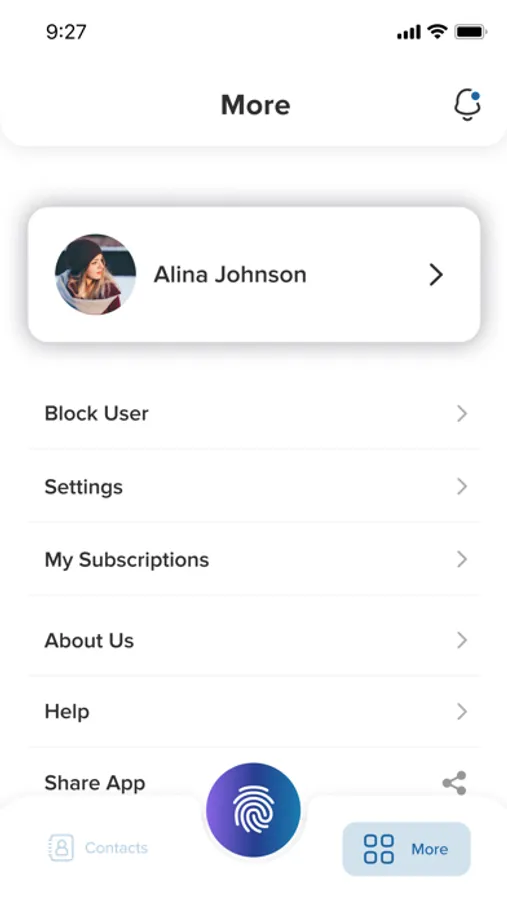
Due to the open nature of shareTHAT, your privacy and safety are important to us! shareTHAT provides a range of privacy options for your comfort and enjoyment. Keep your contact info private, reject incoming contacts or requests for private information or block and report offensive users—all settings included in your profile, your notifications and your contact list.
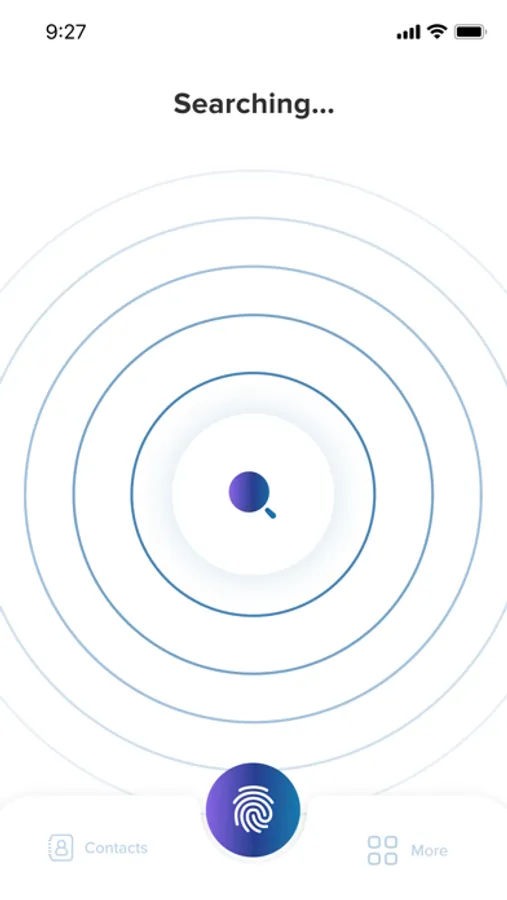
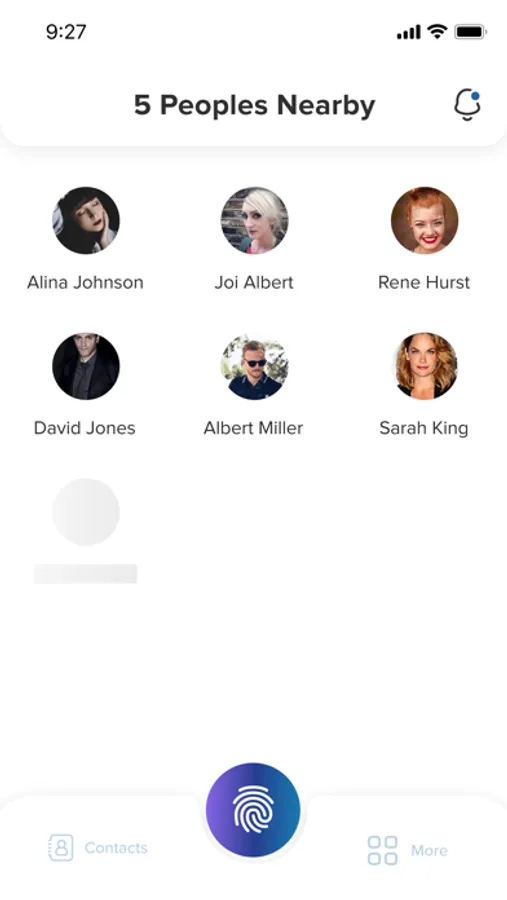
Three easy steps. Step 1: Meet a new connection, open your apps to share. Step 2: Allow your app to search, open their profile when it appears. Step 3: Touch your own phone to share, accept and receive incoming information.
Brought to you by Touch Wright, shareTHAT is the most advanced mobile application on the market for sharing and exchanging contact information with each other. It is loaded with cutting-edge features, smartly designed to simplify the everyday action of exchanging contact information.
With two profile options you can keep your personal and professional life separate. You only have to shareTHAT one time. Information will update automatically across all your contacts when you change anything. No more repeating, no more mistakes, and no more tapping. shareTHAT is not limited to just the business-person or one demographic. It is usable from a 10-year-old to a CEO to a retired senior citizen. Anyone with a smartphone that needs to share contact information can do so using shareTHAT.
Due to the open nature of shareTHAT, your privacy and safety are important to us! shareTHAT provides a range of privacy options for your comfort and enjoyment. Keep your contact info private, reject incoming contacts or requests for private information or block and report offensive users—all settings included in your profile, your notifications and your contact list.
Three easy steps. Step 1: Meet a new connection, open your apps to share. Step 2: Allow your app to search, open their profile when it appears. Step 3: Touch your own phone to share, accept and receive incoming information.
shareTHAT Screenshots
Tap to Rate:
Reviews for shareTHAT
Hhgyhnnkk
Weird
Owner is odd and doesn’t advocate for creators of color.
RBose89
Sharing information has never been easier
Making and keeping connections are made easy with this app. I can communicate via multiple methods via shareTHAT. The app meets me where i am and doesnt force me down a new path for reaching out to the folks in the contacts database.