Color Wheel Palette: ColorGear
Yevhenii Kuzmenko
4.6 ★
152 ratings
Free
In this app, users can explore color theory and create harmonious color swatches using a color wheel and harmony options. Includes features for extracting colors from images, editing palettes, and sharing with HEX codes or images.
AppRecs review analysis
AppRecs rating 4.6. Trustworthiness 71 out of 100. Review manipulation risk 25 out of 100. Based on a review sample analyzed.
★★★★☆
4.6
AppRecs Rating
Ratings breakdown
5 star
80%
4 star
11%
3 star
5%
2 star
3%
1 star
2%
What to know
✓
Low review manipulation risk
25% review manipulation risk
✓
Credible reviews
71% trustworthiness score from analyzed reviews
✓
High user satisfaction
80% of sampled ratings are 5 stars
About Color Wheel Palette: ColorGear
Color Gear is a handy tool that helps to create harmonious color swatches. To find the right color combination, designers and artists use color theory and the basis of it: color wheels and harmonies. Or maybe you have just started to learn the basics of color science and you need a simple app to study the color harmony in practice.
Use color wheel that suits your needs
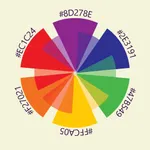
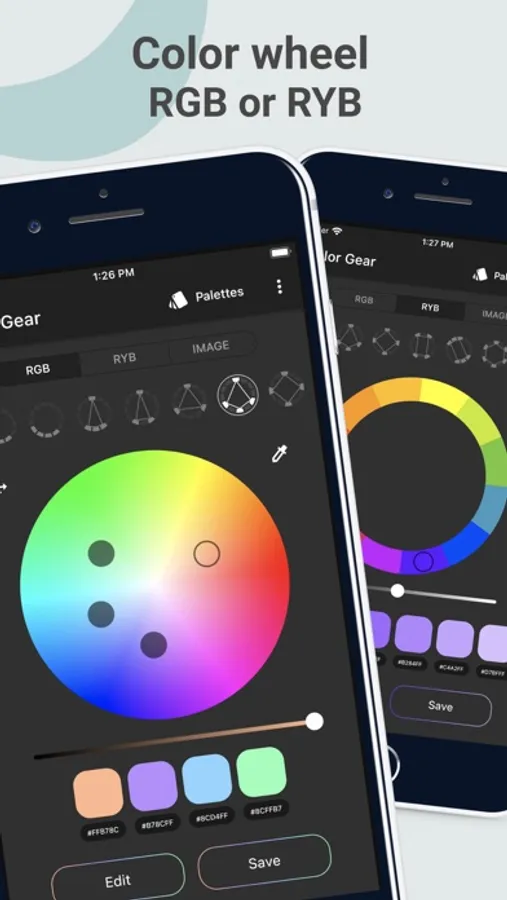
Our app supports two color models — Full Color Wheel (RGB model) and Basic Itten's Color Wheel. Color scheme by Itten is typically used by artists, and RGB is designed for online use. For both of them you can apply one of the 10 color combinations harmonies.
Ability to extract colors from your image
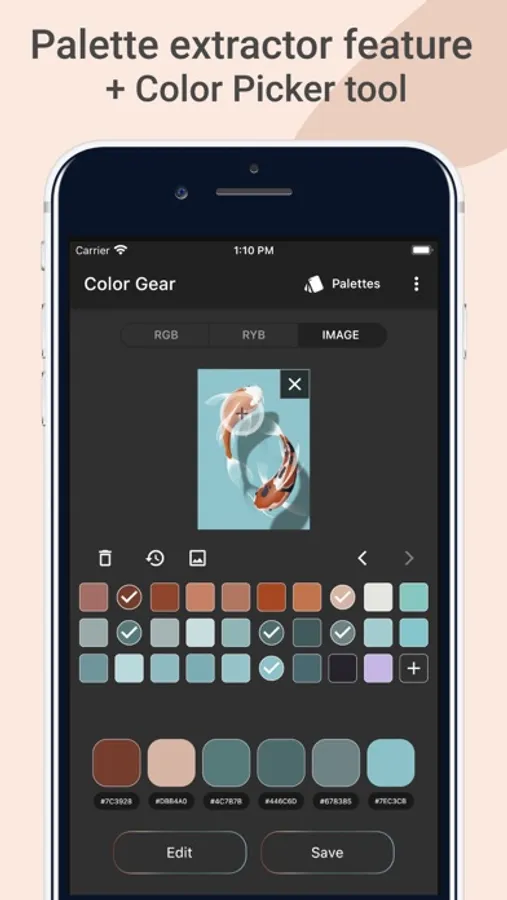
Select the desired picture from your phone and application's algorithms will extract colors. Then you can choose favorite colors and save the palette.
Get matching colors to your custom color
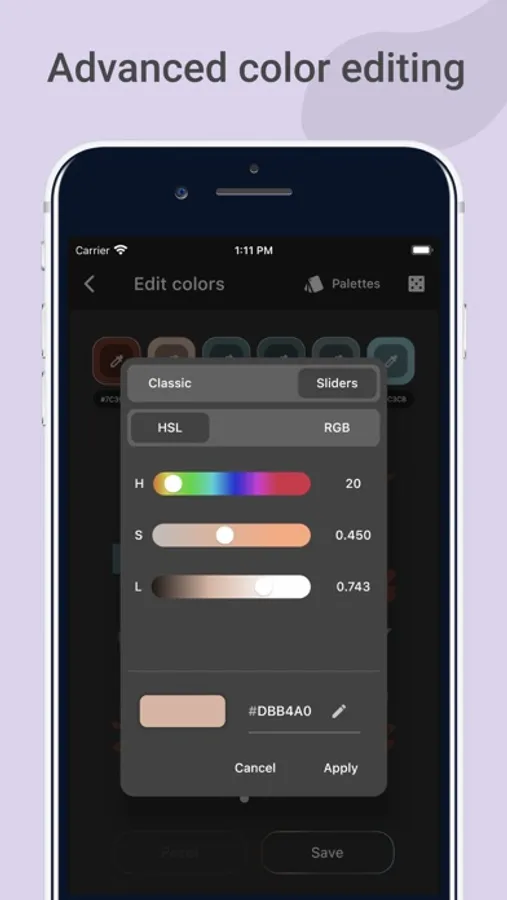
Just type in your color code and discover color harmonies with this particular color.
Use color editing tool
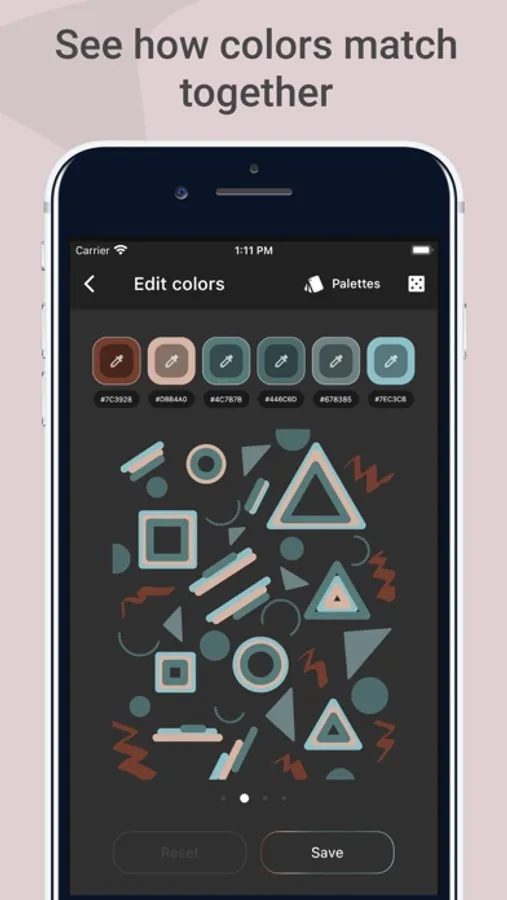
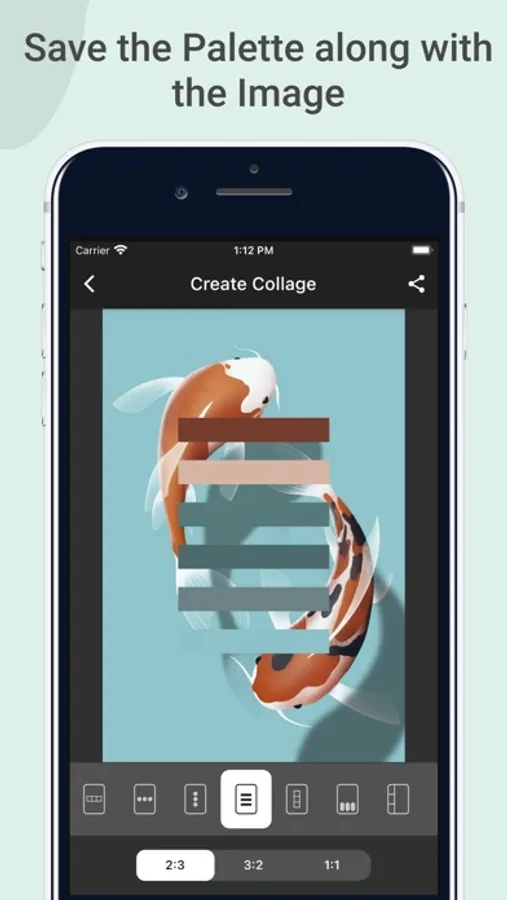
It is very important to balance the quantitative ratio of color in order to make your palette look harmonious in practice. The application has a convenient function to quickly swap colors in the images. There are 3 pictures and gradient in the palette editing carousel. You can see how the selected colors look in different ratios.
Easy to manage and share
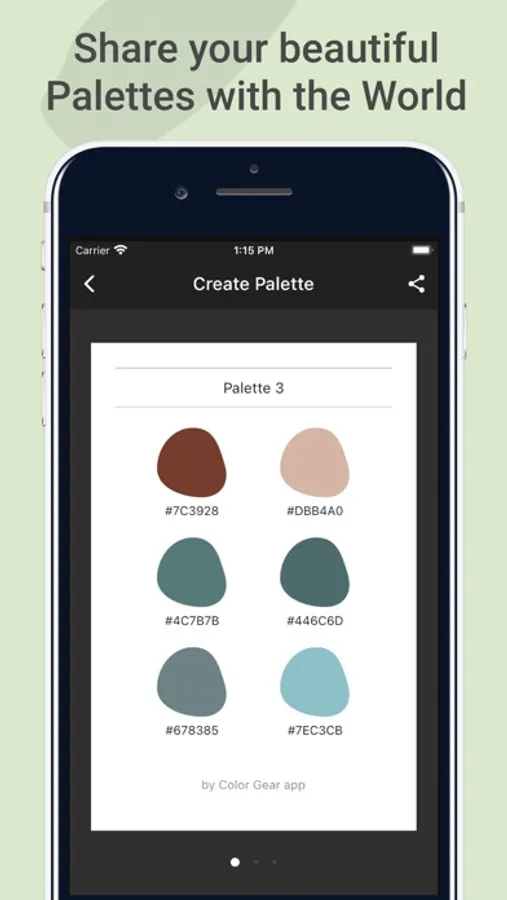
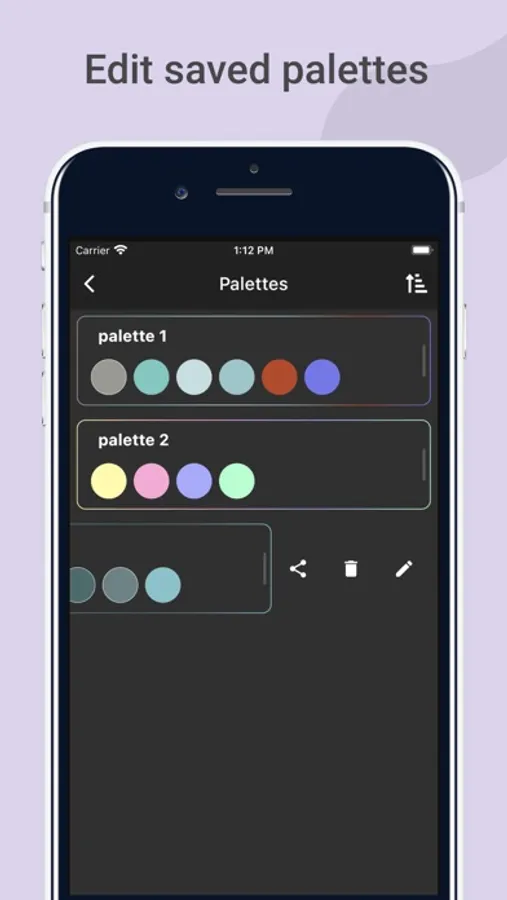
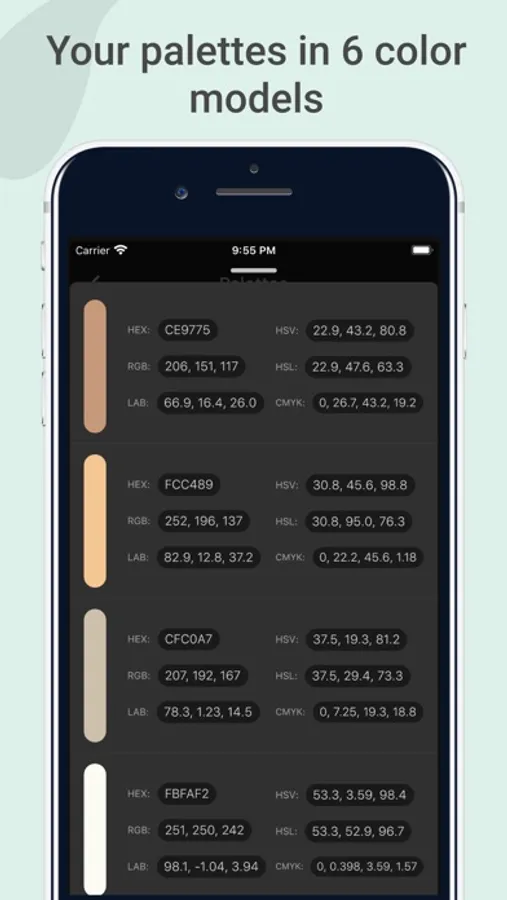
Also you will be able to save, export and remove palettes. To share the desired palette just choose mode — text HEX codes or image. You can always copy a particular color code under color swatch to the clipboard.
Developing Color Gear we tried to make it professional and easy to use. Two color circles, 10 color harmonies, ability to input a color code manually, and convenient palette editing tool that are always at hand in one application.
Use color wheel that suits your needs
Our app supports two color models — Full Color Wheel (RGB model) and Basic Itten's Color Wheel. Color scheme by Itten is typically used by artists, and RGB is designed for online use. For both of them you can apply one of the 10 color combinations harmonies.
Ability to extract colors from your image
Select the desired picture from your phone and application's algorithms will extract colors. Then you can choose favorite colors and save the palette.
Get matching colors to your custom color
Just type in your color code and discover color harmonies with this particular color.
Use color editing tool
It is very important to balance the quantitative ratio of color in order to make your palette look harmonious in practice. The application has a convenient function to quickly swap colors in the images. There are 3 pictures and gradient in the palette editing carousel. You can see how the selected colors look in different ratios.
Easy to manage and share
Also you will be able to save, export and remove palettes. To share the desired palette just choose mode — text HEX codes or image. You can always copy a particular color code under color swatch to the clipboard.
Developing Color Gear we tried to make it professional and easy to use. Two color circles, 10 color harmonies, ability to input a color code manually, and convenient palette editing tool that are always at hand in one application.
Color Wheel Palette: ColorGear Screenshots
Tap to Rate:
Reviews for Color Wheel Palette: ColorGear
morningGl0ry27
Fantastic!
Great for figuring out color schemes on the go. The ui is very intuitive and easy to navigate
R manor
Useless
This app is not intuitive, does not allow you to select colors from photos and then apply them to the color wheel. It’s basically useless, and yes, I have the Pro version.