
AppRecs review analysis
AppRecs rating 2.0. Trustworthiness 77 out of 100. Review manipulation risk 23 out of 100. Based on a review sample analyzed.
★★☆☆☆
2.0
AppRecs Rating
Ratings breakdown
5 star
8%
4 star
15%
3 star
8%
2 star
8%
1 star
62%
What to know
✓
Low review manipulation risk
23% review manipulation risk
✓
Credible reviews
77% trustworthiness score from analyzed reviews
⚠
Mixed user feedback
Average 2.0★ rating suggests room for improvement
About PIX4TEAM Remote
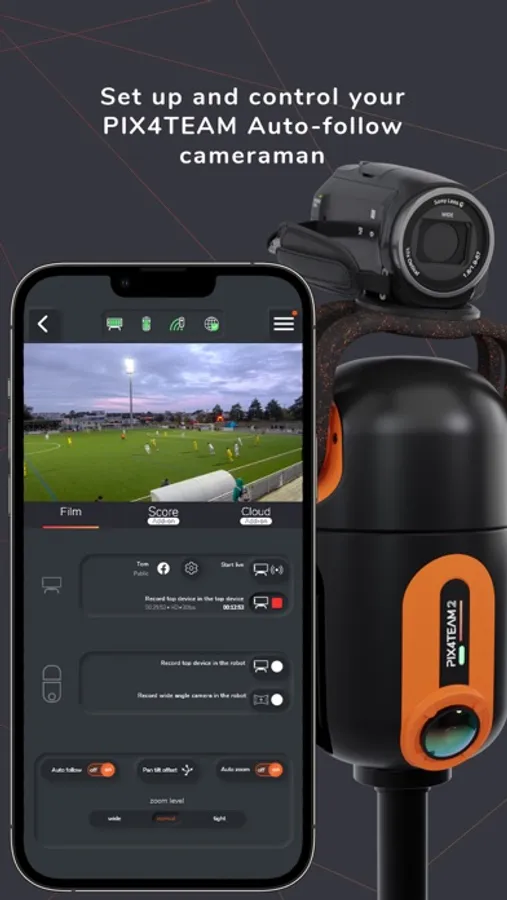
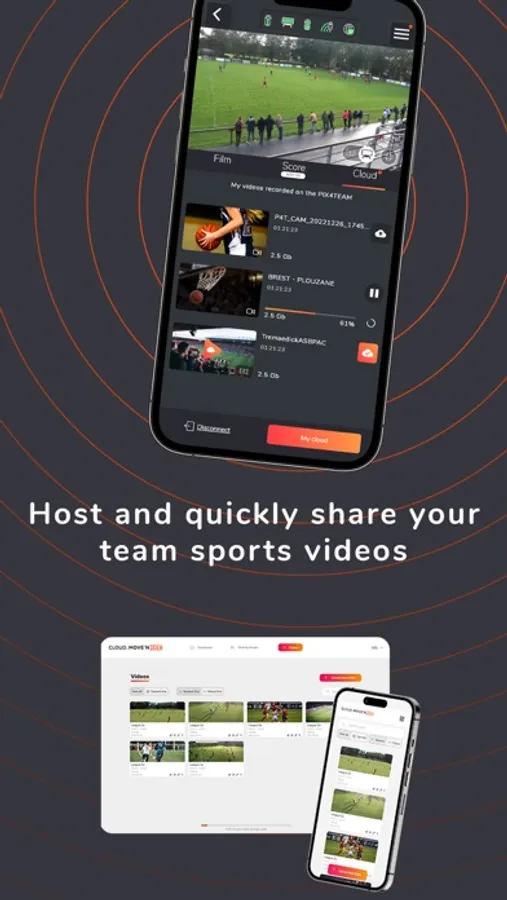
- Select the sport you want to film and define the corners of the field.
- Choose if you want to film with a camera or with a smartphone/tablet mounted on the robot.
- Start/stop the recording of the match.
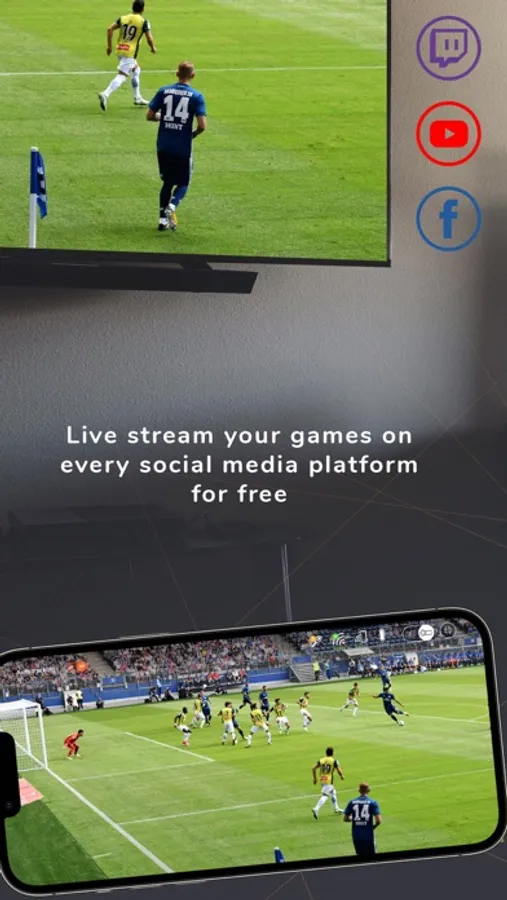
- Start/stop the free live-streaming on social media.
- Start/stop the free live-streaming on your own website with a RTMP link.
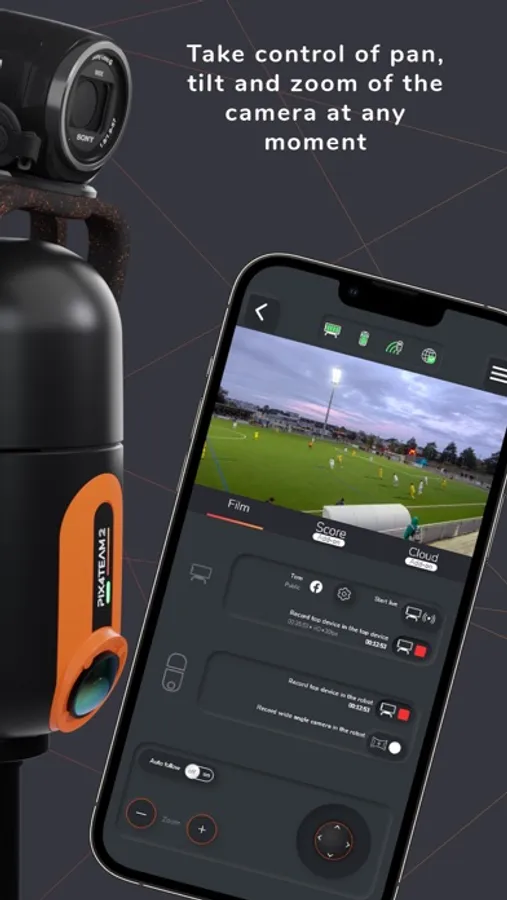
- Deactivate the auto-follow mode and take control of pan, tilt, and zoom of the camera at any moment.
- Launch a firmware update of your robot.
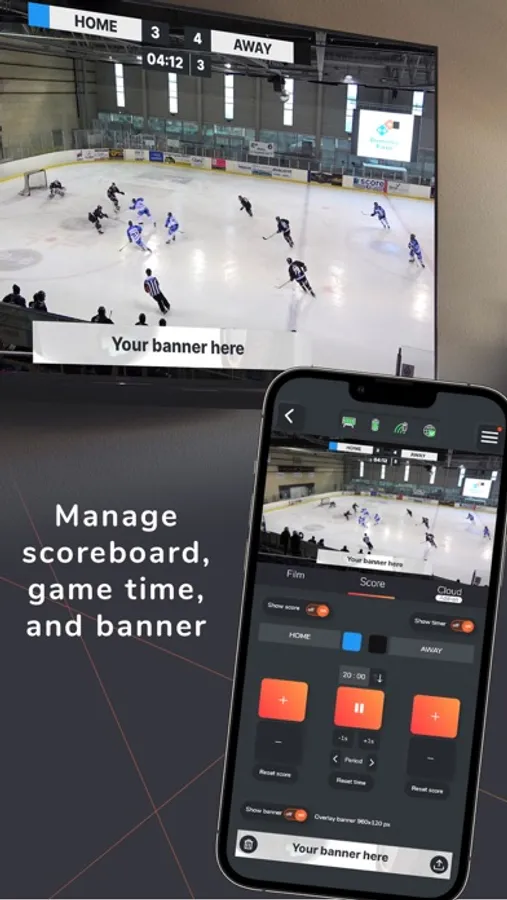
- Add score, game time and an advertisement banner with your sponsors or logos to your video and lives PIX4TEAM
PIX4TEAM is used by thousands of clubs around the world to film team sport matches and training sessions, progress faster thanks to video, communicate more thanks to free live-streaming on social networks or on your own websites, make more memories.
PIX4TEAM Remote Screenshots
Tap to Rate:
Reviews for PIX4TEAM Remote
Jayski45
App will not stay connected to the unit
I have been trying to update the firmware for hours via the app. The app will not stay connected to the unit. And without updating the firmware, the unit cannot be used. So I have a $2000 paperweight. Garbage.
WWylie
Works good but needs some additional features
This app works good for the camera and definitely saves my parents from having to be full-time cameramen. I suggest the following items be implemented: 1. A mute button for live streaming (needs to be available on the score screen too). 2. Scoring buttons (and mute) onscreen when in wide view (landscape). 3. A “home team” location - so you can go from auto-follow to zoning in on your bench at a time-out and back to auto-follow easily. 4. A second image for branding the corner of a video with a logo.