
About Monito App
Usage instructions
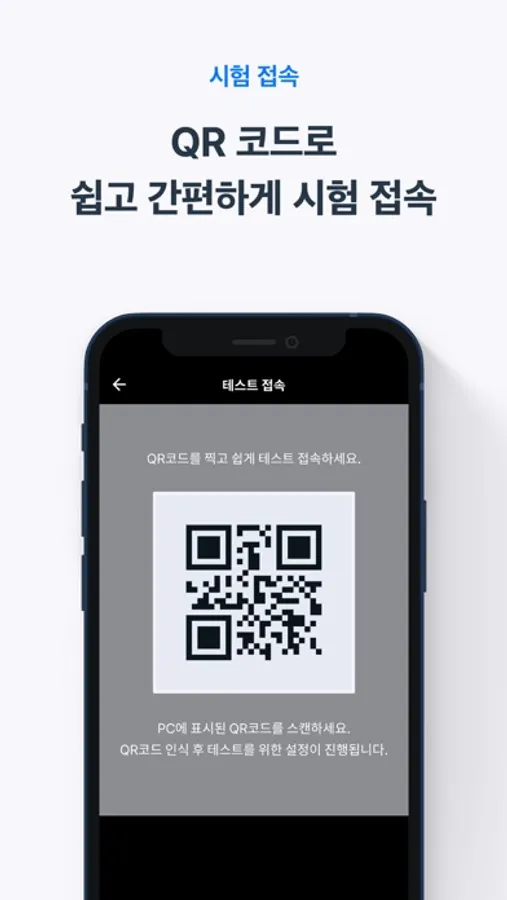
1. Click on the test link you received, then scan the displayed QR code to access the test.
2. Follow the instructions for the necessary steps before starting the test.
3. Keep the app running until the test is completed.
Notes
1. Prepare tools for stabilizing your smartphone's position before starting the test.
2. It is recommended to disable notifications other than “Emergency Alerts” as it may interrupt video monitoring (Settings > Notifications > Disable “Public Safety Alerts”).
3. Video monitoring may be interrupted by calls/text messages, so it is recommended to enable the "Do Not Disturb" mode (Settings > Focus > Enable “Do Not Disturb”).
4. Using the recording feature may consume a significant amount of battery, so it is recommended to connect your device to a charger before starting the test.
[Required Access Permissions]
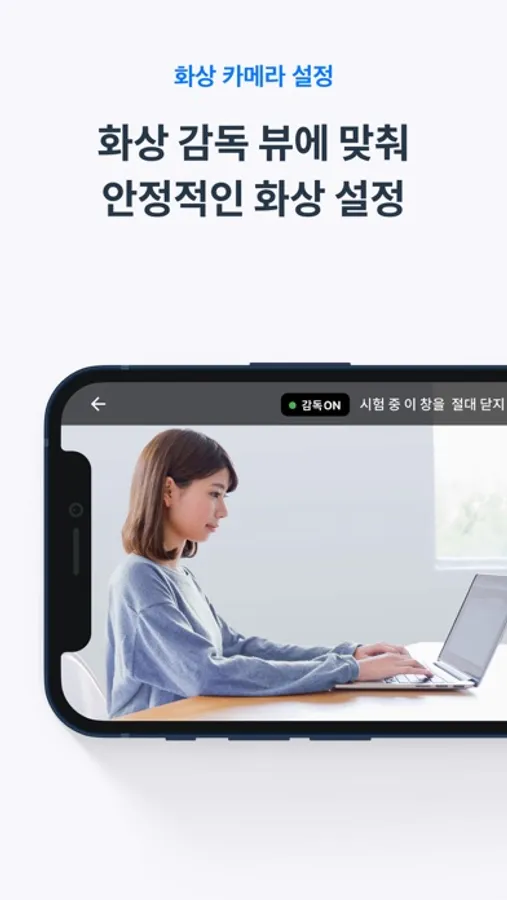
· Camera : Used for recording the examinee / Microphone: Used during test recording.
1. Click on the test link you received, then scan the displayed QR code to access the test.
2. Follow the instructions for the necessary steps before starting the test.
3. Keep the app running until the test is completed.
Notes
1. Prepare tools for stabilizing your smartphone's position before starting the test.
2. It is recommended to disable notifications other than “Emergency Alerts” as it may interrupt video monitoring (Settings > Notifications > Disable “Public Safety Alerts”).
3. Video monitoring may be interrupted by calls/text messages, so it is recommended to enable the "Do Not Disturb" mode (Settings > Focus > Enable “Do Not Disturb”).
4. Using the recording feature may consume a significant amount of battery, so it is recommended to connect your device to a charger before starting the test.
[Required Access Permissions]
· Camera : Used for recording the examinee / Microphone: Used during test recording.
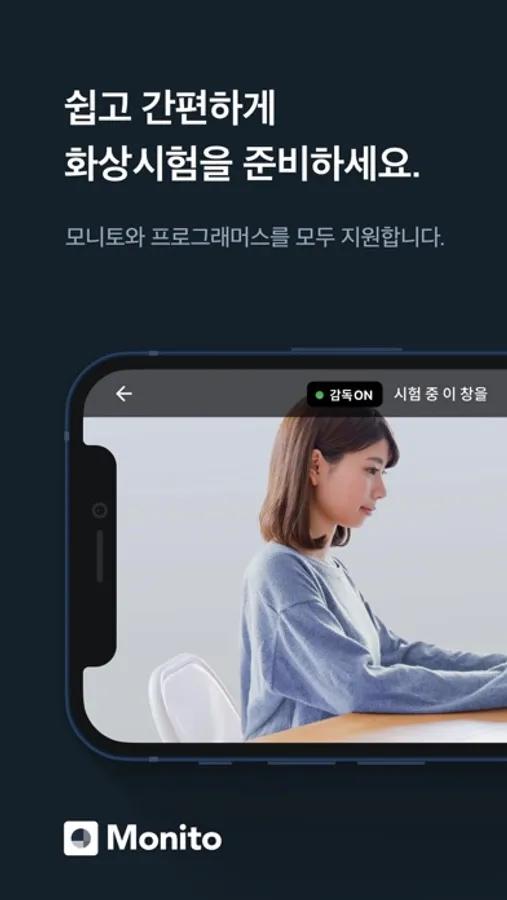
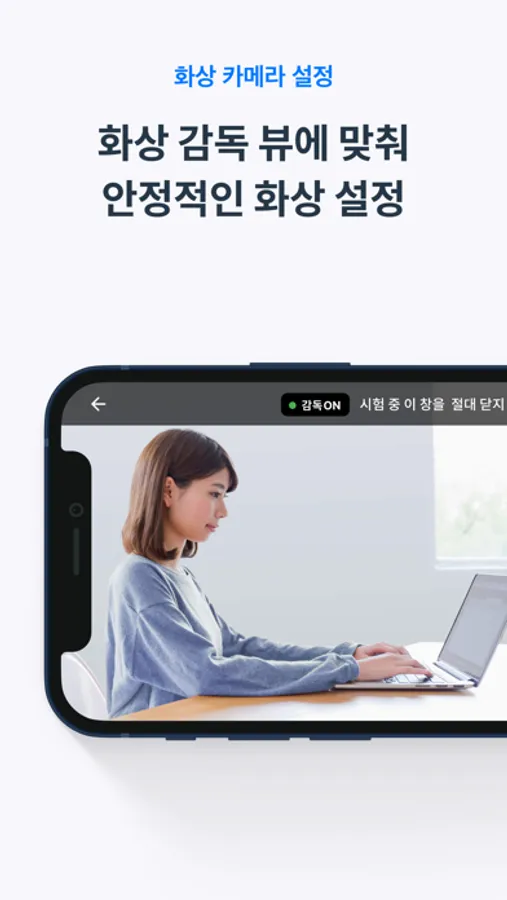
Monito App Screenshots
Tap to Rate: