With this remote control app, you can turn your LG TV on or off, cast photos and videos, and control playback. Includes features for screen mirroring, gallery casting, and browsing for content.
AppRecs review analysis
AppRecs rating 3.7. Trustworthiness 68 out of 100. Review manipulation risk 26 out of 100. Based on a review sample analyzed.
★★★☆☆
3.7
AppRecs Rating
Ratings breakdown
5 star
73%
4 star
7%
3 star
4%
2 star
3%
1 star
14%
What to know
✓
Low review manipulation risk
26% review manipulation risk
⚠
Ad complaints
Many low ratings mention excessive ads
⚠
Pricing complaints
Many low ratings mention paywalls or pricing
About Remote for LG
DISCLAIMER: This app is neither an official LG product, nor we are affiliated with the LG company.
Cast on Bigger LG TV Screens to enjoy memories with your Loved ones.
RemQ is a casting app for LG Smart TVs. You can cast and stream your Music, Videos, Photos, and mirror screen on Smart TVs for a Larger view to enjoy moments with your gathering. You can also control your LG smart TVs.
This app is the best streaming app with minimum delays and gives the best streaming experience on LG TV screens from your small iPhone and iPad screen
==========
Features
==========
**Remote Control**
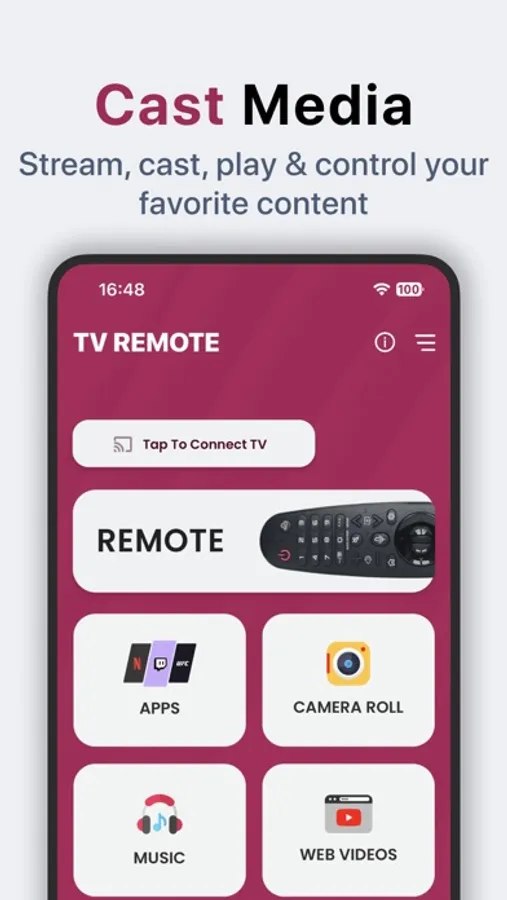
You can control your LG smart TV and turn it on and off with a single tap.
**Cast Photos and Videos from the Library**
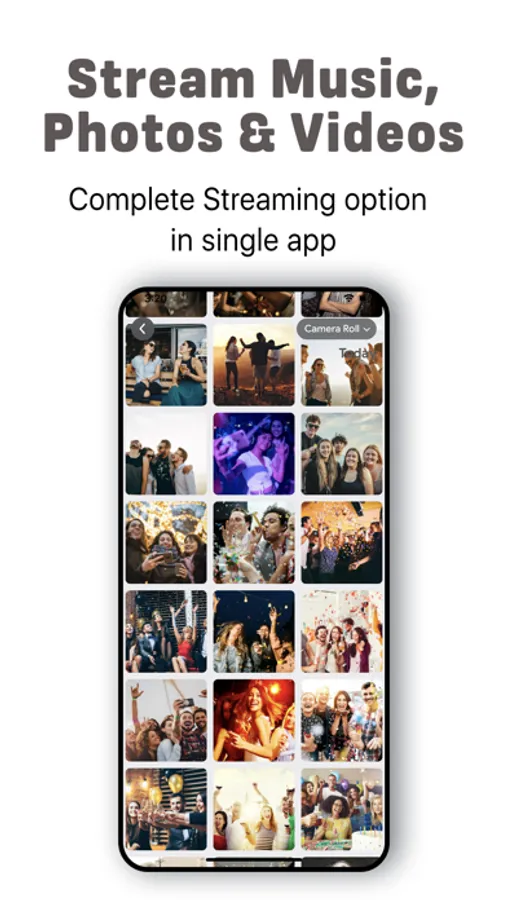
You can cast your photos and video collection from your Gallery to your TV with a slideshow feature. You get to cast all quality photos and videos.
**Cast directly from Browser**
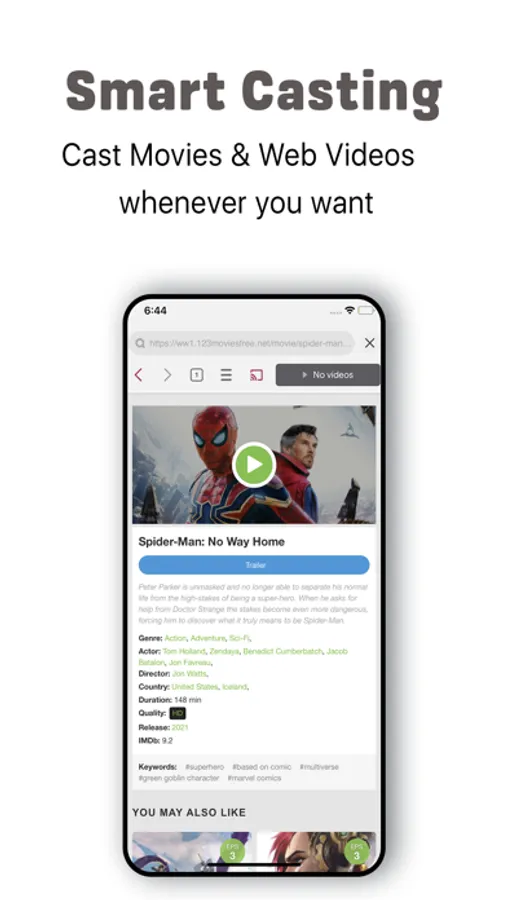
This app makes it easy for users to search movies, videos, and live streaming and cast on the Smart TV through its browser feature. Play any video or link through the browser and tap on the Cast button.
Note: You need to have the same and stable network connection on your IOS device and Smart TV.
Enjoy Casting with the Best streamer App!
—------------------------------------------------------
In-App Purchase and Subscription Information:
—------------------------------------------------------
Subscription automatically renews unless auto-renew is turned off at least 24 hours before the end of the current period.
Payment will be charged to the iTunes account within 24 hours prior to the end of the free trial period.
The account will be charged for renewal within 24 hours prior to the end of the current period.
To manage your subscriptions or turn off auto-renewal:
- Go to settings > iTunes & App Store;
- Tap your Apple ID at the top of the screen;
- Tap View Apple ID. You might need to sign in or use Touch ID;
- Tap Subscriptions;
- Tap the subscription you want to manage;
- Use the options to manage your subscription.
No cancellation of the current subscription is allowed during the active subscription period.
Any unused portion of a free trial period will be forfeited if you purchase a subscription to that publication.
Terms & Conditions:
https://fivestreamstech.com/apps/lgs/terms.html
Subscription URL:
https://fivestreamstech.com/apps/lgs/subscription.html
Privacy Policy:
https://fivestreamstech.com/apps/lgs/privacy.html
Cast on Bigger LG TV Screens to enjoy memories with your Loved ones.
RemQ is a casting app for LG Smart TVs. You can cast and stream your Music, Videos, Photos, and mirror screen on Smart TVs for a Larger view to enjoy moments with your gathering. You can also control your LG smart TVs.
This app is the best streaming app with minimum delays and gives the best streaming experience on LG TV screens from your small iPhone and iPad screen
==========
Features
==========
**Remote Control**
You can control your LG smart TV and turn it on and off with a single tap.
**Cast Photos and Videos from the Library**
You can cast your photos and video collection from your Gallery to your TV with a slideshow feature. You get to cast all quality photos and videos.
**Cast directly from Browser**
This app makes it easy for users to search movies, videos, and live streaming and cast on the Smart TV through its browser feature. Play any video or link through the browser and tap on the Cast button.
Note: You need to have the same and stable network connection on your IOS device and Smart TV.
Enjoy Casting with the Best streamer App!
—------------------------------------------------------
In-App Purchase and Subscription Information:
—------------------------------------------------------
Subscription automatically renews unless auto-renew is turned off at least 24 hours before the end of the current period.
Payment will be charged to the iTunes account within 24 hours prior to the end of the free trial period.
The account will be charged for renewal within 24 hours prior to the end of the current period.
To manage your subscriptions or turn off auto-renewal:
- Go to settings > iTunes & App Store;
- Tap your Apple ID at the top of the screen;
- Tap View Apple ID. You might need to sign in or use Touch ID;
- Tap Subscriptions;
- Tap the subscription you want to manage;
- Use the options to manage your subscription.
No cancellation of the current subscription is allowed during the active subscription period.
Any unused portion of a free trial period will be forfeited if you purchase a subscription to that publication.
Terms & Conditions:
https://fivestreamstech.com/apps/lgs/terms.html
Subscription URL:
https://fivestreamstech.com/apps/lgs/subscription.html
Privacy Policy:
https://fivestreamstech.com/apps/lgs/privacy.html
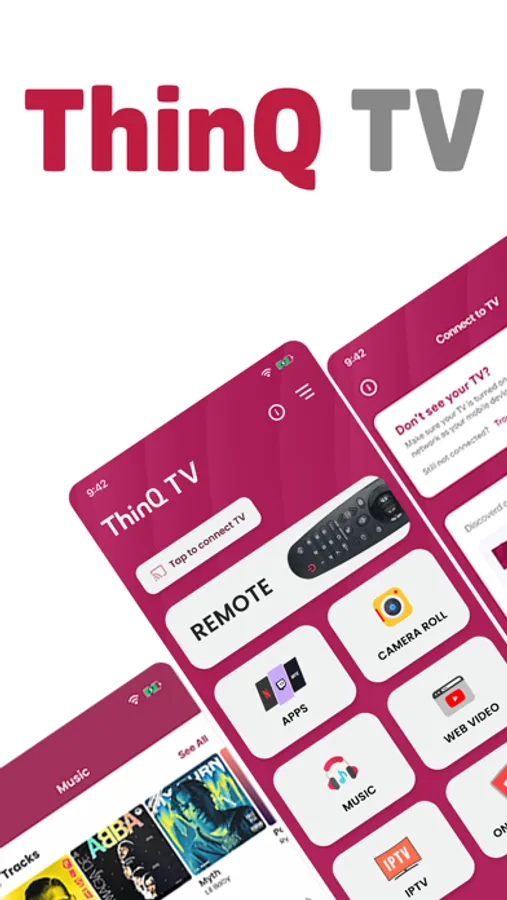
Remote for LG Screenshots
Tap to Rate:
Reviews for Remote for LG
Grayson2009
To much money
Why do I gotta pay so dang much
Seanreviews apps
Greedy app developer
I can’t even try this app without an add popping up every other tap, nagging me to buy the professional version. Uninstalled.