
In this communication app, you can make and receive business calls using your personal device while maintaining your office number. Includes caller ID masking, corporate directory access, and options for voice and video calls.
AppRecs review analysis
AppRecs rating 4.3. Trustworthiness 77 out of 100. Review manipulation risk 21 out of 100. Based on a review sample analyzed.
★★★★☆
4.3
AppRecs Rating
Ratings breakdown
5 star
74%
4 star
7%
3 star
5%
2 star
3%
1 star
11%
What to know
✓
Low review manipulation risk
21% review manipulation risk
✓
Credible reviews
77% trustworthiness score from analyzed reviews
✓
High user satisfaction
81% of sampled ratings are 4+ stars (4.3★ average)
About ePhoneGo2
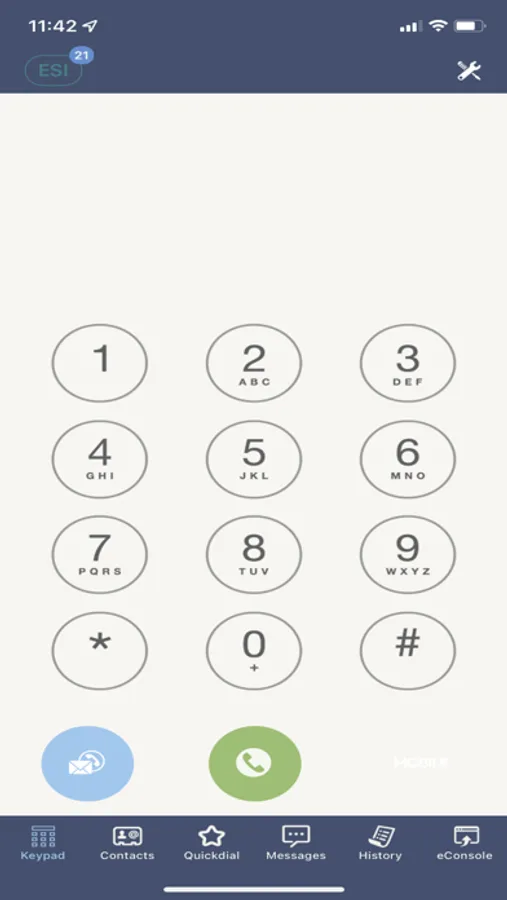
Having the ePhoneGO2™ application on the iOS smartphone presents a user experience that mirrors the functionality of the ESI desktop phone, allowing employees who are “on-the-go” to make and receive business calls from anywhere using their personal devices, while still maintaining a single office phone number and voice mail. This also eliminates the need to publish anyone’s private mobile number to clients!
Features
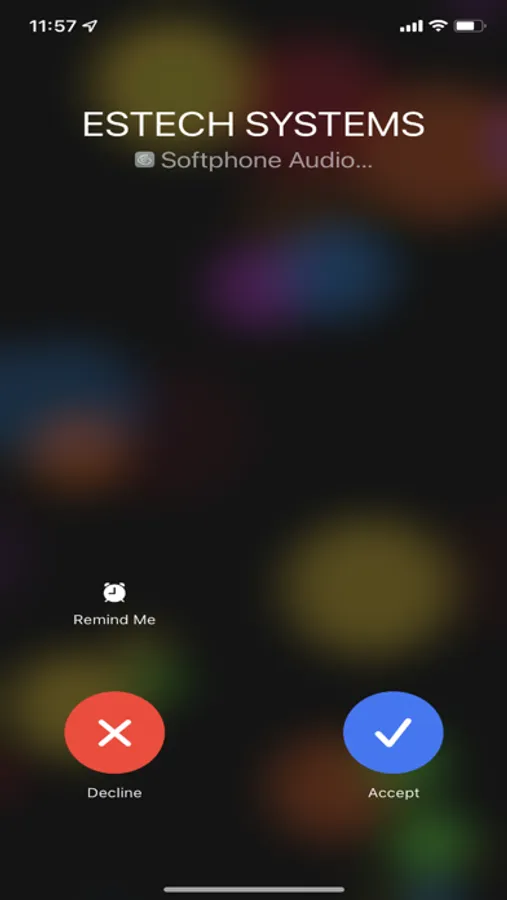
– Receive calls on your Mobile device which were placed to your Office phone number
– Make outgoing business calls remotely which appear to have been placed from your office
– Calls made with ePhoneGO2™ will broadcast your office Caller ID, (not your personal phone number).
– Establish one-to-one Video calls with other ePhoneGO2™ users.
– Established voice-calls can also be upgraded to Video calls with other ePhoneGO2™ users.
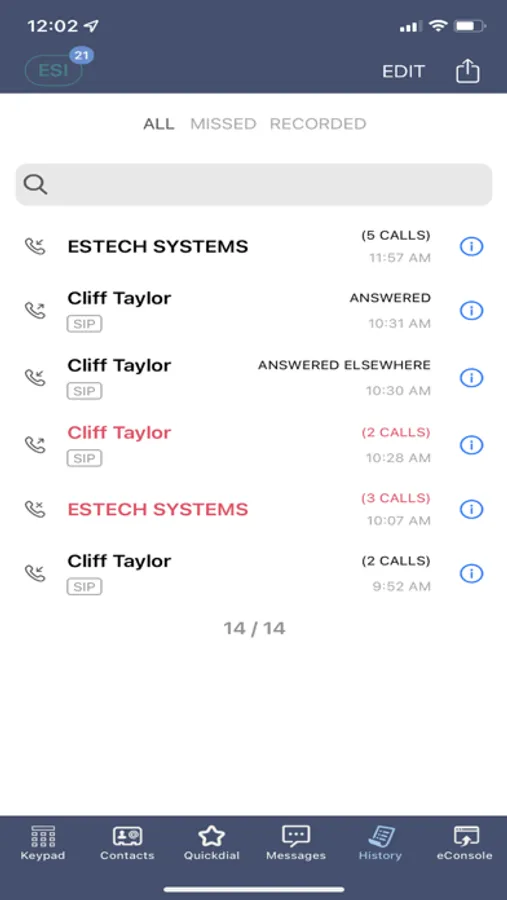
– View the Corporate directory with availability status of your contacts.
– Create a list of frequently called users from the company directory or your phone’s personal contacts.
– Established messaging sessions (SMS or IM).
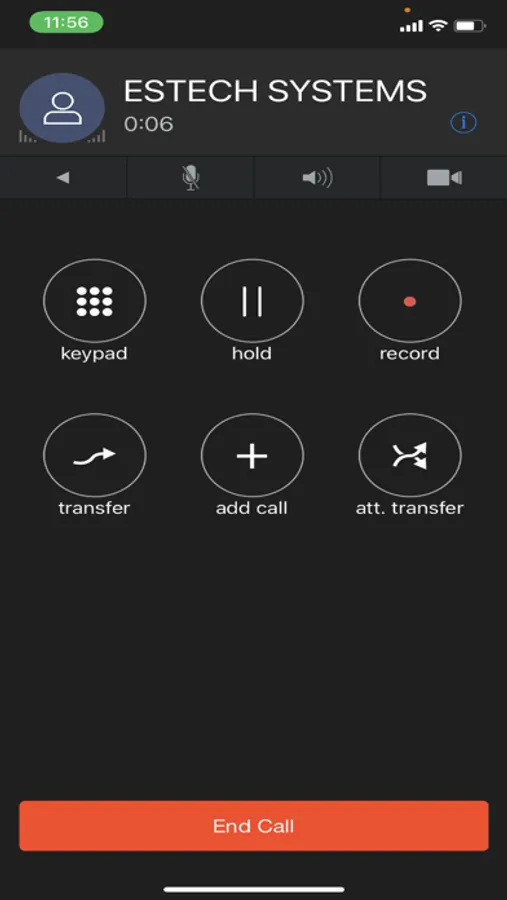
– Transfer calls (blind or supervised) as you would do from your desk.
– Record calls from your mobile phone.
– Turning Do-Not-Disturb ON or OFF for the mobile device. This allows you to pause alerting while you have your desk phone available).
– Call routing options fully sync with your platform
– Notification of new voicemail messages.
– Make calls over WiFi or 3G / 4G / LTE / 5G, regular data rates apply
IMPORTANT
ESI ePhoneGO2™ for iOS requires an active account on the ESI Cloud PBX™
**Voice quality is highly dependent upon your WiFi or 3G / 4G / LTE / 5G network bandwidth**
Warning for 3G / 4G / LTE Usage
Some mobile carriers prohibit or restrict the use of VoIP calls over their networks and may interfere with, block, or institute fees for calls made over their 3G / 4G / LTE / 5G data networks. Check the terms of your cell phone agreement to determine the rules for your carrier. ESI cannot guarantee service and is not responsible for any charges or fees assessed in connection with usage of ESI ePhoneGO2™ on your mobile device.
If you experience any issues please open a ticket via the ESI Support site at http://support.esi-estech.com or contact ESI Technical Support at 800-850-2151.
ePhoneGo2 Screenshots
Tap to Rate:
Reviews for ePhoneGo2
Owidg
Messages Disappeared
The text messages section on the app just disappeared, even though when I open the app it still shows them quickly at the top. Now I can’t find them though! Please fix ASAP! Also texts don’t notify my phone when they come in, so that’s really unreliable & frustrating!!
Unsatisfied x 1
Still does not, and never worked
To this day, the desktop version still does not properly work and they have no solution