AppRecs review analysis
AppRecs rating 4.3. Trustworthiness 82 out of 100. Review manipulation risk 24 out of 100. Based on a review sample analyzed.
★★★★☆
4.3
AppRecs Rating
Ratings breakdown
5 star
83%
4 star
0%
3 star
0%
2 star
0%
1 star
17%
What to know
✓
Low review manipulation risk
24% review manipulation risk
✓
Credible reviews
82% trustworthiness score from analyzed reviews
✓
High user satisfaction
83% of sampled ratings are 4+ stars (4.3★ average)
About PDFTOJPG: Convert PDF to Image
Convert all pages in a PDF to Image or extract all images in a PDF to JPG. Convert or extract PDF to JPG online, easily and free.
How to convert a PDF to Image Converter easily and quick?
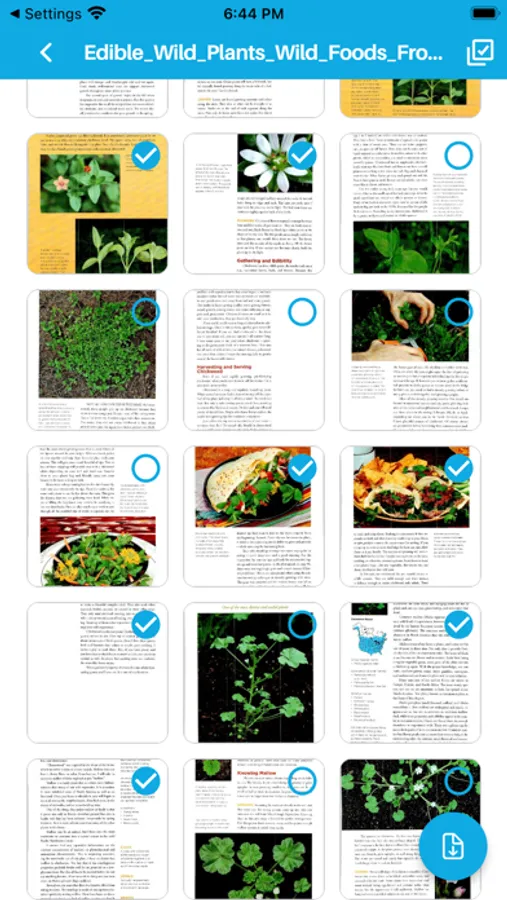
1. Click the Select a pdf file
2. Select the PDF you want to convert to an image with the converter
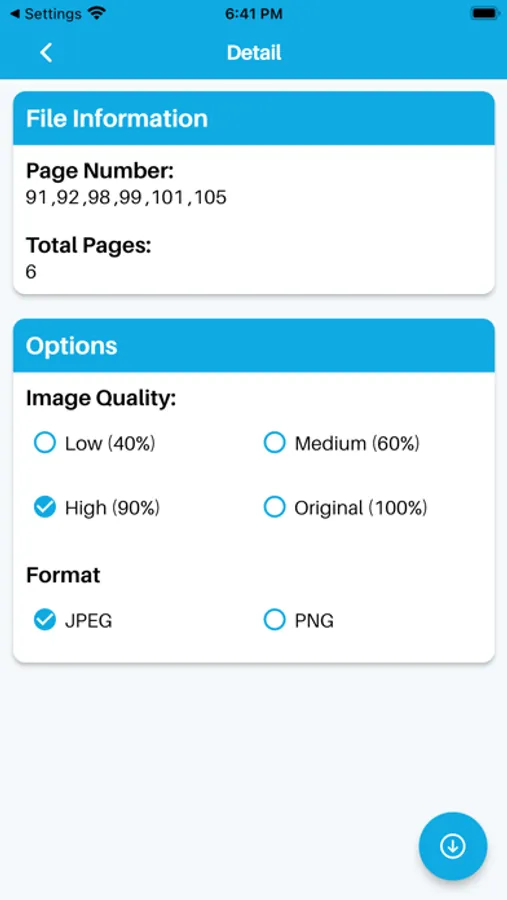
3. Select the desired image file format (JPG/PNG)
4. Set quality and click convert to Image
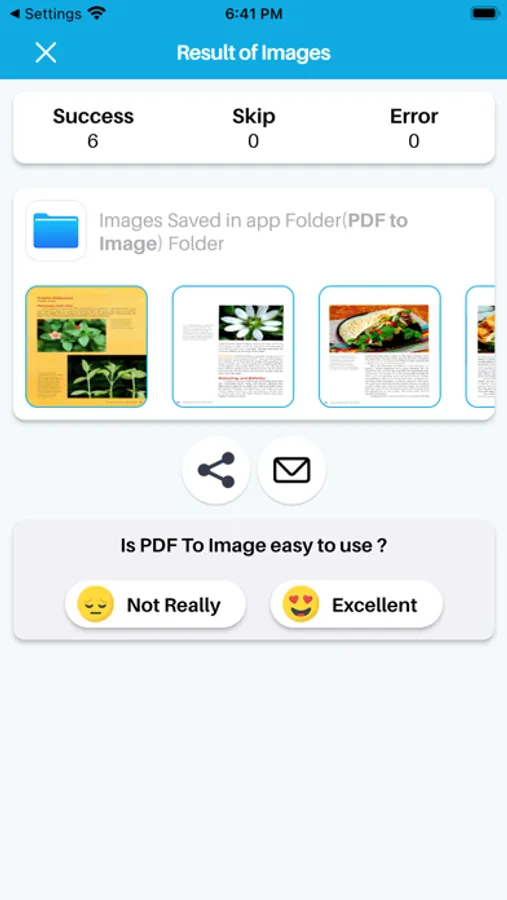
5. Easily share to with anyone, into social media
PDF to Images Converter Features:
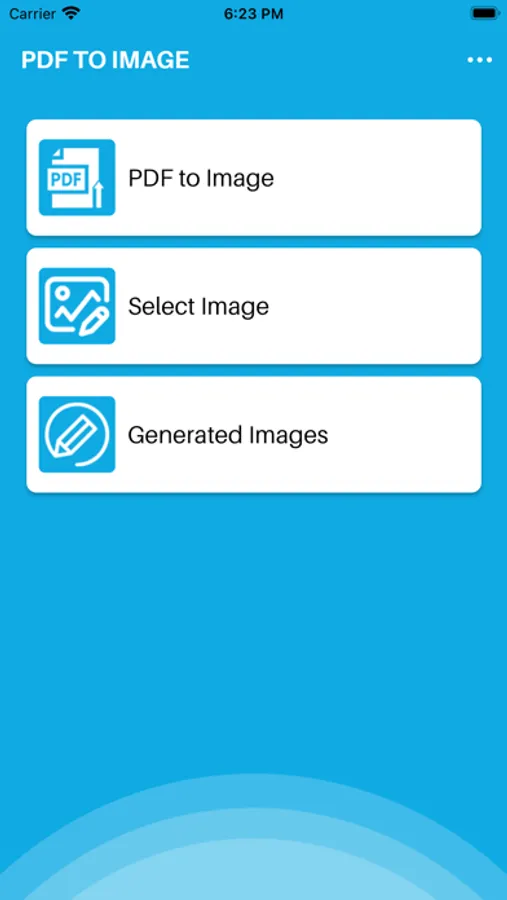
- Convert PDF files into PNG or JPG format.
- It's completely unlimited. No restrictions on the number of pages to convert.
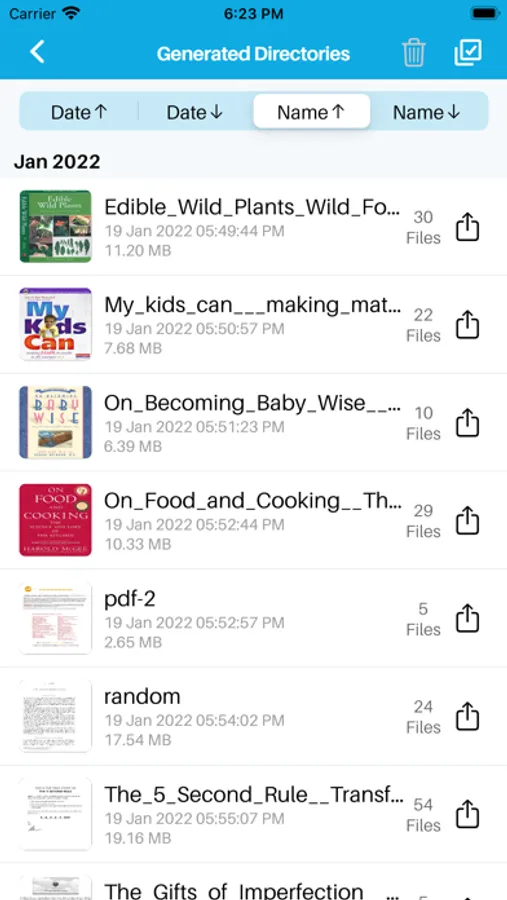
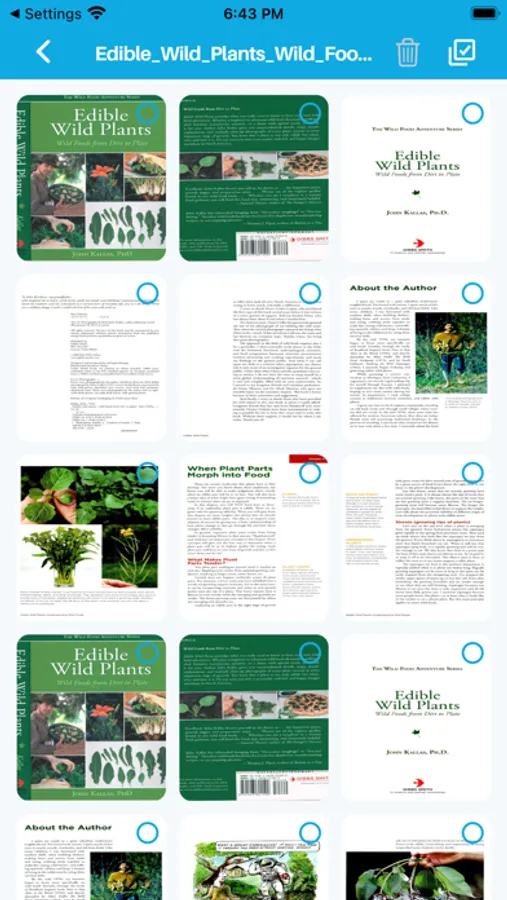
- View all generated images with any image viewer, easily share or delete them
- Created pdf documents and photos, transforming files, and making new documents in other formats is the easy and fast way.
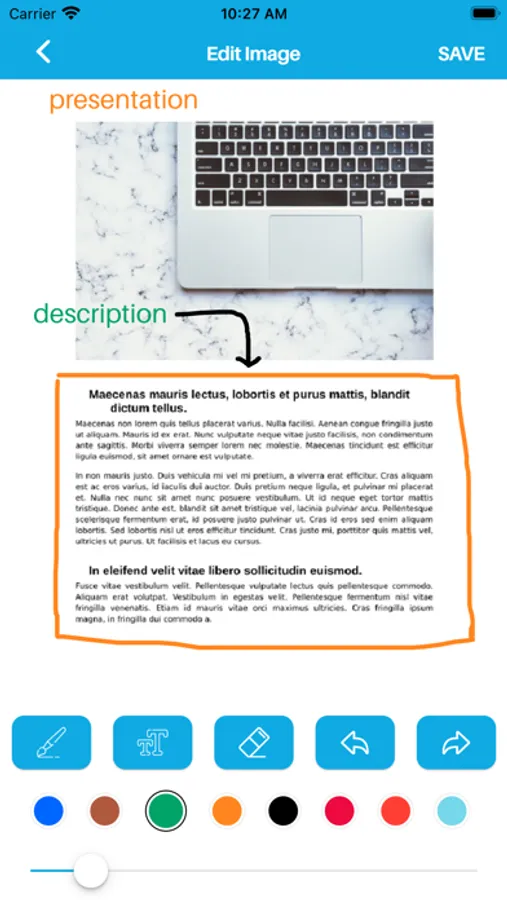
- Add multiple texts on photo, edit each one without losing final preview
- Choose color, brush style to draw on photo
- Awesome photo editor to crop photo and apply filters
How to convert a PDF to Image Converter easily and quick?
1. Click the Select a pdf file
2. Select the PDF you want to convert to an image with the converter
3. Select the desired image file format (JPG/PNG)
4. Set quality and click convert to Image
5. Easily share to with anyone, into social media
PDF to Images Converter Features:
- Convert PDF files into PNG or JPG format.
- It's completely unlimited. No restrictions on the number of pages to convert.
- View all generated images with any image viewer, easily share or delete them
- Created pdf documents and photos, transforming files, and making new documents in other formats is the easy and fast way.
- Add multiple texts on photo, edit each one without losing final preview
- Choose color, brush style to draw on photo
- Awesome photo editor to crop photo and apply filters
PDFTOJPG: Convert PDF to Image Screenshots
Tap to Rate:
Reviews for PDFTOJPG: Convert PDF to Image
holdinghandsislewd
Don’t use this app
It’s a scam, they collect important infos through your files
Skyleigh Kitty Meow
Favorite pdf to jpg/png
I use this on both iOS and android devices and it genuinely works like a charm. Extracted a 200+ page pdf in no time without quality loss and only one ad before extracting.