
Alarm - Smart Clock Alarmify
BVK Technologies pvt ltd
4.5 ★
105 ratings
Free
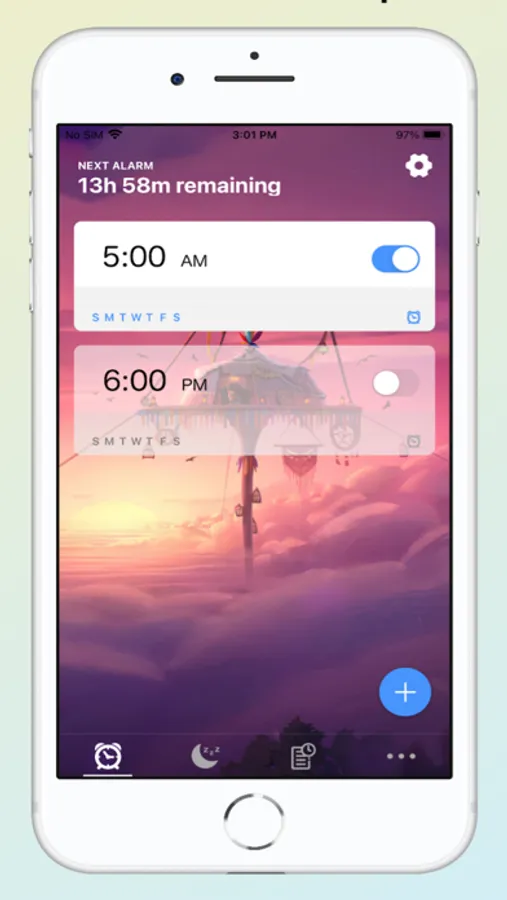
In this alarm clock app, you can set customizable alarms with loud ringtones and a smart snooze feature. Includes news updates, battery efficiency, and options to personalize wallpapers and colors.
AppRecs review analysis
AppRecs rating 4.5. Trustworthiness 80 out of 100. Review manipulation risk 22 out of 100. Based on a review sample analyzed.
★★★★☆
4.5
AppRecs Rating
Ratings breakdown
5 star
76%
4 star
12%
3 star
5%
2 star
1%
1 star
6%
What to know
✓
Low review manipulation risk
22% review manipulation risk
✓
Credible reviews
80% trustworthiness score from analyzed reviews
✓
High user satisfaction
76% of sampled ratings are 5 stars
About Alarm - Smart Clock Alarmify
Successful Morning starts from waking up completely and reducing wasted time lying on the bed, which can be achieved by Alarmify's powerful features below.
Loud Sound - There is a huge list of loud ringtones that you can use to ensure that you'll wake up every time.
Battery Friendly - Unlike other alarm apps, this app is extremely battery efficient, you don't need to keep it running in the background at all.
Snooze - Smart snooze option for the alarm which works all the time.
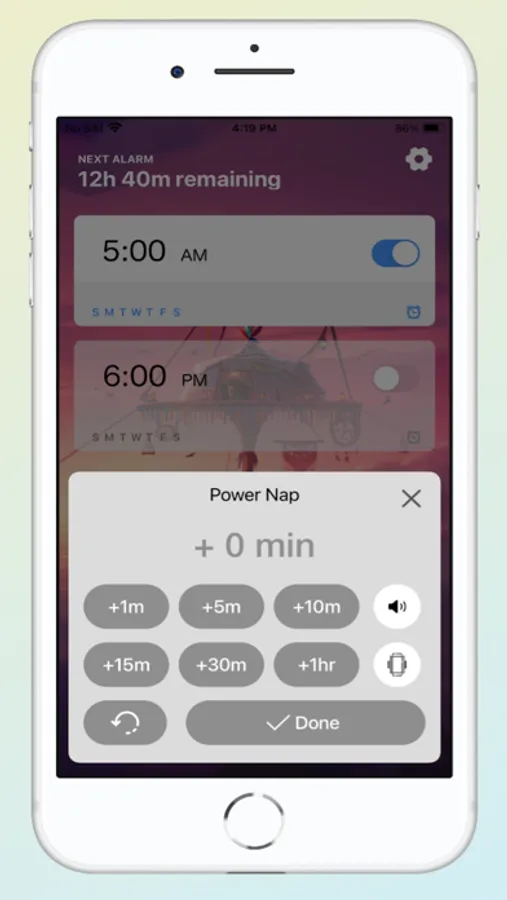
Power Nap - Feature to set up a quick power nap, you can rely on this app to wake you up from your sweet power nap.
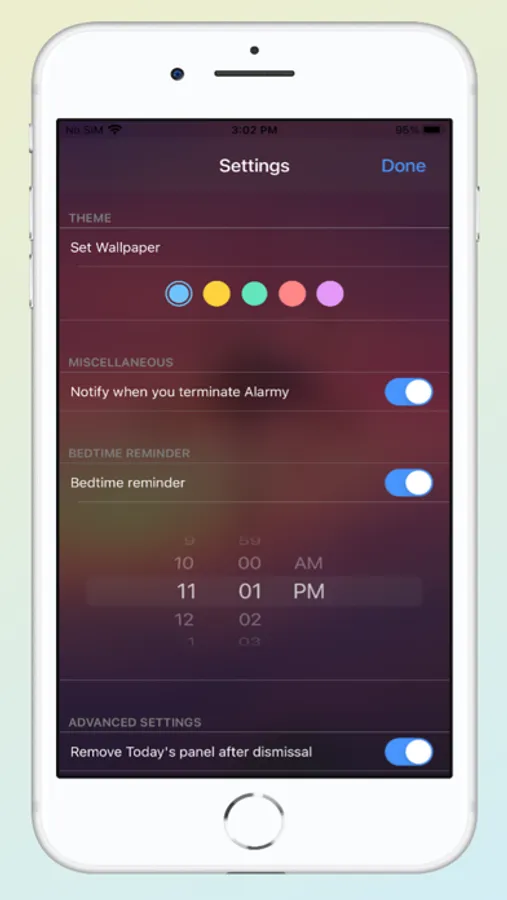
Customize - You can customize this alarm app as per your taste, change wallpaper, colors, and more.
News - Wake up with global and local news directly in the app.
Read more about our terms & conditions and privacy policy here:
https://www.bvktechnologies.com/terms-privacy-policy/
Alarm - Smart Clock Alarmify Screenshots
Tap to Rate:
Reviews for Alarm - Smart Clock Alarmify
_cj314
Misleading pricing
It is misleading and unfair to only show a subscription once you attempt to set an alarm, especially if the app is free to download
pika1pika2
Some issues
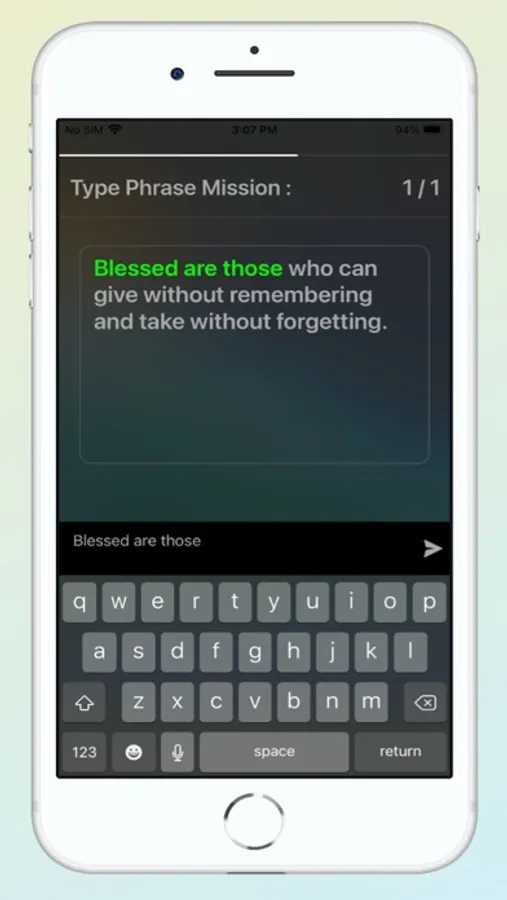
Good app but sometimes the alarm doesn’t go off; even if the app is still running in the background, the sound doesn’t go off, but the sound suddenly works when you go to the clock app… ( ¬ ‸ ¬ ) Also, the clock missions like to reset/disable itself, so no matter how many times I choose the “math mission”, it just turns off randomly throughout the day.