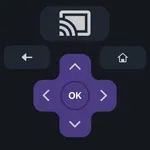
In this remote control app, users can connect their phones to Roku devices, navigate channels, and select apps using an intuitive interface. Includes Wi-Fi connection setup, channel browsing, app control, and private listening features.
AppRecs review analysis
AppRecs rating 4.2. Trustworthiness 0 out of 100. Review manipulation risk 0 out of 100. Based on a review sample analyzed.
★★★★☆
4.2
AppRecs Rating
Ratings breakdown
5 star
71%
4 star
10%
3 star
4%
2 star
4%
1 star
12%
What to know
✓
High user satisfaction
80% of sampled ratings are 4+ stars (4.2★ average)
✓
Authentic reviews
Natural distribution, no red flags
About Remote Control for Roku Device
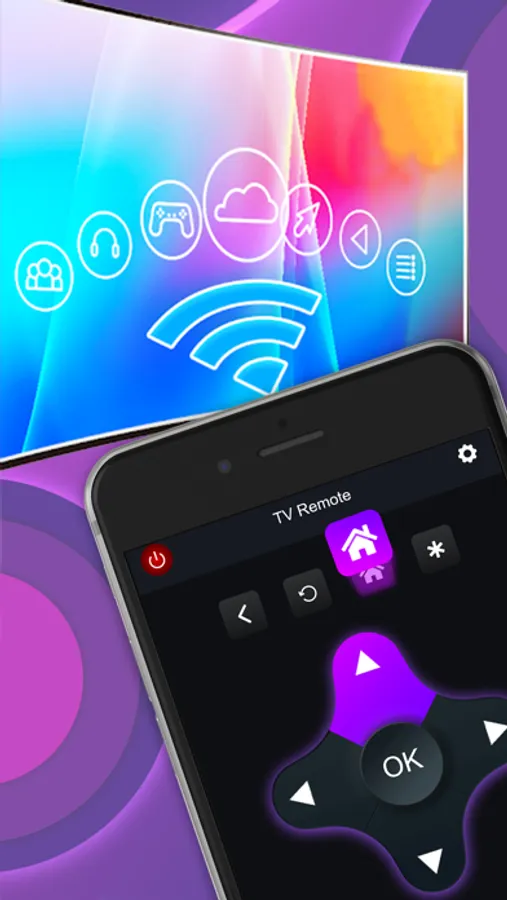
Remote Control for Roku TV helps you control your TVs from the comfort of your phone.This Remote Control App is compatible with all Roku TVs will full Remote Controller Access. Remote Control for Roku TV is the best remote control unit for Roku Streaming Player and Roku TV. Magnificent design, intuitive interface, no pileup of buttons or complex settings. Thanks to this application, access to movies, music and games will become simpler and easier, and you will love your Roku even more. All you need is connect your device and Roku to the same Wi-Fi network. Remote Control for Roku TV is the best remote control for Roku Streaming, TV. Stream hundreds of hit movies, TV shows, use it as a second remote, enjoy private listening, and more.
Features:
1. Scanned the network in which Roku and the device are connected.
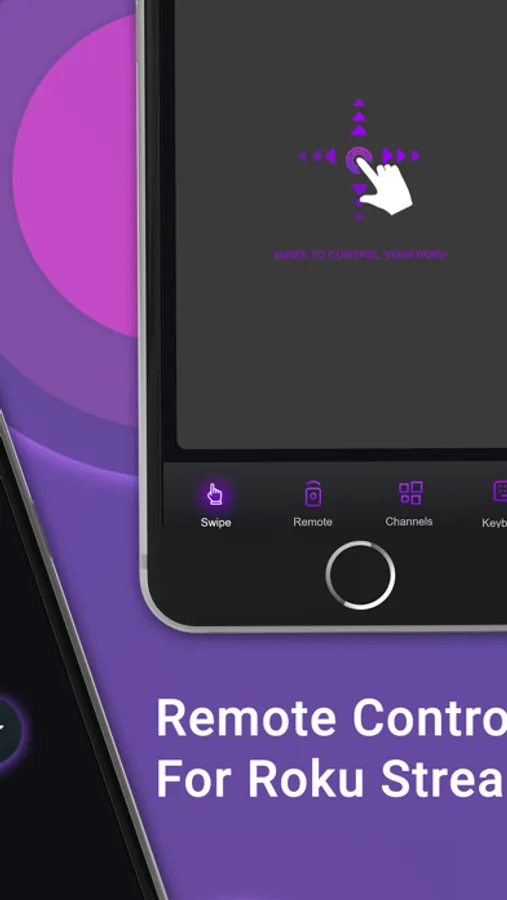
2. Swipe view is there without using the button , you can easily change the channels.
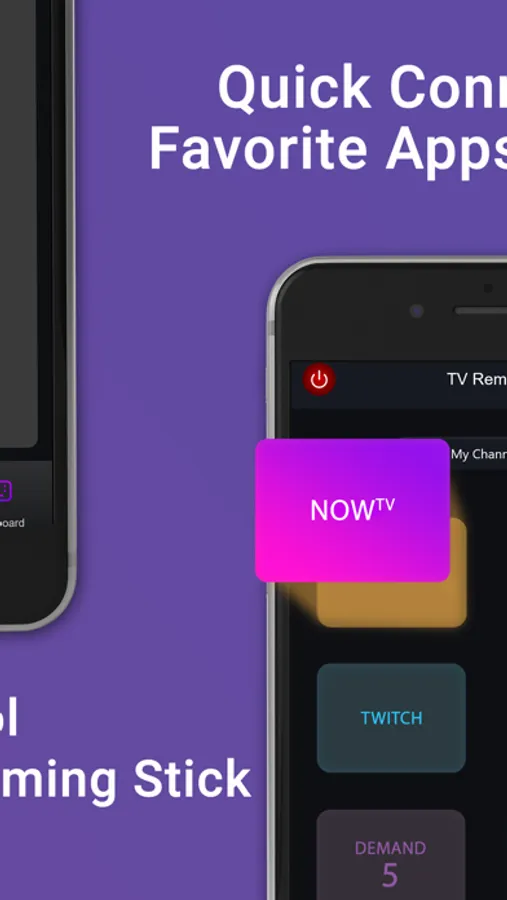
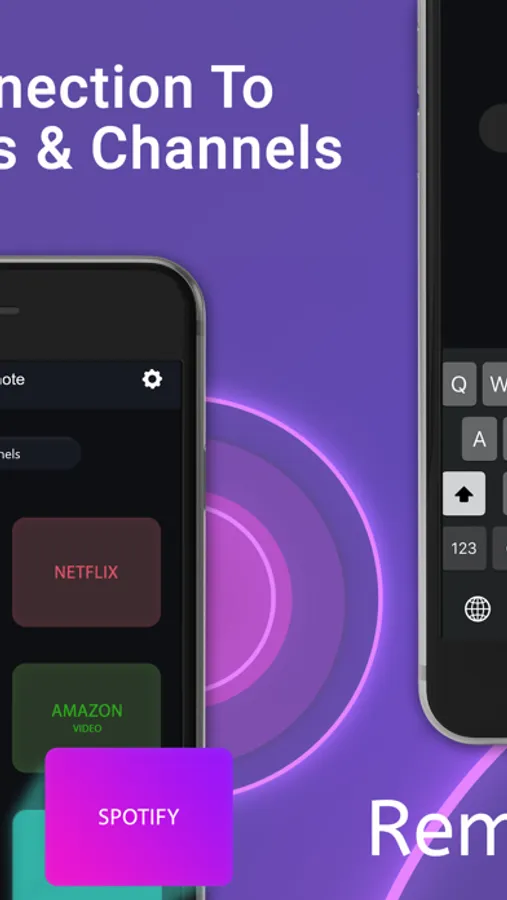
3. You can see your app in the channel section.
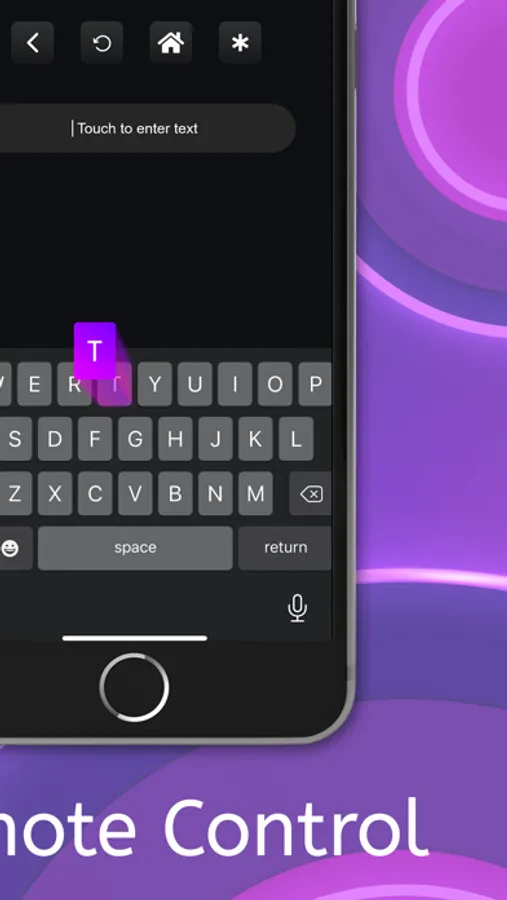
4. You can write anything because there is a keyboard section when you write on the device it’s automatically write on the T.V.
5. The remote section is there so you can select an app of the T.V from the device only.
6. It’s easily use and works faster and no unnecessary buttons are not there.
7. Now you can easily watch your favourites shows easily on Roku T.V.
For more information :
Privacy Policy : https://sites.google.com/escrowinfotech.com/musicbassbooster/home
Terms of Use : https://sites.google.com/escrowinfotech.com/termsofuse/home
Features:
1. Scanned the network in which Roku and the device are connected.
2. Swipe view is there without using the button , you can easily change the channels.
3. You can see your app in the channel section.
4. You can write anything because there is a keyboard section when you write on the device it’s automatically write on the T.V.
5. The remote section is there so you can select an app of the T.V from the device only.
6. It’s easily use and works faster and no unnecessary buttons are not there.
7. Now you can easily watch your favourites shows easily on Roku T.V.
For more information :
Privacy Policy : https://sites.google.com/escrowinfotech.com/musicbassbooster/home
Terms of Use : https://sites.google.com/escrowinfotech.com/termsofuse/home
Remote Control for Roku Device Screenshots
Tap to Rate: