Use this calendar app to schedule meetings, manage multiple time zones, and sync with Google Calendar. Includes widgets, dark/light modes, and integration with Notion for seamless project management.
AppRecs review analysis
AppRecs rating 4.3. Trustworthiness 76 out of 100. Review manipulation risk 23 out of 100. Based on a review sample analyzed.
★★★★☆
4.3
AppRecs Rating
Ratings breakdown
5 star
88%
4 star
6%
3 star
2%
2 star
1%
1 star
3%
What to know
✓
Low review manipulation risk
23% review manipulation risk
✓
Credible reviews
76% trustworthiness score from analyzed reviews
✓
High user satisfaction
88% of sampled ratings are 5 stars
About Notion Calendar
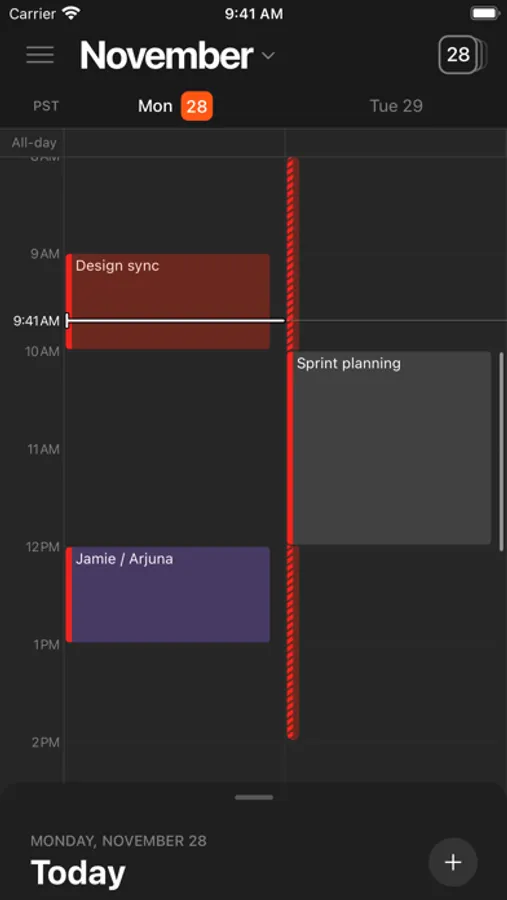
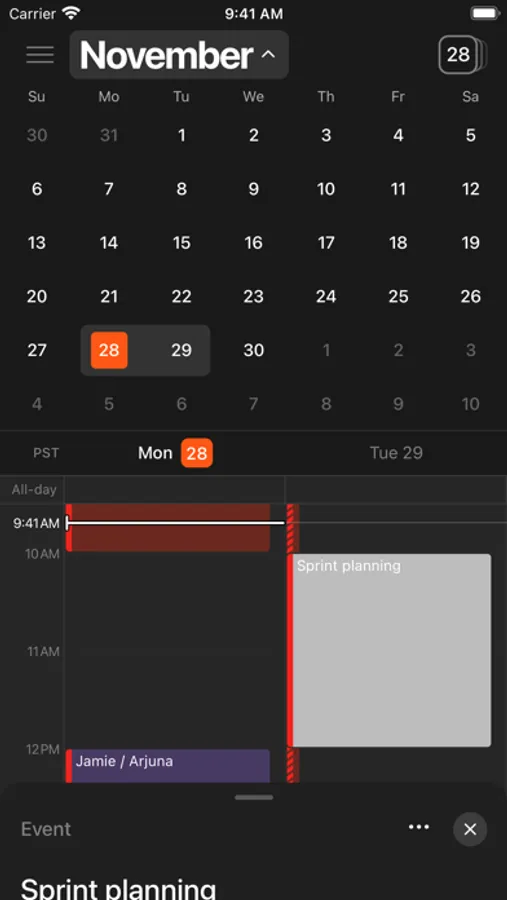
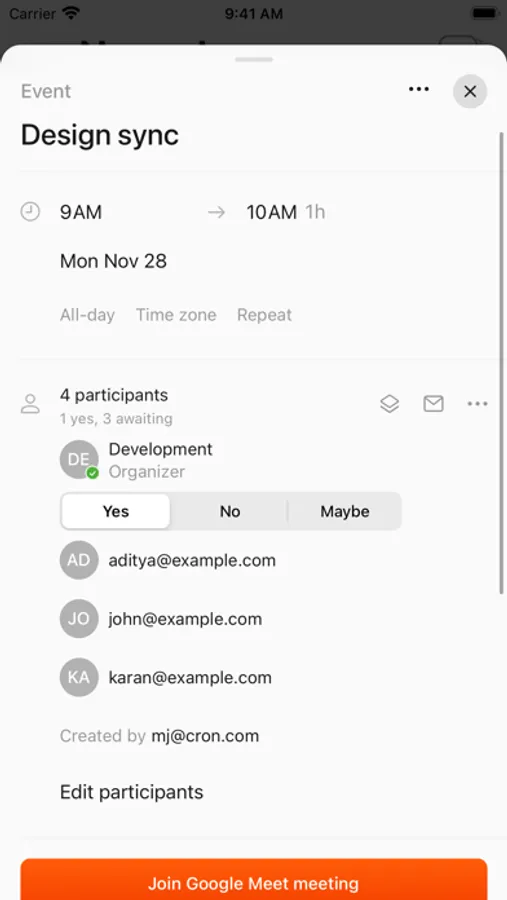
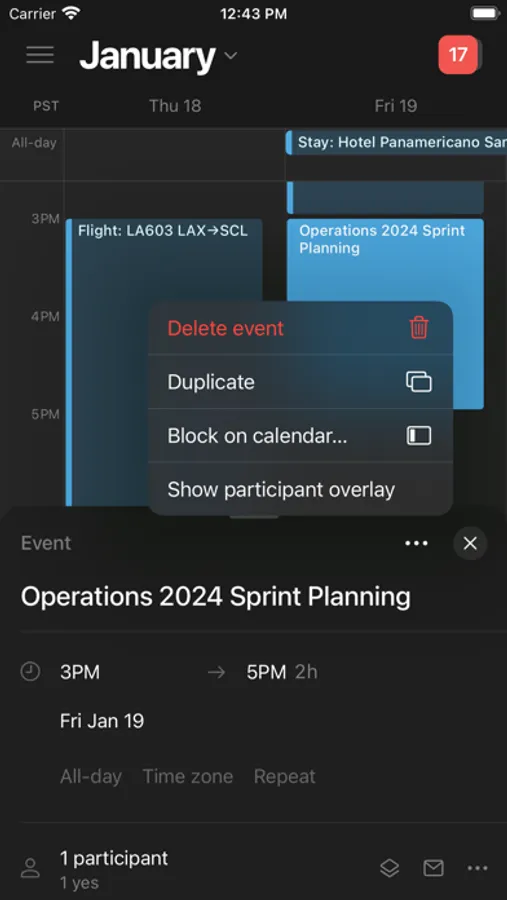
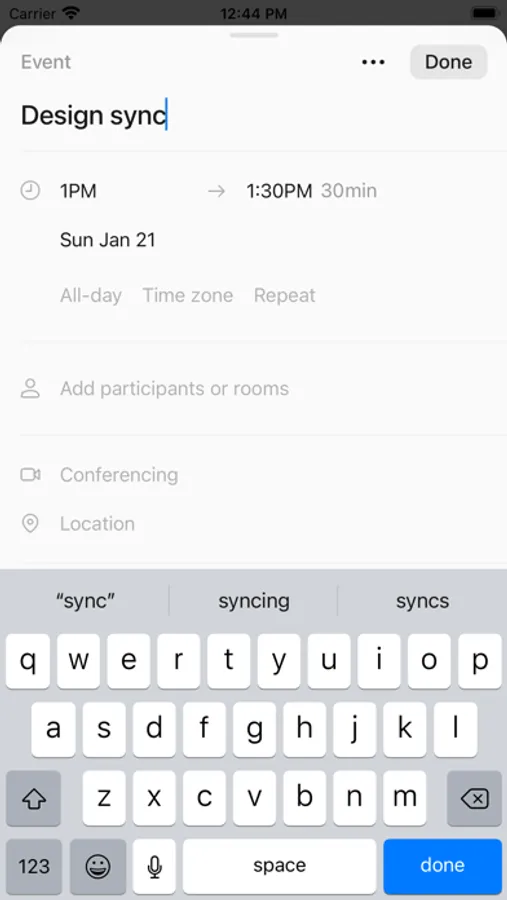
Notion Calendar lets you schedule meetings and control your time like never before. It deeply integrates with Google Calendar accounts so that all your events are synced.
Along with speed, beauty, and light/dark modes, Notion Calendar includes powerful features:
- CONNECTED TO NOTION — add Notion docs, projects, and timelines.
- MULTIPLE TIME ZONES — pull the time zone column to the right to “travel to any city” and add more time zones.
- ALL IN ONE PLACE — see one unified view across multiple calendars and auto-sync events between them.
- WIDGETS — select from 6 Home Screen Widgets featuring rich previews of upcoming events, month overviews, quick-add event buttons, and more! The Lock Screen Widget lets you see what’s coming at a glance when picking up your phone.
- AVAILABLE IN 12 LANGUAGES — Japanese, Korean, French, German, Spanish, Portuguese, Danish, Dutch, Finnish, Norwegian, and Swedish.
It’s time.
Along with speed, beauty, and light/dark modes, Notion Calendar includes powerful features:
- CONNECTED TO NOTION — add Notion docs, projects, and timelines.
- MULTIPLE TIME ZONES — pull the time zone column to the right to “travel to any city” and add more time zones.
- ALL IN ONE PLACE — see one unified view across multiple calendars and auto-sync events between them.
- WIDGETS — select from 6 Home Screen Widgets featuring rich previews of upcoming events, month overviews, quick-add event buttons, and more! The Lock Screen Widget lets you see what’s coming at a glance when picking up your phone.
- AVAILABLE IN 12 LANGUAGES — Japanese, Korean, French, German, Spanish, Portuguese, Danish, Dutch, Finnish, Norwegian, and Swedish.
It’s time.
Notion Calendar Screenshots
Tap to Rate:
Reviews for Notion Calendar
Yenzzs
Useful and crisp interface but lacking in basic functions
The app is great on my iPhone, but when I go to grab my scheduling links for an email - they’re nowhere to be found. Also, maybe it’s just me but I do calendar work on my iPads too which isn’t currently supported
Greg.rich
Adding to the noise. iPad please
iPad