
AppRecs review analysis
AppRecs rating 4.7. Trustworthiness 71 out of 100. Review manipulation risk 28 out of 100. Based on a review sample analyzed.
★★★★☆
4.7
AppRecs Rating
Ratings breakdown
5 star
86%
4 star
0%
3 star
14%
2 star
0%
1 star
0%
What to know
✓
Low review manipulation risk
28% review manipulation risk
✓
Credible reviews
71% trustworthiness score from analyzed reviews
✓
High user satisfaction
86% of sampled ratings are 5 stars
About Bible Note for Christian
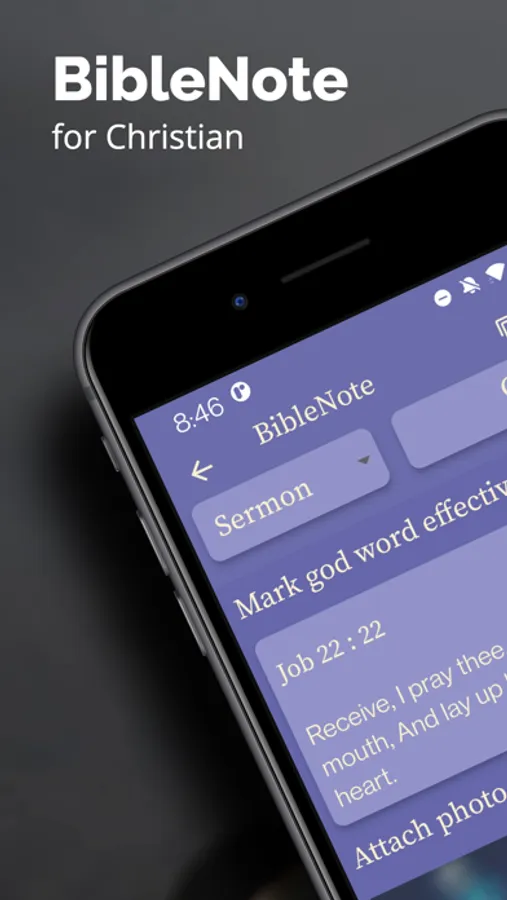
Build a rich, personal library of your spiritual journey and rediscover your notes in their full context.
A DEEP, TWO-WAY CONNECTION WITH SCRIPTURE This is the core of BibleNote. Your notes and the Bible are no longer separate.
•Add Verses in a Tap: Seamlessly insert scripture into your notes without leaving the editor.
•See Notes As You Read: When you browse the Bible, your personal notes, insights, and reminders appear right beside the relevant verses.
CAPTURE INSPIRATION, INSTANTLY Stay in the flow with the most fluent note-taking experience for believers.
•Quick Scripture Input: Simply type John 1 12 13 and watch it automatically transform into a rich link to John 1:12-13.
•AI Camera Scanner (OCR): Digitize quotes from books, study guides, or church bulletins with a single photo. No more re-typing!
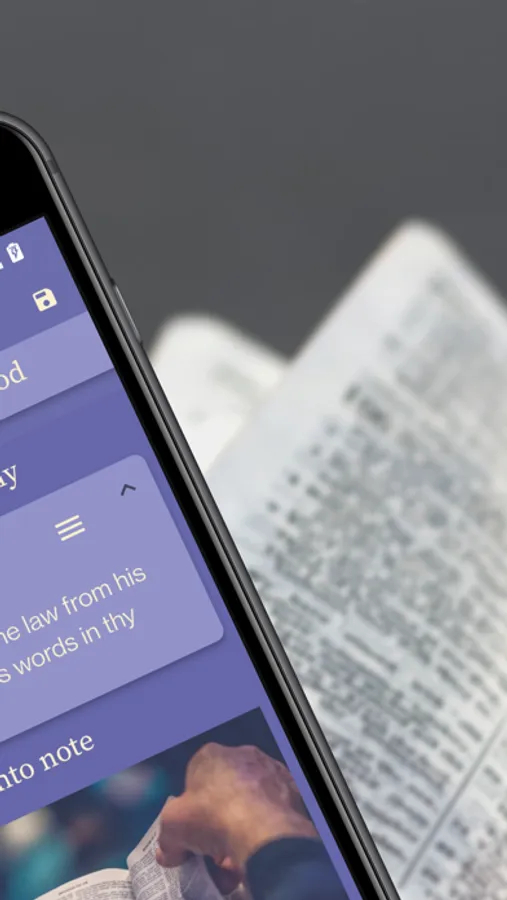
•Enrich with Media: Add images from your gallery or take a new photo to visually enhance your notes.
ORGANIZE & REDISCOVER YOUR INSIGHTS A great library needs a great filing system. Find exactly what you're looking for, fast.
•Powerful Tagging: Assign custom tags to your notes to organize them by topic, sermon series, or theme.
•Calendar View: Easily browse and locate your notes by the date they were created. Perfect for finding that sermon note from last month.
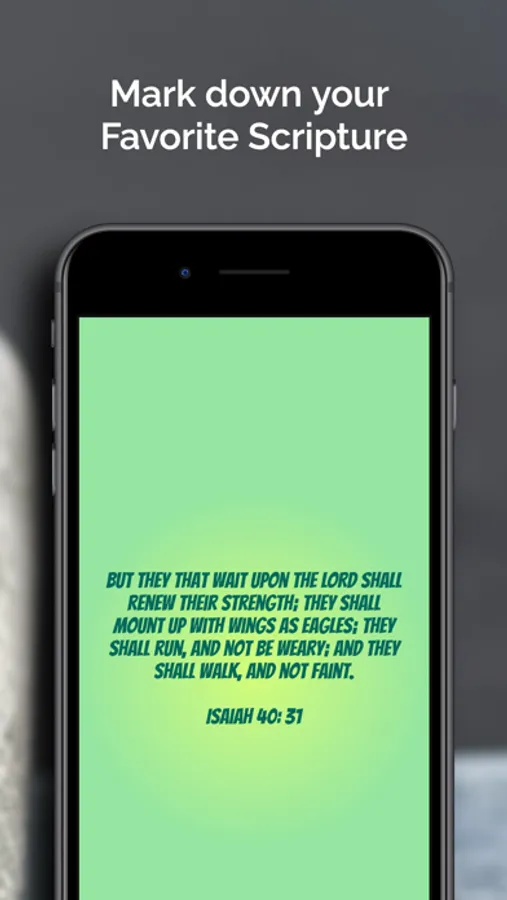
CREATE & SHARE YOUR CONVICTION Turn your favorite verses and insights into beautiful, shareable art.
•Custom Scripture Blocks: Design stunning images from scripture with custom themes, fonts, and backgrounds.
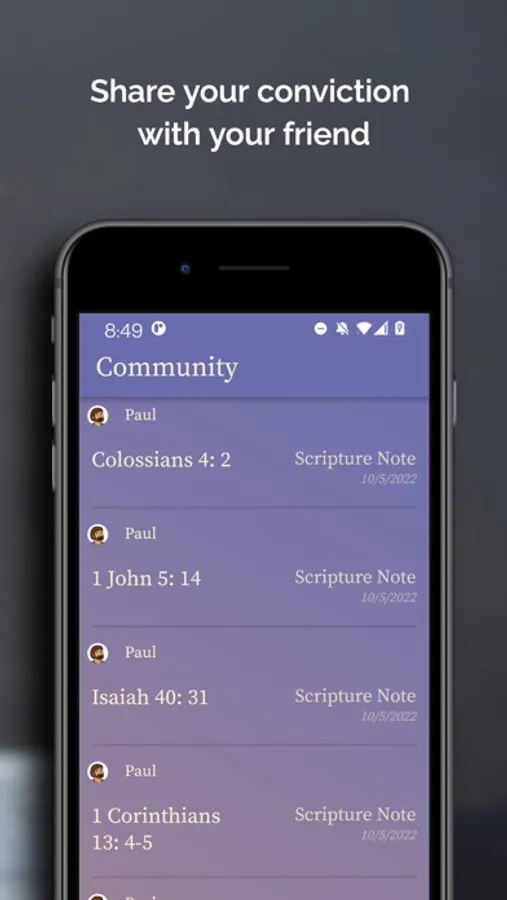
•Share with Friends: Export your notes or scripture art to share with your small group, family, or on social media.
•Export to PDF: Save and share your study notes in a clean, professional PDF format.
KEY FEATURES:
- Cloud Sync: Your notes are always safe, backed up, and available on all your devices.
- Seamless Note & Scripture Linking: The smartest way to connect your thoughts to the Word.
- Quick Scripture Input: The fastest way to reference verses (Romans 8 28).
- TAI Text Scanner (OCR): Digitize text from physical books.
- Tag & Calendar Organization: Effortlessly manage and find your notes.
- Customizable Scripture Art: Create beautiful, shareable verse images.
- Add Images: Bring your notes to life with photos.
- PDF Export: Professional exporting for your studies.
Download BibleNote today and build a legacy of faith, one note at a time
Bible Note for Christian Screenshots
Tap to Rate:
Reviews for Bible Note for Christian
Prabhu_Parisa
Great App
Thank you for the attempt and making a difference to notes taking ability by brining bible and notes into one window. I can foresee this app has a lot of potential. Below is some feedback: When taking notes on iPad using a keyboard, it doesn’t allow to use up and down arrows. Some additions to change the color of the font, bold, italic, underline, highlights would be take the notes taking to next level. Adding few more bible versions such as NIV, NLT and Passion Translation will also be helpful. Once again, thank you for the thought and taking the time to invest into this app, looking forward to these improvements! God Bless!!
SashaPosh
5 Star But…
I have 3 suggestions but gave it a 5 star because it is a great idea and well thought out although there is a slight learning curve. Suggestions 1) enlarge the “save” button, it is hard to see. 2) Enable automatic capitalization at the beginning of sentences. 3) The Bible verse insertion is awesome BUT please enable the ability to make the scriptures multiple verses like John 3: 14-18 instead of only being able to insert one scripture at a time. Right now if you want to add scriptures 14-18, you have to enter each scripture separately, you cannot do a range. Thanks for this great app!