With this app, you can edit, annotate, sign, and organize PDFs on iOS devices. Includes features for text editing, markup, form filling, and cloud sync for secure document management.
AppRecs review analysis
AppRecs rating 3.6. Trustworthiness 82 out of 100. Review manipulation risk 22 out of 100. Based on a review sample analyzed.
★★★☆☆
3.6
AppRecs Rating
Ratings breakdown
5 star
66%
4 star
4%
3 star
5%
2 star
3%
1 star
21%
What to know
✓
Low review manipulation risk
22% review manipulation risk
✓
Credible reviews
82% trustworthiness score from analyzed reviews
⚠
Pricing complaints
Many low ratings mention paywalls or pricing
About Nitro PDF Pro: Read & Edit
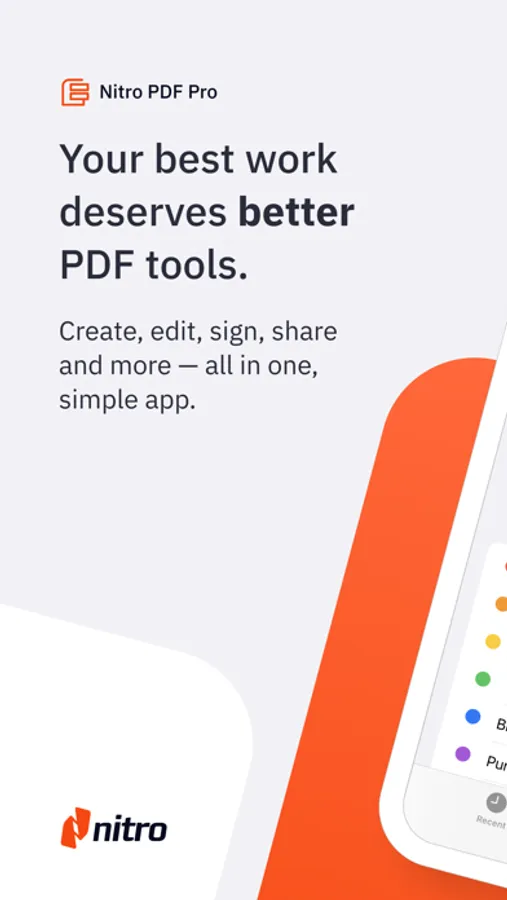
Edit, read, sign and sync PDFs in the cloud with the powerful, lightweight Nitro PDF Pro app designed for iPad & iPhone users.
Packed with features to help you stay productive on the go, Nitro PDF Pro for iPad & iPhone lets you edit, sign, share and manage your documents wherever you are - all in a secure and user-friendly interface.
Get started for free with a 14-day trial today.
“Superior PDF handling, & economical”
“Nitro PDF Pro has become an essential tool in my daily business operations! It makes everything from document preparation to communication much easier for me.”
“If you are looking for a workhorse app to handle your PDFs made by responsive developers, look no further...”
→ With Nitro PDF Pro you can:
EDIT PDFs ON THE GO
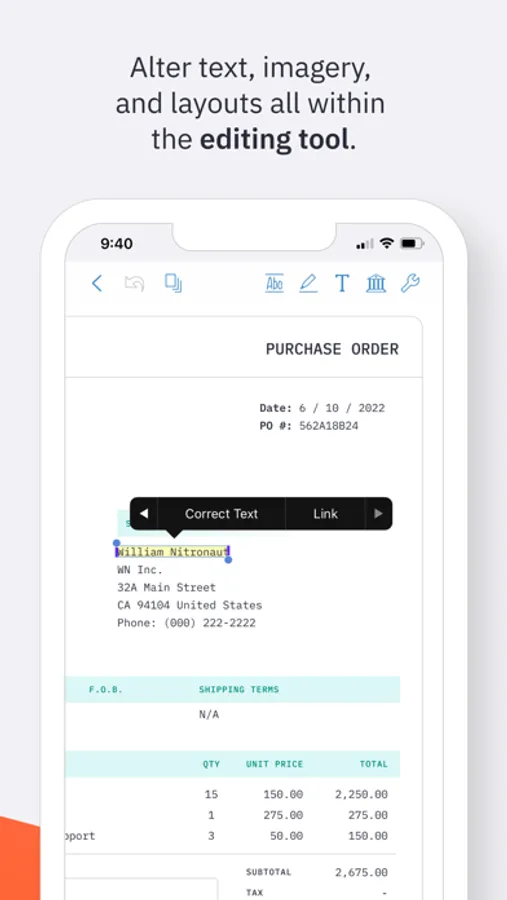
* Easily edit PDF text wherever you are, on any iOS device
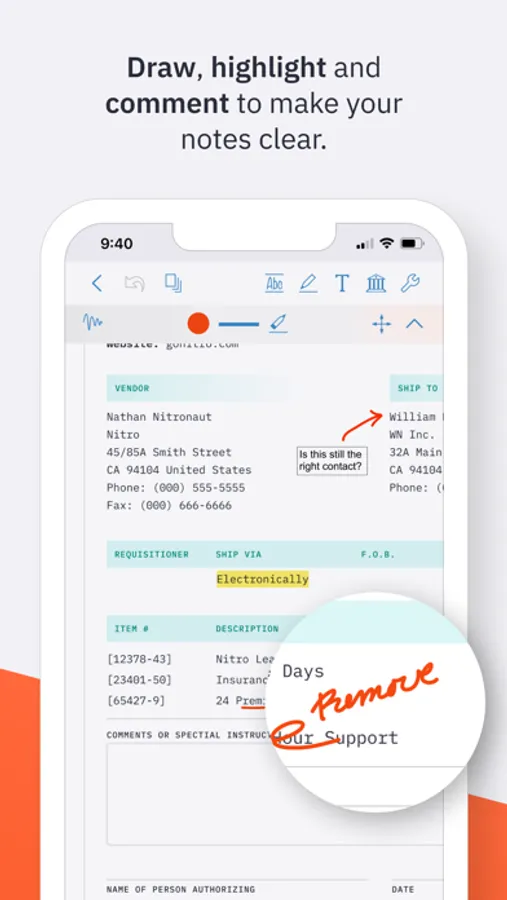
* Make notes and add comments to PDFs for quick, on-the-go reference
* Add images or mark-up PDFs with drawings, with stylus support for iPad
ANNOTATE & HIGHLIGHT PDFs
* Add annotations to PDF text and documents
* Highlight text to stay organized and keep track of important information
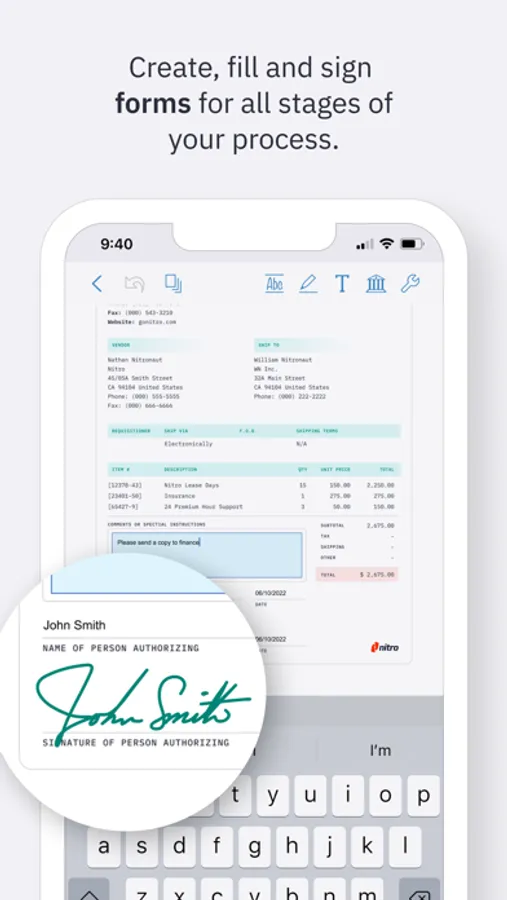
FILL & SAVE PDF FORMS
* Fill and save PDF forms for fast & easy productivity
* Keep your PDF forms secure with password protection
SIGN & SHARE PDF DOCUMENTS
* Sign & share PDF documents in a snap
* Save text, signatures and images in your Library for easy re-use
* Keep documents synced with the cloud for on-the-go signatures
PROTECT, SECURE & SYNC PDFs
* Password protect PDFs to keep your data and confidential information secure
* Set the level of document encryption as required
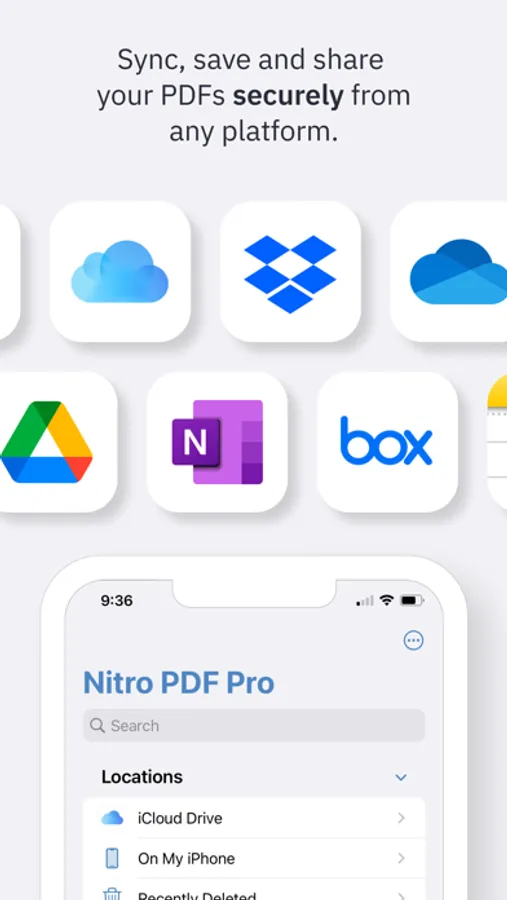
* Sync with the cloud to back up PDFs on iCloud, Dropbox, Google Drive, or Microsoft OneNote
MERGE, EXPORT & ORGANIZE PDFs
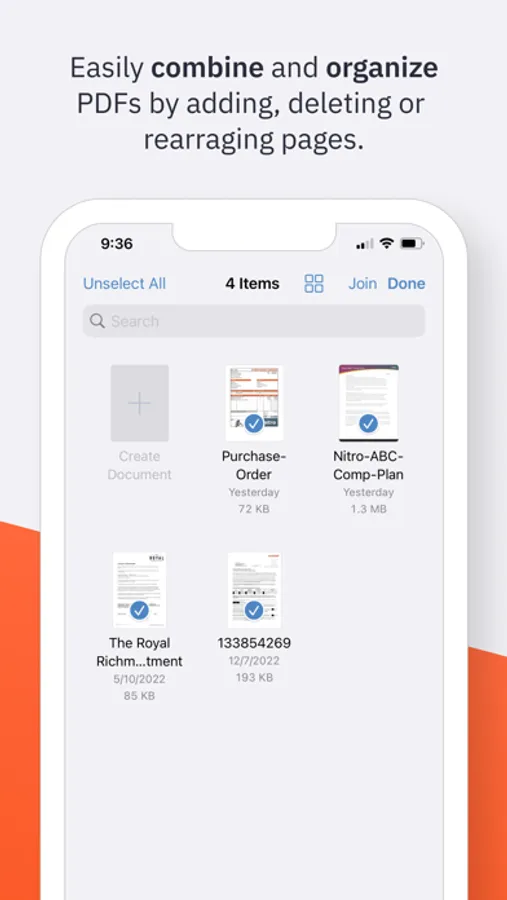
* Merge multiple documents into one PDF in just a few clicks for easy organization
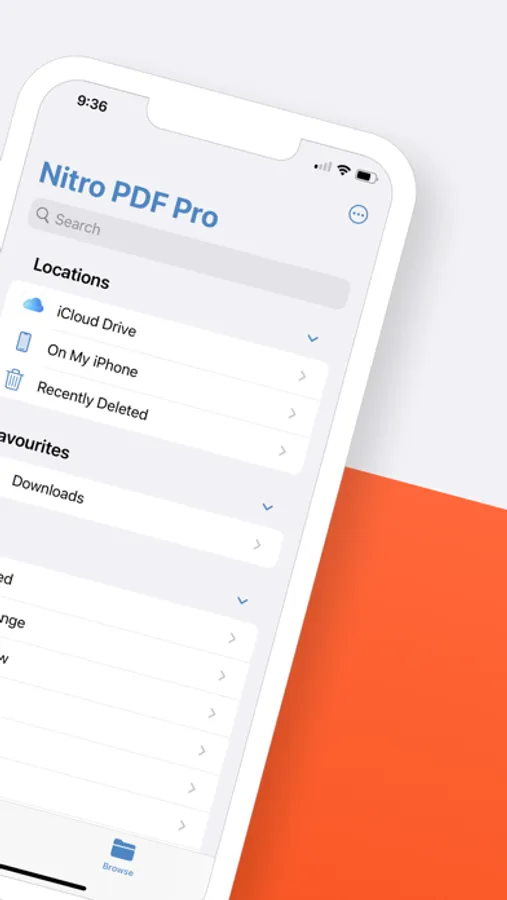
* Import, export & organize PDFs in folders for fast access and easy on-the-go editing
* Duplicate, add, delete or rearrange pages for simple, custom document creation
ADDITIONAL AMAZING PDF EDITOR FEATURES
* Duplicate, add, delete, rotate and rearrange pages
* Enable easier PDF reading with dark mode, search and zoom
* Email & Airdrop your documents, with PDF flattening for maximum compatibility
* View two documents simultaneously with multiple windows (iPadOS)
* Bluetooth pressure-sensitive stylus support - automatically works with Apple Pencil
* Support for Adonit Jot Touch and Jot Script styluses
Still exploring PDF editors for iOS? No pressure!
Give Nitro PDF Pro iOS a try for free with a 14-day trial and see how you like its features and functions. We think you’ll love the value we pack into our easy-to-use PDF iOS app.
Questions and issues regarding our PDF app? We're here to help! Connect with Nitro through our Community Forum:
https://community.gonitro.com/
NITRO POLICY
https://www.gonitro.com/legal/privacy-policy
https://www.gonitro.com/legal/terms-of-service
Nitro PDF Pro: Read & Edit Screenshots
Tap to Rate:
Reviews for Nitro PDF Pro: Read & Edit
Chief Ayman
Great App
It’s really helpful program and I like working on it l, give me great support to manage my projects documents
LdrTrainer
Crashes repeatedly on iPhone. Yes, my iOS is up to date.
It crashes when opening PDFs from websites email attachments, and attempting to save markups. It also consistently does not save documents after performing markups or trying to save a PDF. It has difficulty creating new folders to save files in. I have to make the folder using a different app and then try to save it, which also fails repeatedly.