With this QR and barcode scanner app, you can quickly scan and decode various QR codes and barcodes, access web links, Wi-Fi passwords, and product information. It also supports 2FA authentication and scan history management. Includes support for gallery scans, price comparisons, flashlight use, and auto zoom.
AppRecs review analysis
AppRecs rating 4.4. Trustworthiness 70 out of 100. Review manipulation risk 32 out of 100. Based on a review sample analyzed.
★★★★☆
4.4
AppRecs Rating
Ratings breakdown
5 star
93%
4 star
2%
3 star
1%
2 star
1%
1 star
3%
What to know
✓
Credible reviews
70% trustworthiness score from analyzed reviews
✓
High user satisfaction
93% of sampled ratings are 5 stars
✓
Authentic reviews
No red flags detected
About QR/Barcode Scanner for iPhone
Extremely fast QR & barcode scanner that supports all QR & barcode formats! It’s the must-have scanner app for iPhone and iPad.
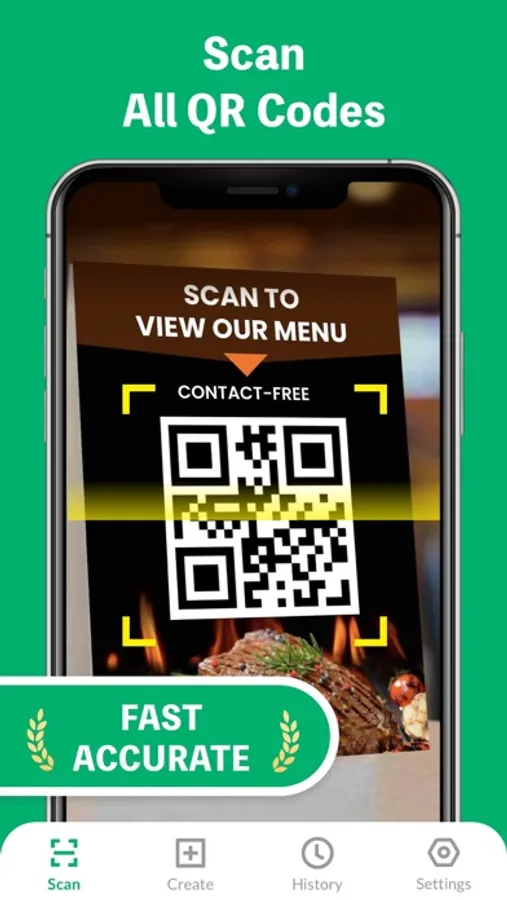
It’s very easy to use, no need to press any buttons or adjust the zoom, just open it and point to the QR code/barcode, it will auto recognize, scan and decode the QR code/barcode. After scanning, several relevant options for the results will be provided, you can search the products online, visit the websites, or connect to Wi-Fi without entering the password. It even supports 2FA authentication to protect your online accounts!
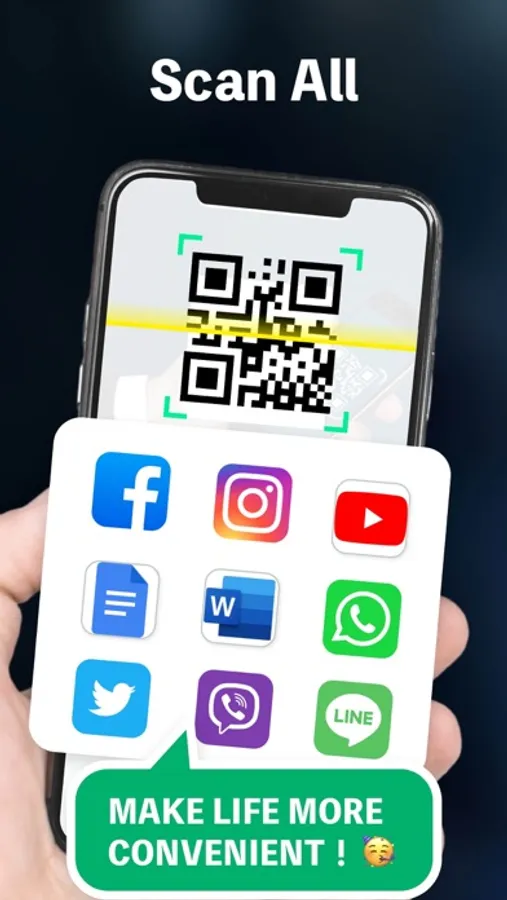
QR code reader can scan and decode all kinds of QR codes and barcodes, such as contacts, products, URL, Wi-Fi, text, books, E-mail, location, calendar, and so on. It is also commonly used to scan promotion and coupon codes in shops to get discounts.
Key Features:
* Safe & easy-to-use scanner app
* Instant scan
* Privacy safe, only camera permission required
* Price scanner
* Support scan QR & barcodes from gallery
* Support 2FA authentication to secure your online accounts
* Scan history saved
* Flashlight supported
* Auto zoom
* No internet connection required
How to use:
1. Open the scanner
2. Point the camera to the QR code/barcode
3. Auto recognize, scan and decode
4. Get results and relevant options
Support all QR & barcode formats
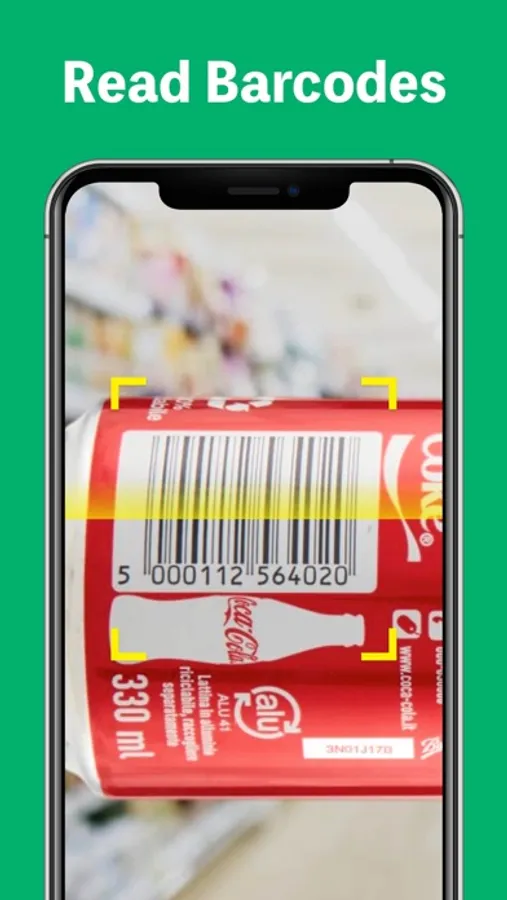
QR code, Data Matrix, Maxi code, Code 39, Code 93, Codabar, UPC-A, EAN-8...
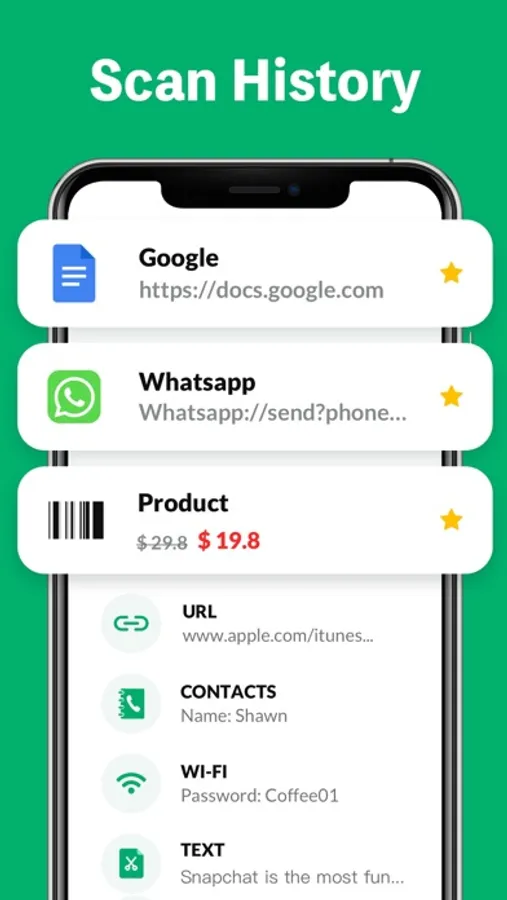
Scan history saved
All scan history will be saved for instant viewing at any time.
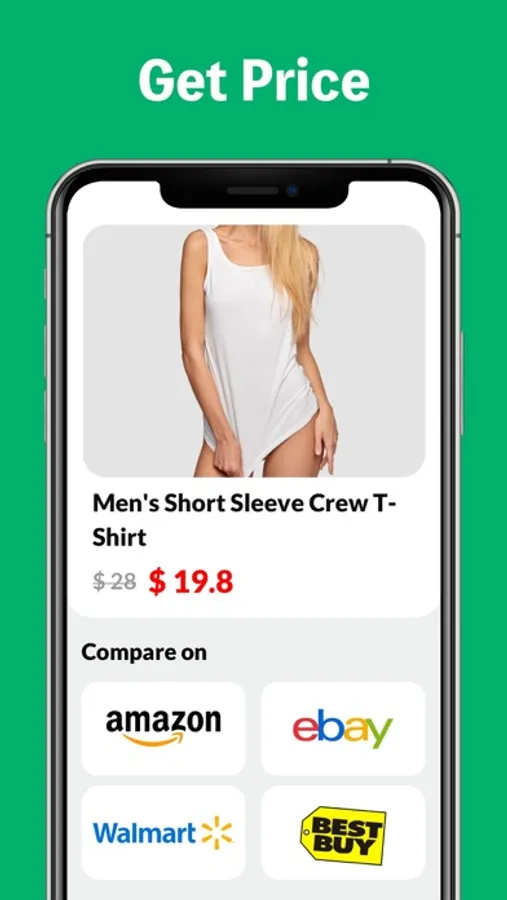
Price scanner
You can scan product barcodes and compare prices online.
2FA authenticator
Two-factor authentication adds an extra layer of security to your sign-ins. You can scan 2FA QR codes, and get verification codes within our app to safeguard all your online accounts.
Auto zoom
No need to adjust the zoom, it’s easy to scan far away
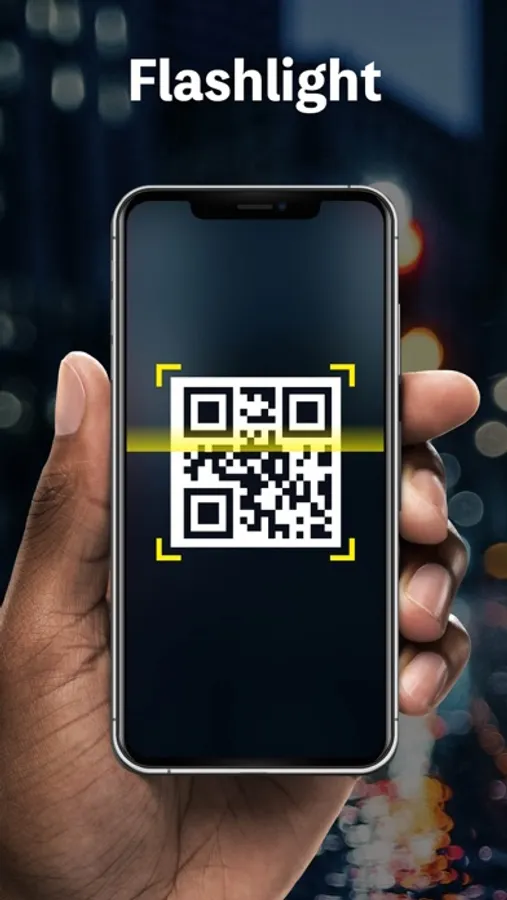
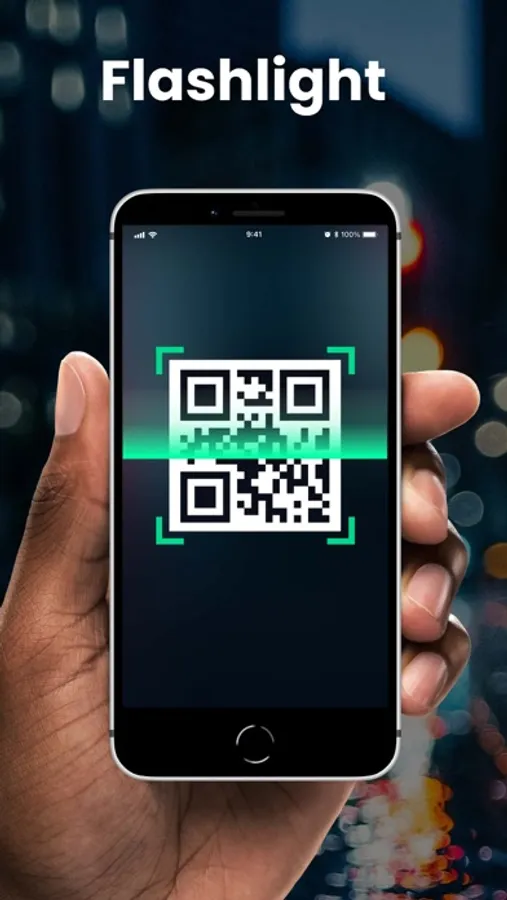
Flashlight supported
Easily scan QR code/barcode in dark environment.
Subscription Terms and Details
- You can subscribe to remove ads and get unlimited access to all features
- Subscription options: weekly, yearly, lifetime
- The payment will be charged to your iTunes account at confirmation of purchase.
- The subscription automatically renews unless auto-renew is turned off at least 24 hours before the end of the current period.
- Subscription may be managed and auto-renewal may be turned off by going to Account Settings after purchase.
- The account will be charged for renewal within 24 hours prior to the end of the current period.
- Any unused portion of a free trial period will be forfeited when the user purchases a subscription to that publication.
Privacy Policy: https://qrcodereader.akrura.ltd/privacypolicy.html
Terms of Use: https://qrcodereader.akrura.ltd/terms.html
It’s very easy to use, no need to press any buttons or adjust the zoom, just open it and point to the QR code/barcode, it will auto recognize, scan and decode the QR code/barcode. After scanning, several relevant options for the results will be provided, you can search the products online, visit the websites, or connect to Wi-Fi without entering the password. It even supports 2FA authentication to protect your online accounts!
QR code reader can scan and decode all kinds of QR codes and barcodes, such as contacts, products, URL, Wi-Fi, text, books, E-mail, location, calendar, and so on. It is also commonly used to scan promotion and coupon codes in shops to get discounts.
Key Features:
* Safe & easy-to-use scanner app
* Instant scan
* Privacy safe, only camera permission required
* Price scanner
* Support scan QR & barcodes from gallery
* Support 2FA authentication to secure your online accounts
* Scan history saved
* Flashlight supported
* Auto zoom
* No internet connection required
How to use:
1. Open the scanner
2. Point the camera to the QR code/barcode
3. Auto recognize, scan and decode
4. Get results and relevant options
Support all QR & barcode formats
QR code, Data Matrix, Maxi code, Code 39, Code 93, Codabar, UPC-A, EAN-8...
Scan history saved
All scan history will be saved for instant viewing at any time.
Price scanner
You can scan product barcodes and compare prices online.
2FA authenticator
Two-factor authentication adds an extra layer of security to your sign-ins. You can scan 2FA QR codes, and get verification codes within our app to safeguard all your online accounts.
Auto zoom
No need to adjust the zoom, it’s easy to scan far away
Flashlight supported
Easily scan QR code/barcode in dark environment.
Subscription Terms and Details
- You can subscribe to remove ads and get unlimited access to all features
- Subscription options: weekly, yearly, lifetime
- The payment will be charged to your iTunes account at confirmation of purchase.
- The subscription automatically renews unless auto-renew is turned off at least 24 hours before the end of the current period.
- Subscription may be managed and auto-renewal may be turned off by going to Account Settings after purchase.
- The account will be charged for renewal within 24 hours prior to the end of the current period.
- Any unused portion of a free trial period will be forfeited when the user purchases a subscription to that publication.
Privacy Policy: https://qrcodereader.akrura.ltd/privacypolicy.html
Terms of Use: https://qrcodereader.akrura.ltd/terms.html
QR/Barcode Scanner for iPhone Screenshots
Tap to Rate:
Reviews for QR/Barcode Scanner for iPhone
DW Taylor
I already have a free camera in my phone
Why pay for a camera enhancement?
Needanewcrew
Not a free app
This is not a free application, I can't support them this is a rip off