With this network utilities app, you can explore networks, check connectivity, and perform diagnostics with tools like ping, traceroute, and port scanner. Includes network information, LAN explorer, IP range scanner, DNS records, Whois, server check, Wake On LAN, and TCP client.
AppRecs review analysis
AppRecs rating 4.4. Trustworthiness 0 out of 100. Review manipulation risk 0 out of 100. Based on a review sample analyzed.
★★★★☆
4.4
AppRecs Rating
Ratings breakdown
5 star
89%
4 star
7%
3 star
4%
2 star
0%
1 star
0%
What to know
✓
High user satisfaction
89% of sampled ratings are 5 stars
About NetTools - Network Utilities
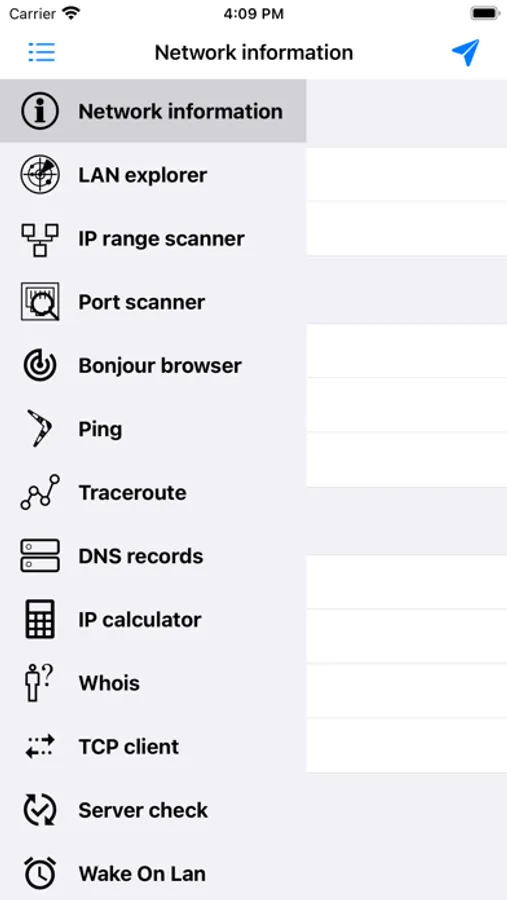
Common tools for network diagnostics right in your pocket. This app allows to explore lan and external networks, check internet connection or servers availability with using your phone. The following tools are currently available:
1) Network information - displays external ip and detailed info about internet connection..
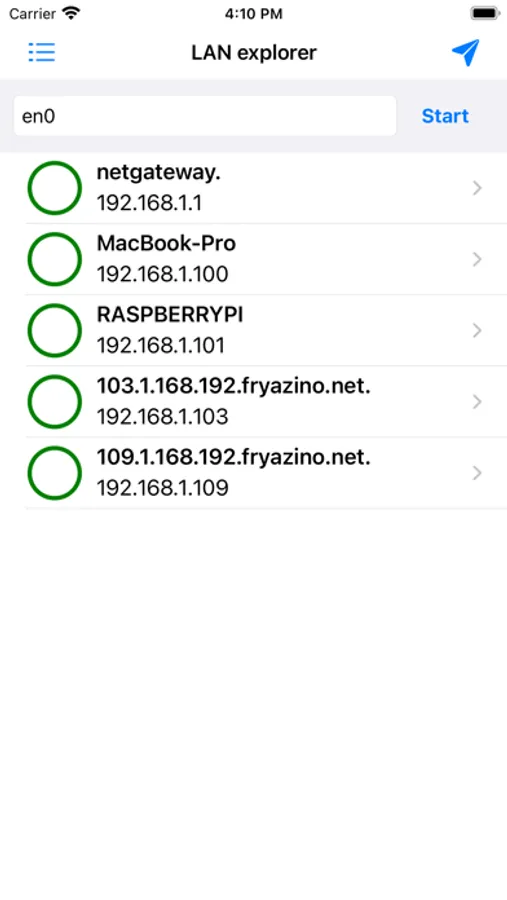
2) LAN explorer - will find all devices in local network.
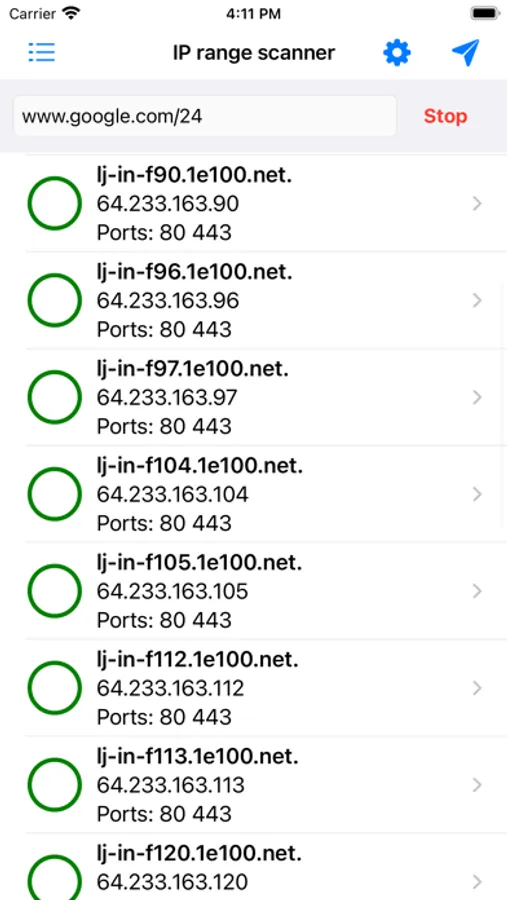
3) IP range scanner - search hosts by ip range, allows to dynamically check ports and filter hosts by opened ports.
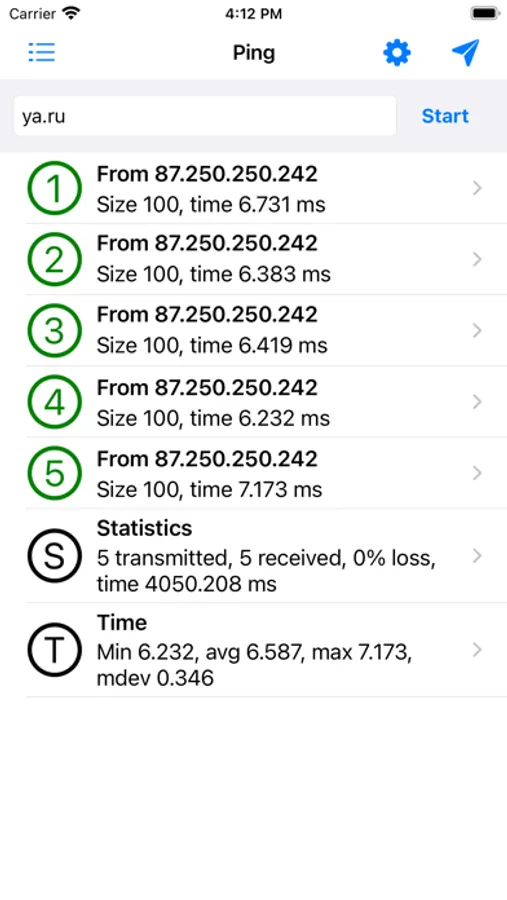
4) Ping - easy way to check internet connection.
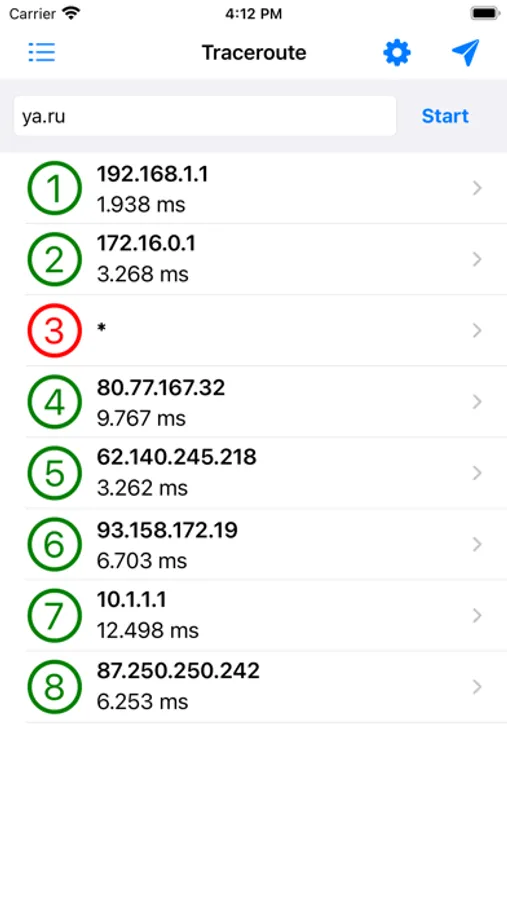
5) Traceroute - displays route to the host.
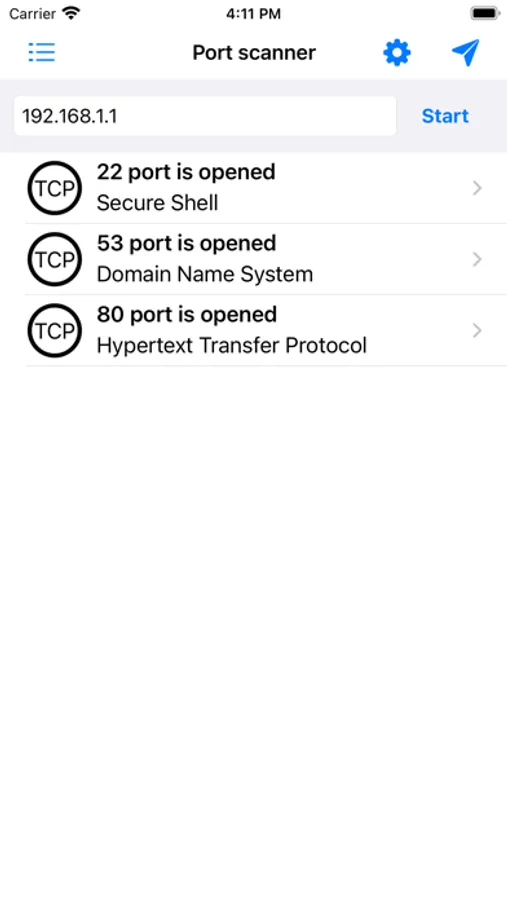
6) Port scanner - check ports in selected range, supports TCP and UDP protocols.
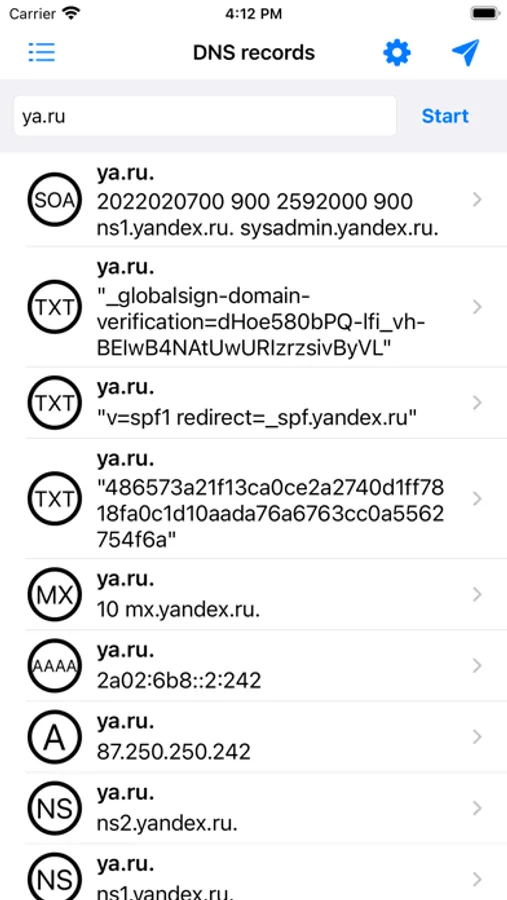
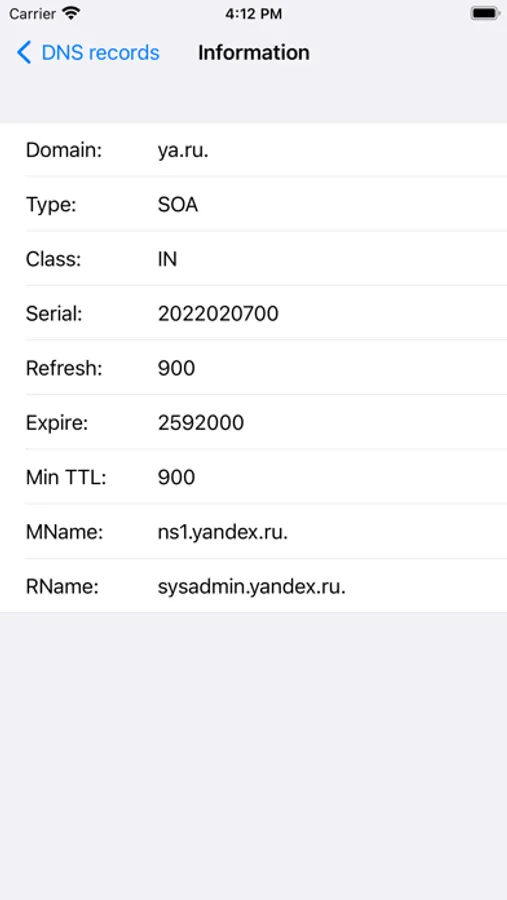
7) DNS records - find DNS records for selected domain.
8) Whois - displays information about domains owner.
9) Server check - checks availability of selected servers (supported methods: ping, tcp, http, https)
10) Wake On Lan - wake up machine by network.
11) TCP client - may be used for testing of servers those use text protocols (HTTP, whois, ...)
12) IP calculator
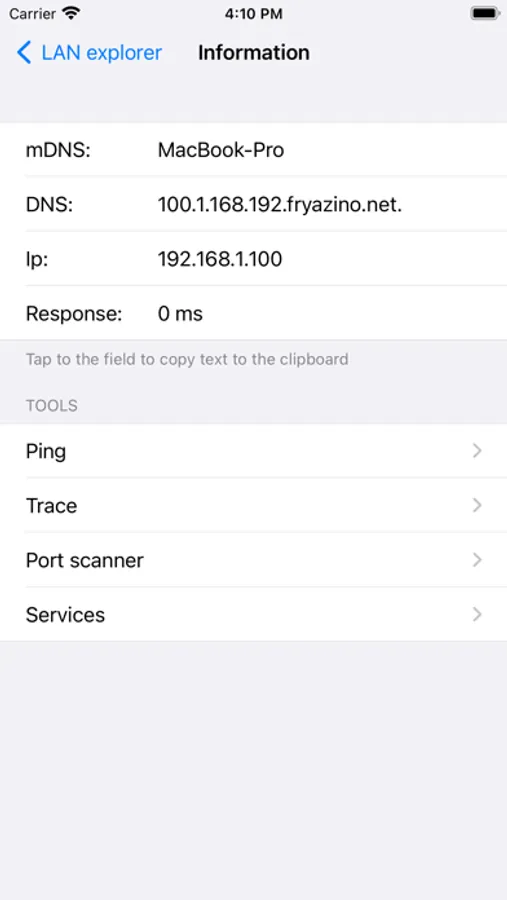
App interface allows to use several tools in one moment, call tools from each other and also share result of their working or copy it to the clipboard.
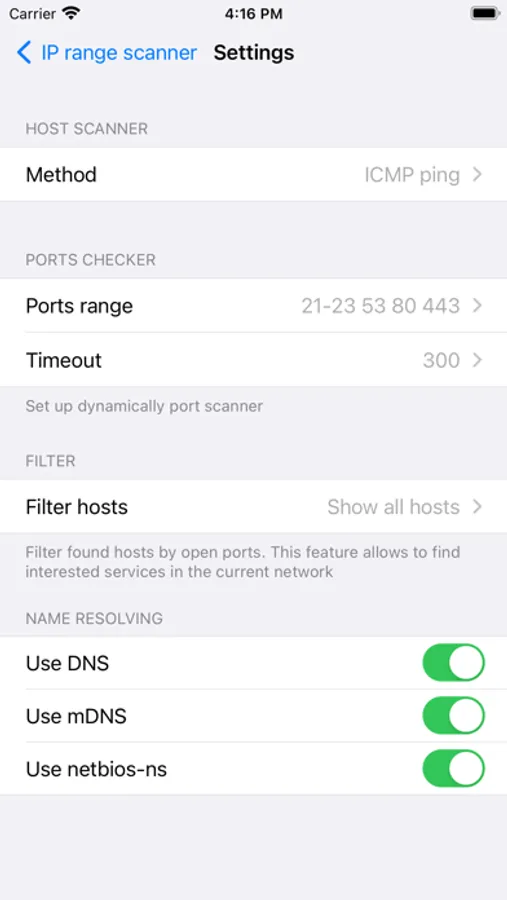
Every tool has multiple settings - IP scanner supports several modes. Ping and Traceroute can work with ICMP and UDP protocols. Also app allows to enter manually DNS servers those will be used by tools in the settings.
1) Network information - displays external ip and detailed info about internet connection..
2) LAN explorer - will find all devices in local network.
3) IP range scanner - search hosts by ip range, allows to dynamically check ports and filter hosts by opened ports.
4) Ping - easy way to check internet connection.
5) Traceroute - displays route to the host.
6) Port scanner - check ports in selected range, supports TCP and UDP protocols.
7) DNS records - find DNS records for selected domain.
8) Whois - displays information about domains owner.
9) Server check - checks availability of selected servers (supported methods: ping, tcp, http, https)
10) Wake On Lan - wake up machine by network.
11) TCP client - may be used for testing of servers those use text protocols (HTTP, whois, ...)
12) IP calculator
App interface allows to use several tools in one moment, call tools from each other and also share result of their working or copy it to the clipboard.
Every tool has multiple settings - IP scanner supports several modes. Ping and Traceroute can work with ICMP and UDP protocols. Also app allows to enter manually DNS servers those will be used by tools in the settings.
NetTools - Network Utilities Screenshots
Tap to Rate: