
AppRecs review analysis
AppRecs rating 4.0. Trustworthiness 82 out of 100. Review manipulation risk 30 out of 100. Based on a review sample analyzed.
★★★★☆
4.0
AppRecs Rating
Ratings breakdown
5 star
63%
4 star
5%
3 star
12%
2 star
2%
1 star
17%
What to know
✓
Low review manipulation risk
30% review manipulation risk
✓
Credible reviews
82% trustworthiness score from analyzed reviews
✓
Good user ratings
68% positive sampled reviews
About Calibre Sync
Calibre Sync can:
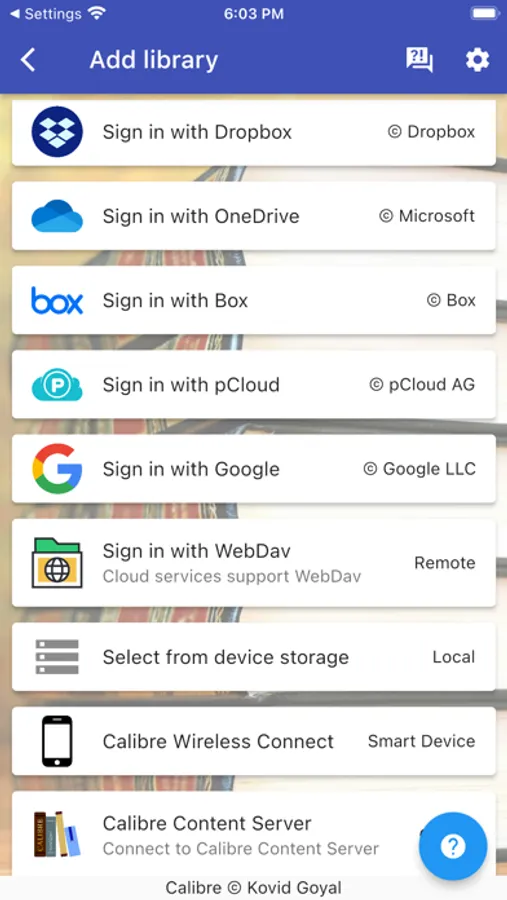
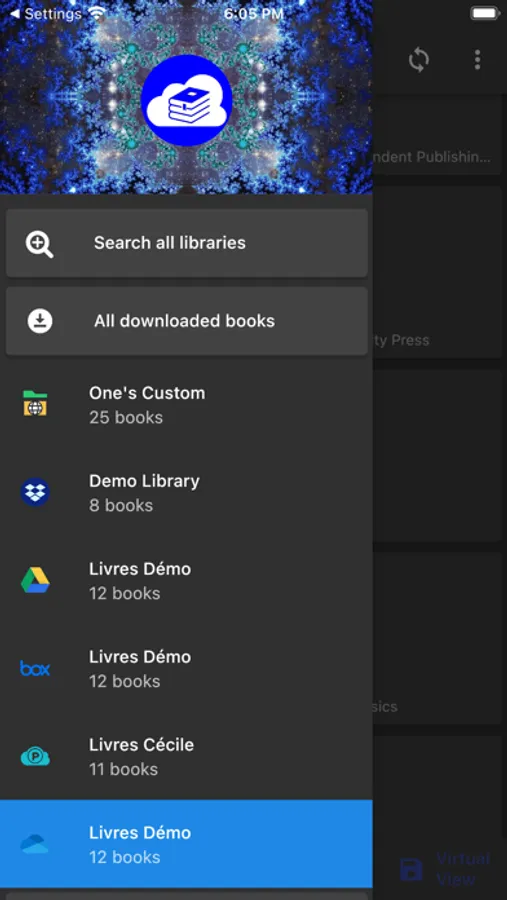
- help you access full Calibre libraries on most popular personal cloud services, including Google Drive, Dropbox, Microsoft OneDrive, Box, pCloud, MEGA, iCloud, WebDav, Nextcloud and OwnCloud - simply the most supported for cloud services.
- transform your device to a smart device emulator that connects to Calibre wirelessly. It even supports Calibre libraries on your external storage and from Calibre Content Server or Calibre-web with amazing performance.
Move your Calibre libraries to your favourite cloud providers and access those libraries via Calibre Sync to browse, sort, search, download and read books on your device. Calibre Sync also supports multiple libraries across multiple Drive, Dropbox, OneDrive, Box, pCloud, MEGA, iCloud, WebDav, Nextcloud, and OwnCloud accounts simultaneously.
Features:
- Unlimited Calibre libraries
- Wireless connect to Calibre effortlessly as Smart device
- Easy switch between multiple libraries across multiple accounts
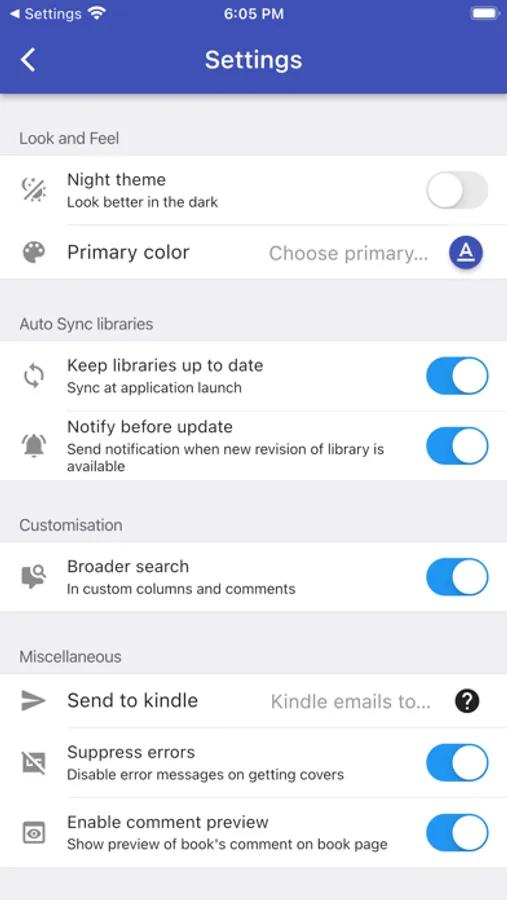
- Automatic check and update libraries when launching the app
- Pull, Refresh or Remove a library from Calibre Sync
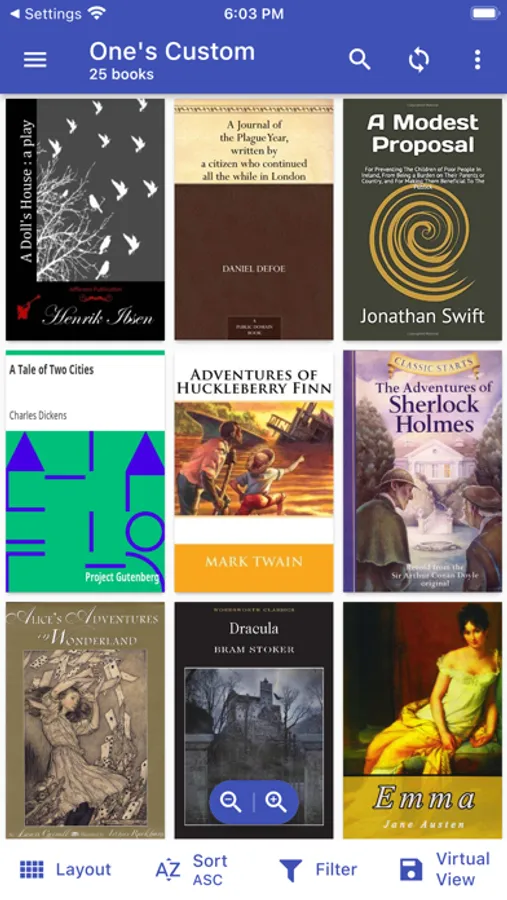
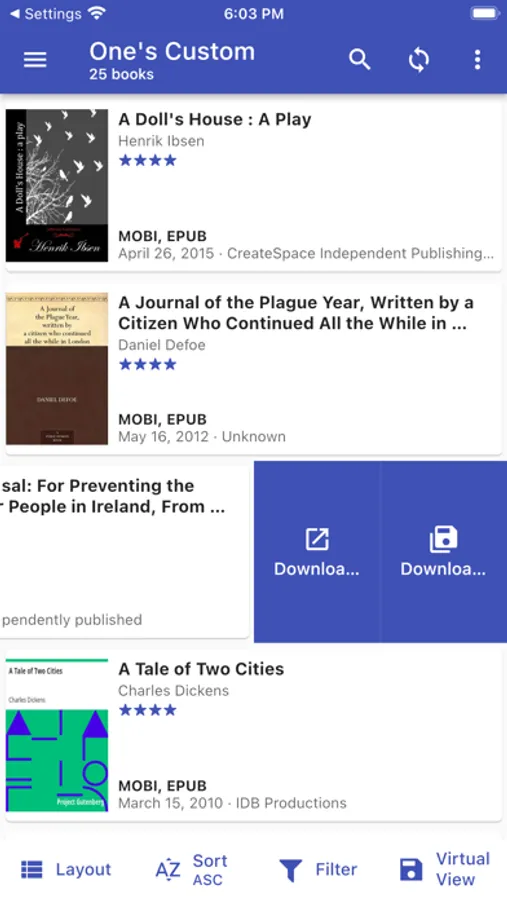
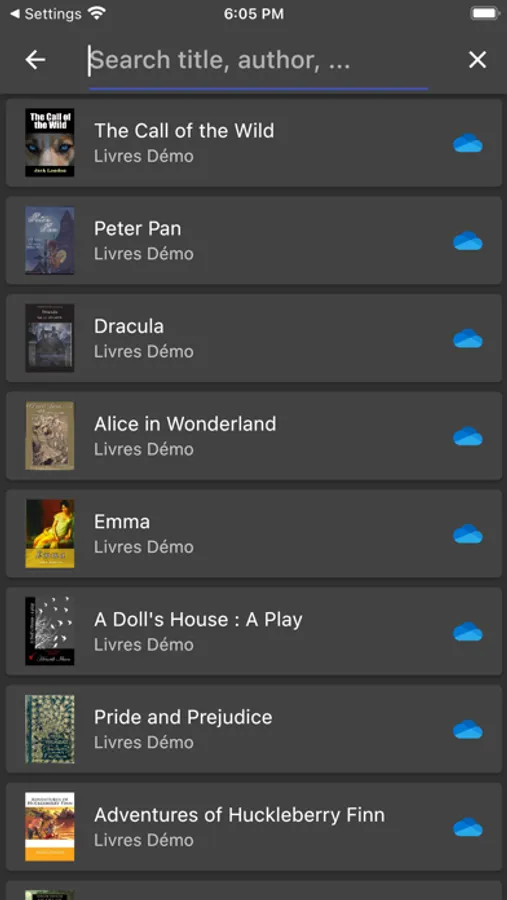
- Support different book list layouts: List - detailed and simple, Grid, and Carousel
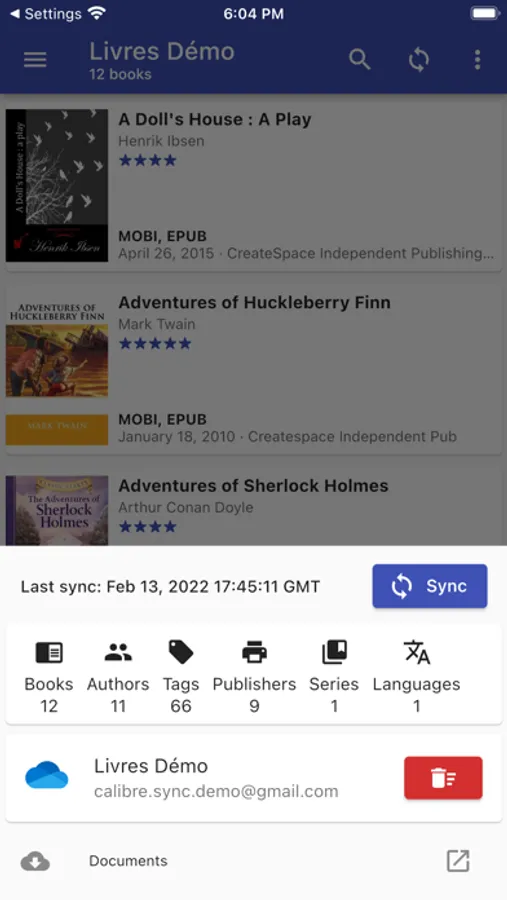
- View your library statistics
- Send books to Kindle with ease
- Search across all of your available libraries
- Search books by title, authors, and even in comments and custom columns
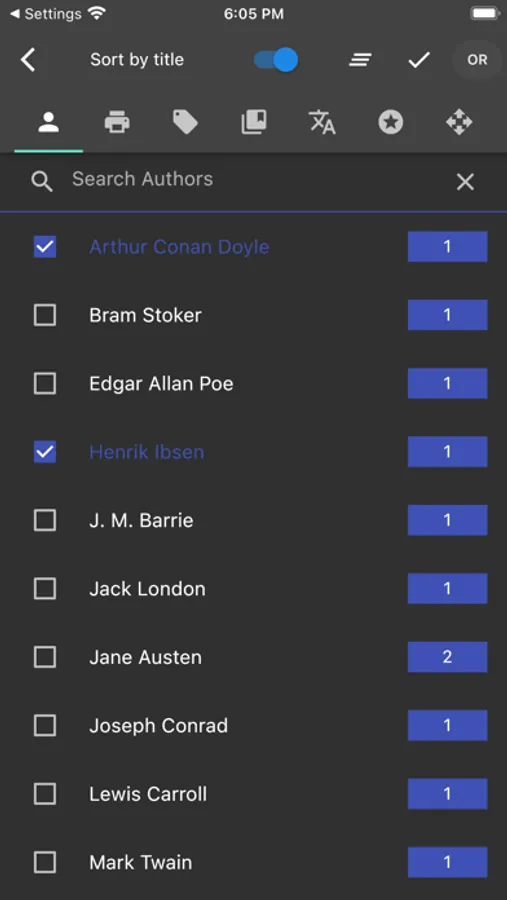
- Filter books on authors, series, tags, language, publishers, formats and in custom columns
- Sort libraries by title, author, ratings, and several Date options - ascending and descending
- Filter downloaded books
- Configuration for each library download location
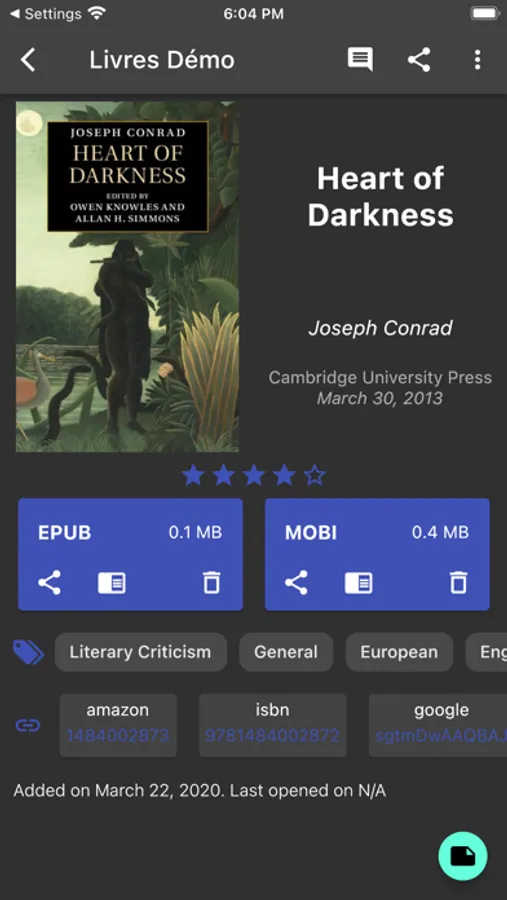
- Support for custom columns in book details view
- Quick access to book download and share via slideable list view
- Zoom the book cover
- Support "swipe from book to book" in book details view
- Email or share a copy of downloaded book
- Open downloaded book in your book reader application to read a book
- View the file size of each book format
- Show book identifiers and link to source (like ISBN, Amazon, Google Books, Goodreads, etc)
- Dark/light themes
- And many more features...
To move your Calibre library to cloud services:
1) Open Calibre on your Laptop/PC/Desktop
2) Select "Switch/create library..." from the Calibre menu
3) Select an empty folder on your Cloud drive in "New Location" drop down
4) Select "Move current library to new location", then press OK
5) Wait for cloud sync to complete.
6) Then you are ready to use Calibre Sync.
To move your Calibre library to your phone storage, just copy the library directory to your phone storage.
Notes:
- Calibre Sync is not a reader app. You must install and use one of the many excellent reader apps available.
- Only Microsoft OneDrive for Personal accounts (shared) are supported. Please email us if you observe any inconsistencies.
- Due to restriction in Box API, Calibre Sync must acquire write permission in order to download files, download is not a read action on Box. Calibre Sync guarantees that it will not perform any write actions against your data in Box cloud account.
- Calibre Sync use WebDav API of Nextcloud and OwnCloud services, and it requires case sensitive file system to work properly. Therefore, you must make sure that your libraries are set up on case sensitive file system (Linux, recent MacOS, Windows NTFS with case sensitive enabled).
Please leave your reviews and suggestions to help us improve the app. For more information see https://calibresync.bitbucket.io
Calibre is © Kovid Goyal - calibre-ebook.com
Drive is © Google LLC.
Dropbox is © Dropbox inc.
OneDrive is © Microsoft
Box is © Box inc.
pCloud is © pCloud AG
Nextcloud is © Nextcloud GmbH
OwnCloud is © OwnCloud
MEGA is © MEGA
iCloud is © Apple Inc
Calibre Sync Screenshots
Tap to Rate:
Reviews for Calibre Sync
nyclatin0
Disappointed
Purchased the app and could not sync Calibre to iPad after numerous attempts. Tried to get a refund but Apple refused. “Not eligible for refund” Buyer beware
CrushGravel
Super Helpful, Easy Library Access
Recently started to build out my ebook library in Calibre and was looking for an easy way to get the books from my cloud storage (pCloud) into my preferred ebook reader apps as most of them do not natively support pCloud. This was exactly what I needed! I don’t have a giant library of books, about 1,400, but the app syncs and downloads the covers so it’s really responsive. This makes browsing and searching the library on my phone super fast and easy! When I want to load up a book I simply download it in the app and then share it to the ereader app. Super simple! If I had to provide one critique it would be that the UI could maybe use a slight refresh to give it a more modern feel. But functionality is most important and in that regard it 100% gets the job done!