AppRecs review analysis
AppRecs rating 3.5. Trustworthiness 76 out of 100. Review manipulation risk 21 out of 100. Based on a review sample analyzed.
★★★☆☆
3.5
AppRecs Rating
Ratings breakdown
5 star
53%
4 star
3%
3 star
8%
2 star
8%
1 star
28%
What to know
✓
Low review manipulation risk
21% review manipulation risk
✓
Credible reviews
76% trustworthiness score from analyzed reviews
About Sketch — View and Mirror
We’ve rebuilt our Mirror app from the ground up to offer a more flexible, reliable and feature-rich experience with Sketch.
With Sketch on your iPhone or iPad, you can:
→ Sign in to every Workspace you’re a part of (with SSO and 2FA support)
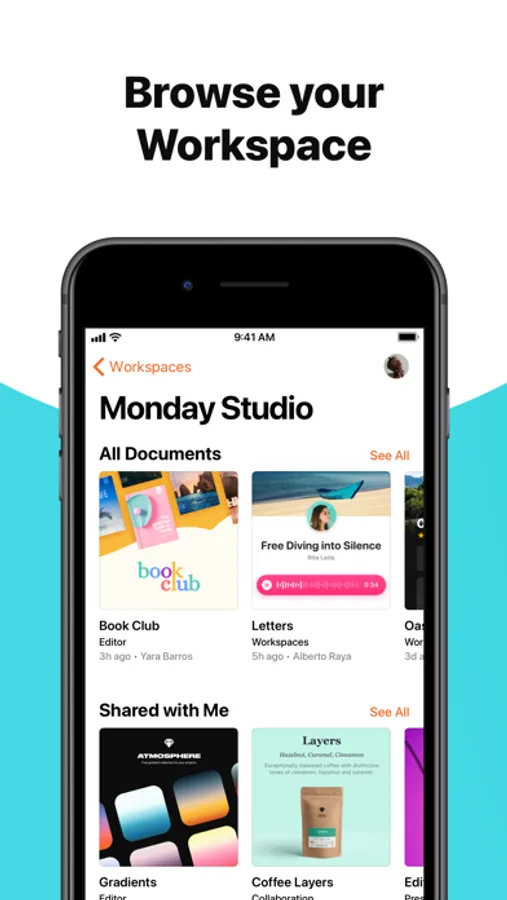
→ Browse projects and explore documents — anywhere, anytime
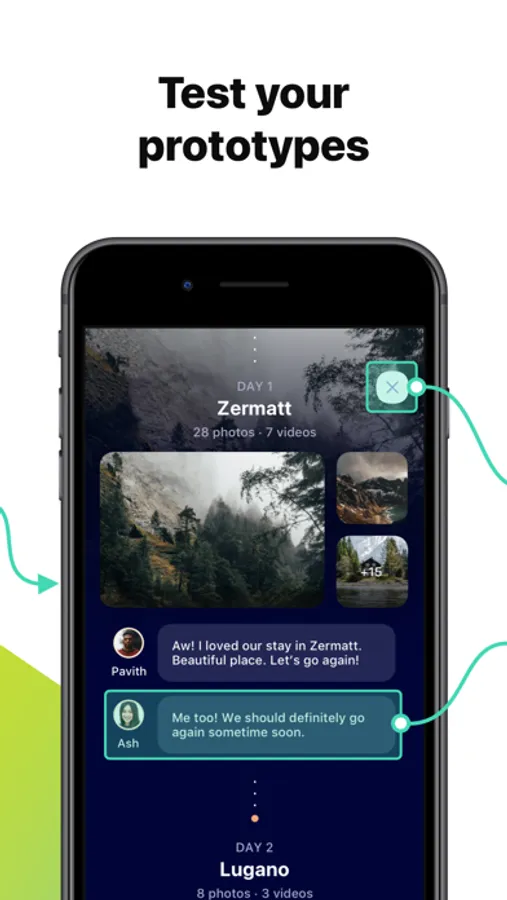
→ Play prototypes and test out ideas on a real device
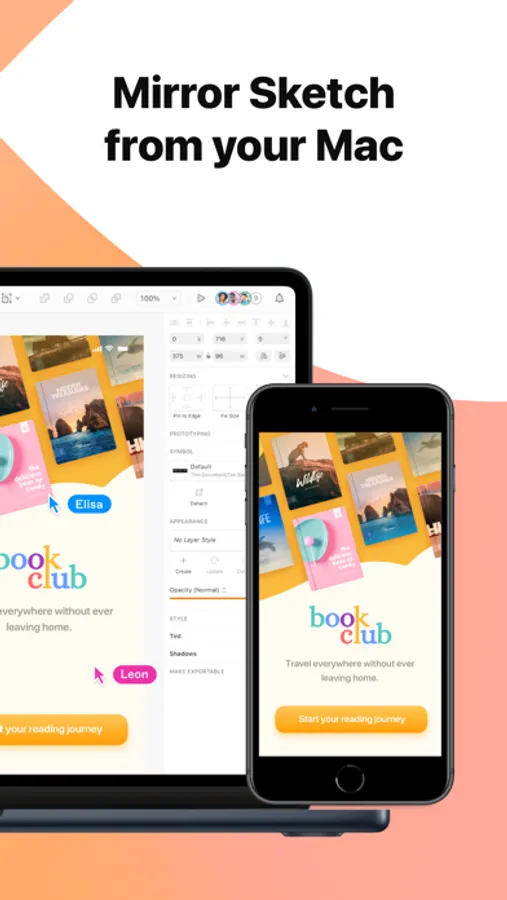
→ Mirror the document you’re currently editing on your Mac
→ Explore documents with a full canvas view
→ View, create and respond to comments on the Canvas
→ Browse documents you’ve already opened when you‘re offline
→ Open local documents from the Files or other third-party file storage apps
This app requires an internet connection, an existing Sketch subscription and works exclusively with documents in your Sketch Workspace. This app is not compatible with Mac-only licenses.
With Sketch on your iPhone or iPad, you can:
→ Sign in to every Workspace you’re a part of (with SSO and 2FA support)
→ Browse projects and explore documents — anywhere, anytime
→ Play prototypes and test out ideas on a real device
→ Mirror the document you’re currently editing on your Mac
→ Explore documents with a full canvas view
→ View, create and respond to comments on the Canvas
→ Browse documents you’ve already opened when you‘re offline
→ Open local documents from the Files or other third-party file storage apps
This app requires an internet connection, an existing Sketch subscription and works exclusively with documents in your Sketch Workspace. This app is not compatible with Mac-only licenses.
Sketch — View and Mirror Screenshots

Tap to Rate:
Reviews for Sketch — View and Mirror
hotashonly
Slow to Load and Mirroring Doesn’t Work
This app simply doesn’t load documents with multiple pages. When a custom font is included, it simply won’t be displayed on the app. Just include the classic mirroring as mode.
User90909
Feedback
No offline mode. Prototype related actions are below the sheet visible area.